
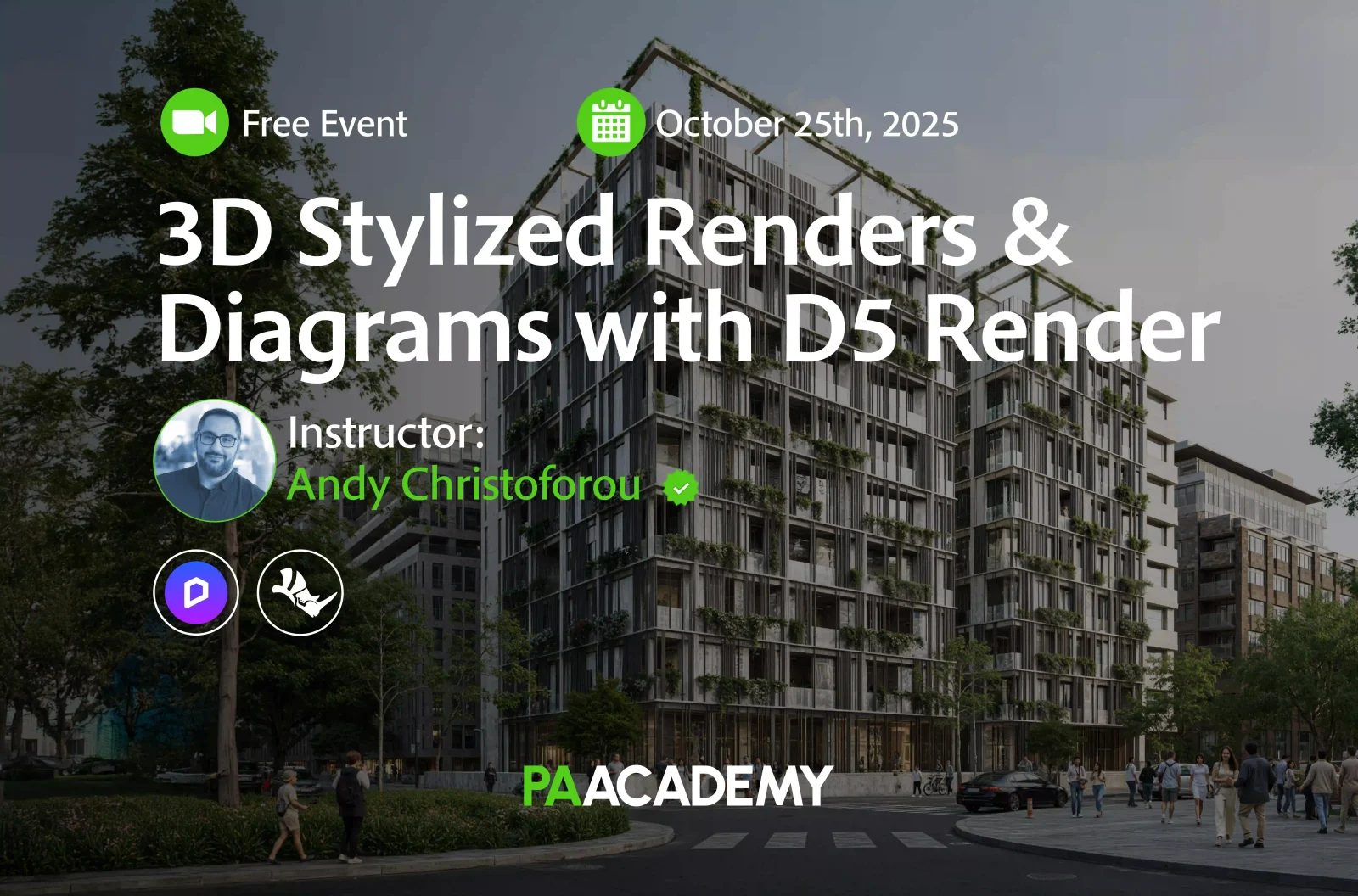
Topic: 3D Stylized Renders & Diagrams with D5 Render
Date: October 25, 2025
Time: 11:00 – 15:00 GMT
Format: Online on Zoom
Duration: 1 Session (4 Hours)
Registration Deadline: October 24th, 2025
Total Seats: 500 seats
Difficulty: Beginner
Language: English
Certificate: Yes
Fee: Free event
Organized By: PAACADEMY
Tutor: Andy Christoforou
Recordings: Recordings will be available for all participants afterward indefinitely.
Introduction to 3D Stylized Renders & Diagrams with D5 Render:
This workshop is for students and designers who want to create clean, stylized 3D visuals quickly in real-time! The goal is to help you produce high-impact renderings and diagrams that clearly communicate your ideas and elevate your portfolio. Think of it as your shortcut to bold, polished visuals without spending hours in post-production.
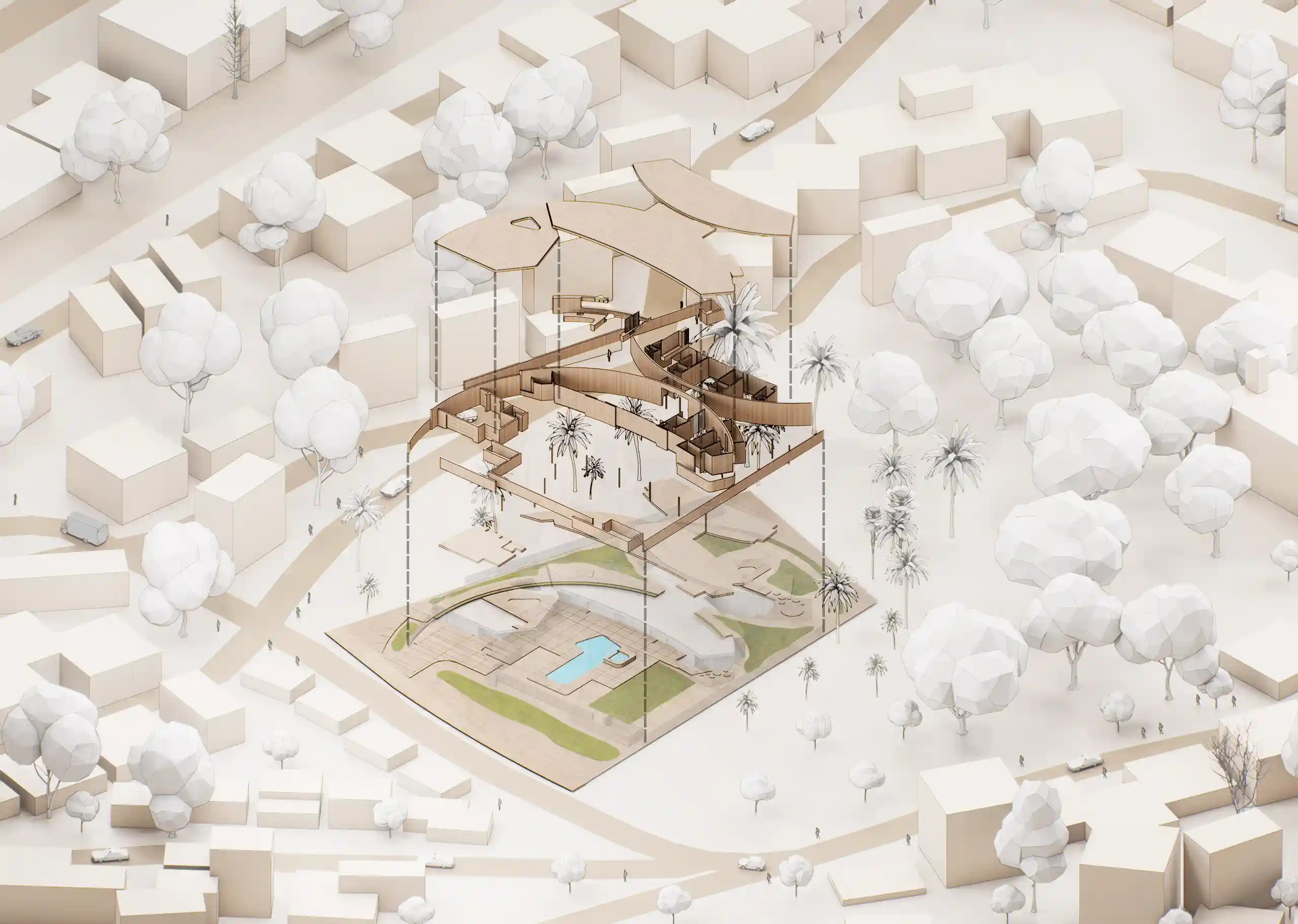
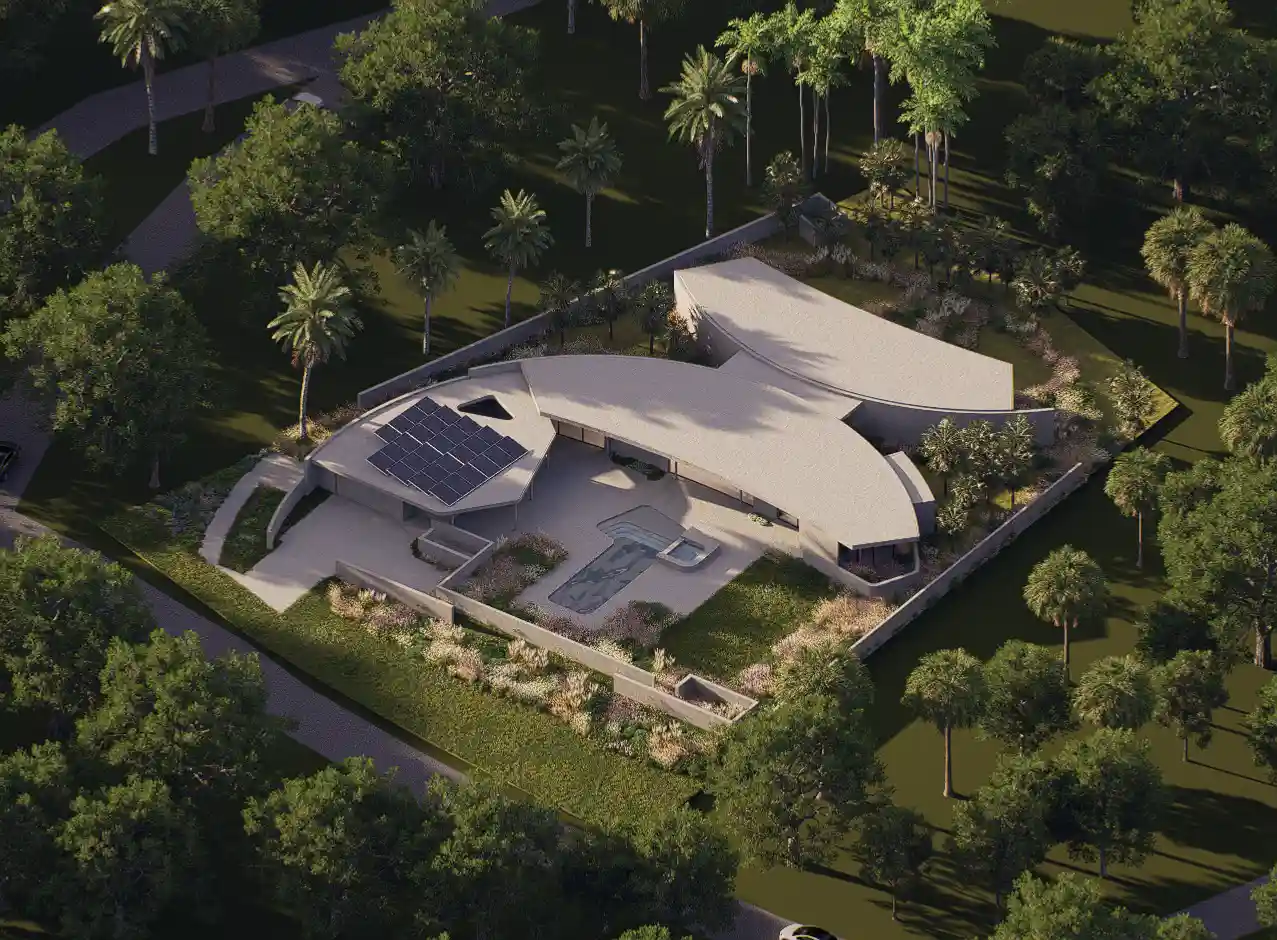
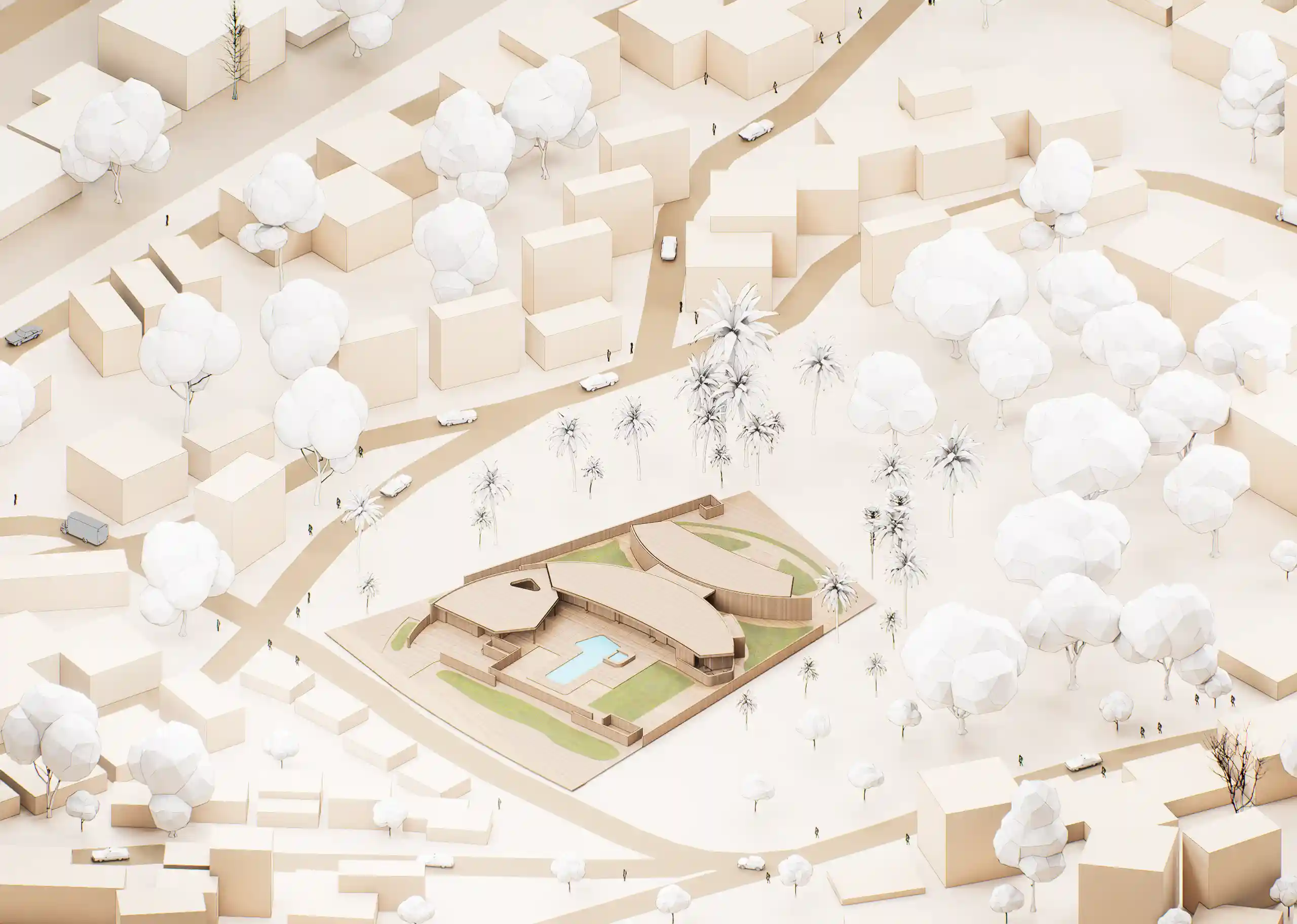
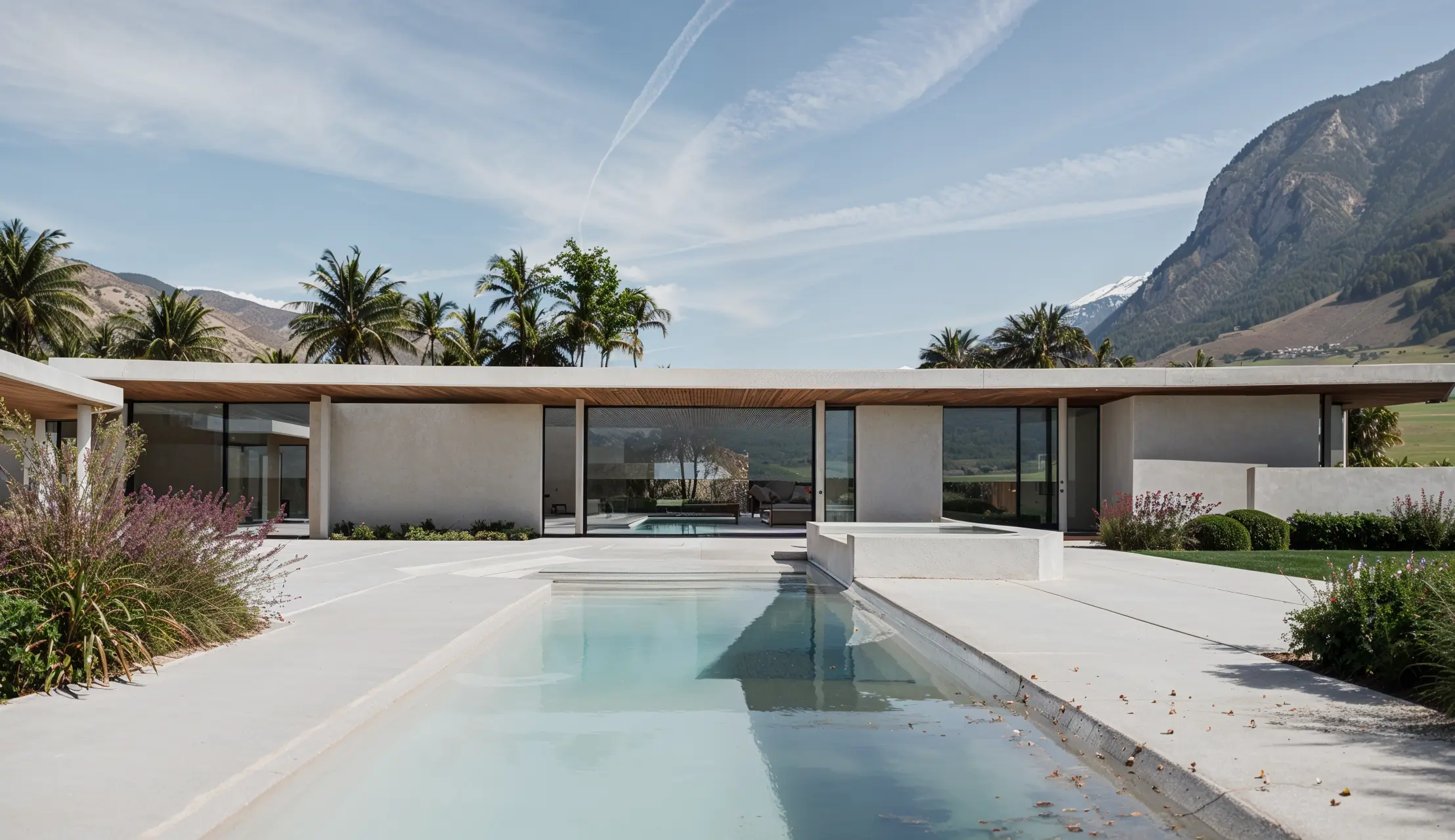
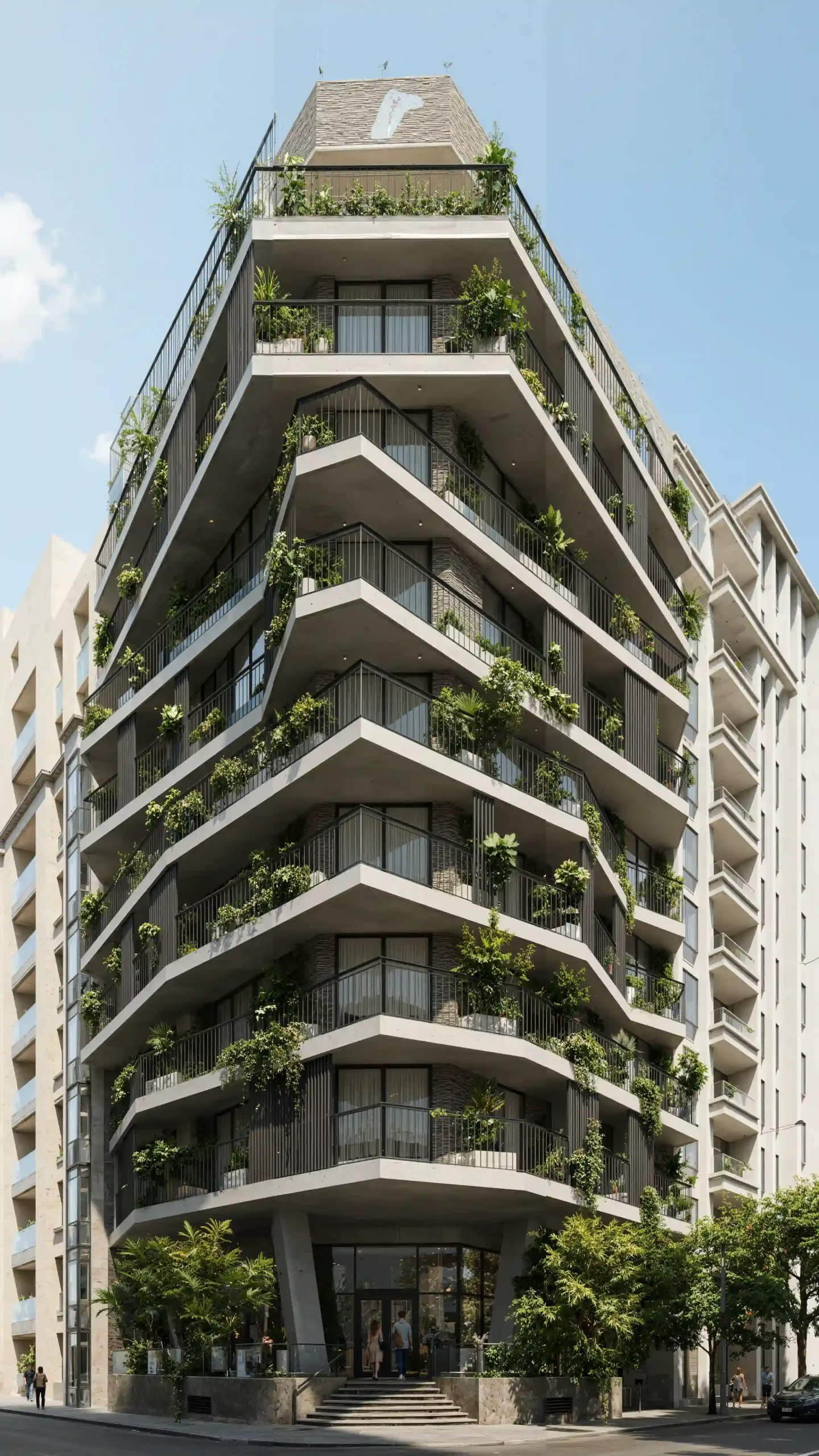
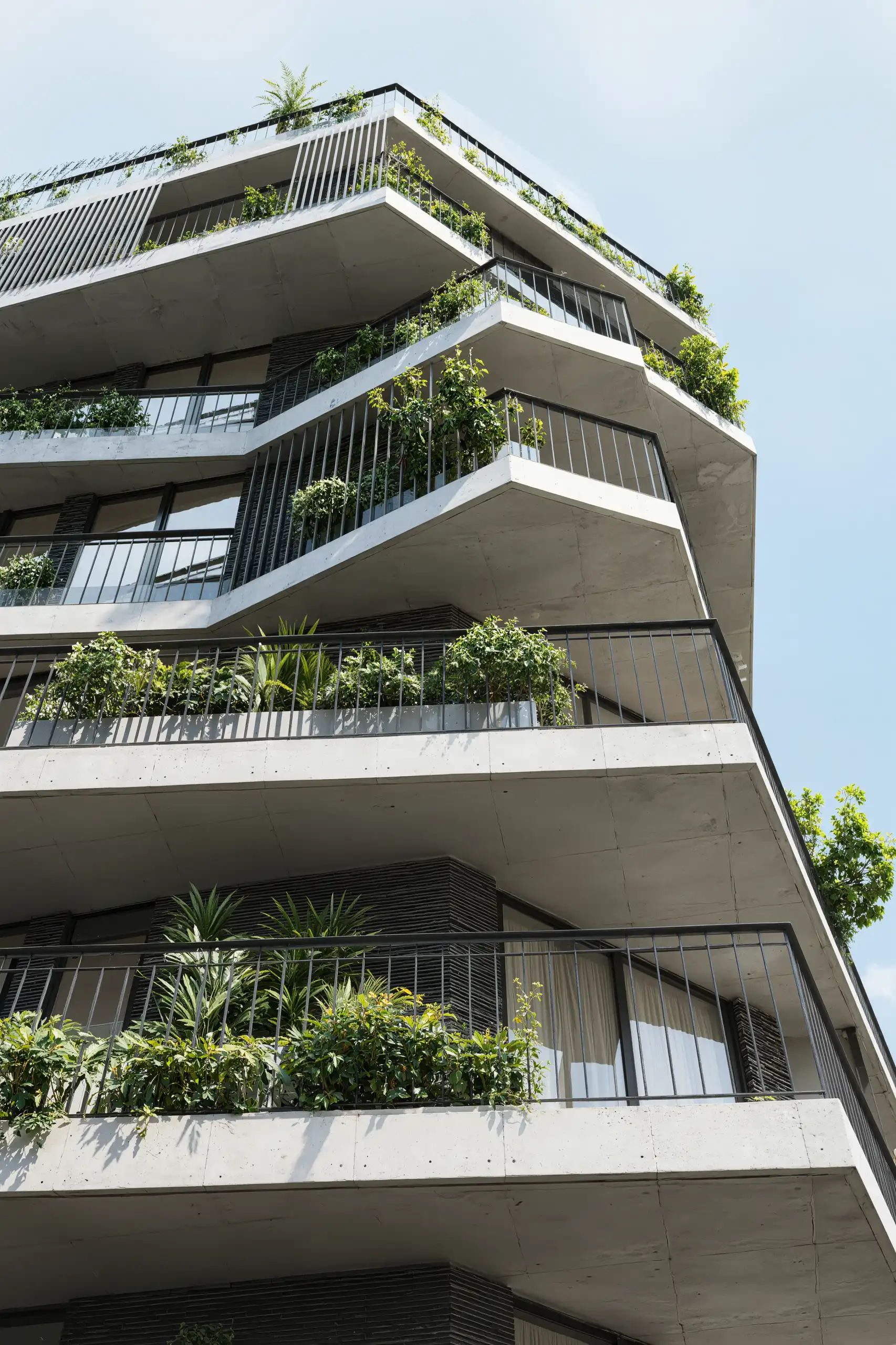
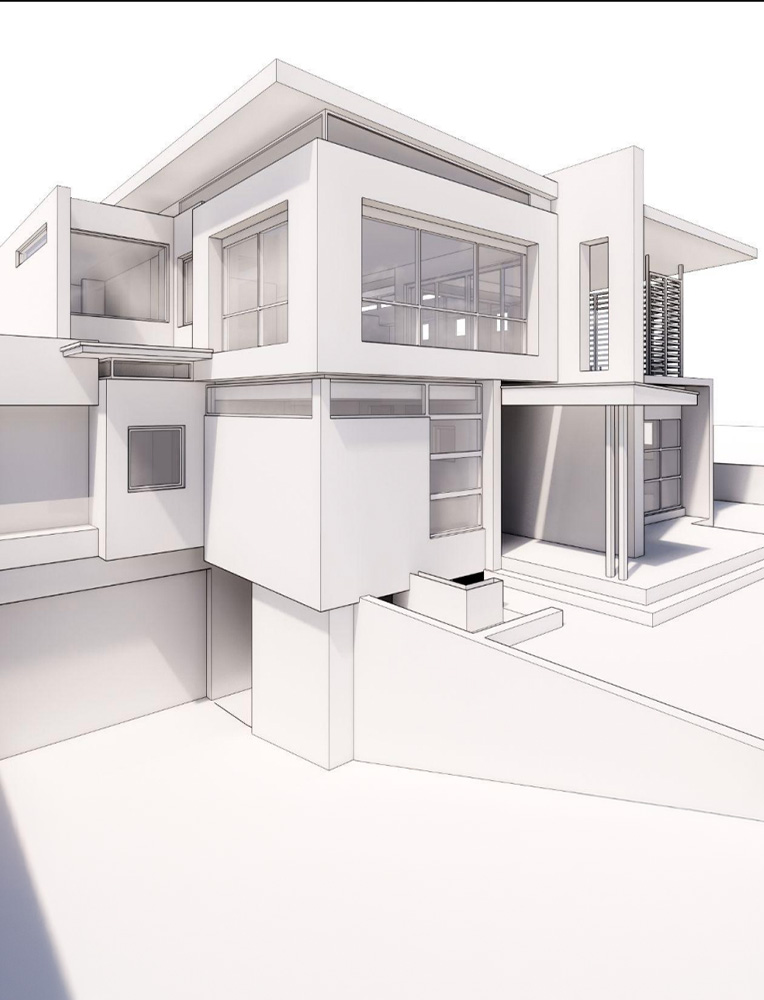
We’ll be working with a provided 3D model of the Eldorado House by O2 Architecture and turn it into a full set of stylized diagrams and 3D views. The goal is to create clean, clear visuals that highlight the building, the site, and its context in a diagrammatic, design-forward way.
Using D5 Render, you’ll set up lighting, entourage, and camera angles to create a strong visual narrative. You’ll experiment with AO, outline mode, lighting moods, and phased compositions to build a cohesive diagrammatic set.
Expect to create:
- Stylized aerials and site plans
- 3D diagram views with layered context
- Clean, eye-catching visuals with a unique style. This workshop is all about using efficient workflows that allow you to present your designs clearly and quickly.
We chose D5 Render for this workshop because of its intuitive interface, fast rendering speed, and low learning curve, making it ideal for students to focus on design clarity rather than technical complexity.
The software is free to download, and students are eligible to apply for an EDU license that provides access to all Pro features, making it a practical and accessible tool for producing professional-quality visualizations efficiently.
Methodology:
You’ll work independently throughout the workshop, giving you space to develop your own take on the scene. While everyone will start with the same 3D model of the Eldorado House by o2 Architecture, you’ll make your own choices when it comes to camera angles, lighting, entourage, and style.
Everything will be done directly in D5 Render. You’ll learn how to:
- Frame camera views and create short animations that communicate clearly
- Set up and organize a 3D scene efficiently
- Adjust lighting to create different moods
- Use AO, outlines, and visual filters for diagram-style exports
- Add and control entourage to enhance and support your design
Key Learning Topics:
- Take a provided 3D model and transform it into a stylized, portfolio-ready scene using D5 Render
- Use AO, outline, and diagram modes to create clear architectural visuals
- Set up lighting that enhances mood and clarity without needing full realism
- Place and style entourage in a way that supports your design narrative
- Build site context using simple tools within D5
- Frame camera views that showcase your project effectively
- Export high-quality stills and simple animations for your portfolio
- Develop a clean, consistent visual language that communicates your ideas clearly
Program:
Opening and context
- AEC visualization trends and challenges
- Why exploded diagrams are effective in communication
- Stylized vs. realistic diagrams: when to use each
- Getting started with D5 Render and LiveSync from Rhino, SketchUp, or Revit
Quick diagram workflows
- Using City Generator for context models
- AO and Outline Mode for stylized linework exports
- Phasing animation to create exploded diagrams and process views
- Exporting diagrams for portfolio layouts
- Low-poly material and lighting setups to mimic conceptual model styles
Scene setup and asset placement
- Interface and workflow overview
- Scene organization and navigation
- Asset library: categories, filters, and favorites
- Brush and Scatter tools for fast placement and randomization
- Optimizing scenes for performance and clean exports
Lighting and materials
- Natural lighting: D5 Sky and time of day
- HDRI lighting and AI Atmosphere Match
- Atmospheric effects such as fog and haze for depth
- Artificial lights: bulbs, strips, spotlights, IES profiles
- Materials:
- Using the built-in library
- Importing and refining PBR textures
- AI material refinement
- Mapping techniques for grass, water, wood, and glass
Stylized and realistic exploded isometric diagrams
- Setting up an isometric camera view
- Building stylized diagrams with outlines, flat shading, and phasing
- Transitioning to realistic diagrams with detailed materials and lighting
- Combining stylization and realism to show both conceptual clarity and material richness
- Exporting both versions for use in presentations and portfolios
Visual settings, rendering, and animation
- Camera composition and storytelling techniques
- Depth of field, focal length, and movement
- AI tools for post-processing: Enhancer and Style Transfer
- Export settings for clear and polished results
- Animation workflows:
- Storyboarding exploded sequences
- Keyframing objects, lighting, and materials
- Smooth phasing animations for stylized and realistic diagrams
- Exporting final animated outputs
Tips, tricks, and best practices
- Making diagrams visually compelling with lighting, camera, and atmosphere
- Common pitfalls when working in D5 and how to avoid them
- Post-processing techniques to refine diagrams
EDU introduction and final Q&A
- EDU program overview
- Open discussion and wrap-up
Software:
Workshop Notes:
- Please ensure you have all the software installed before the workshop starts. Software installation is NOT a part of the workshop.
Instructor:
Andy Christoforou

Andy Christoforou, AIA, NCARB, leads the Visualization and AI efforts at Kohn Pedersen Fox (KPF) with over 15 years of expertise in architecture and 3D visualization.
He has taught over 15,000 students, presented at conferences like Autodesk University and Nvidia’s GTC, and shares real-time rendering workflows on his YouTube channel focused on D5 Render.
He’s also the founder of ArchViz Academy (archviz3dacademy.com/pro), a learning platform dedicated to helping designers master visualization and AI tools.
Important Notes:
- The “3D Stylized Renders & Diagrams with D5 Render” Studio workshop by PAACADEMY will start at 11:00 (GMT) on Saturday, October 25th, 2025.
- Total sessions: 1 Session (4 Hours).
- The teaching duration per session will be 4 hours.
- Students will have time for a break between teaching hours.
- Each session and the entire studio will be recorded, and videos will be available for participants just a day after the class for an unlimited time.
- PAACADEMY will provide a certificate of attendance.
- The studio has limited seats. Tickets are non-transferable & non-refundable. Please read carefully before you register.
Topic: 3D Stylized Renders & Diagrams with D5 Render
Date: October 25, 2025
Time: 11:00 – 15:00 GMT
Format: Online on Zoom
Duration: 1 Session (4 Hours)
Registration Deadline: October 24th, 2025
Total Seats: 50 seats
Difficulty: Beginner
Language: English
Certificate: Yes
Fee: Free event
Organized By: PAACADEMY
Tutor: Andy Christoforou
Recordings: Recordings will be available for all participants afterward indefinitely.
Explore Courses
.jpg "Ondrej Chybik - Rethinking Architecture")