





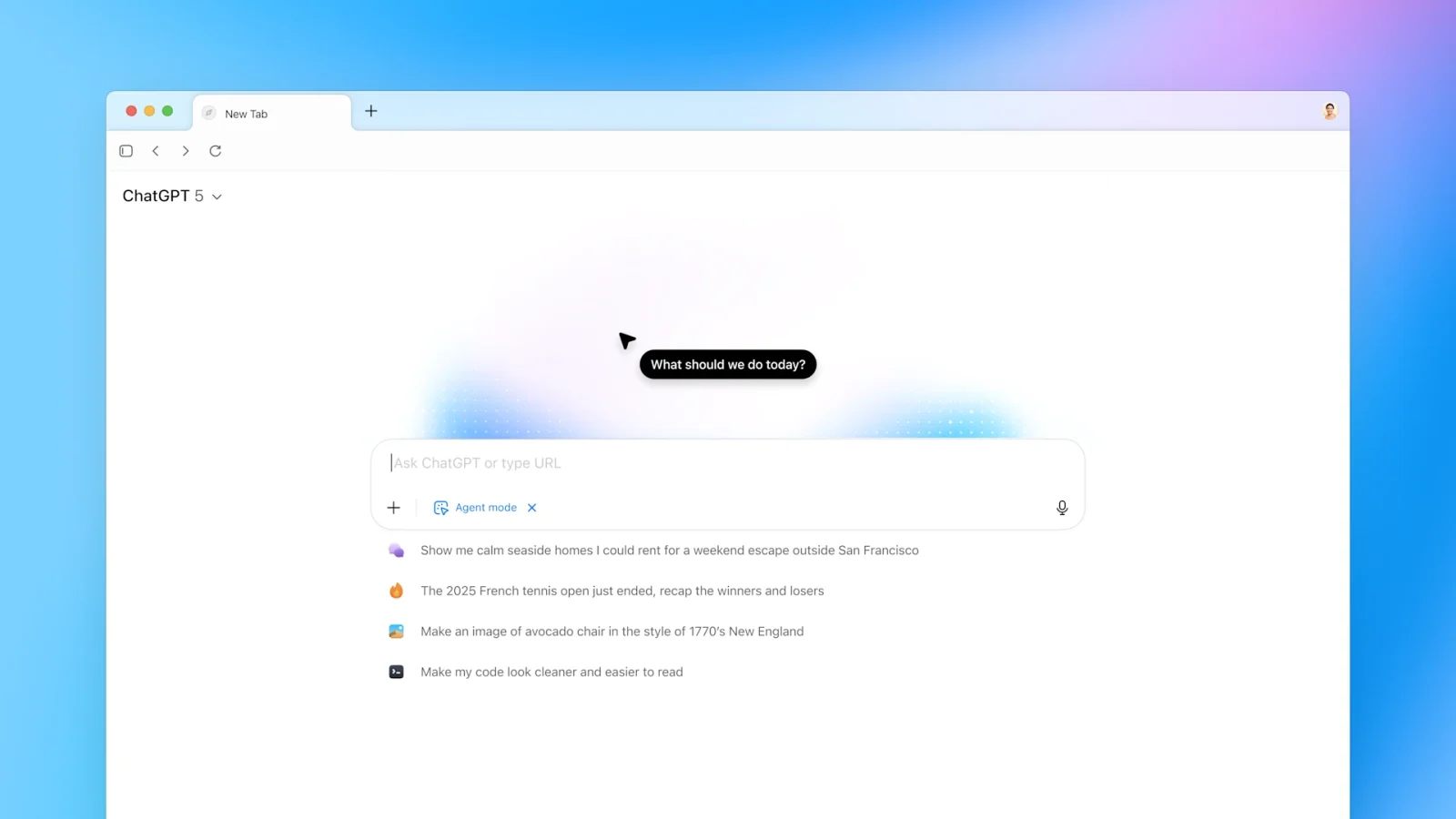
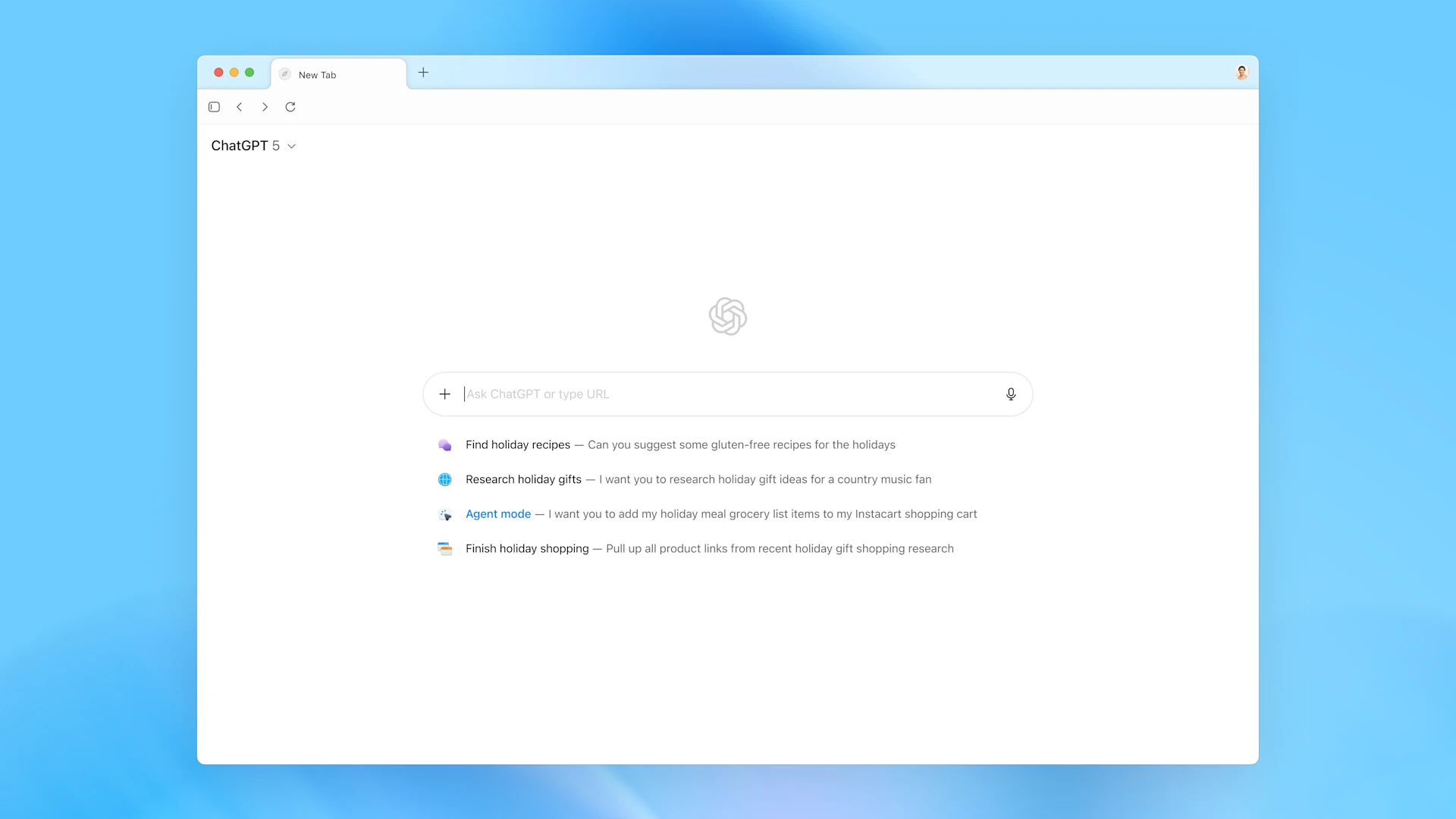
OpenAI has introduced ChatGPT Atlas, a new web browser powered by artificial intelligence. Unlike regular browsers, Atlas has ChatGPT built in, allowing users to ask questions, summarize pages, and even complete online tasks without switching tabs.
Currently available for macOS, the browser combines OpenAI’s latest technology with familiar web tools, making it easier to read, research, and work online. Future versions for Windows, iOS, and Android are already in development.
With its built-in AI assistant, memory feature, and automation tools, ChatGPT Atlas aims to redefine everyday browsing by making it more interactive and personalized. However, experts also point out new privacy and data-use challenges that come with such deep integration of AI into our web activities.
What is ChatGPT Atlas?
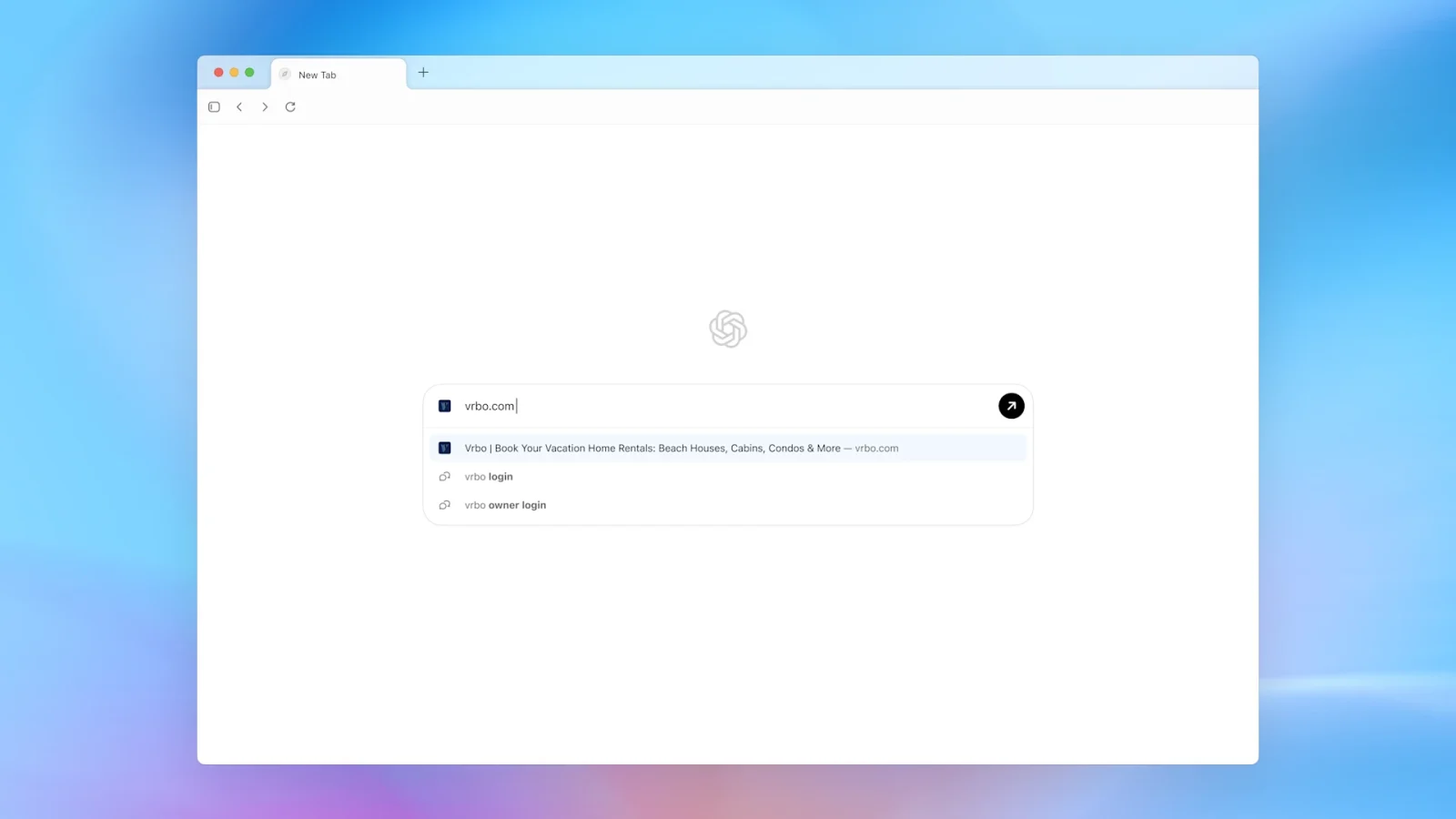
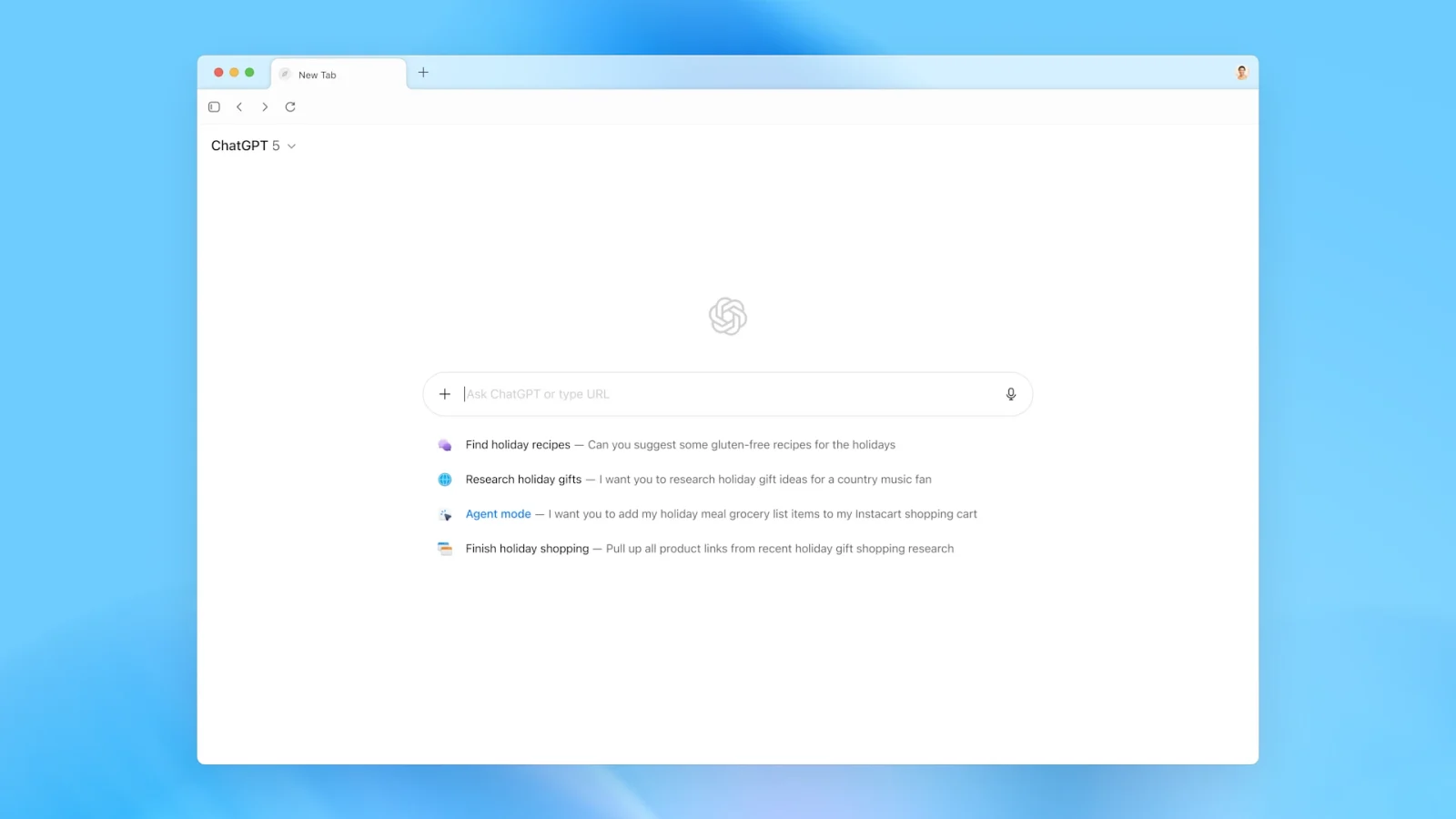
The newly announced browser, ChatGPT Atlas, is a web browser developed by OpenAI that integrates its conversational AI model directly into the browsing experience. According to OpenAI, Atlas is “a new web browser with ChatGPT built in” and aims to allow users to interact with web pages, ask tasks of the assistant, and draw on past conversations and memory, all without leaving the page.
Initially, the browser is available on macOS only, with versions for Windows, iOS, and Android planned.
Key Features of ChatGPT Atlas
Built-in ChatGPT Sidebar
One of the standout features is a sidebar (or panel) within the browser that allows the user to query ChatGPT about the content on any webpage. For example, you can ask for a summary of the page, compare products, or analyze data without switching apps or tabs.
Browser Memories and Context
Atlas supports a “memory” feature, where the browser (via ChatGPT) can remember facts, past chats, and browsing context, and use that to personalize the experience. For instance, an early-tester student said they removed the step of switching between slides and ChatGPT by letting the browser itself “understand what I’m looking at.”
Agent Mode & Automation
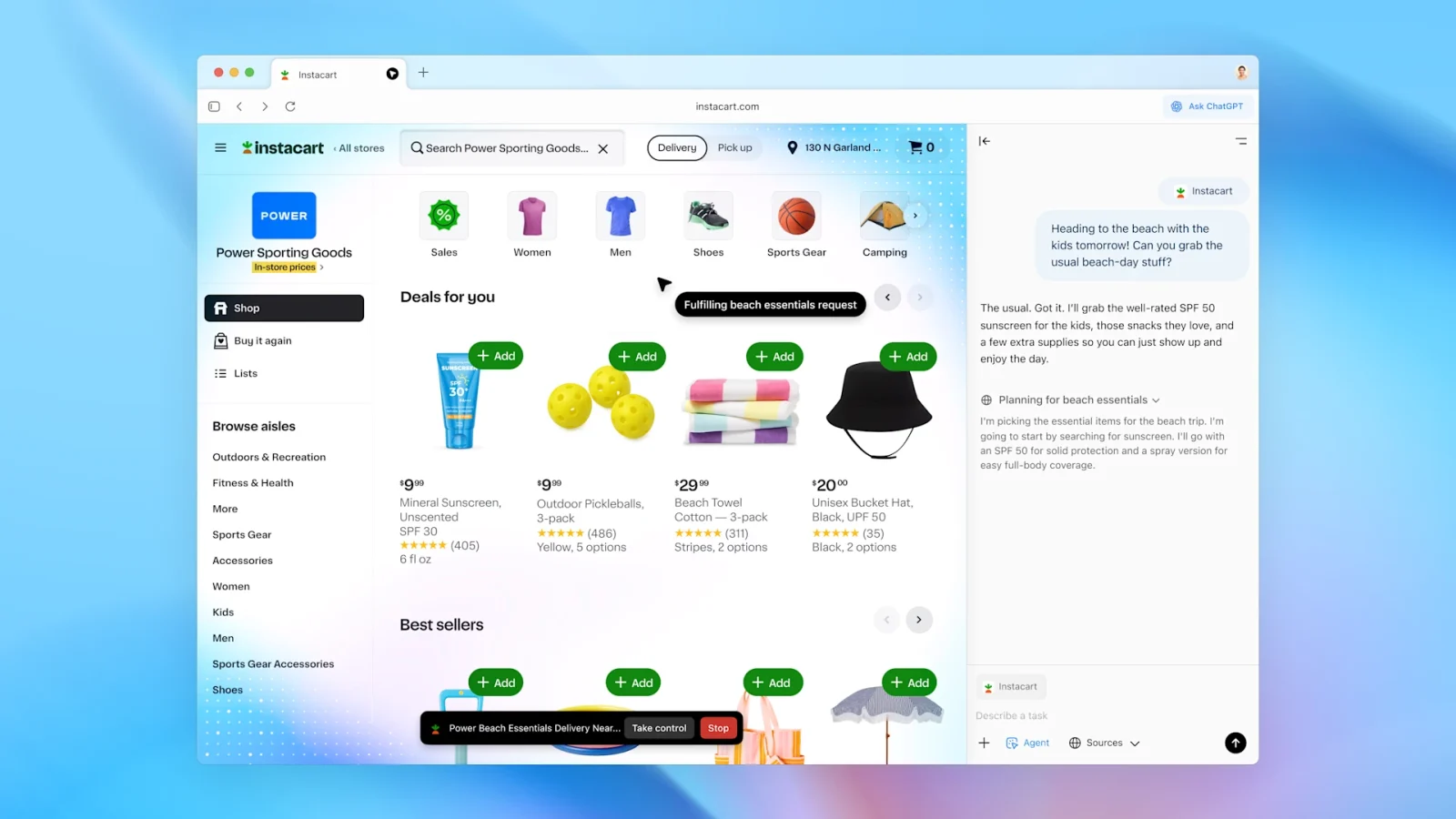
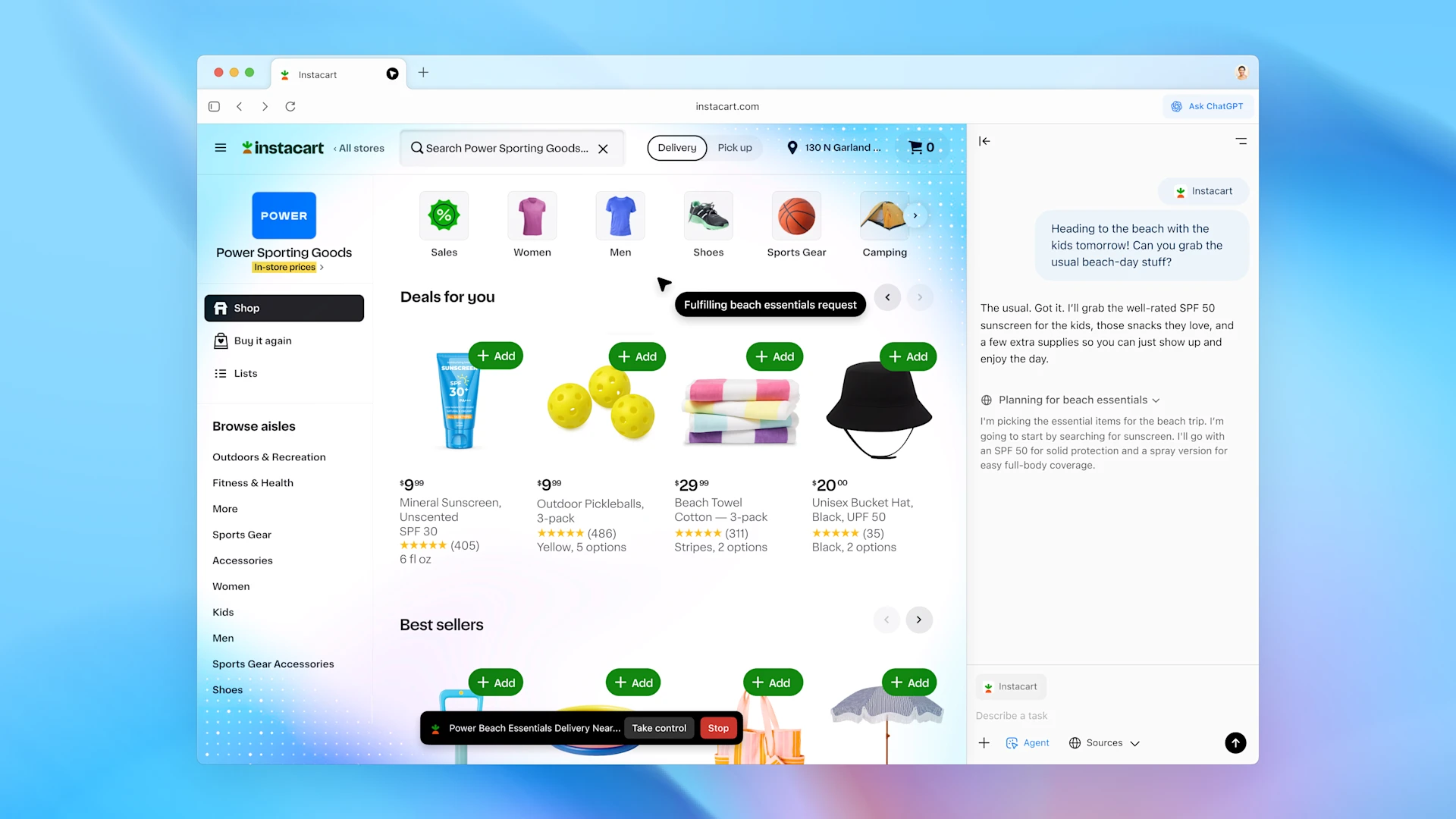
For paid subscribers (Plus, Pro, etc.), Atlas offers an “agent mode” that allows the AI not just to assist but to take action, e.g., interacting with websites, filling forms, and automating tasks on behalf of the user.
Compatibility & Technical Foundation
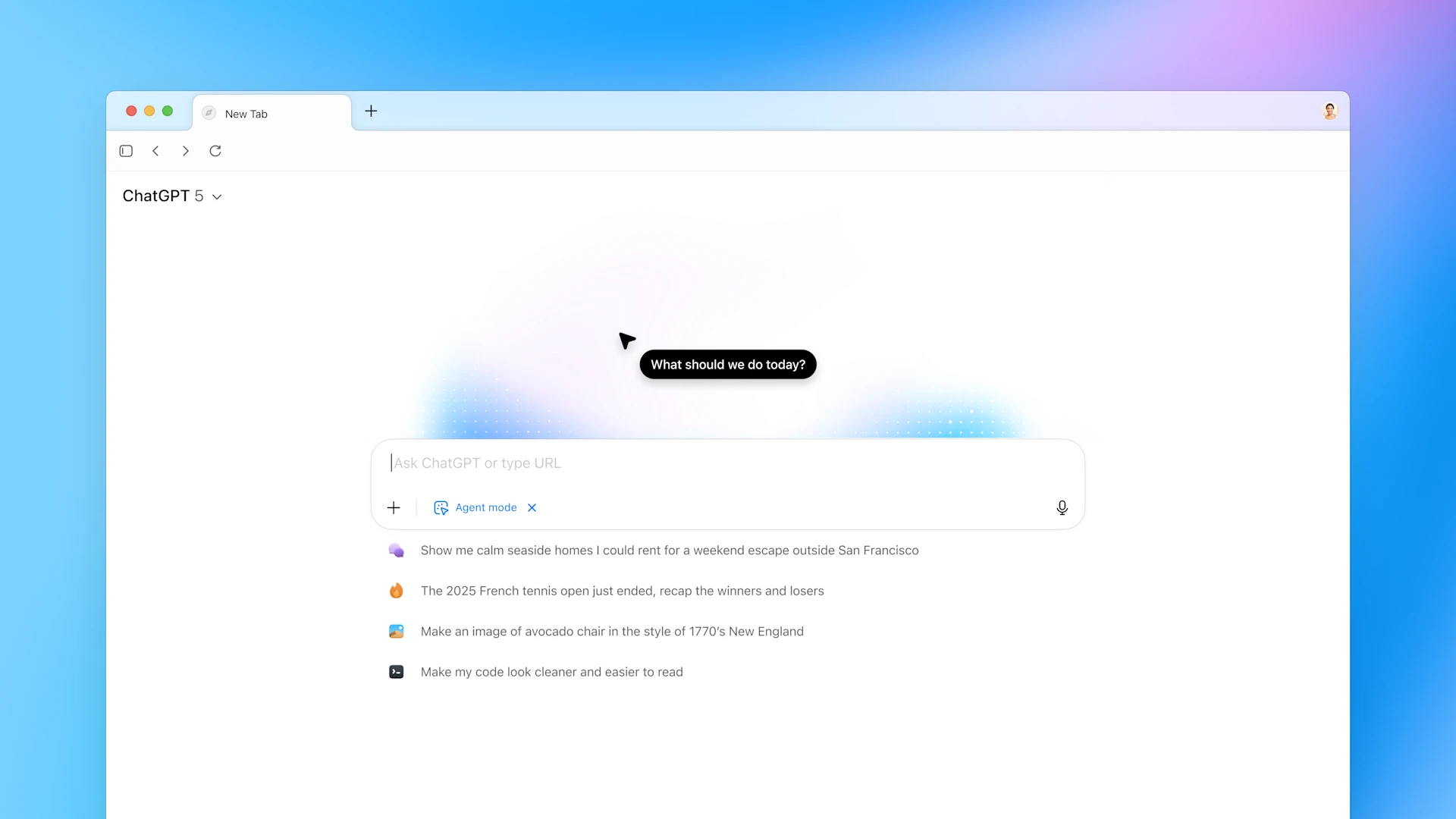
Under the hood, Atlas is built on the Chromium engine (the same open-source base used by Chrome, Edge, etc.). It supports macOS devices (with Apple silicon) for the initial release.
Strategic Aim & Industry Implications
By launching Atlas, OpenAI is making a direct play into web browsing and search, not just staying “chatbot-centric.” Analysts see this as a challenge to the dominance of Google Chrome (which holds a large share of the browser market).
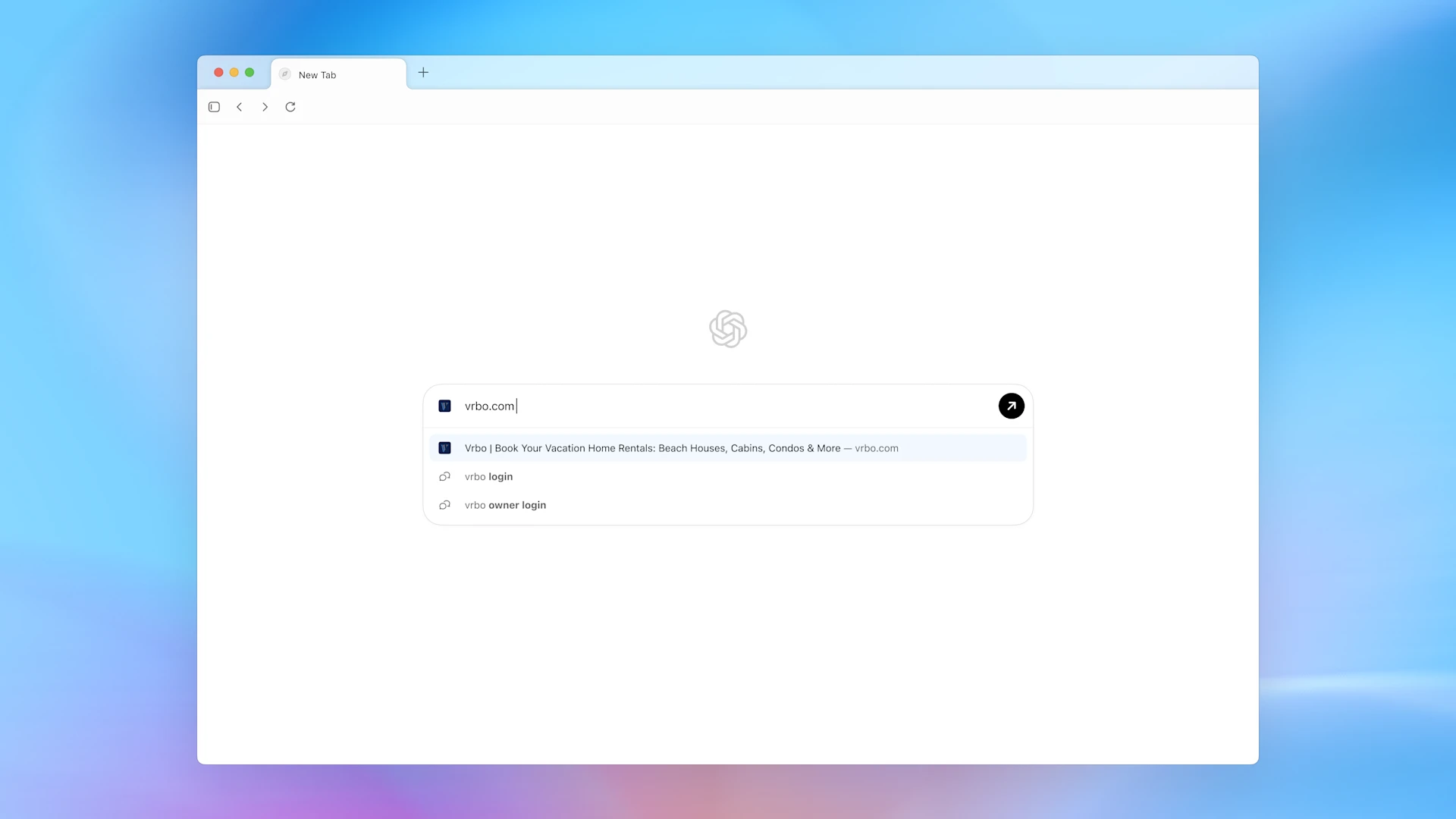
Because ChatGPT already has hundreds of millions of users, integrating the assistant into the browsing experience gives OpenAI a potential pathway to becoming a central platform for internet access, not just a tool you open separately. This raises questions around revenue models (advertising, data), platform control, and competition.
For publishers and media companies, AI browsers like Atlas may pose risks, for example, summarizing content, bypassing paywalls, or altering how people engage with web content.
Benefits & Use Cases
- Productivity boost: Instead of manual copy-paste between tabs, users can ask the browser, “What are the 3 main takeaways of this article?” and get a summary instantly.
- Task automation: Using agent mode, the browser can assist with shopping, booking, or researching on your behalf, saving repetitive web navigation time.
- Personalization: Memories allow the assistant to recall preferences, past topics, and context, making browsing more tailored.
- Single-window workflow: The integration of ChatGPT inside the browser means less tab-switching and more seamless interaction.
Privacy, Risks & Considerations
While Atlas brings powerful new features, it also comes with a few important cautions. AI-enabled browsers demand deeper access (webpages, user input, possibly form-based interactions), which raises privacy and security concerns.
For example:
- The “memory” feature means the browser may retain facts from visited sites unless the user disables it.
- Because the browser uses an agent mode, the AI may act on the user’s behalf, which also means controlling interfaces and actions.
- For publishers, AI browsers may reduce the number of website visits or alter how content is monetized.
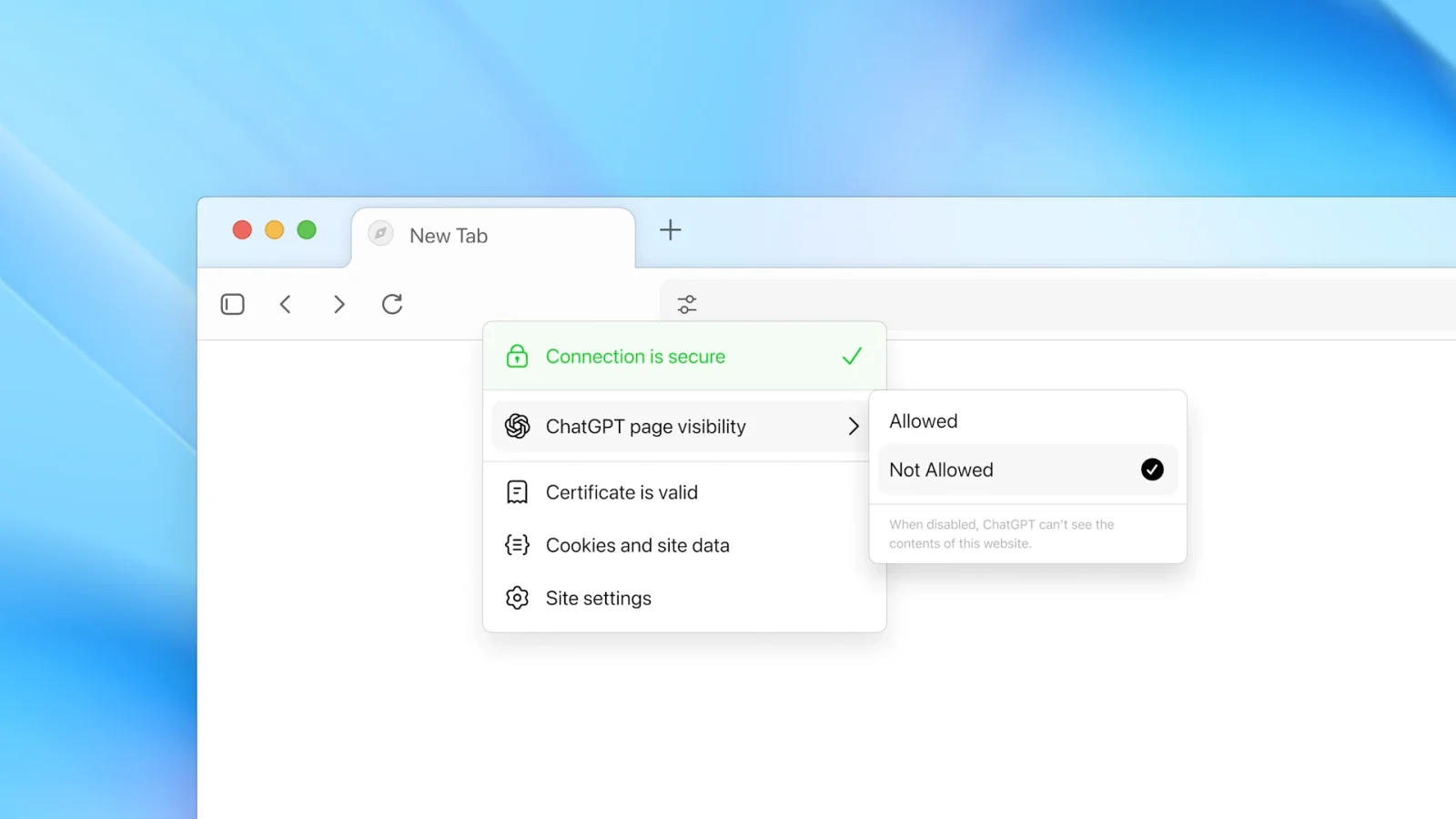
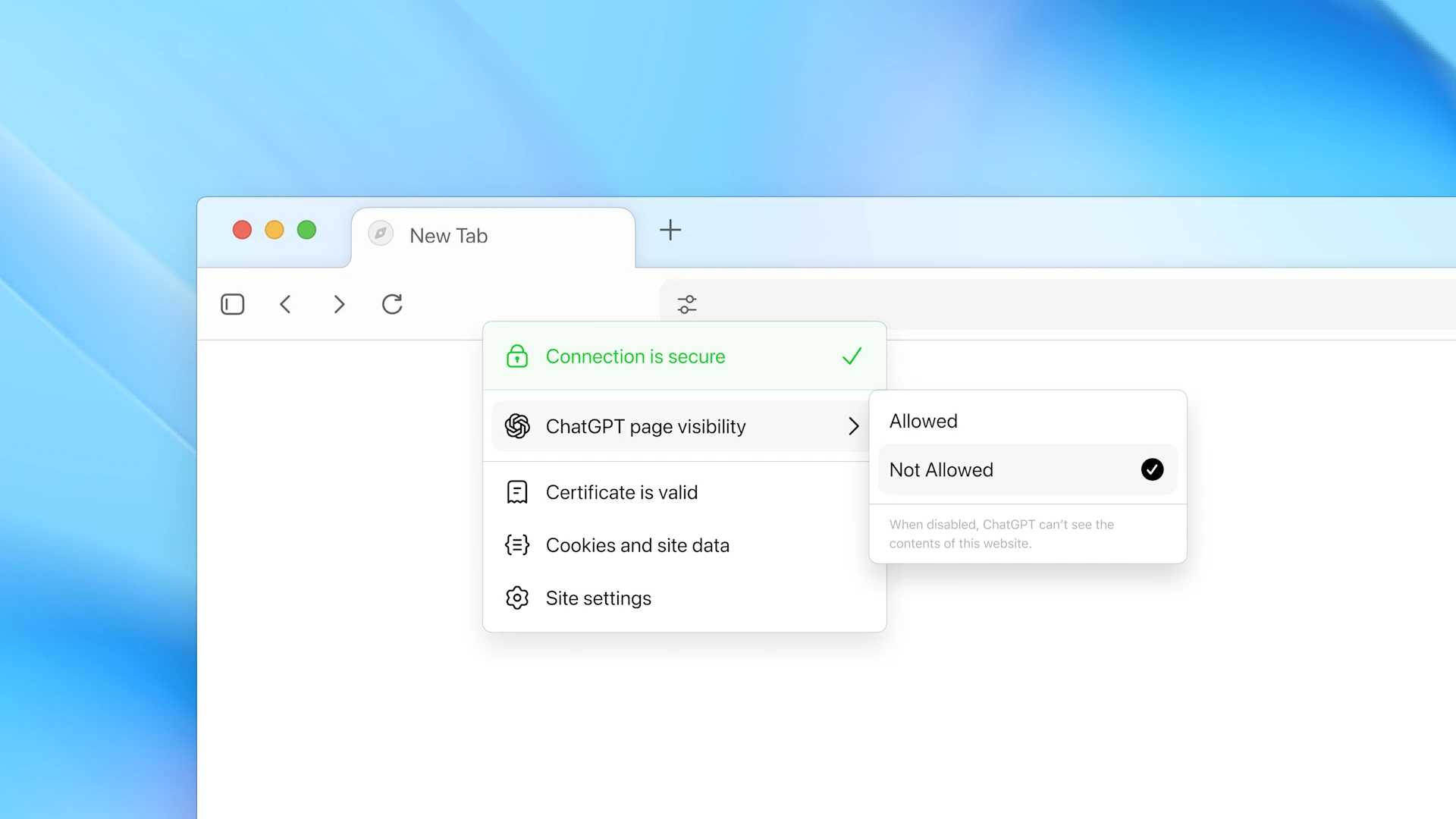
- Users should check settings around visibility, what the AI can “see,” what is imported from other browsers (bookmarks, history), and whether the browser is set as the default.
Roll-Out & Availability
OpenAI officially announced ChatGPT Atlas on October 21, 2025, making the macOS version available for download immediately for free for Plus, Pro, and Go users, with Business in beta. Versions for Windows, iOS, and Android are expected, though no exact date has been confirmed.

What This Means for the Future of Browsing
With ChatGPT Atlas, we may be witnessing a shift in how web browsing is conceptualized. Instead of passive page-by-page navigation, the browsing experience becomes conversational and task-oriented. The browser moves from being a “tool to access pages” to a “smart assistant interface.”
This may prompt:
- Rethinking search engine models and browser-centric traffic flows.
- More integration of AI agents in everyday workflows (shopping, planning, writing) directly via the browser.
- A re-evaluation of browser monetization (ads, data) as AI layers appear.
- New regulatory and privacy questions about how browsers and AI record, recall, and act on personal data.
The launch of ChatGPT Atlas marks a bold step from OpenAI into the browser domain. By embedding ChatGPT directly into the browsing experience, Atlas promises greater productivity, personalized workflows, and automation of web tasks. For users, it offers a glimpse of what an AI-powered browsing experience can look like today and how the simple act of opening a browser might evolve into something far more interactive and assistant-driven.
Image credit: OpenAI
Explore Courses


.jpg "Ondrej Chybik - Rethinking Architecture")