
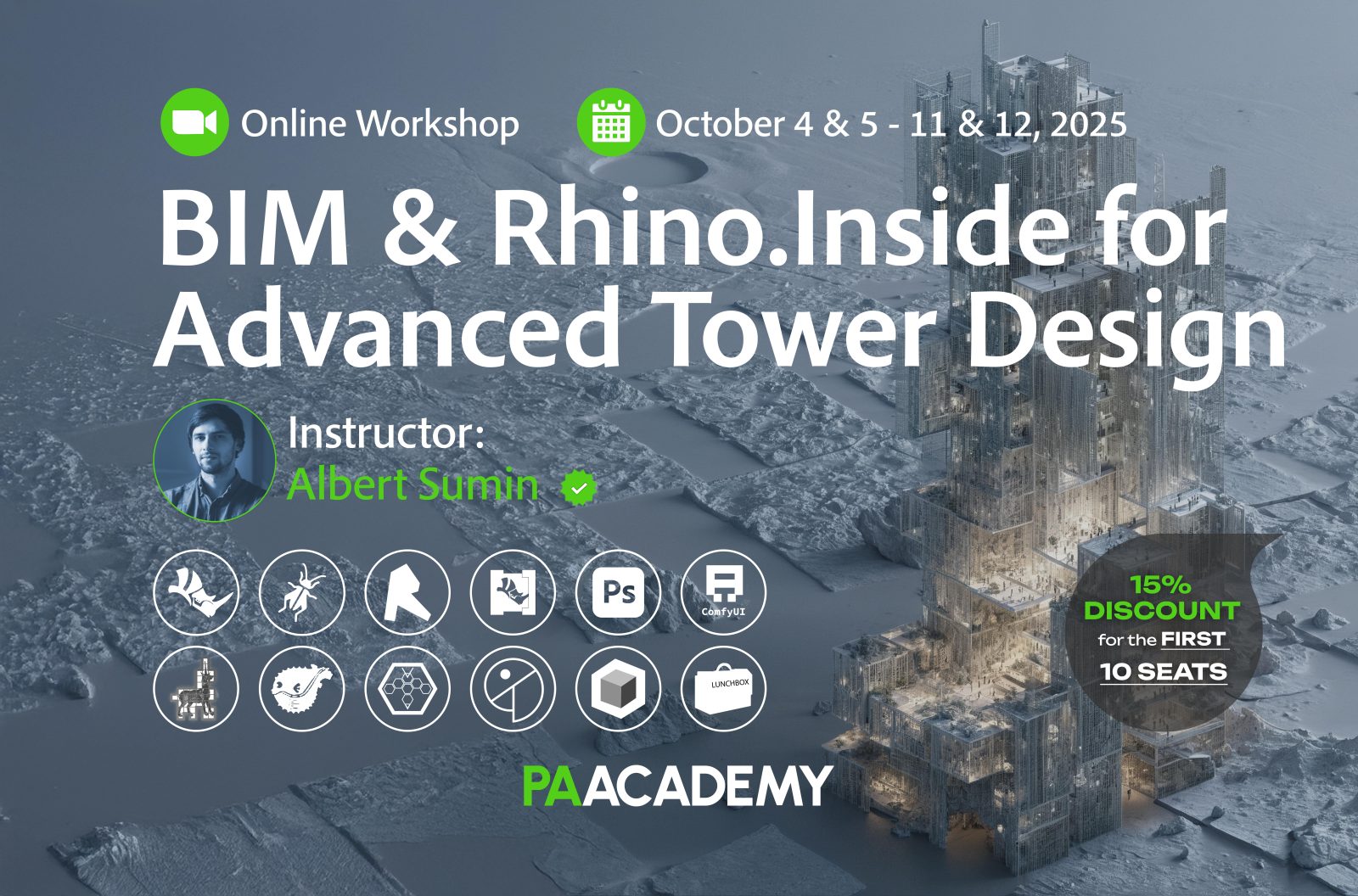
Topic: BIM & Rhino.Inside for Advanced Tower Design
Date: October 4 & 5 – 11 & 12, 2025
Time: 14:00 – 18:00 GMT
Format: Online on Zoom
Duration: 4 Sessions (16 Hours)
Registration Deadline: October 3rd, 2025
Total Seats: 50 seats
Difficulty: Beginner-Intermediate
Language: English
Certificate: Yes
General Registration: 100 EUR
Join free: with Full Access membership
Fee For Digital Members: 85 EUR (15% discount available only for Digital Members)
Organized By: PAACADEMY
Tutor: Albert Sumin
Recordings: Recordings will be available for all participants afterward indefinitely.
Introduction to BIM & Rhino.Inside for Advanced Tower Design:
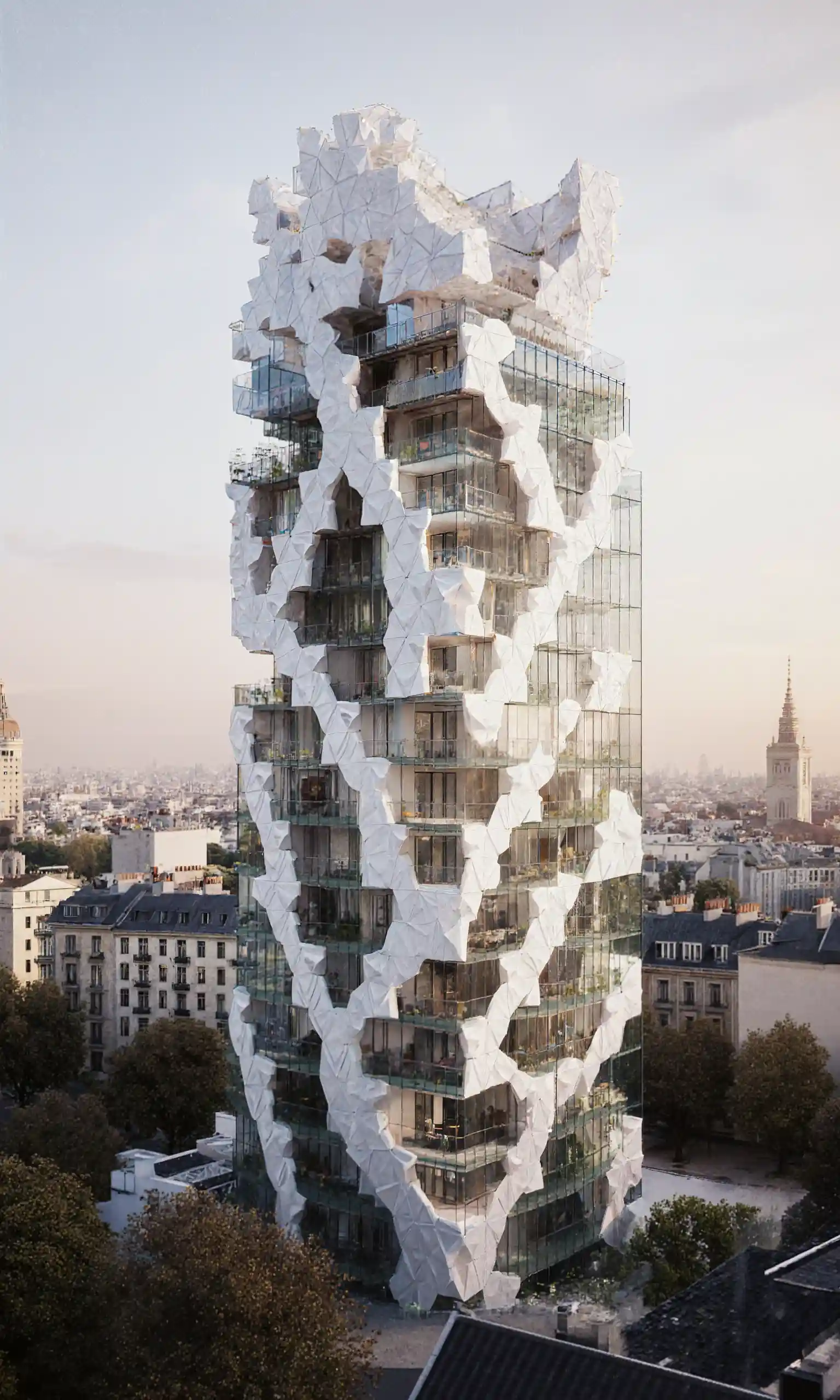
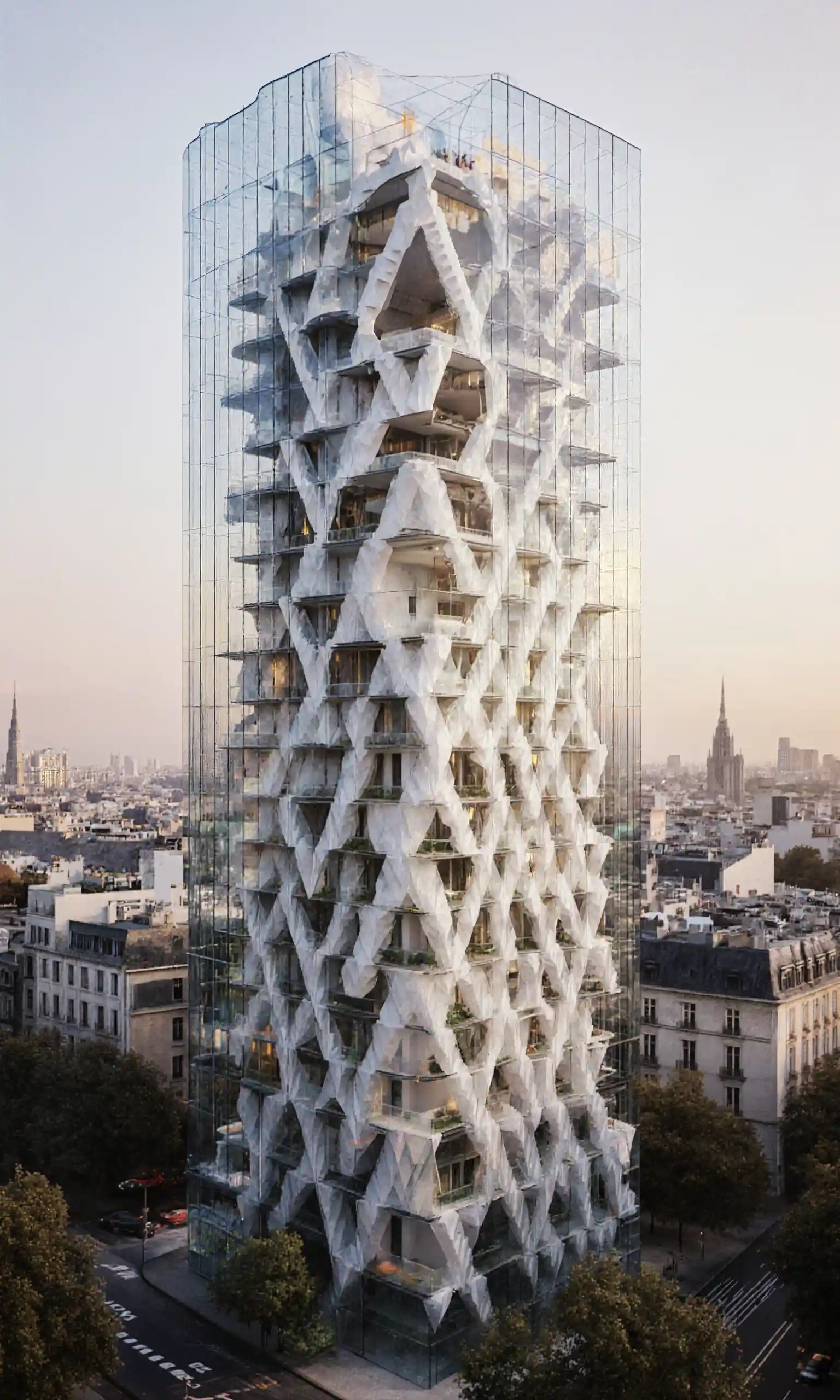
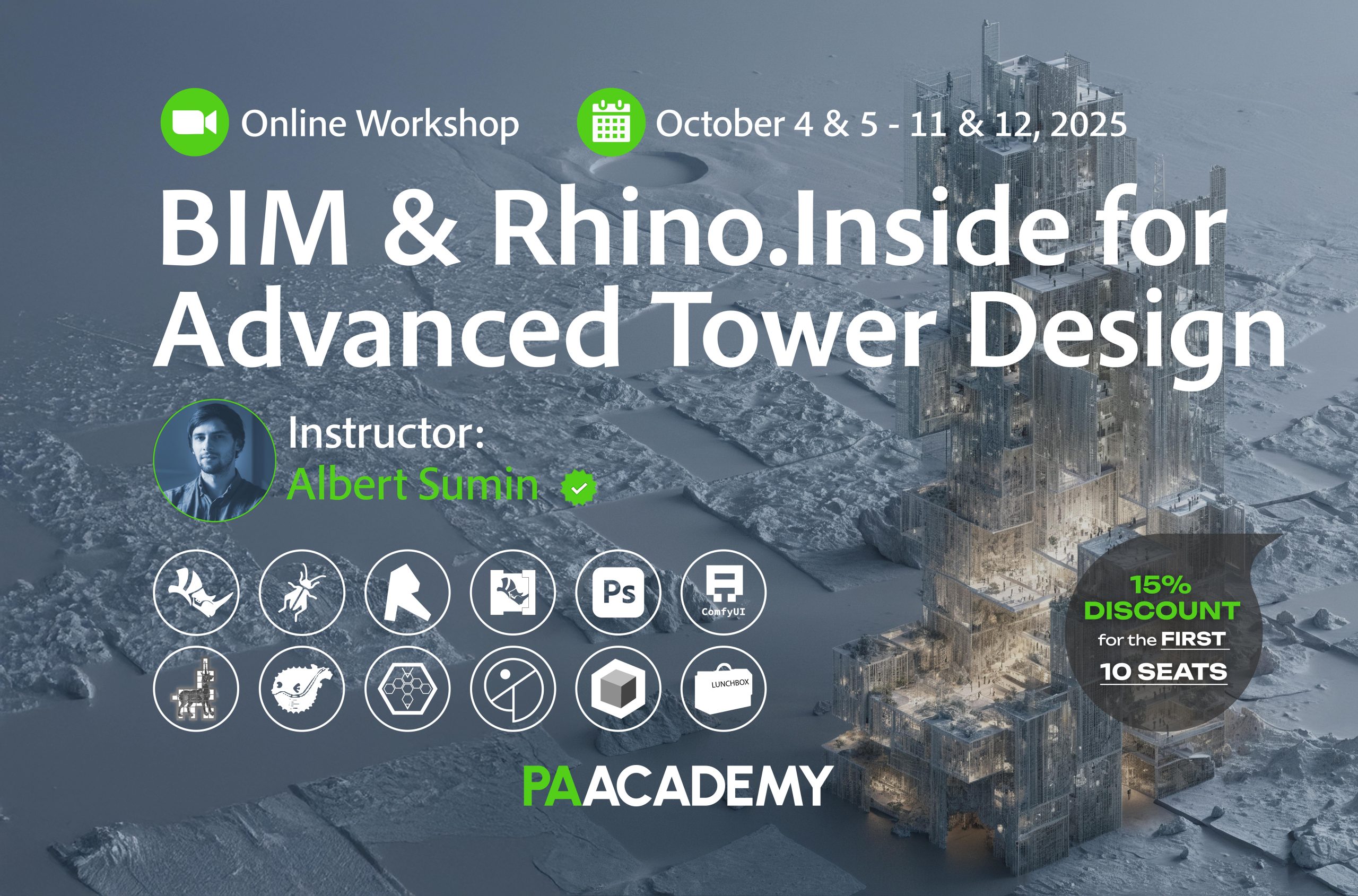
The focus of the workshop is to create a conceptual design for the Residential Tower. We will consider all stages of this process, from idea to 3D and BIM modeling. The workshop simulates a situation when it is necessary to present a complete building design within a short time frame, while the 3D model and the accuracy of the area calculations should be sufficient to apply the results to further detailed design. We will use the most effective tools to achieve this goal.
This workshop will teach you how to build a detailed 3D model in which relatively simple geometry will be created directly in BIM (Autodesk Revit Families), while geometrically complex parts will be generated in Rhino and Grasshopper. We will use Rhino.Inside to provide a direct connection between the different project environments.
For ComfyUI, we will need some models and custom nodes. A detailed guide on how to download them To access it, click “Watch Now” → “Files” → “Download Course Files”
Key Learning Topics:
- Project organization using BIM technology
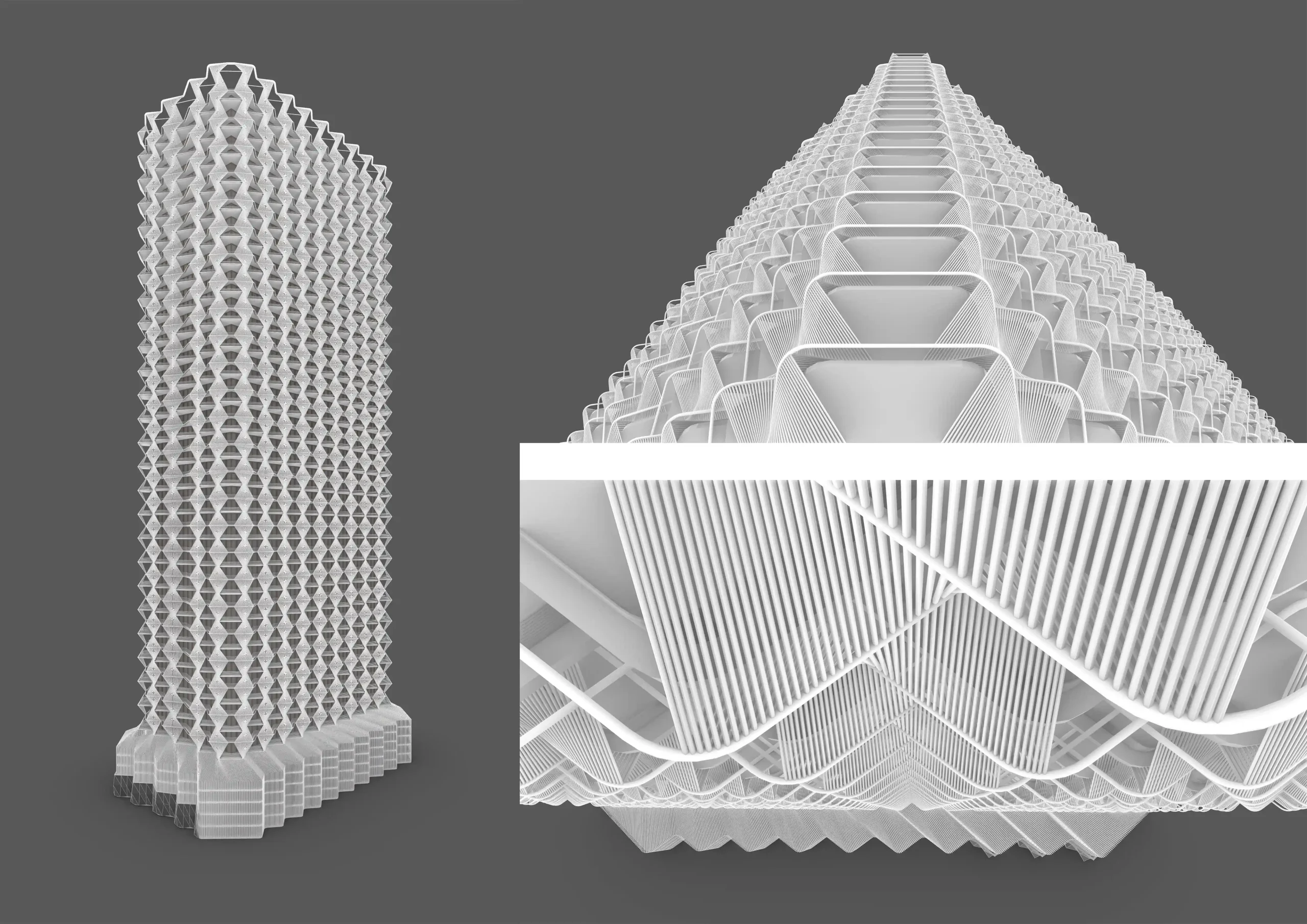
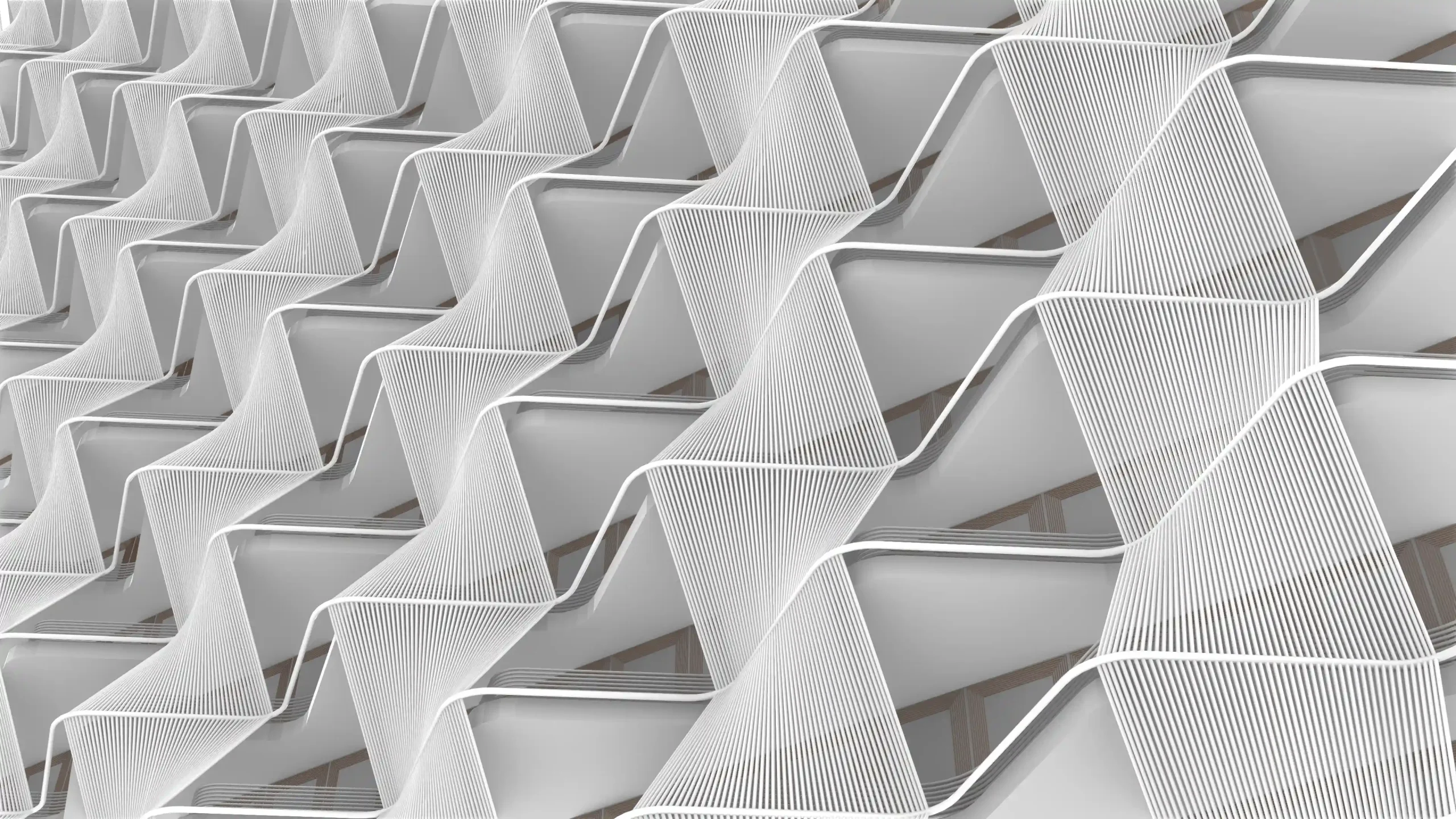
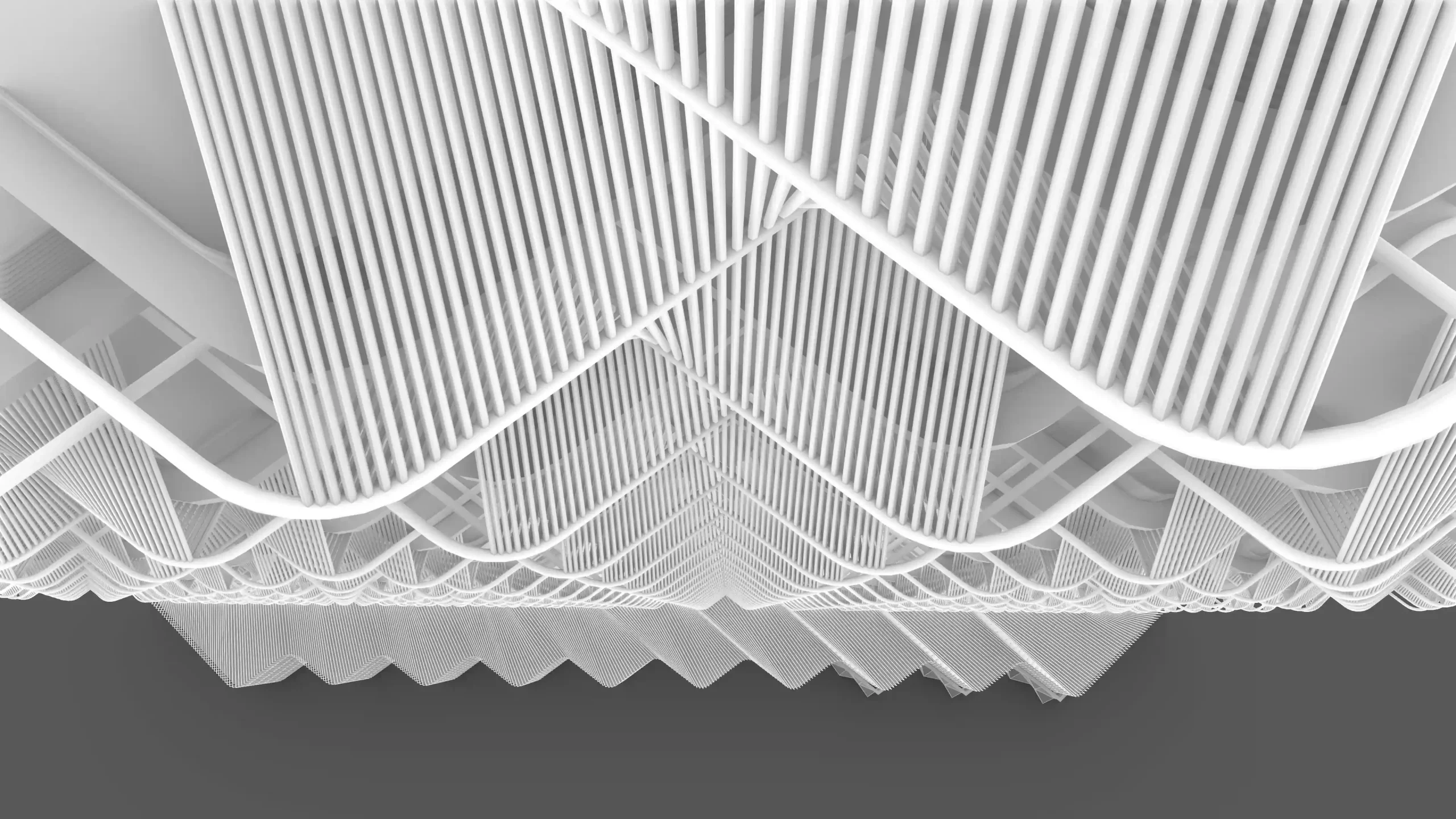
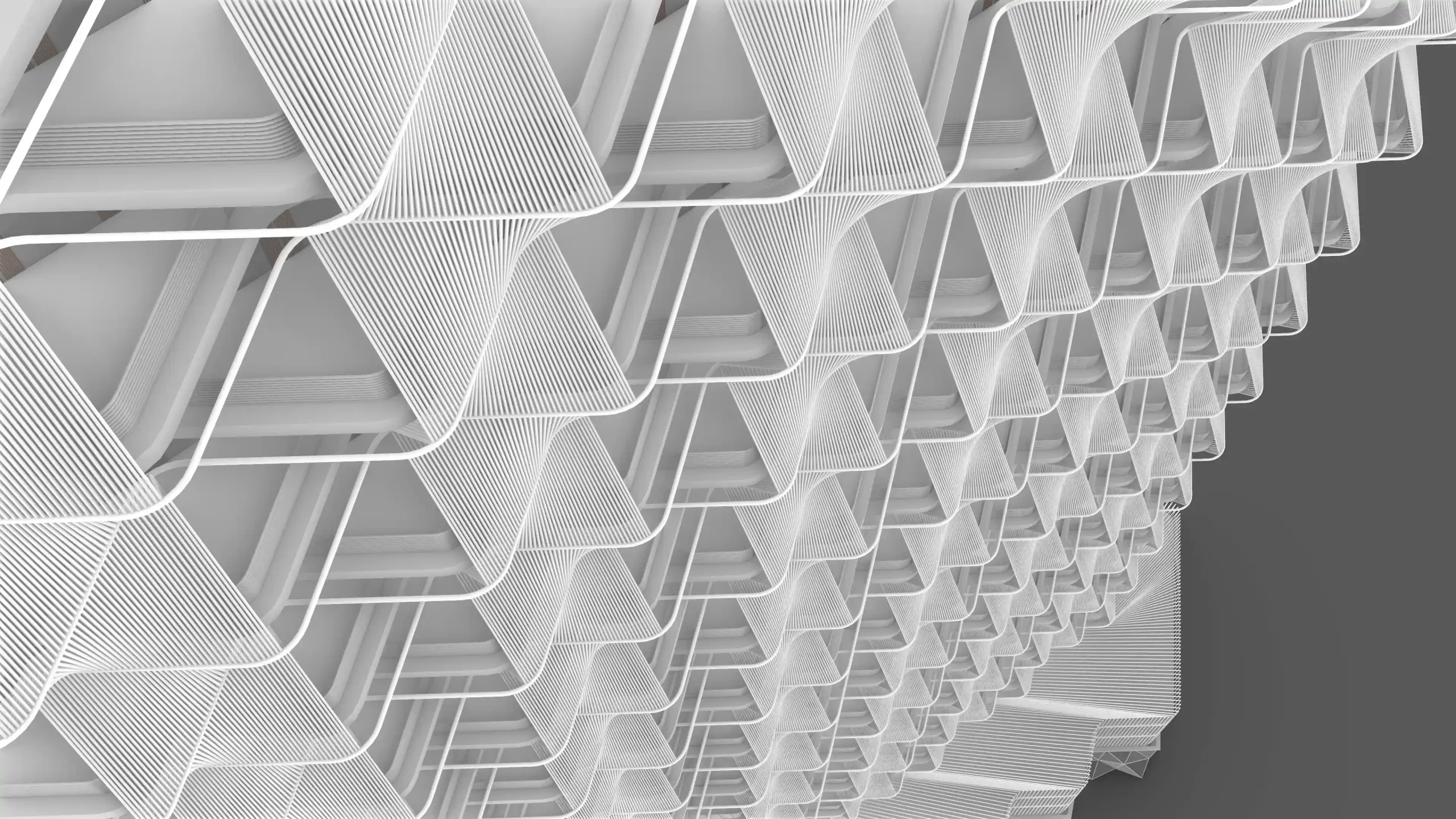
- Generating complex facades and details in Rhino + Grasshopper
- Utilize Rhino.Inside to transfer geometry and parameters from Rhino to Revit and vice versa
- Rendering and post-processing in ComfyUI and Photoshop
- Developing Revit templates and families for efficient project setup
- Creating tower shells, cores, slabs, and columns parametrically in Grasshopper
- Integrating detailed geometry into BIM with accurate area calculations
- Preparing presentation-ready diagrams and documentation in Revit
Program:
Day 1 – October 4th, 2025
- Workshop overview
Short introduction about the overall workflow that we will use during the workshop - Lecture: Project organization using BIM technology
This lecture will introduce the BIM workflow for projects that feature complex shells or other sophisticated building components. It will also demonstrate examples of projects where this approach has been used. - Revit: Preparing templates, families, and empty models for further project development
This is the organizational part that precedes any project.
Day 2 – October 5th, 2025
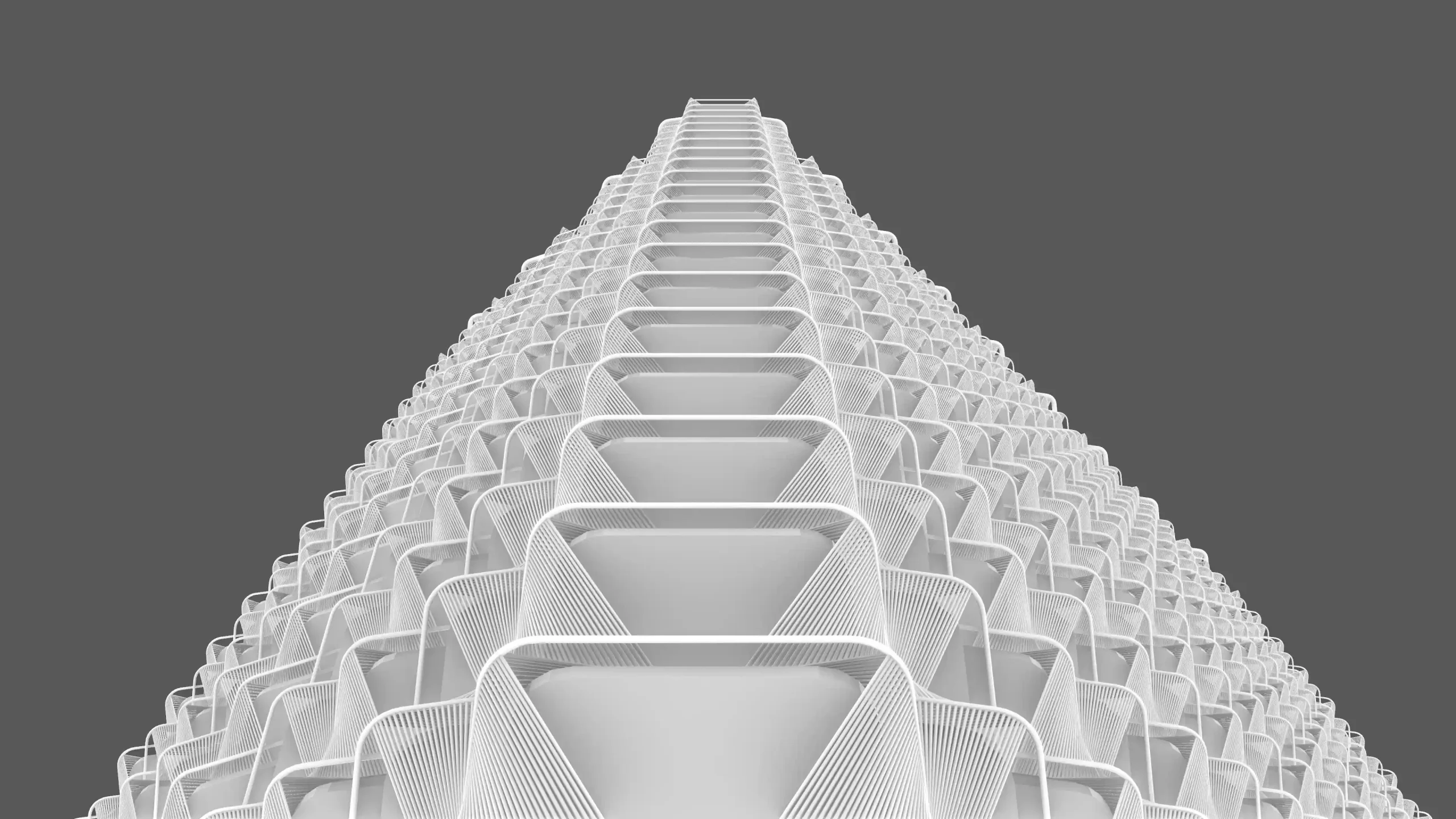
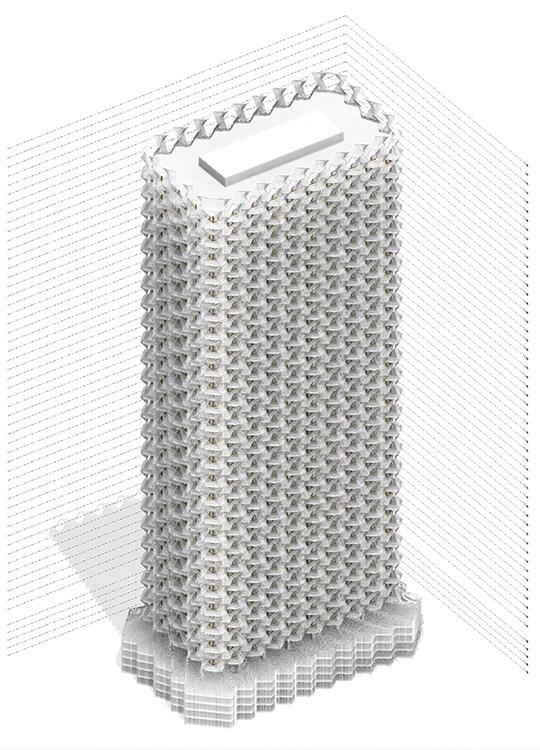
- Rhino + Grasshopper: Developing the tower’s shell
- This section will focus on programming and modeling the tower’s shape and facade details, as well as main structural elements (building core, slabs, and columns).
Day 3 – October 11th, 2025
- Rhino.Inside and Revit: Creating the final model
This section will focus on Revit and Rhino.Inside, we will transfer previously developed facade elements into the BIM environment. Then we will develop typical floors, calculate areas, and prepare graphical schemes for the final presentation.
Day 4 – October 12th, 2025
- Revit: Final adjustments for presentation
Final tweaks in Revit to ensure all geometry, views, and annotations are presentation-ready. - Rendering and post-processing with AI + Photoshop
This section will focus on ComfyUI + Photoshop workflow for producing final renders of the project.
Software:
Plugins:
- Wasp
- Monoceros Pro
- Nuclei
- Lunchbox
- Pufferfish
- Telepathy
- Parakeet
- Mesh+
- Dendro
- MeshEdit
- Heteroptera
- Weaverbird
Workshop Notes:
- Please ensure you have all the software installed before the workshop starts. Software installation is NOT a part of the workshop.
- An understanding of 3D modeling in any software is required.
- Basic skills in Revit are required. Check this course if you are not familiar with Revit yet: Revit Basics 101: BIM Fundamentals
- Revit Family Editor understanding is required; you can check these tutorials to acquire this skill:
https://www.youtube.com/playlist?list=PL6FfW5ULGcaSprDLtaIk6c7GR1kN_zjbF
Instructor:
Albert Sumin
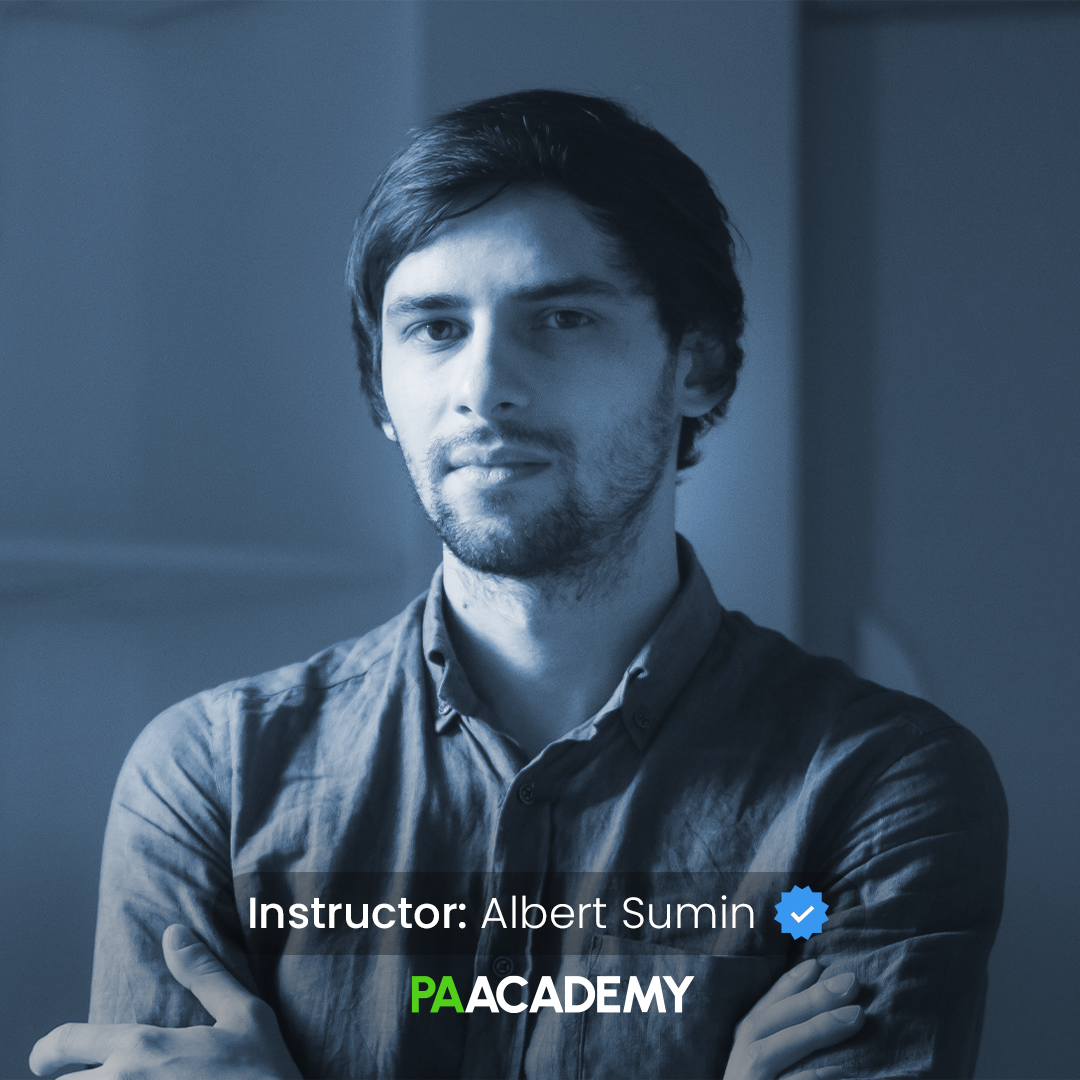
Albert Sumin is a senior architect and computational designer at Cloud Cooperation (Vienna, Austria). BIM and Parametric Design Consultant in Coop Himmelb(l)au. Dubai Airport BIM manager from Coop Himmelb(l)au side. Autodesk Certified Professional Revit Architecture and MEP, Autodesk Expert Elite Alumni. Former computational designer at Coop Himmelb(l)au
Important Notes:
- The “BIM & Rhino.Inside for Advanced Tower Design” Studio workshop by PAACADEMY will start at 14:00 (GMT) on Saturday, October 4th, 2025.
- Total sessions: 4 Sessions (16 Hours).
- The teaching duration per session will be 4 hours.
- Students will have time for a break between teaching hours.
- Each session and the entire studio will be recorded, and videos will be available for participants just a day after the class for unlimited time.
- PAACADEMY will provide a certificate of attendance.
- The studio has limited seats. Tickets are non-transferable & non-refundable. Please read carefully before you register.
Topic: BIM & Rhino.Inside for Advanced Tower Design
Date: October 4 & 5 – 11 & 12, 2025
Time: 14:00 – 18:00 GMT
Format: Online on Zoom
Duration: 4 Sessions (16 Hours)
Registration Deadline: October 3rd, 2025
Total Seats: 50 seats
Difficulty: Beginner-Intermediate
Language: English
Certificate: Yes
General Registration: 100 EUR
Join free: with Full Access membership
Fee For Digital Members: 85 EUR (15% discount available only for Digital Members)
Organized By: PAACADEMY
Tutor: Albert Sumin
Recordings: Recordings will be available for all participants afterward indefinitely.
Explore Courses
.jpg "Architecture Diagram Mastery: Concept to Portfolio")
.jpg%202.jpg "Building Performance with Forma & Opossum")
.jpg "Ondrej Chybik - Rethinking Architecture")