
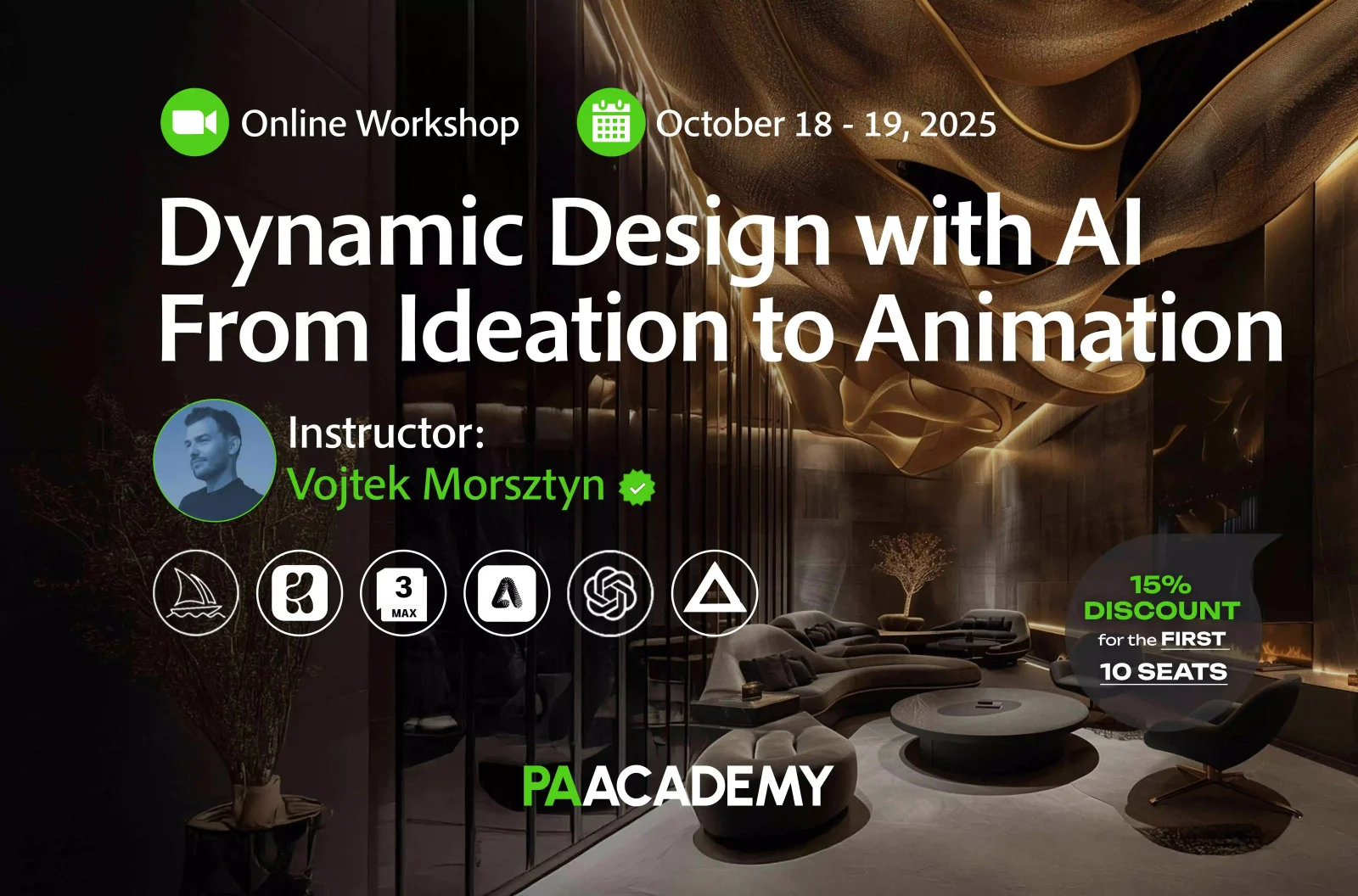
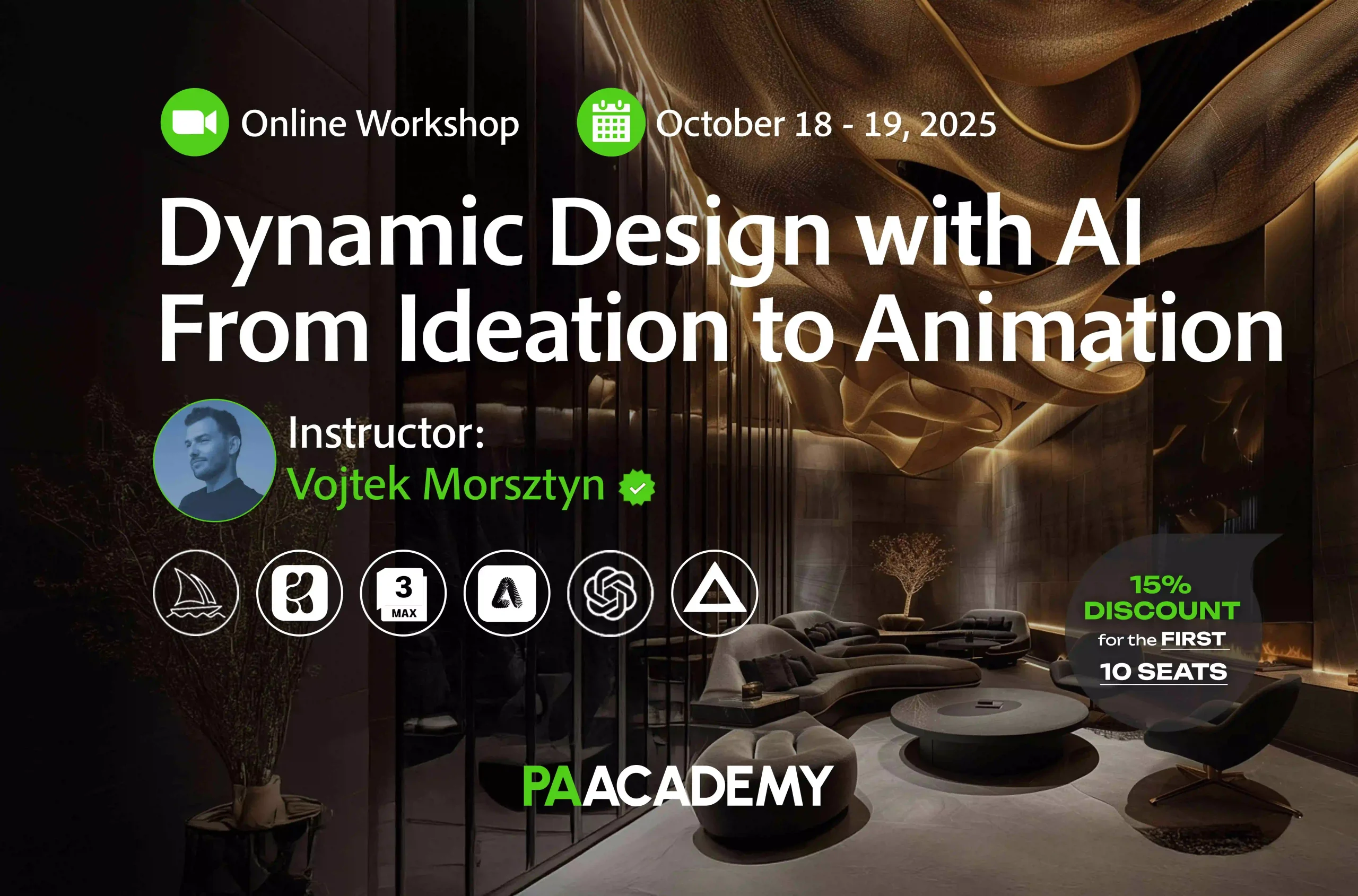
Topic: Dynamic Design with AI: From Ideation to Animation
Date: October 18 & 19, 2025
Time: 14:00 – 18:00 GMT
Format: Online on Zoom
Duration: 2 Sessions (8 Hours)
Registration Deadline: October 17th, 2025
Total Seats: 50 seats
Difficulty: Beginner-Intermediate
Language: English
Certificate: Yes
General Registration: 100 EUR
Join free: with Full Access membership
Fee For Digital Members: 85 EUR (15% discount available only for Digital Members)
Organized By: PAACADEMY
Tutor: Vojtek Morsztyn
Recordings: Recordings will be available for all participants afterward indefinitely.
Introduction to Dynamic Design with AI: From Ideation to Animation:
This workshop introduces a full-cycle creative workflow that bridges AI ideation, visualization, and storytelling. Leveraging tools like MidJourney, Krea, 3ds Max, Adobe Firefly, and Magnific AI, the process enables seamless transitions from early concept sketches to refined visuals and compelling animated presentations.
Participants will gain practical skills in integrating AI into design pipelines, turning static ideas into dynamic narratives with minimal effort and maximum impact.
Methodology:
The workshop follows a practice-first approach, where each concept is introduced briefly and then applied through live demonstrations and guided exercises. Participants will move step by step from text-based ideation to visual generation, 3D integration, and finally animation and rendering.
This workshop is built on iteration: learning how to experiment quickly, refine outputs, and combine multiple tools into one continuous workflow. By the end, participants will not only understand the tools but also leave with a clear process they can adapt to their own projects.
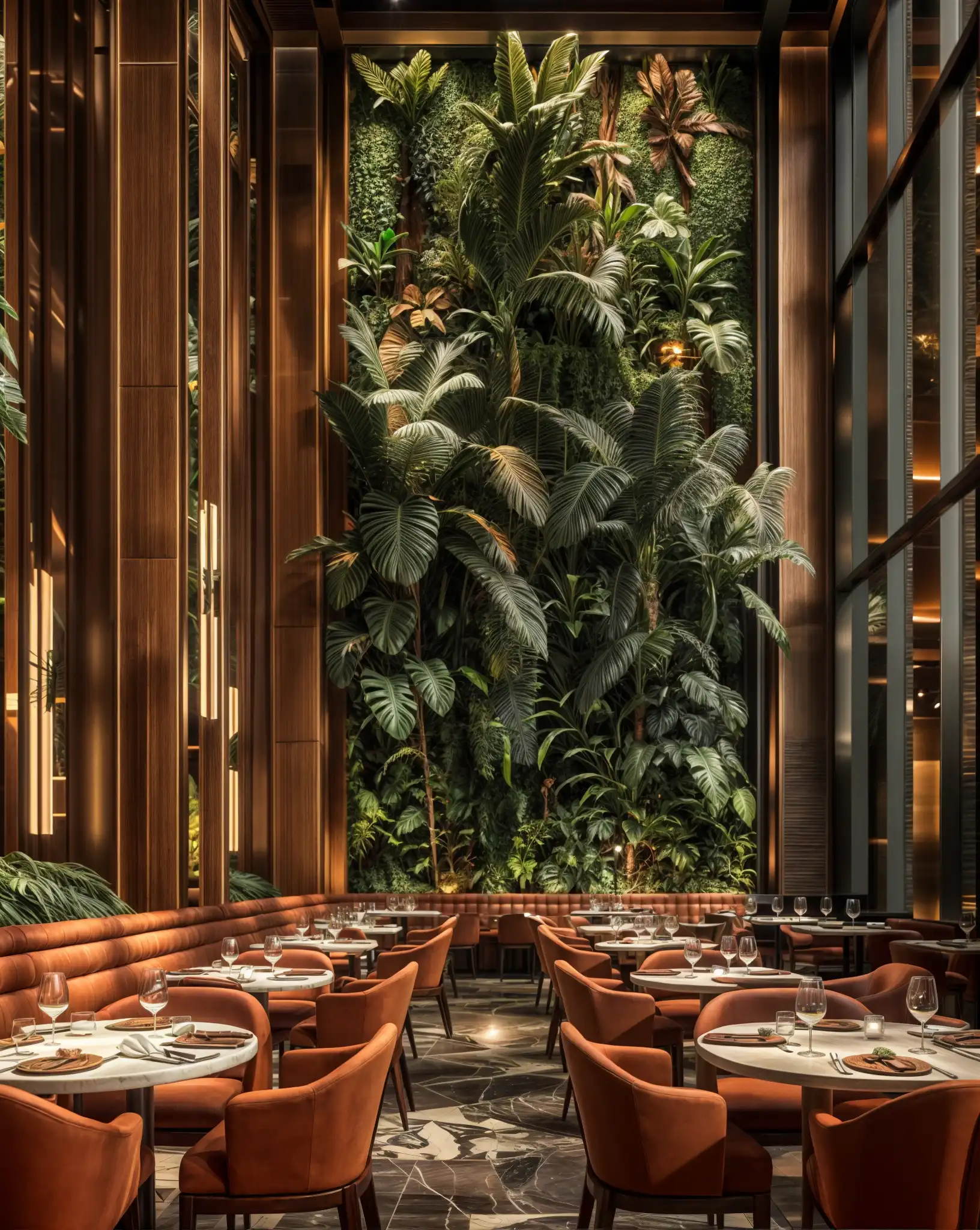
Key Learning Topics:
- Structuring design briefs into clear creative directions using AI brainstorming tools
- Developing and iterating visual concepts through advanced MidJourney prompting techniques
- Refining outputs in real time with Krea and integrating 3ds Max for geometric foundations
- Linking AI-generated imagery with spatial planning to guide design logic
- Creating and animating scenes with Kling AI, including camera movements and motion storytelling
- Enhancing textures, lighting, and mood through Adobe Firefly workflows
- Upscaling and exporting polished outputs with Magnific AI for portfolios, clients, and social media
- Adapting AI-driven workflows into real studio environments for professional practice
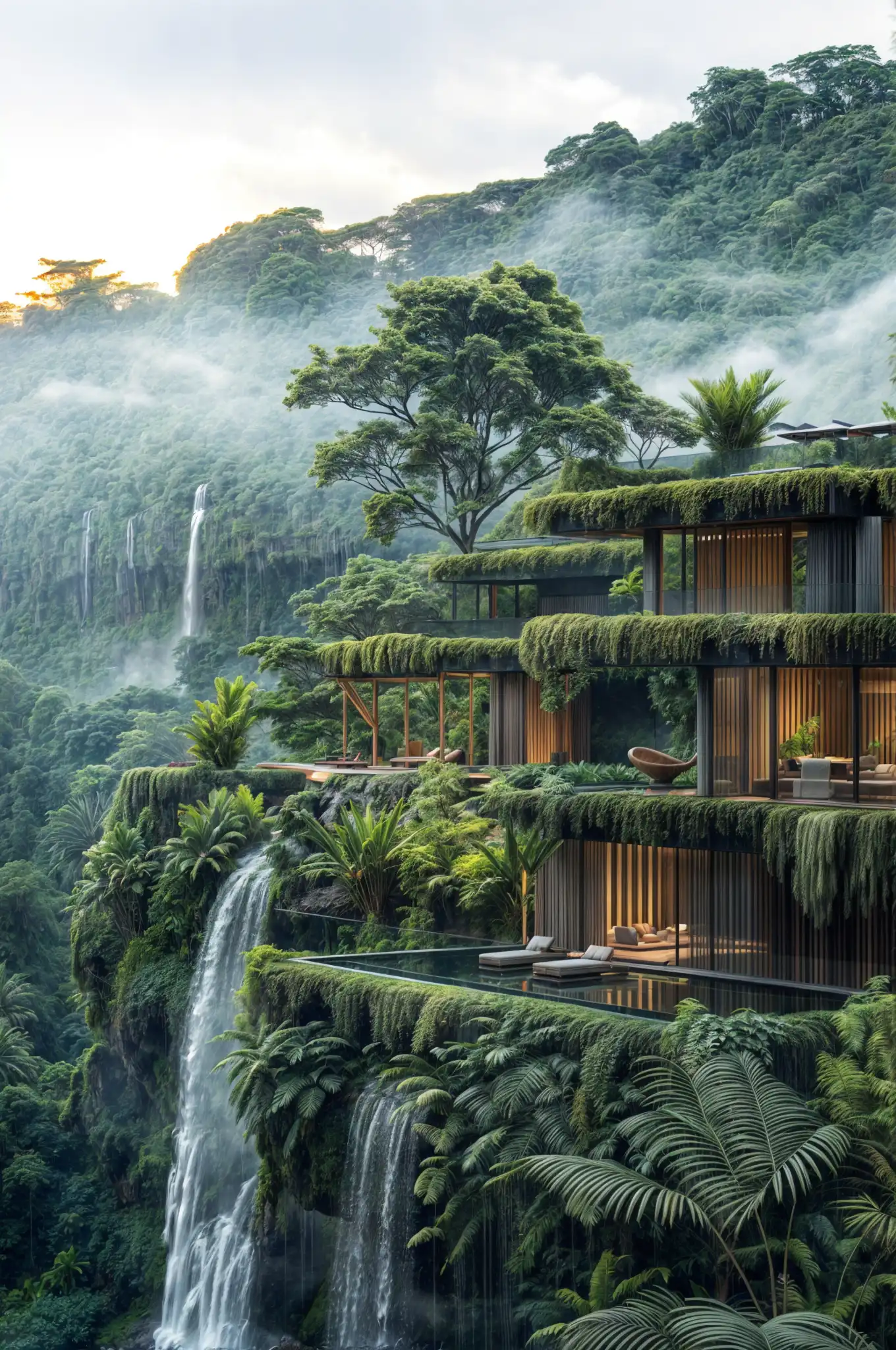
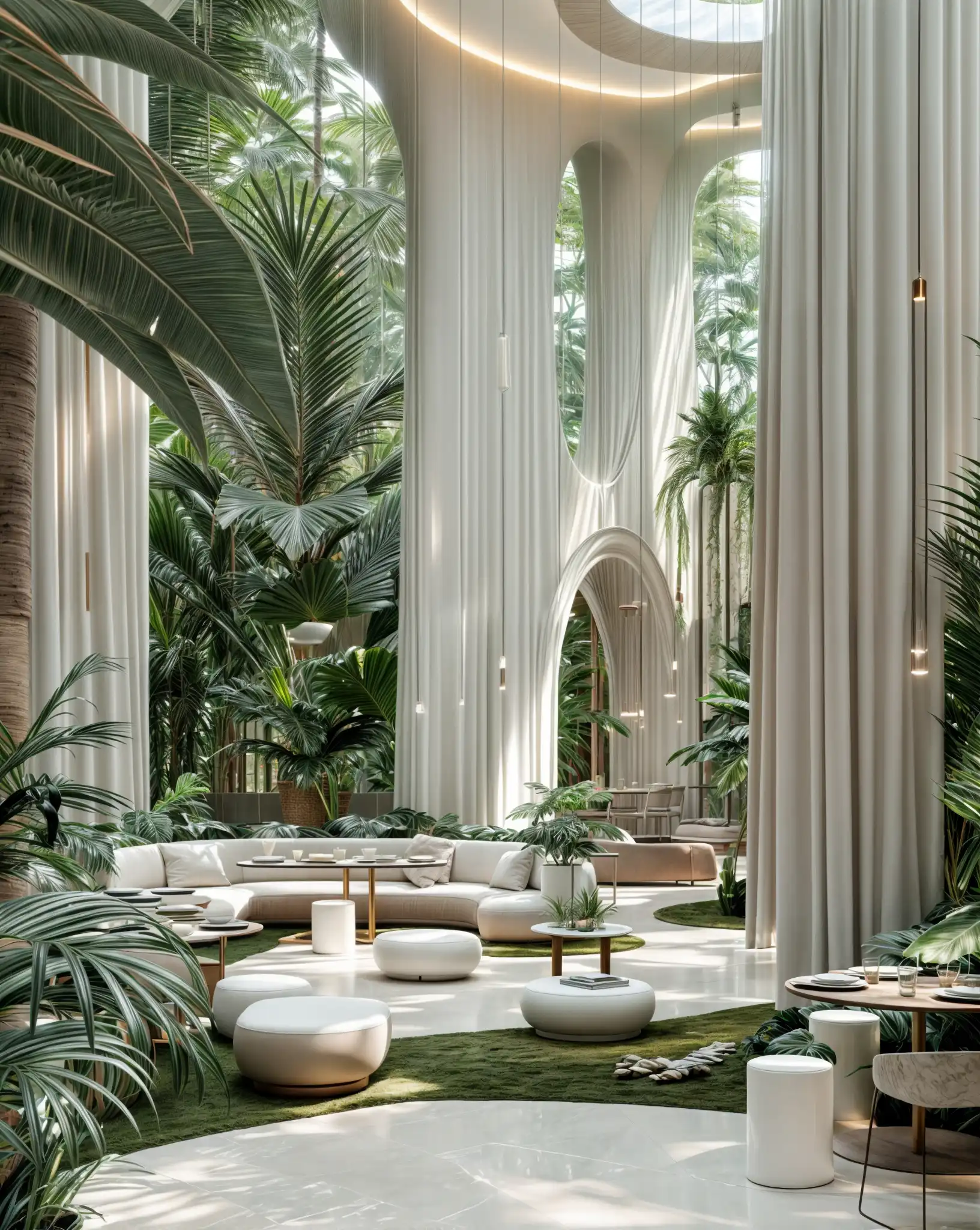
Program:
Day 1: Ideation to Visualization
Opening Lecture: The Future of AI in Design
- Introduction to your work and methodology
- Key AI elements in the creative industry
- What this workshop will cover: the full-cycle creative pipeline
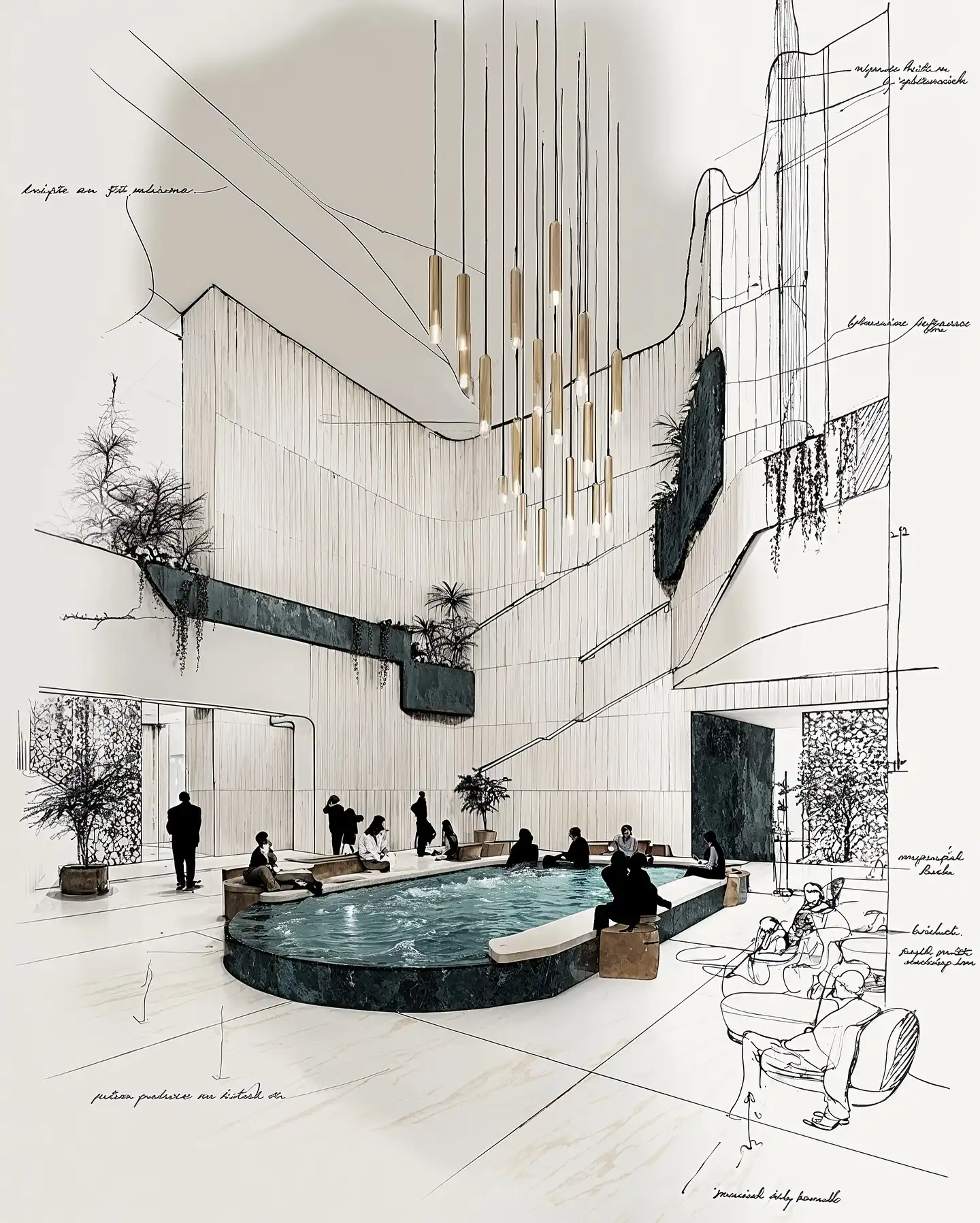
- Real examples from your studio using AI in interior and concept design
From Brief to Concept: Ideation Phase
- Reading and analyzing the brief
- Collecting moodboards, data, and creative direction
- Using ChatGPT/OpenAI for creative brainstorming and idea structuring
- Tools: Pinterest, Milanote, ChatGPT
Generating Visuals with MidJourney
- Introduction to MidJourney (interface, settings, styles)
- Crafting strong prompts from the brief
- Iteration methods: remixing, adjusting lighting, styling variations
- Quick tips on aspect ratios, seeds, and versions
- Exporting visuals
- Hands-on exercise: Participants create and edit prompts
Image Editing & Concept Refinement
- Using Krea for real-time edits and concept evolution
- Enhancing compositions and adapting variations
- Intro to layering techniques (combining AI outputs)
- Optional: 3ds Max for adding 3D base geometry when needed
Recap and Q&A
- What to expect on Day 2
- Open Q&A
- Review participant outputs
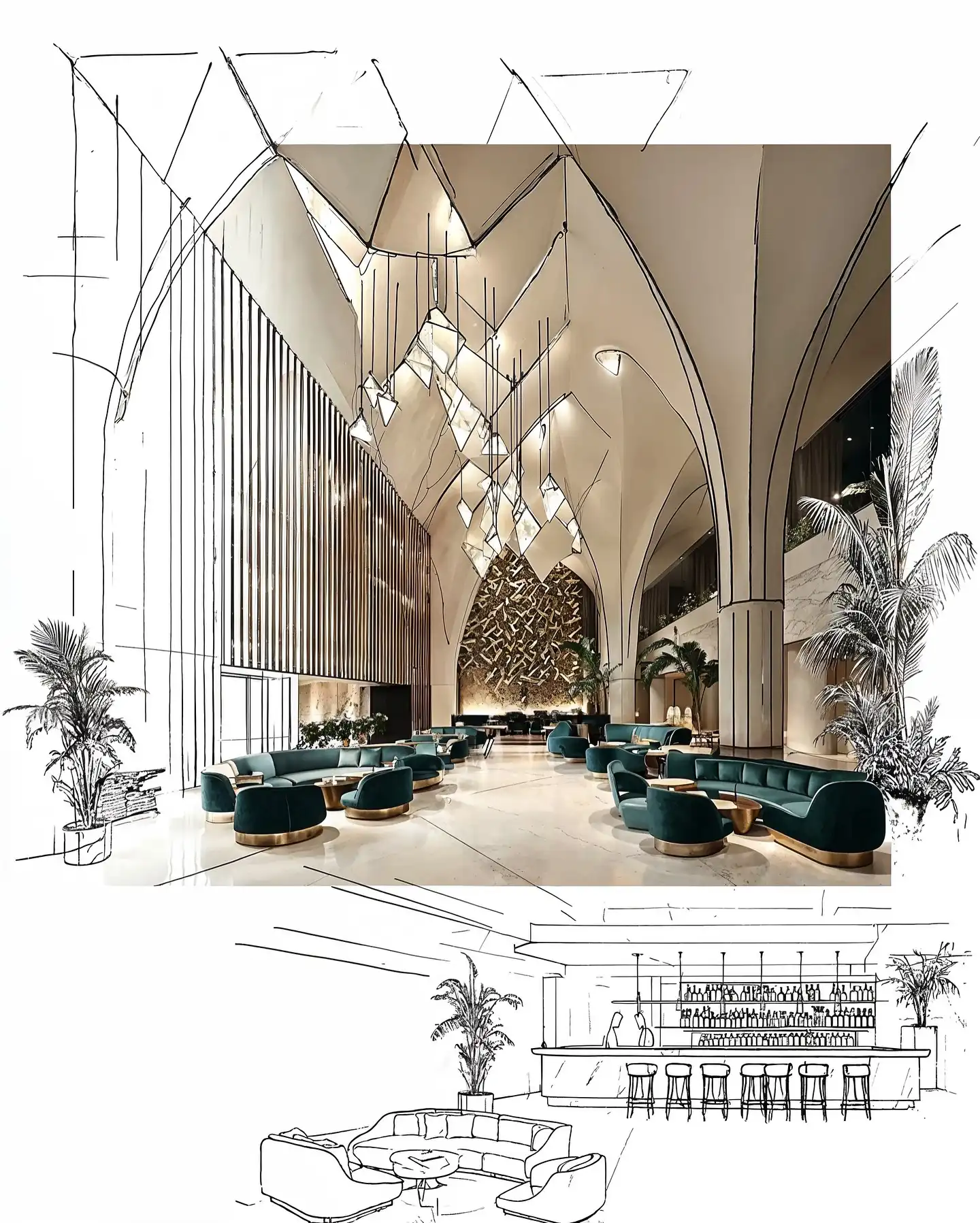
Day 2: From Visuals to Storytelling & Presentation
Integrating AI in 3D & Spatial Planning
- Using OpenAI for planning ideas and layout suggestions
- How to connect AI-generated visuals with 3ds Max base models
- Conceptual zoning and volume studies
- Note: Not full architectural plans, but visual and spatial logic
Animation & Motion Design
- Creating short animations with Kling AI
- AI + motion techniques: what works and what doesn’t
- How to animate static scenes and create camera moves
- Exporting and enhancing AI-generated clips
- Tips for turning animations into compelling reels
Final Polish: Rendering and Upscaling
- Using Adobe Firefly to enhance textures, lighting, and mood
- Final upscaling with Magnific AI
- Comparing different final outputs and formats
- Exporting for social media, client presentations, or portfolio
Case Study & Studio Workflow Integration
- Your personal case study: showing a full project workflow
- Q&A on integrating this into real-life studio pipelines
Final Wrap-up, Feedback, and Resources
- Feedback session
- Resources: software links, shortcut templates, prompts
- How to keep exploring: community, advanced tools, and next steps
Software:
Workshop Notes:
- Please ensure you have all the software installed before the workshop starts. Software installation is NOT a part of the workshop.
Instructor:
Vojtek Morsztyn
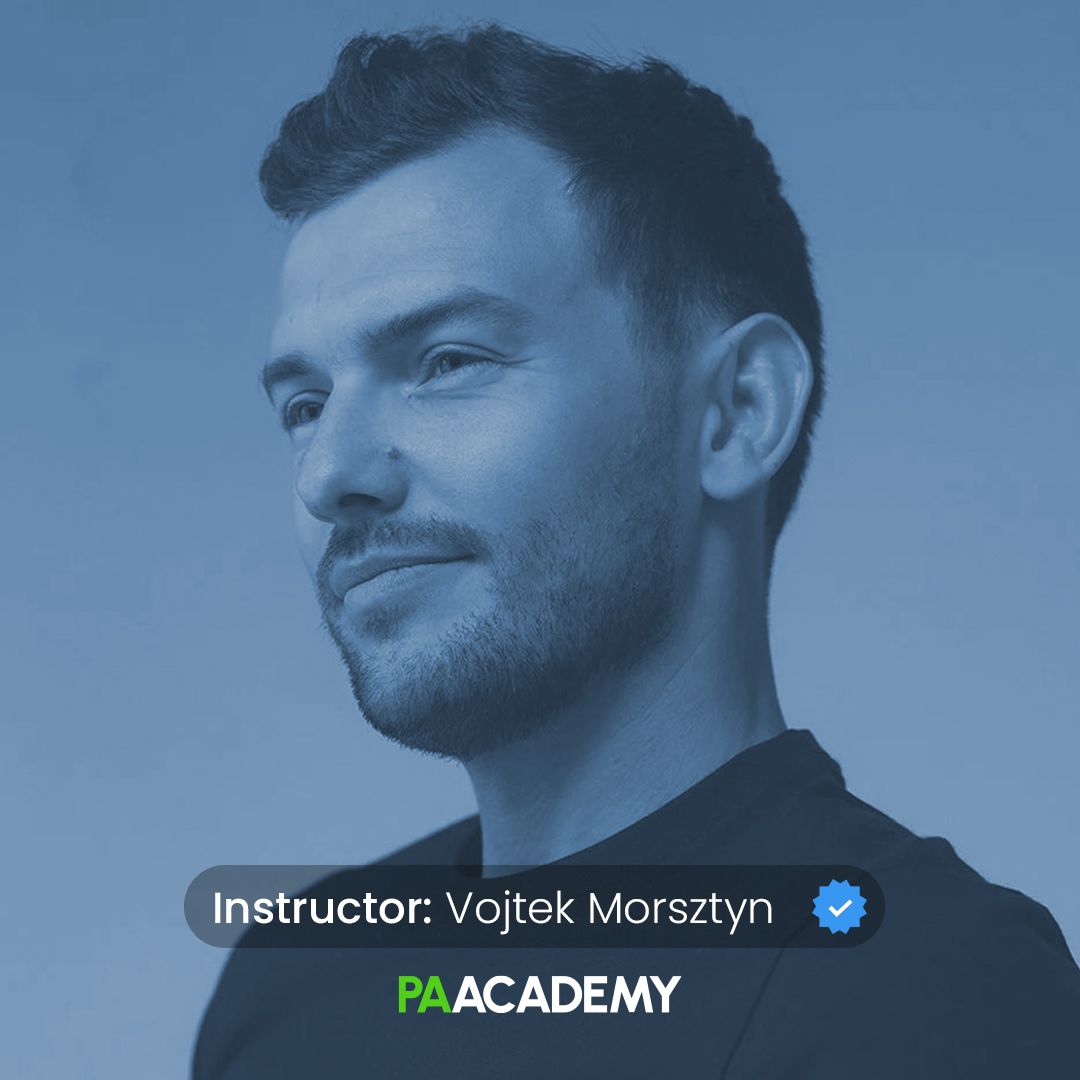
Vojtek Morsztyn is an experienced designer exploring AI technology in design. By combining his traditional design background with innovative approaches, he is remodeling the way we approach and create designs. With his unique blend of expertise and forward-thinking, Vojtek is pushing the boundaries of what is possible in the design field, opening up new avenues for creative expression.
Vojtek has an impressive design background, working on projects such as airplane interiors, helicopters, boats, and creating architectural spaces such as Mercury Tower, Zaha Hadid, Google, etc. Now actively involved as a designer in the world of AI design, connecting with industry professionals on an international scale.
Important Notes:
- The “Dynamic Design with AI: From Ideation to Animation” Studio workshop by PAACADEMY will start at 14:00 (GMT) on Saturday, October 18th, 2025.
- Total sessions: 2 Sessions (8 Hours).
- The teaching duration per session will be 4 hours.
- Students will have time for a break between teaching hours.
- Each session and the entire studio will be recorded, and videos will be available for participants just a day after the class for an unlimited time.
- PAACADEMY will provide a certificate of attendance.
- The studio has limited seats. Tickets are non-transferable & non-refundable. Please read carefully before you register.
Topic: Dynamic Design with AI: From Ideation to Animation
Date: October 18 & 19, 2025
Time: 14:00 – 18:00 GMT
Format: Online on Zoom
Duration: 2 Sessions (8 Hours)
Registration Deadline: October 17th, 2025
Total Seats: 50 seats
Difficulty: Beginner-Intermediate
Language: English
Certificate: Yes
General Registration: 100 EUR
Join free: with Full Access membership
Fee For Digital Members: 85 EUR (15% discount available only for Digital Members)
Organized By: PAACADEMY
Tutor: Vojtek Morsztyn
Recordings: Recordings will be available for all participants afterward indefinitely.
Explore Courses
.jpg "Architecture Diagram Mastery: Concept to Portfolio")
.jpg%202.jpg "Building Performance with Forma & Opossum")
.jpg "Ondrej Chybik - Rethinking Architecture")