


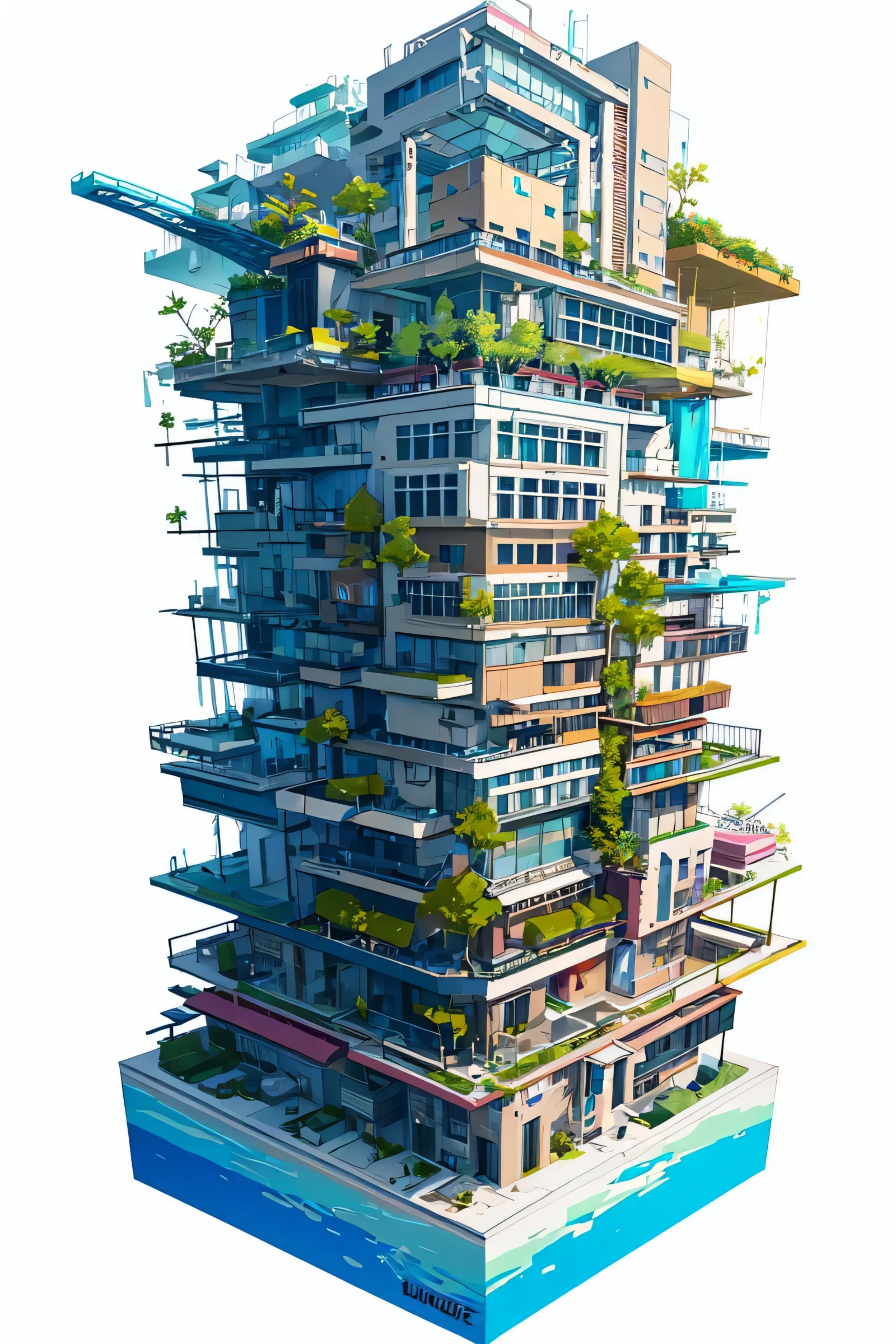
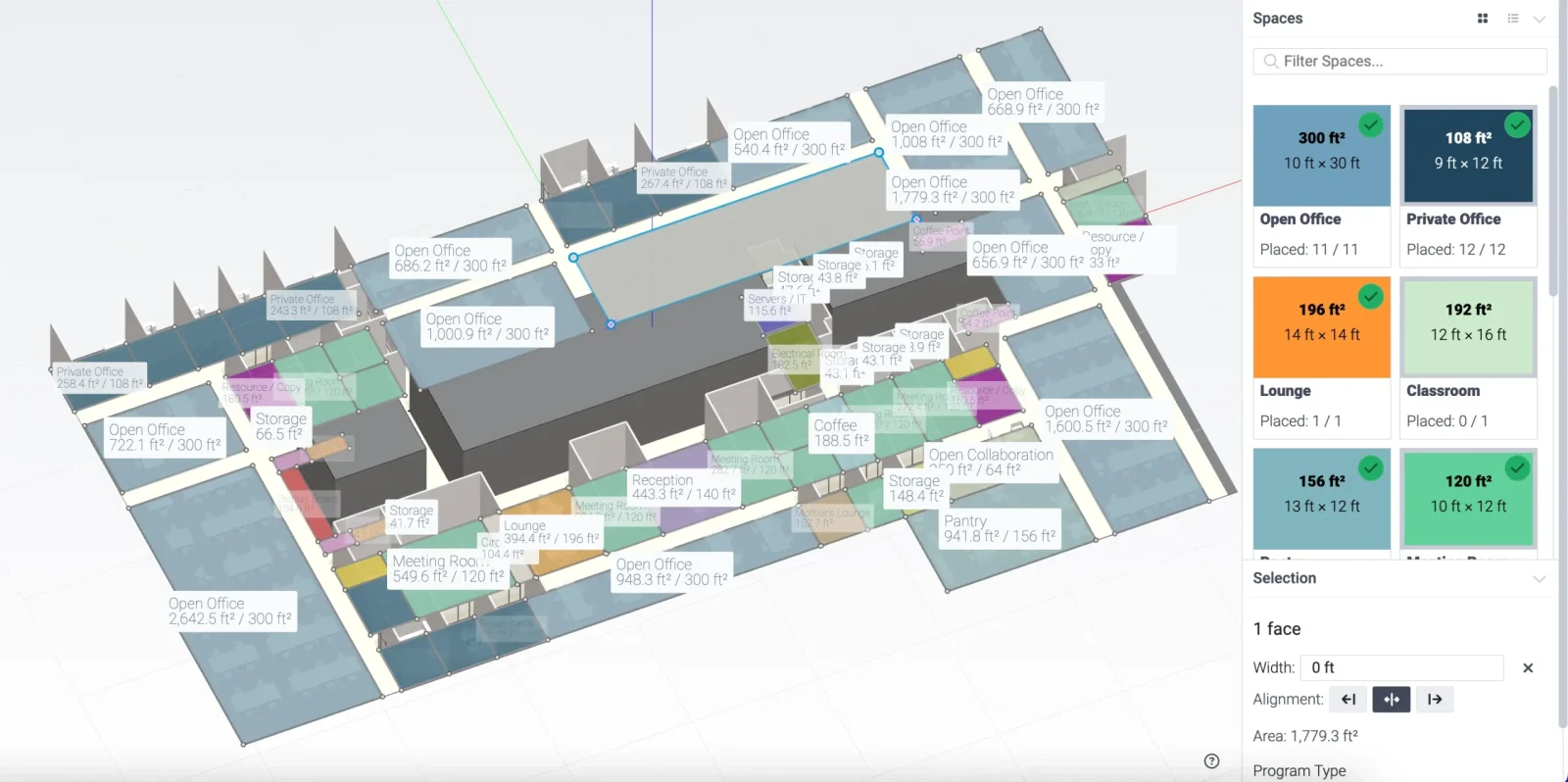
Architecture with an AI platform in 2026 feels very different from just a few years ago. Design is no longer only about drawing buildings or producing construction documents. It is increasingly about working with intelligent systems that help test ideas, explore alternatives, and understand performance before anything is built.
Artificial intelligence is now part of everyday architectural practice. AI platforms support early concept design, improve coordination, and help teams make better decisions about space, materials, and sustainability. The goal is to expand what architects can do within limited time and complex constraints.
Here are 10 AI-powered platforms that are shaping architectural practice in 2026.
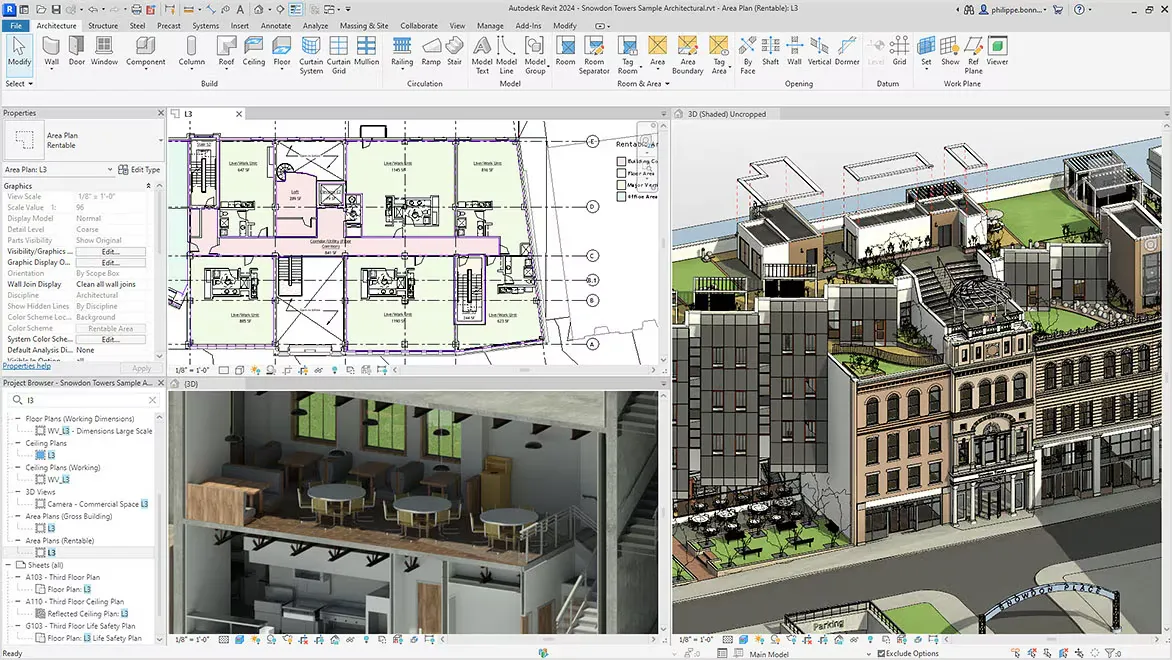
1. Autodesk Revit
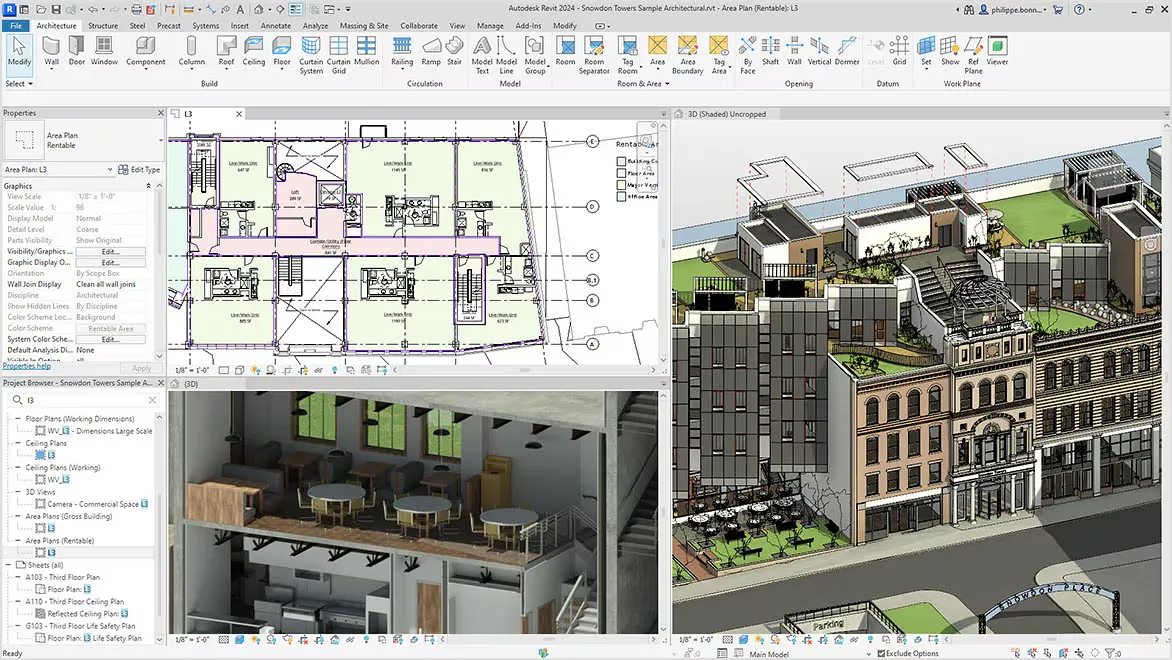
Autodesk Revit continues to be one of the most widely used building information modeling tools. What has changed in recent years is how much intelligence has been added to it. Instead of only documenting design, it now helps detect coordination issues early, suggests improvements in model structure, and supports performance-related decisions.
Architects use it to understand how a building behaves before construction begins, especially in terms of energy use and spatial efficiency. It remains the central platform for project delivery in many firms.
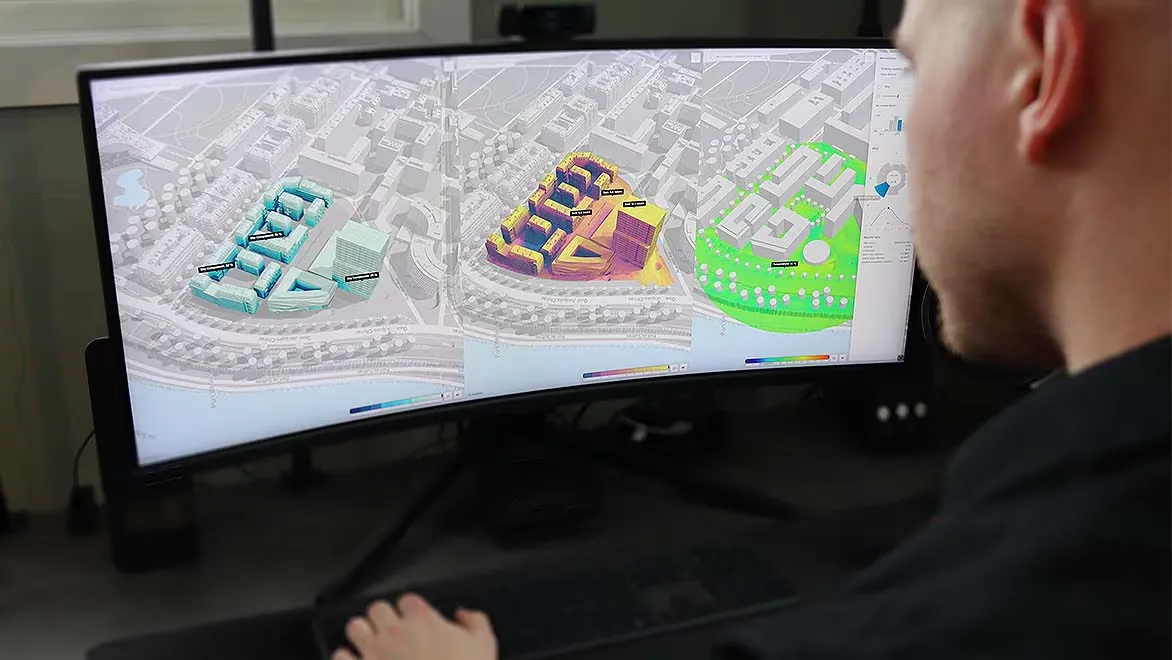
2. Autodesk Forma
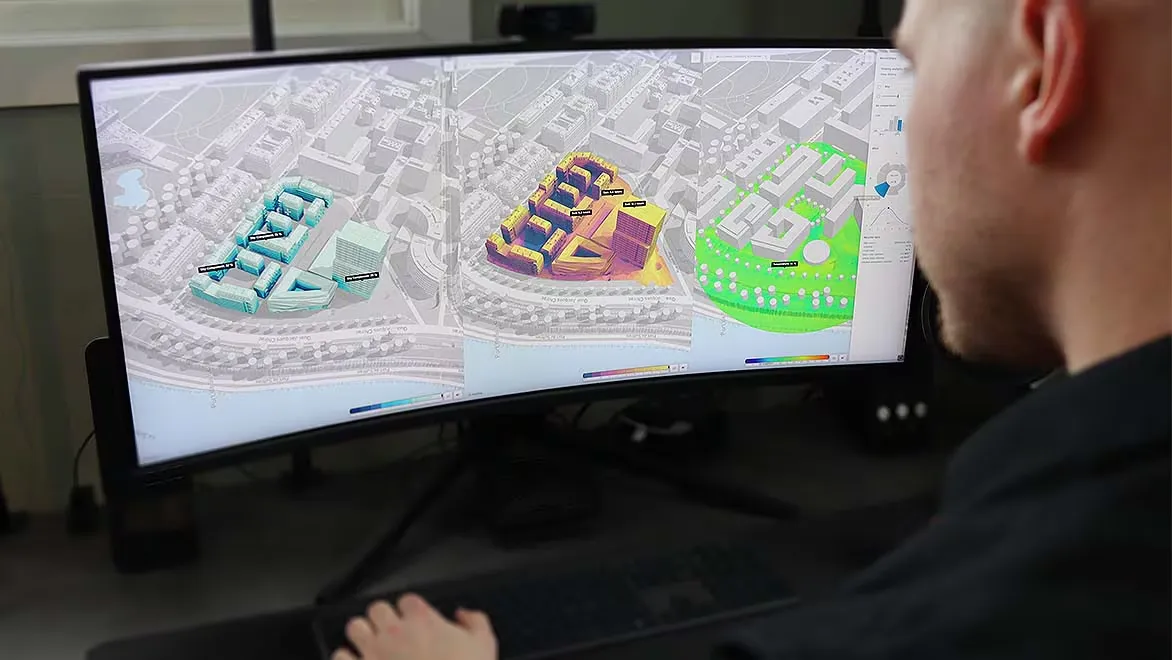
Autodesk Forma is designed for the earliest stages of design when ideas are still flexible. It allows architects to test building massing options quickly while understanding environmental factors like sunlight, wind flow, and noise.
What makes it valuable is the speed of feedback; instead of waiting for manual analysis, designers can immediately see how each idea performs. This makes early planning more informed and less dependent on guesswork.
3. Rhino with Grasshopper

The combination of Rhino and Grasshopper has become essential for computational and parametric design. Grasshopper allows architects to build logic based design systems where geometry responds to rules and data.
With newer AI platforms and assisted plugins, it can now generate forms based on performance goals such as material efficiency or daylight access. Rhino supports the modeling side, while Grasshopper acts like the thinking layer that drives design exploration.
4. SketchUp
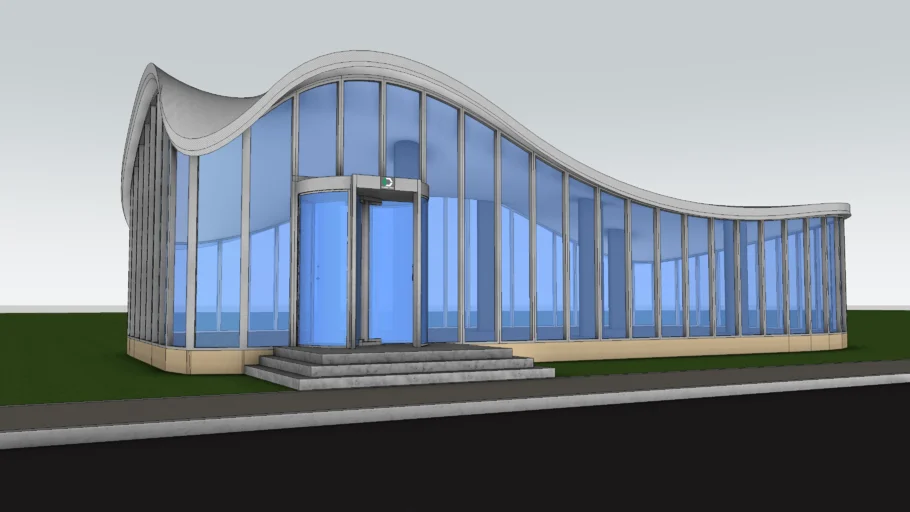
SketchUp remains popular because of its simplicity. It is often the first tool architects use when exploring ideas quickly. With AI platforms and assisted extensions, it now supports faster massing studies, layout suggestions, and improved visualization outputs.
This tool is useful in early client discussions where clarity and speed matter more than detailed modeling. Its strength is still its ease of use and accessibility.
5. Archicad
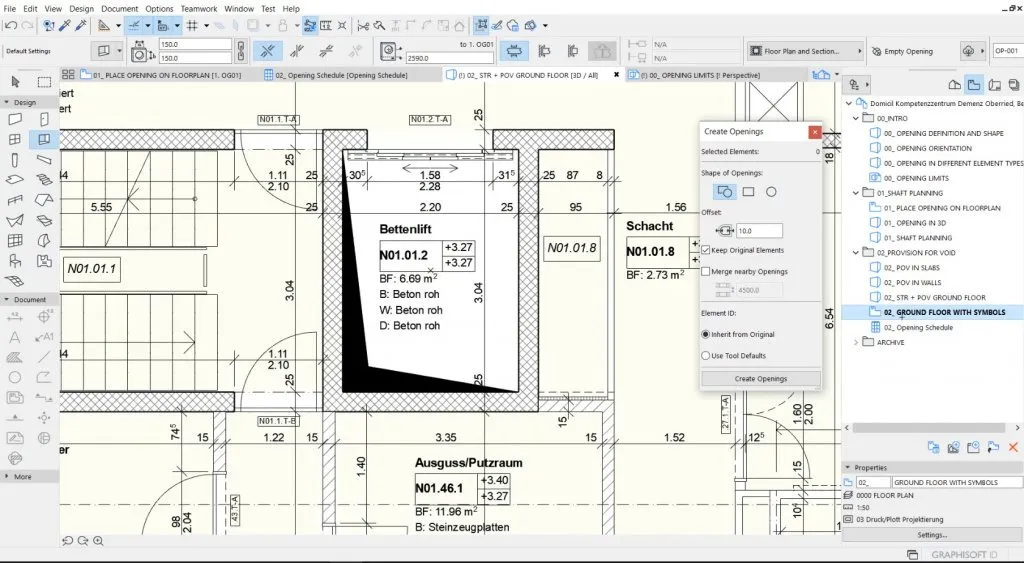
Archicad has strengthened its position as a collaborative building information modeling platform. It is known for smooth teamwork across disciplines, allowing architects, engineers, and consultants to work on the same model.
Its AI features help detect conflicts, improve documentation accuracy, and suggest design adjustments based on performance data. This makes coordination more efficient and reduces errors during construction.
6. TestFit
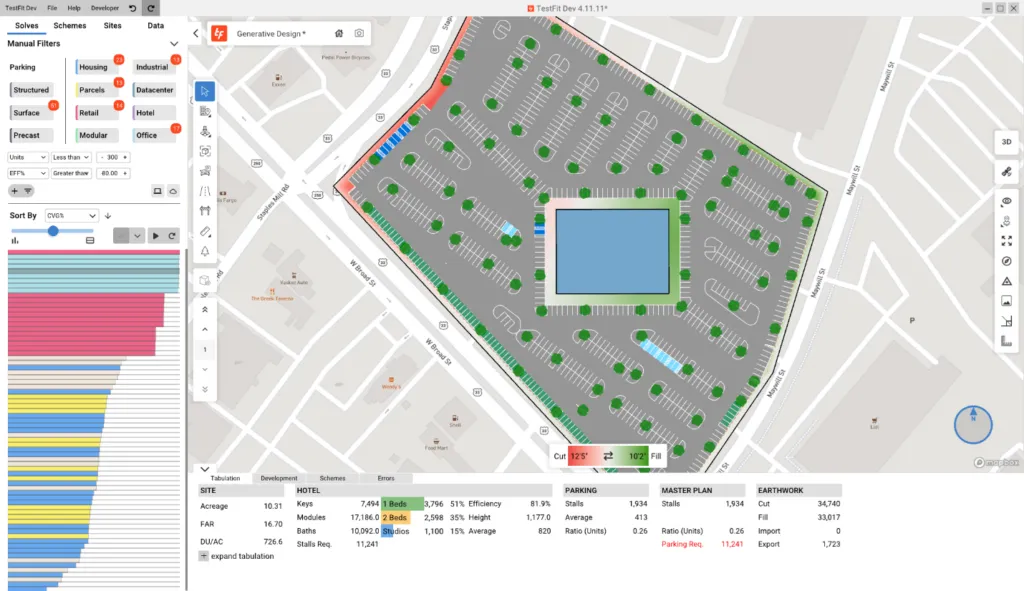
TestFit is widely used for feasibility studies, especially in housing and commercial projects. It allows architects to input constraints such as zoning rules, parking requirements, and unit mix, then instantly generates possible design layouts.
What used to take days or weeks can now be explored in minutes. This gives architects more time to compare options rather than manually drawing each one.
7. Hypar
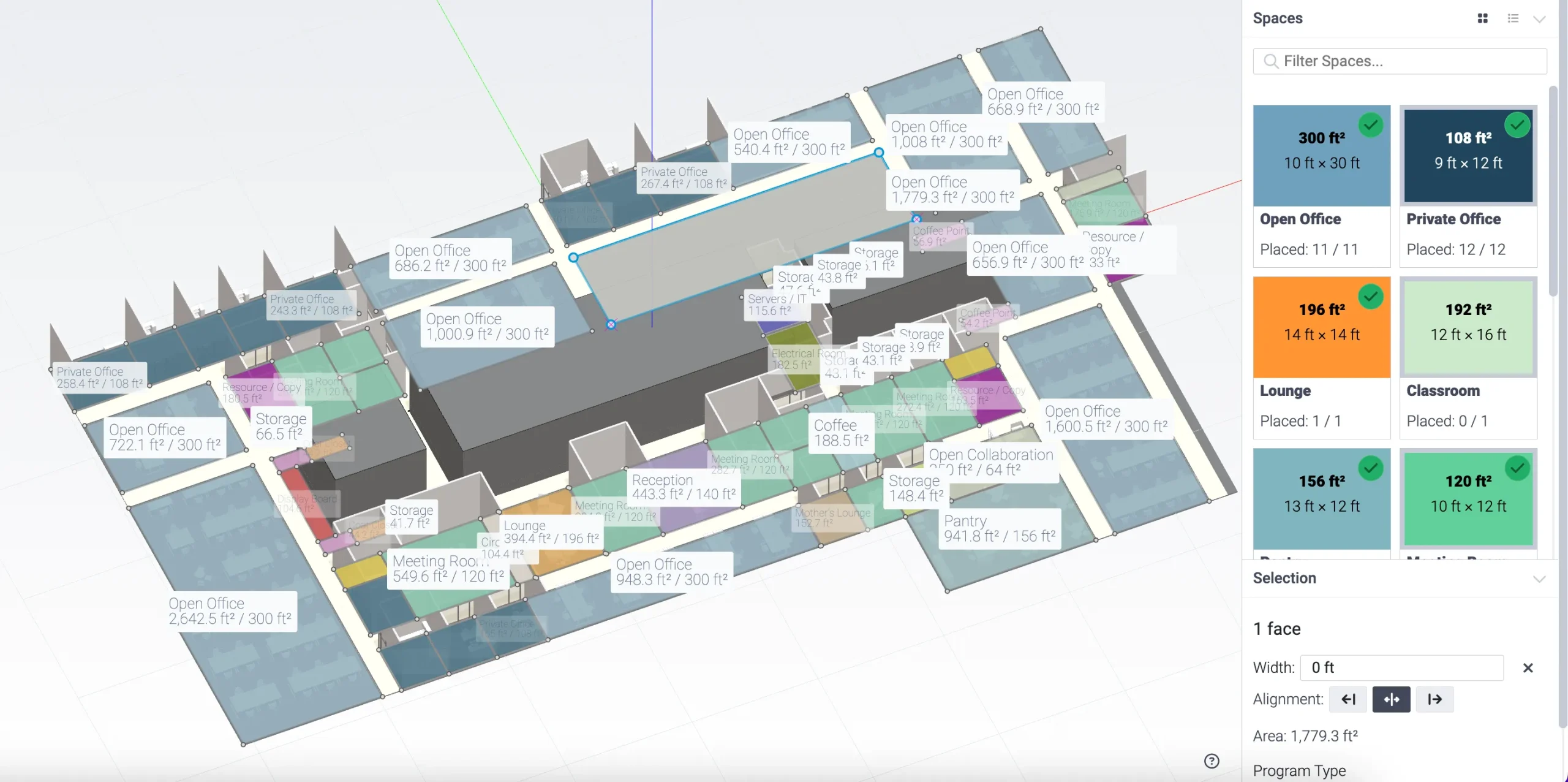
Hypar works as a cloud-based generative design platform where architects define goals and rules instead of drawing everything manually.
It then builds systems such as grids, floor layouts, and structural logic automatically. This approach is especially useful for large projects that need repeatable and scalable design logic. It shifts the focus from drawing objects to defining systems.
8. Midjourney
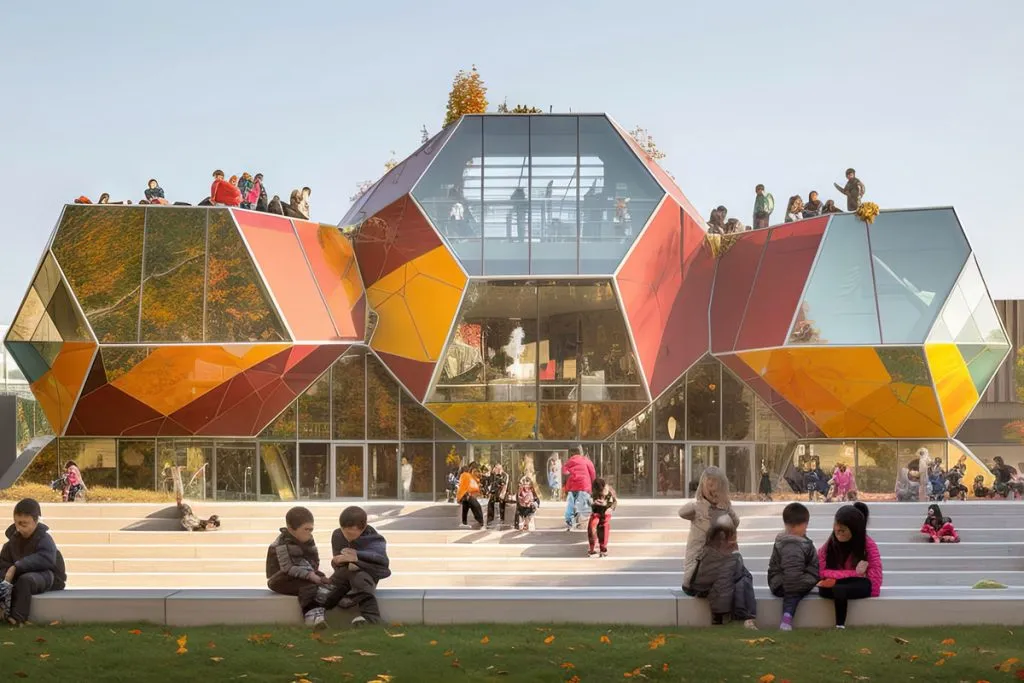
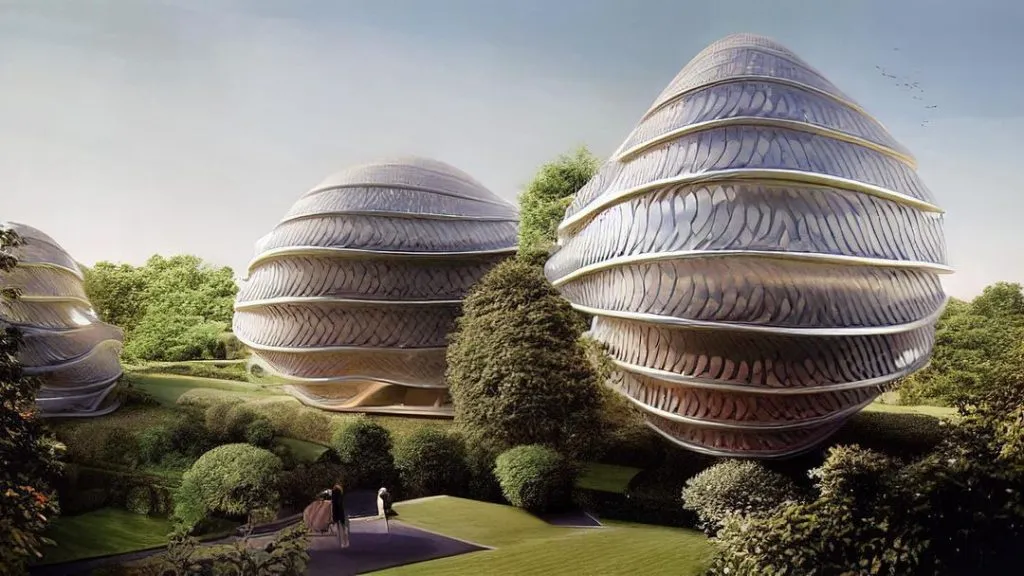
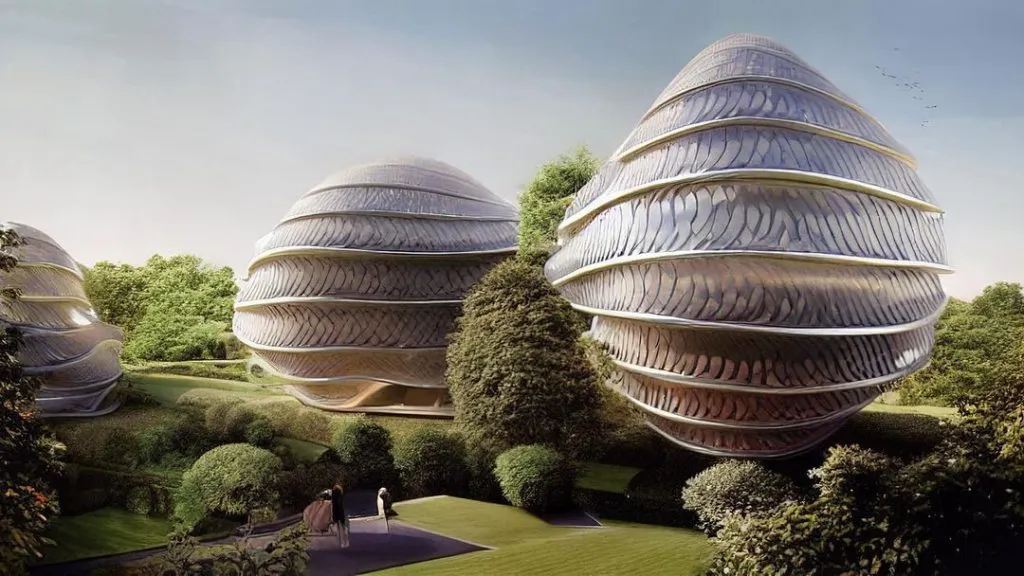
Midjourney is widely used for visual exploration and concept development. Architects use it to quickly generate ideas for building forms, materials, lighting, and atmosphere. It is not a technical modeling tool, but it plays a strong role in early creative thinking.
It helps designers communicate mood and intent before a project becomes technical and is especially powerful during brainstorming and presentation phases.
9. Stable Diffusion
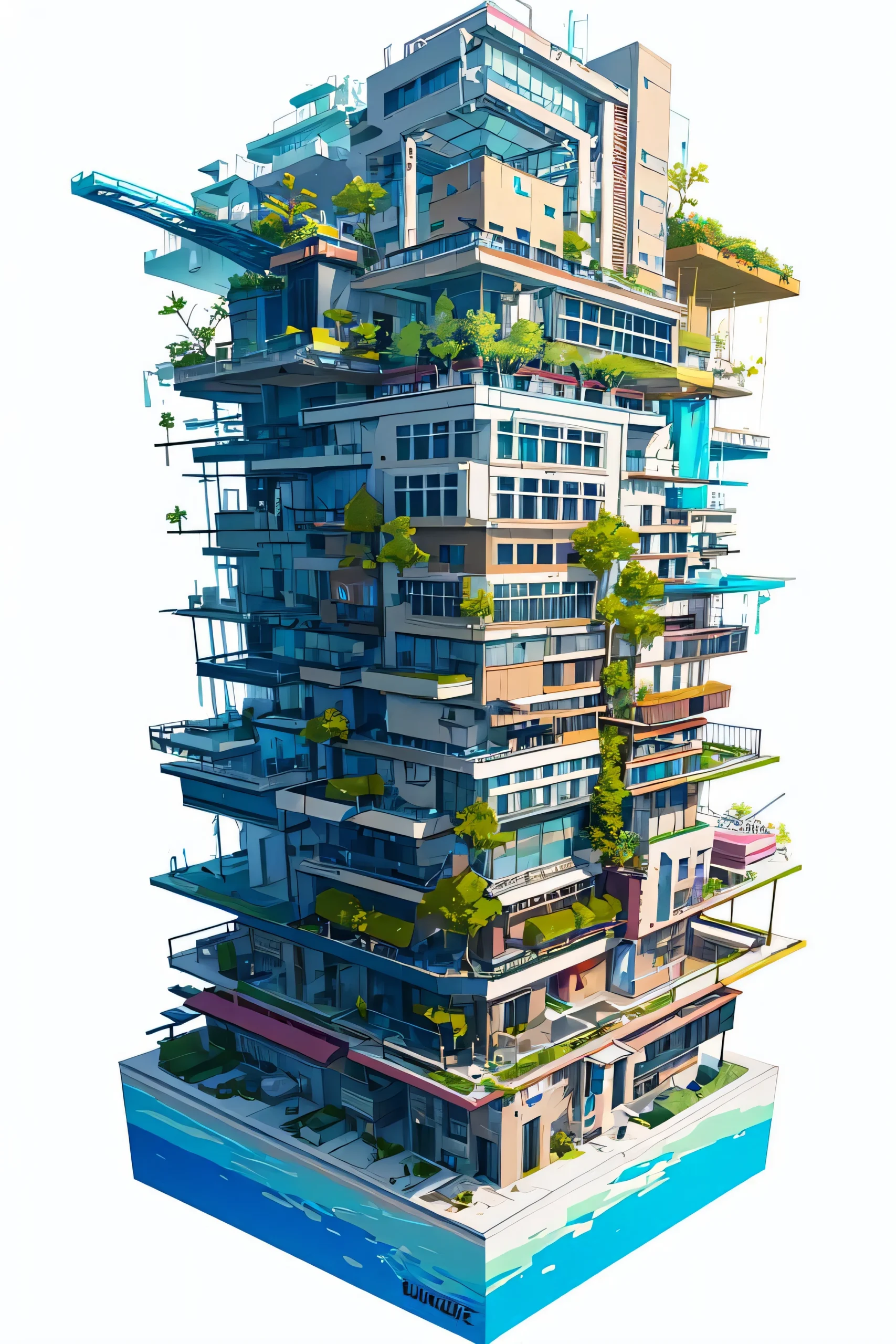
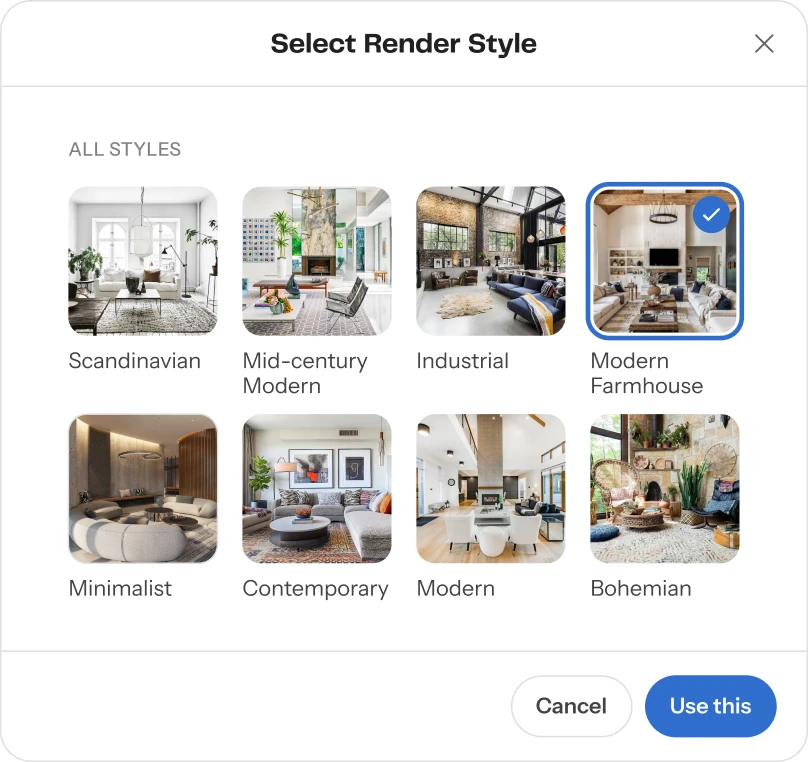
Stable Diffusion is an open source image generation system that allows more control and customization compared to many closed platforms. Architects can train it on specific visual styles, making it possible to create consistent design language across multiple projects.
This is useful for firms that want to maintain a recognizable identity in their visual presentations. Its flexibility is its biggest advantage.
10. Maket.ai
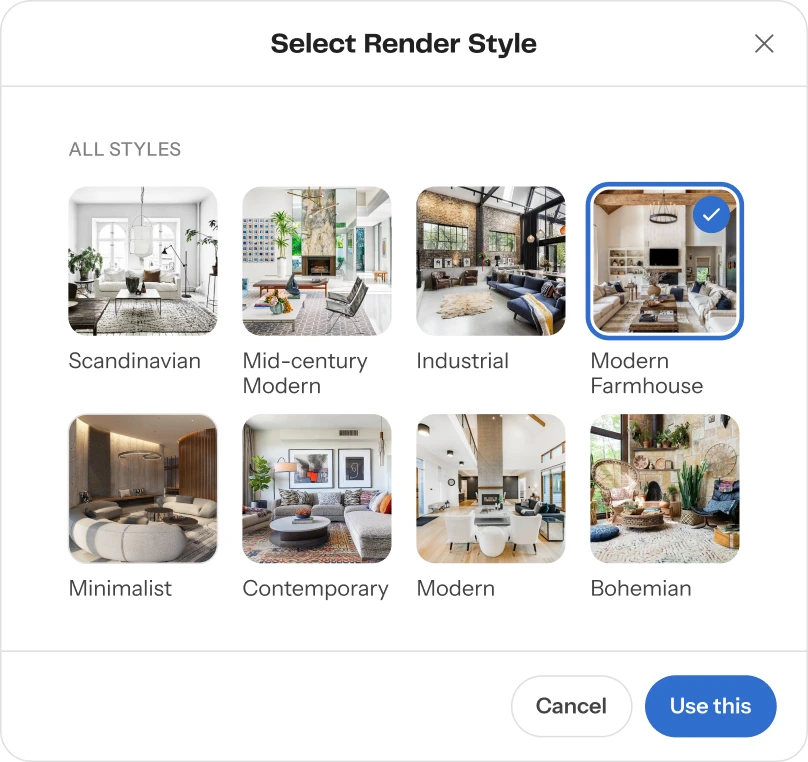
Maket.ai focuses on automated residential planning. It generates floor plans based on plot size, user preferences, and local regulations.
Instead of starting from a blank page, architects can explore multiple design options instantly. This helps in early decision-making and speeds up the conceptual phase of residential projects. It is especially helpful for small studios and developers working with tight timelines.
How AI is Changing Architectural Work
Across all these platforms, one clear shift is happening. Architects are spending less time on repetitive drafting and more time on decision-making and design intent.
Tools like Autodesk Revit and Archicad improve coordination and documentation. Platforms like Autodesk Forma help test ideas early. Tools such as Midjourney and Stable Diffusion expand creative exploration. Systems like Hypar and TestFit introduce automation into core design thinking. Together, these tools and AI platforms form a workflow where design becomes more iterative, data-informed, and exploratory.
Architecture in 2026 is less about working harder and more about working with better AI platforms and tools. Artificial intelligence is handling repetition, testing more options, and giving designers more space to focus on meaning, context, and experience.
Explore Courses
.jpg2.jpg "Carlo Ratti - Rethinking Architecture")
.jpg "Architecture Diagram Mastery: Concept to Portfolio")
.jpg%202.jpg "Building Performance with Forma & Opossum")