





Finding an AI tool that fits into an e-commerce workflow takes more than scanning a list of features. Most tools look good in demos. The real test comes later. It shows when you are handling dozens of SKUs, selling across a few platforms, and trying to update images without setting up a shoot every week.
Designkit handles this type of work well. It was built for online sellers from the start. This review looks at what it offers, how it performs in real use, what each plan includes, and where it could be better.
What Designkit Is
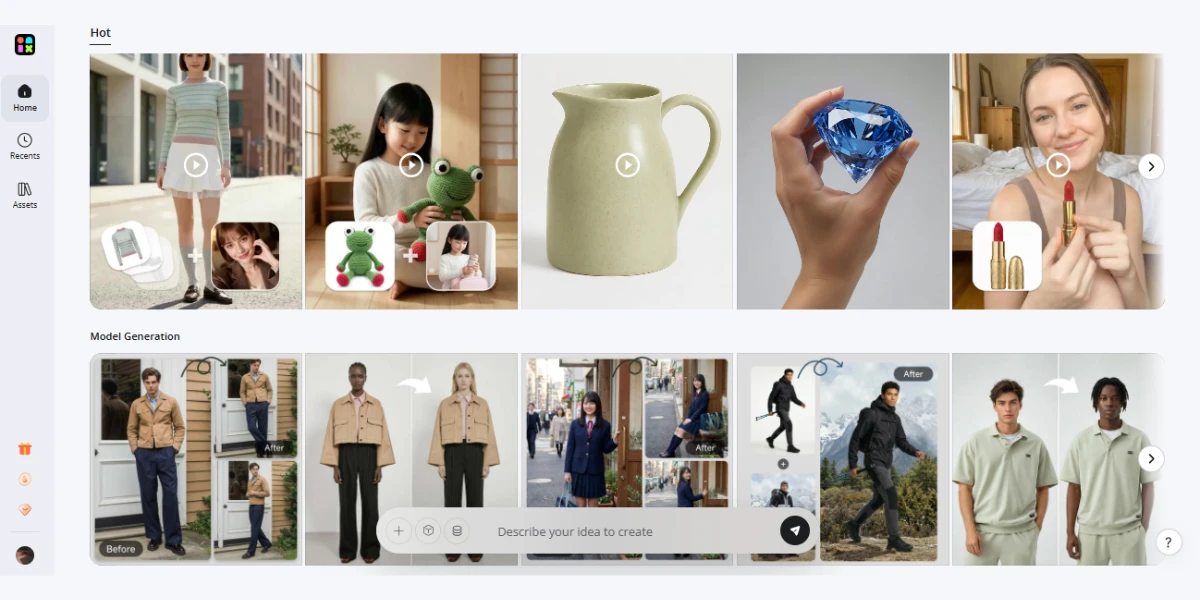
Designkit is an AI-powered platform built for e-commerce product images. It helps sellers create professional visuals without traditional studio work.
The platform handles:
- product photography
- Listing visuals for marketplaces
- Lifestyle and detail shots
- Batch processing for multiple products
Designkit combines multiple tools in one platform. Users can move from a simple product image to a complete set of marketing-ready visuals in minutes.
Key Features
1. AI Product Photography
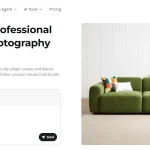
The product photography tool is the platform’s strongest feature. You upload a product image — phone quality is fine — and the AI analyzes the product’s material, surface type, and category before generating anything. That analysis step is what separates it from a basic background
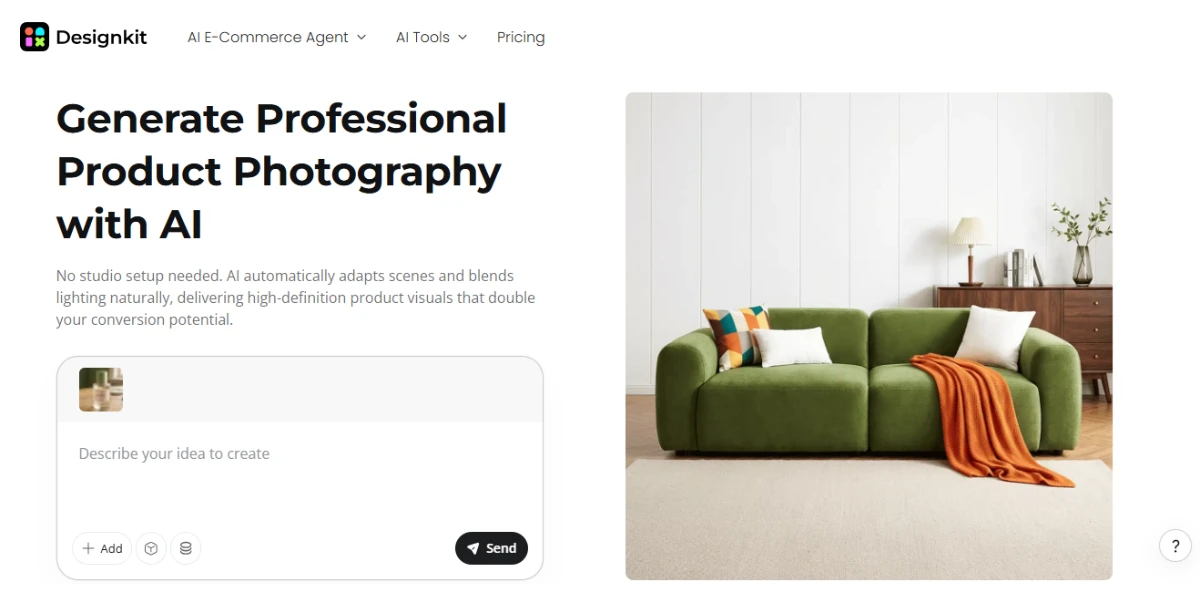
A matte ceramic product gets soft, diffused lighting. A glossy bottle picks up natural-looking highlights. A metallic surface retains its sheen. The product looks placed in the scene rather than dropped into it. Scene selection works two ways — the AI recommends three to five fitting options, or you describe the scene you want in plain language, and it builds from there.
The full generation completes in under ten seconds. Export resolution reaches 4K, and paid plans unlock 8X upscaling with unlimited UHD enhancement. Minor flaws like blur and color deviation are corrected during export without altering the product’s shape or proportions.
2. Listing Image Generation
Designkit lets you create full listing sets from a single product description. The listing image generator produces multiple visuals — main image, lifestyle shots, feature callout graphics, close-ups, and dimension charts — all in one session.
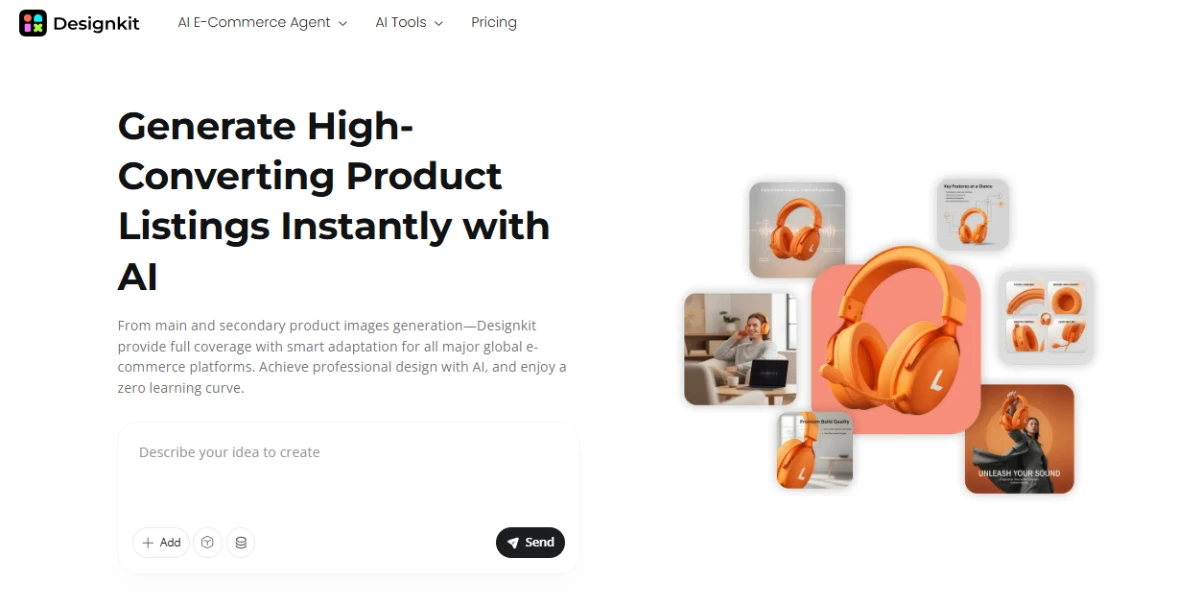
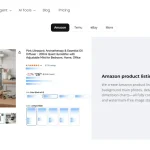
Each set is auto-formatted to the target marketplace’s specifications. Amazon, Temu, eBay, Shopify, Shopee, and Wish are all supported out of the box. Image dimensions, background requirements, and layout structure adjust automatically per platform without a manual formatting pass.
For cross-border sellers, the regional adaptation feature shifts model appearance, language overlays, and visual style to match local buyer preferences. A listing prepared for a Western market looks visually different from one targeting Southeast Asia — and that adjustment happens automatically when you set the target country.
3. Editing and Customization
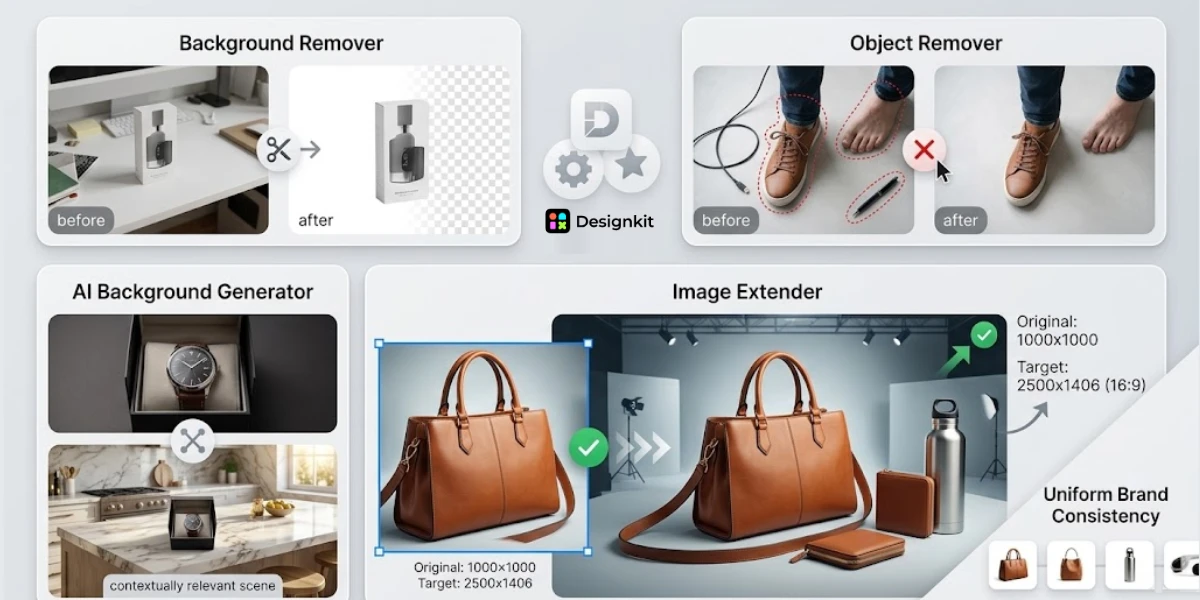
Beyond photography and listing generation, Designkit includes a full set of supporting tools that reduce dependency on outside software.
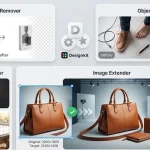
The background remover handles clean cutouts without jagged edges or color bleed. The AI background generator places products into contextually relevant settings when a specific scene is needed fast. The object remover eliminates stray props or unwanted elements from a shot.
The image extender expands the frame of a product photo when the original composition is too tight for a platform’s required dimensions.
Built-in templates keep outputs uniform across a catalog, which matters for brand consistency at scale.
4. Scalability
The platform allows bulk uploads and edits. Saved recipes store a complete visual configuration — scene style, lighting approach, layout format, and platform destination — as a reusable template. Every new product runs through the saved recipe automatically, keeping the catalog visually consistent without repeating the setup per SKU.
Batch processing applies any action across an entire catalog in one session. Background removal, scene generation, and image enhancement all run at scale rather than one product at a time. For a seller managing a large catalog refresh ahead of a peak season, these two features together change the volume of what one person can produce in a day.
Pricing
| Plan | Monthly Credits | AI Agent Images | Background Generator | Image Enhancer | Batch Processing |
| Free | 20 (first login) | Up to 20 | Up to 10 | HD only, limited | No |
| Basic | 500/month | Up to 500 | Up to 250 | Unlimited UHD | Yes |
| Pro | 1,500/month | Up to 1,500 | Up to 750 | Unlimited UHD | Yes |
New users also receive 10 free credits daily just for logging in — enough to maintain a small but steady output without a paid plan. Purchased credits are valid for one year and sit separately from subscription credits. Designkit also offers a 7-day money-back guarantee on subscriptions if you haven’t used them.
Comparison with Traditional Methods
Traditional product photography still offers full control. You can adjust every detail during a shoot. This also requires time and resources.
AI tools shift that balance. They reduce setup and speed up production.
| Area | Traditional Workflow | Designkit |
| Setup | Requires studio | No setup |
| Time | Hours to days | Minutes |
| Cost | High per shoot | Lower overall |
| Consistency | Varies | Stable output |
| Revisions | Limited | Easy to update |
This comparison shows where the platform fits. It favors efficiency over manual control.
User Experience
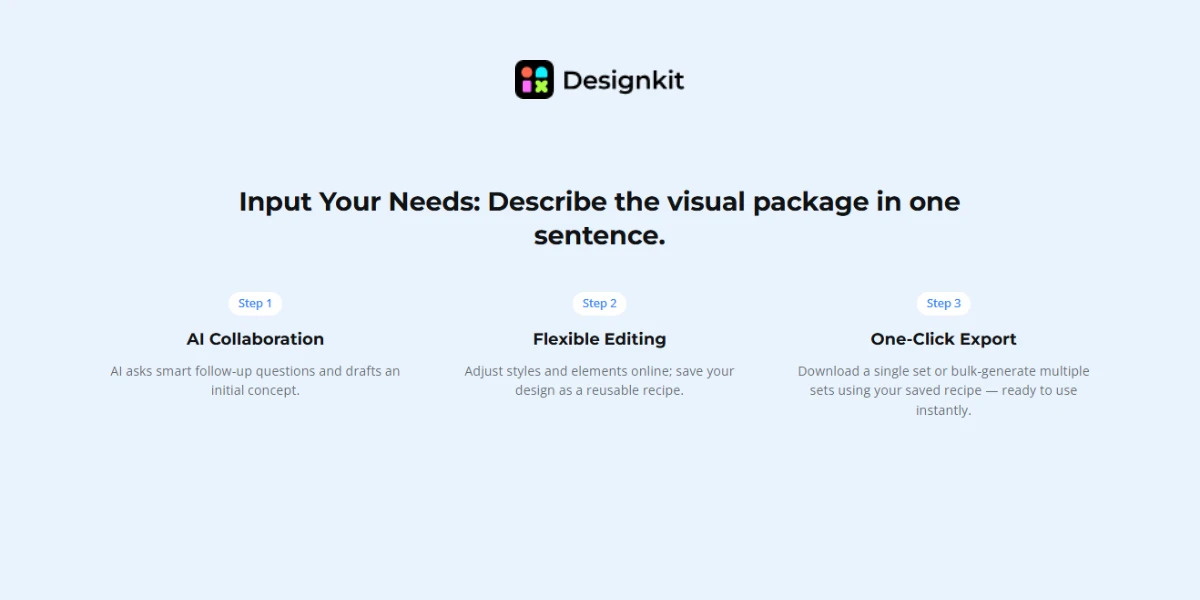
Designkit has a simple interface. Users do not need advanced design skills.
- Upload a product image
- Select the type of output (product, lifestyle, infographic)
- Generate visuals in minutes
The workflow is straightforward, which helps small teams save time.
Platform Compatibility
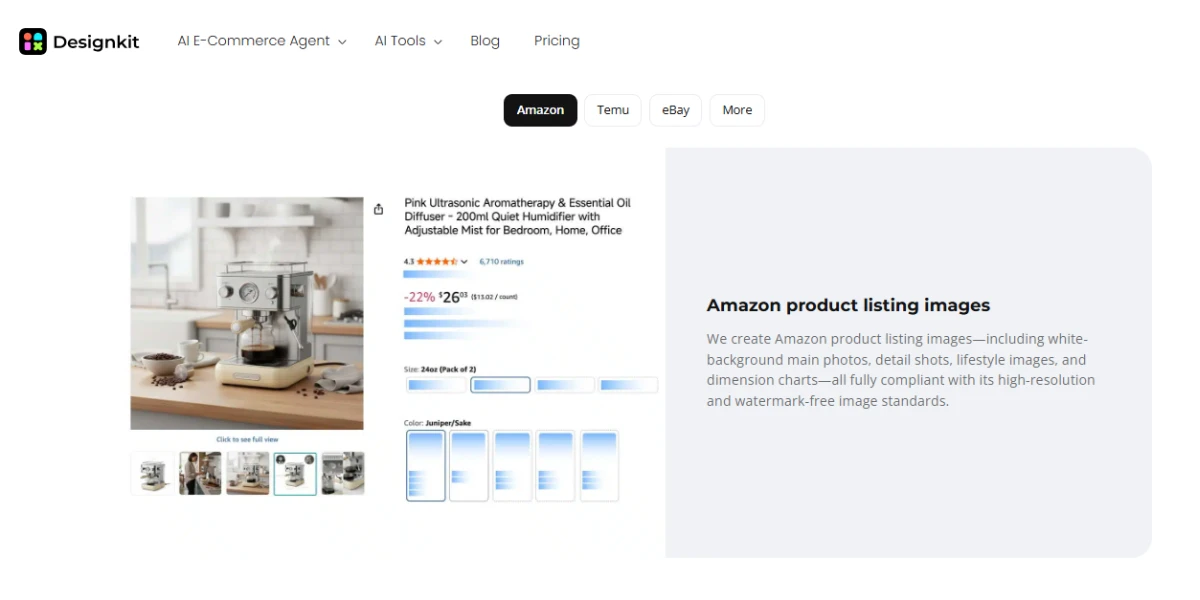
You can use Designkit across all major marketplaces without extra setup. It supports Amazon, Temu, eBay, Shopify, Shopee, and Wish. The tool handles image dimensions, background rules, and layout formatting on its own. There is no need to rework files for each platform.
For sellers in multiple markets, the tool adjusts model appearance, language overlay, and visual aesthetic to match regional preferences. A listing formatted for a Western market gets a different visual treatment from one targeting Southeast Asia — and that switch happens automatically when you set the target country.
Verdict: Is It Worth It for E-Commerce Sellers?
For most active sellers, YES. Designkit makes the most sense for sellers who deal with steady product updates and need a reliable flow of visuals. It fits cross-border sellers working across platforms, small teams managing growing catalogs, and solo operators who prefer to handle everything without outside help.
For lighter use, the free credits can cover basic needs. This works well for testing or occasional updates. For active stores with regular uploads, the Basic plan offers enough capacity for most workflows.
The platform does not aim to replace premium studio work. It focuses on everyday listing visuals. This is where most sellers spend time. In that space, it offers a faster and more cost-friendly option compared to traditional setups.