

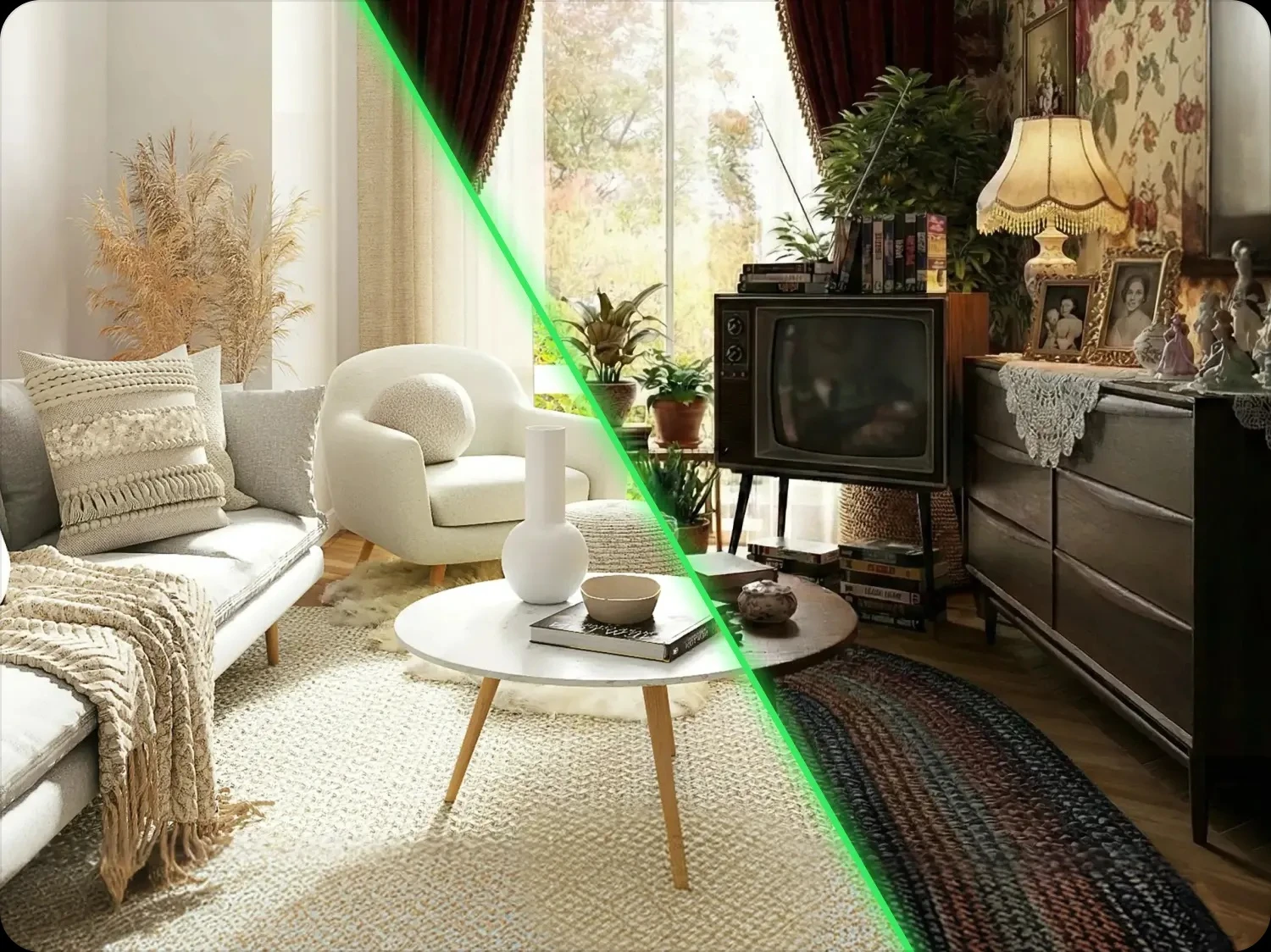
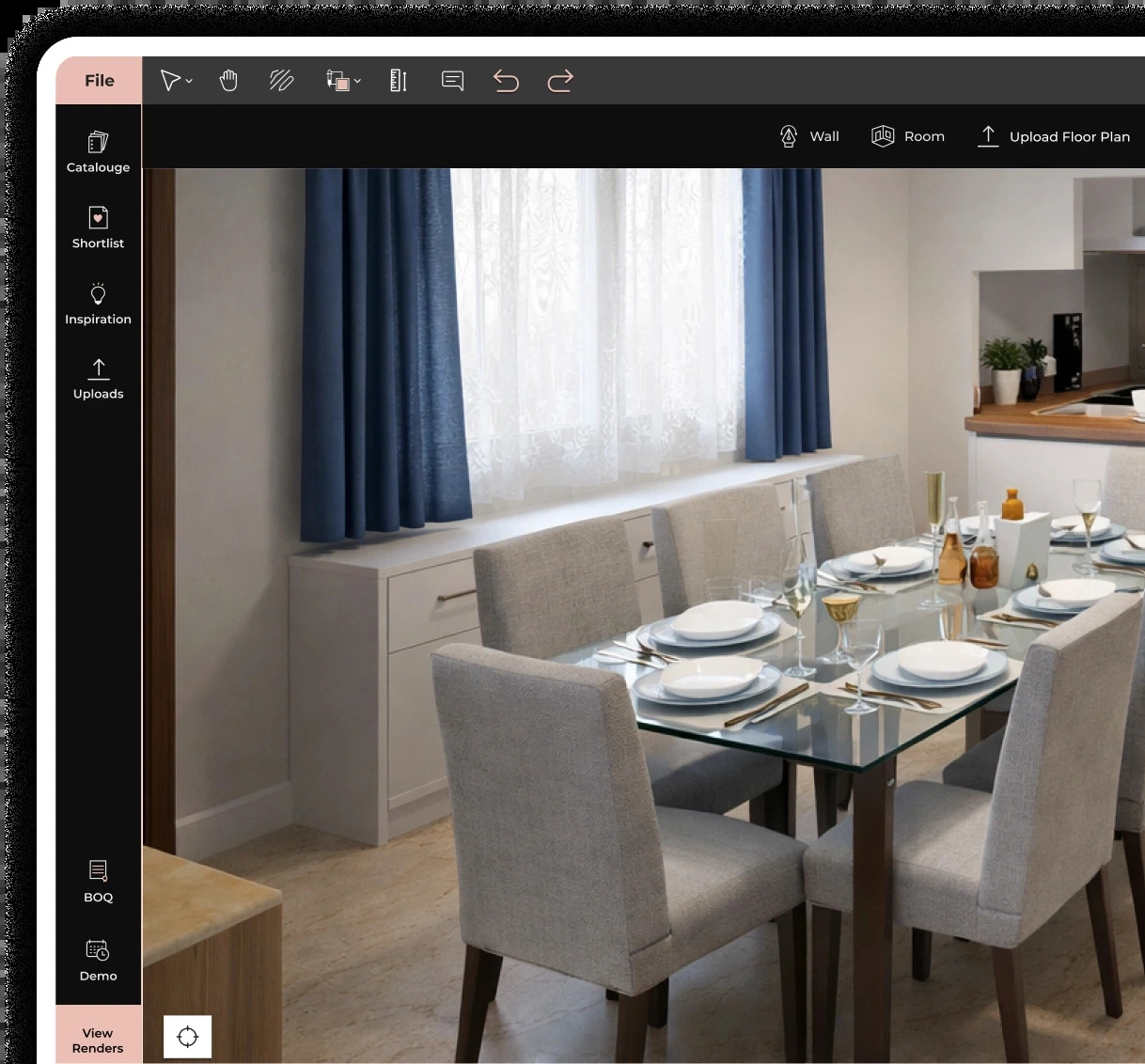


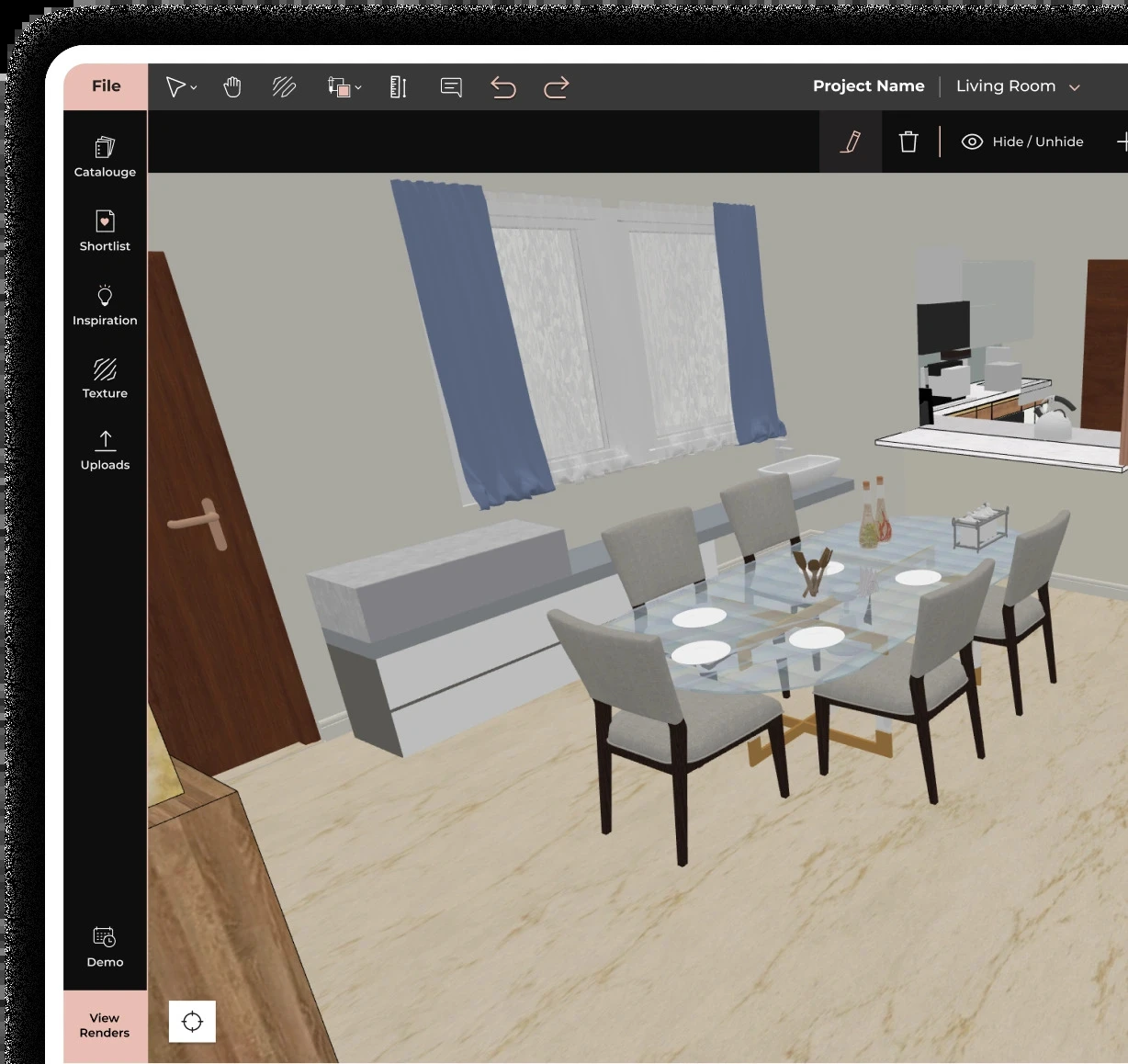








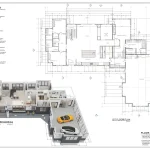
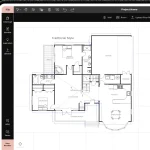
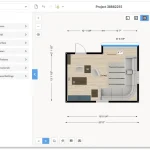
A decade ago, creating an interior design meant struggling with CAD software, rendering engines, material libraries, and presentation tools. But in 2026, a single platform can turn room photos into editable floor plans, generate 4K renders in minutes, and provide over four million 3D assets for furnishing and materials. Across this new generation of software tools, the choice often depends on whether the priority is floor planning, visualization, BIM coordination, technical documentation, or photorealistic rendering.
1. Planner5D
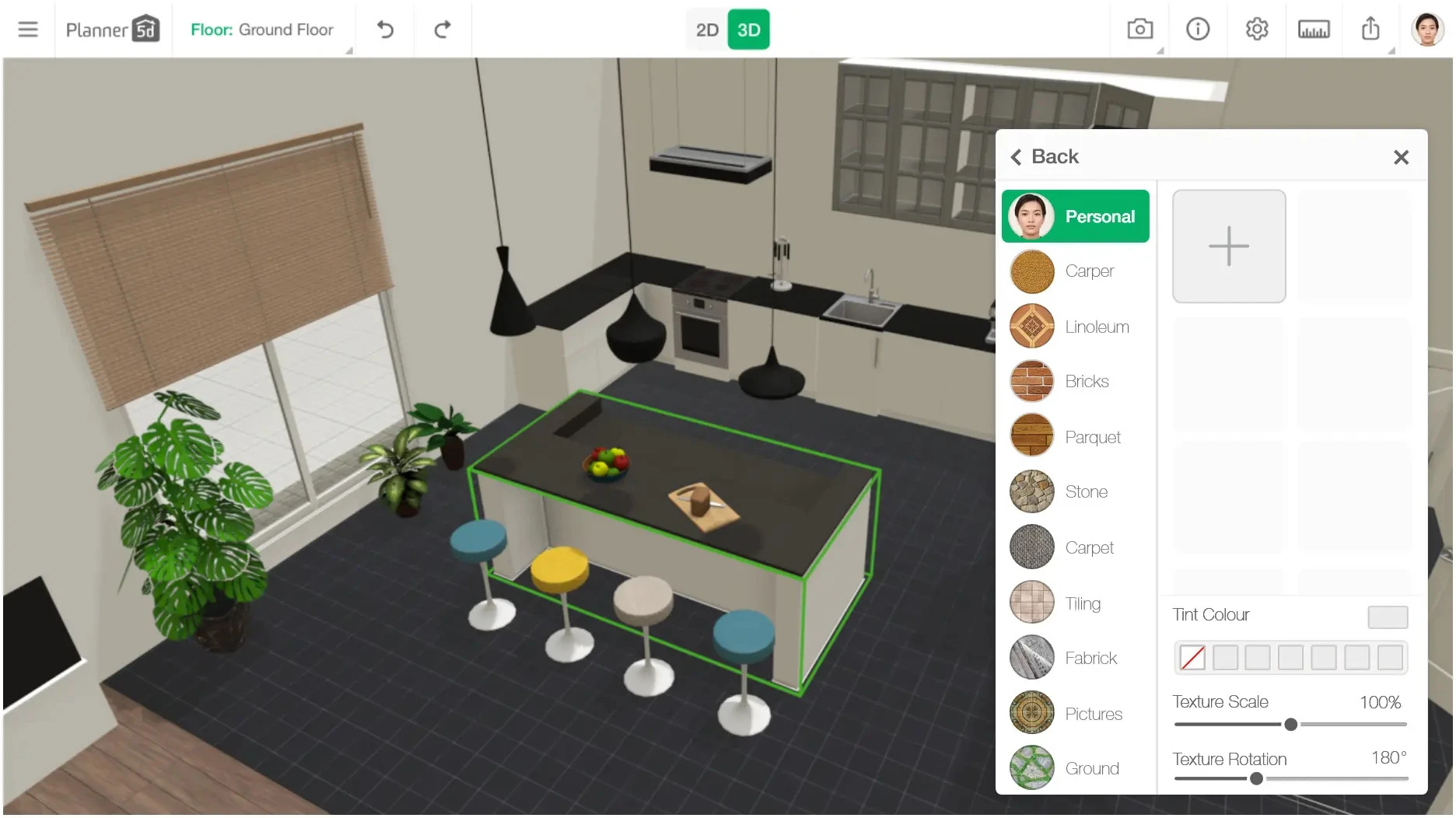
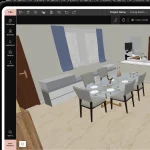
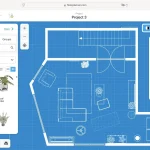
Planner 5D combines accessibility and AI-powered design, making it one of the most approachable platforms for users and designers aiming to turn their conceptualization into visualization. Its Smart Wizard evaluates room measurements, intended purpose, and preferred style before recommending furniture configurations, layouts, and space-planning solutions.
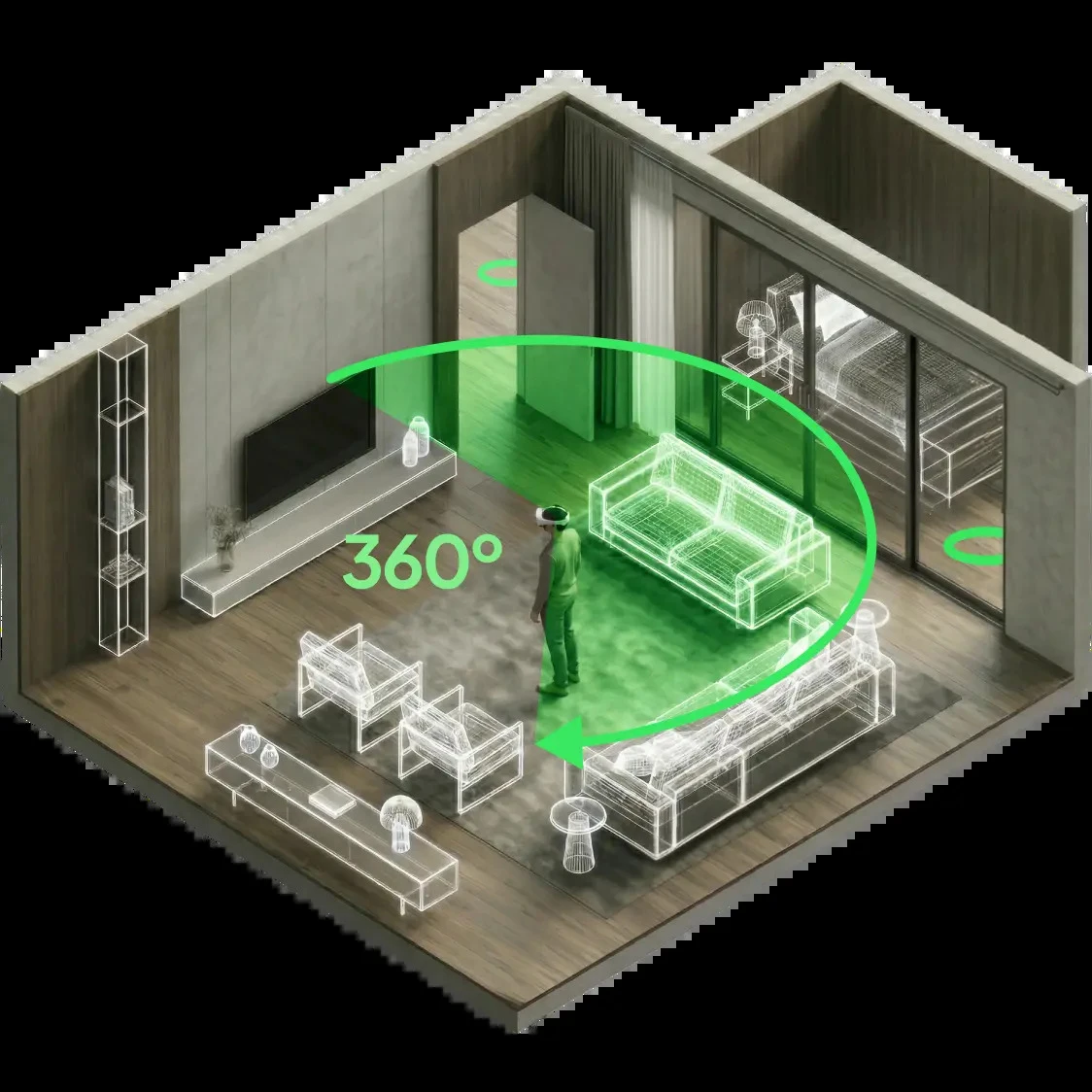
The Design Generator creates variations based on mood and style for early ideation, while AI Floor Plan Recognition converts room images into editable floor plans for smooth 2D and 3D switching. It also includes 3D and VR walkthroughs that contain over 7,000 catalog items to personalize furniture, finishes, lighting, and décor.
2. Homestyler
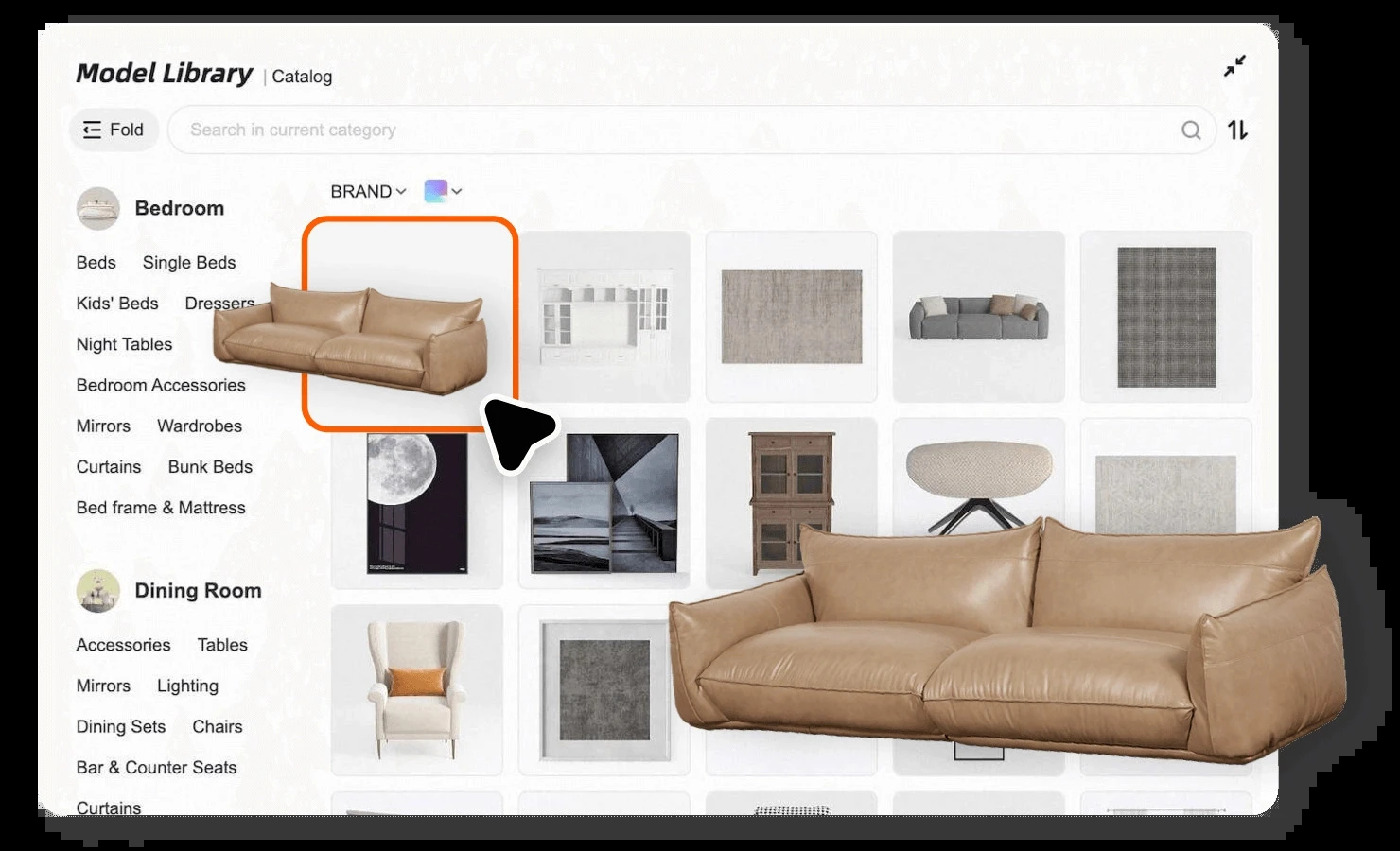
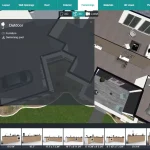
Homestyler integrates floor design, 3D modeling, rendering, and presentation into a single cloud-based workflow. Its AI-assisted floor plan conversion technology converts 2D plans to editable 3D models quickly, avoiding time-consuming design steps. Once designers define layouts, they can furnish spaces using a library of over one million 1:1-scale products sourced from real brands.
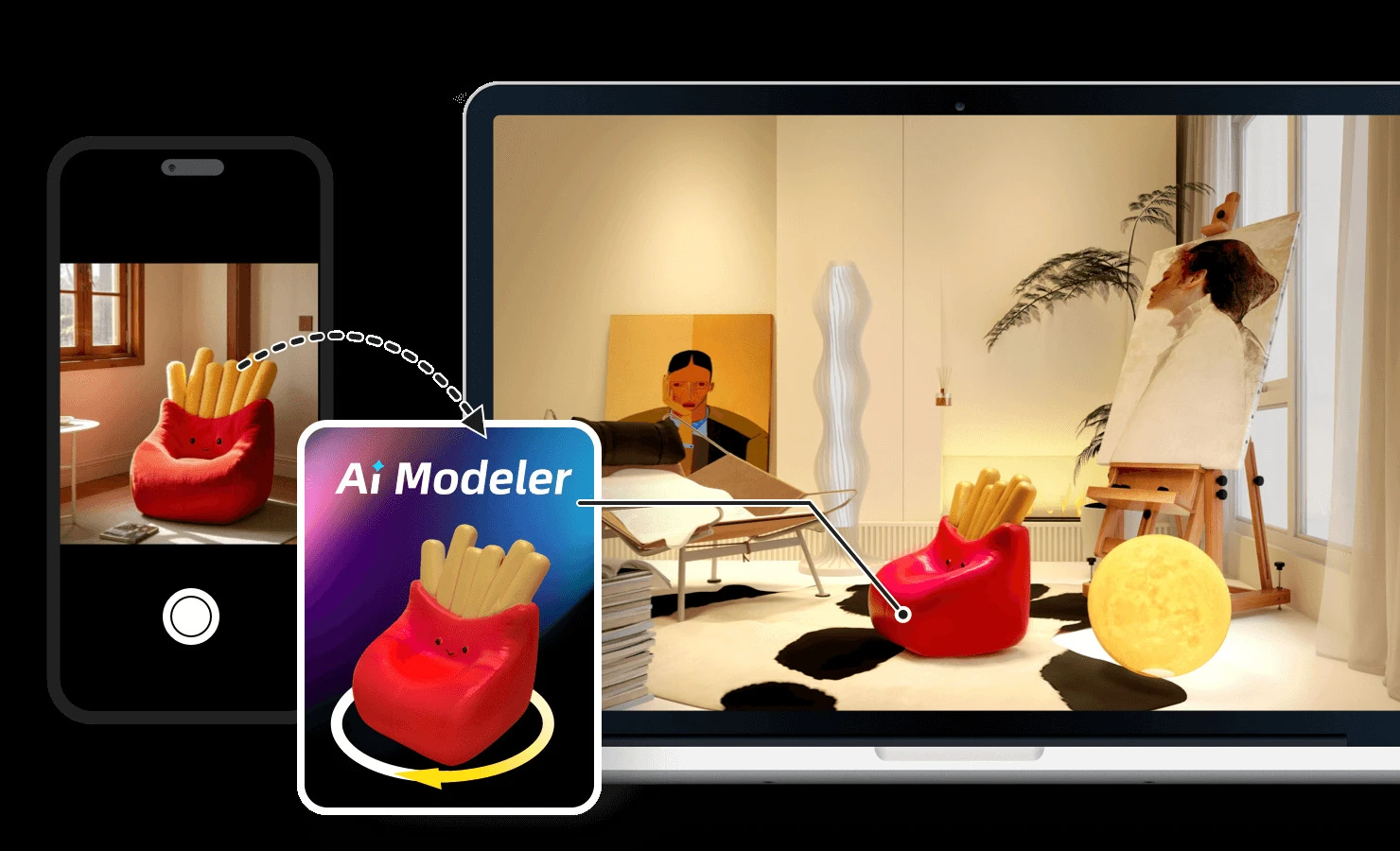
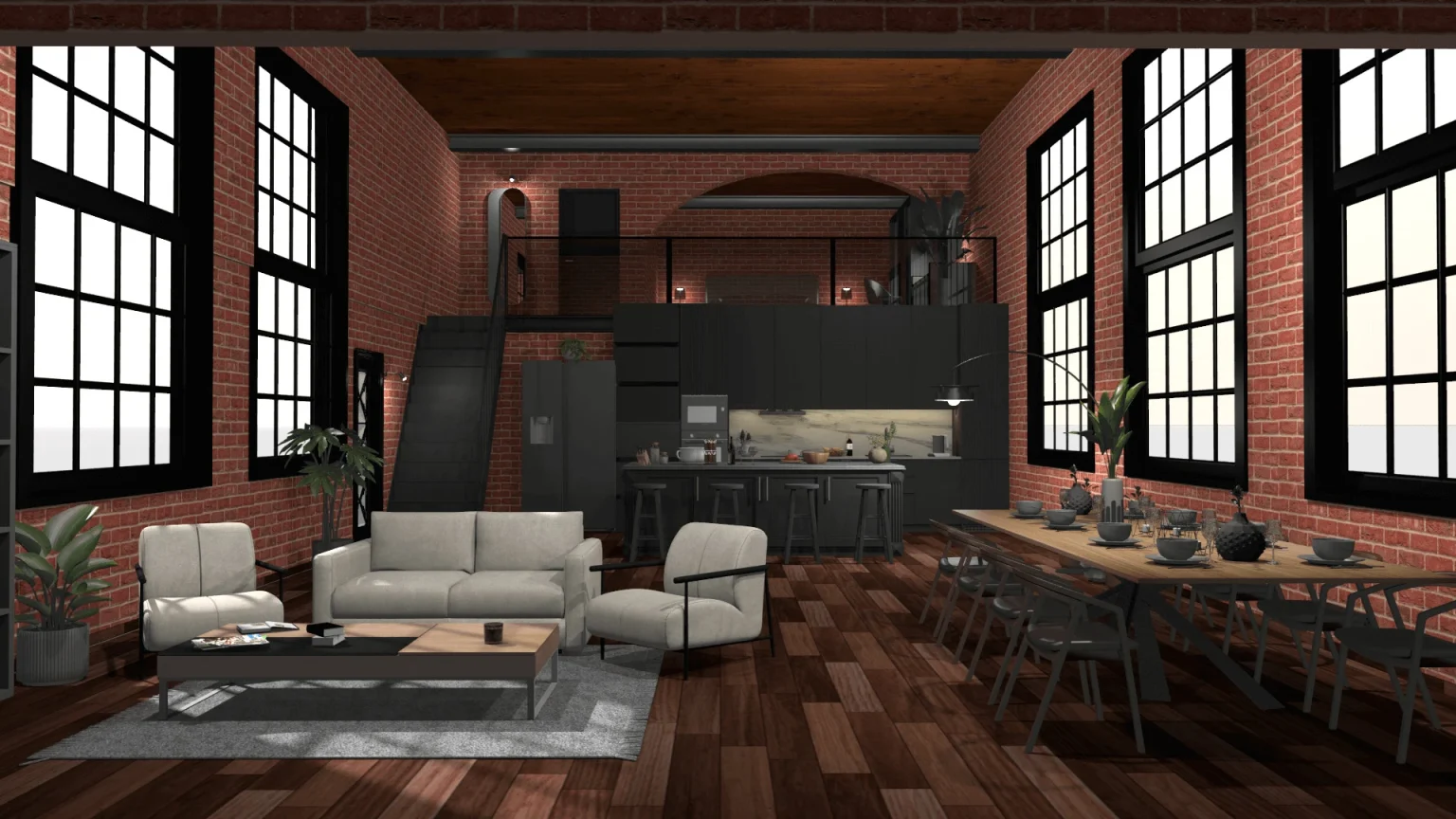
Designers can furnish spaces directly from the product library with paint colors, flooring, furniture, lighting, décor, and finishes while maintaining accurate proportions. Its AI-powered cloud rendering generates 4K Ultra HD visuals in minutes without the need for local hardware while also creating panoramas, virtual tours, and animated presentations.
3. Foyr Neo
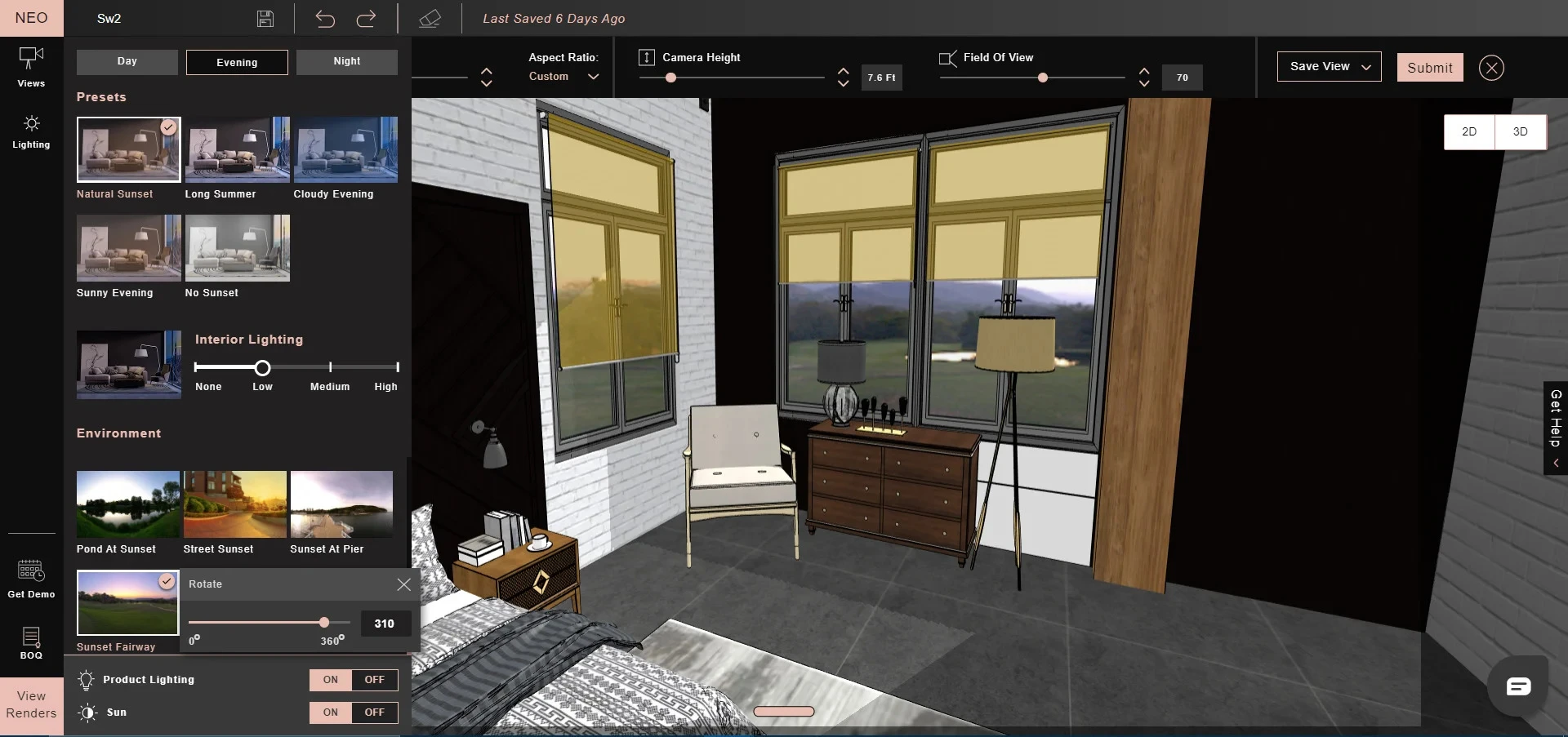
Foyr Neo combines floor planning, 3D modeling, furnishing, and rendering on a browser-based platform, reducing many of the hardware requirements associated with traditional visualization tools. Basically, designers can upload, trace, or design floor layouts before furnishing spaces with over 60,000 ready-made objects.
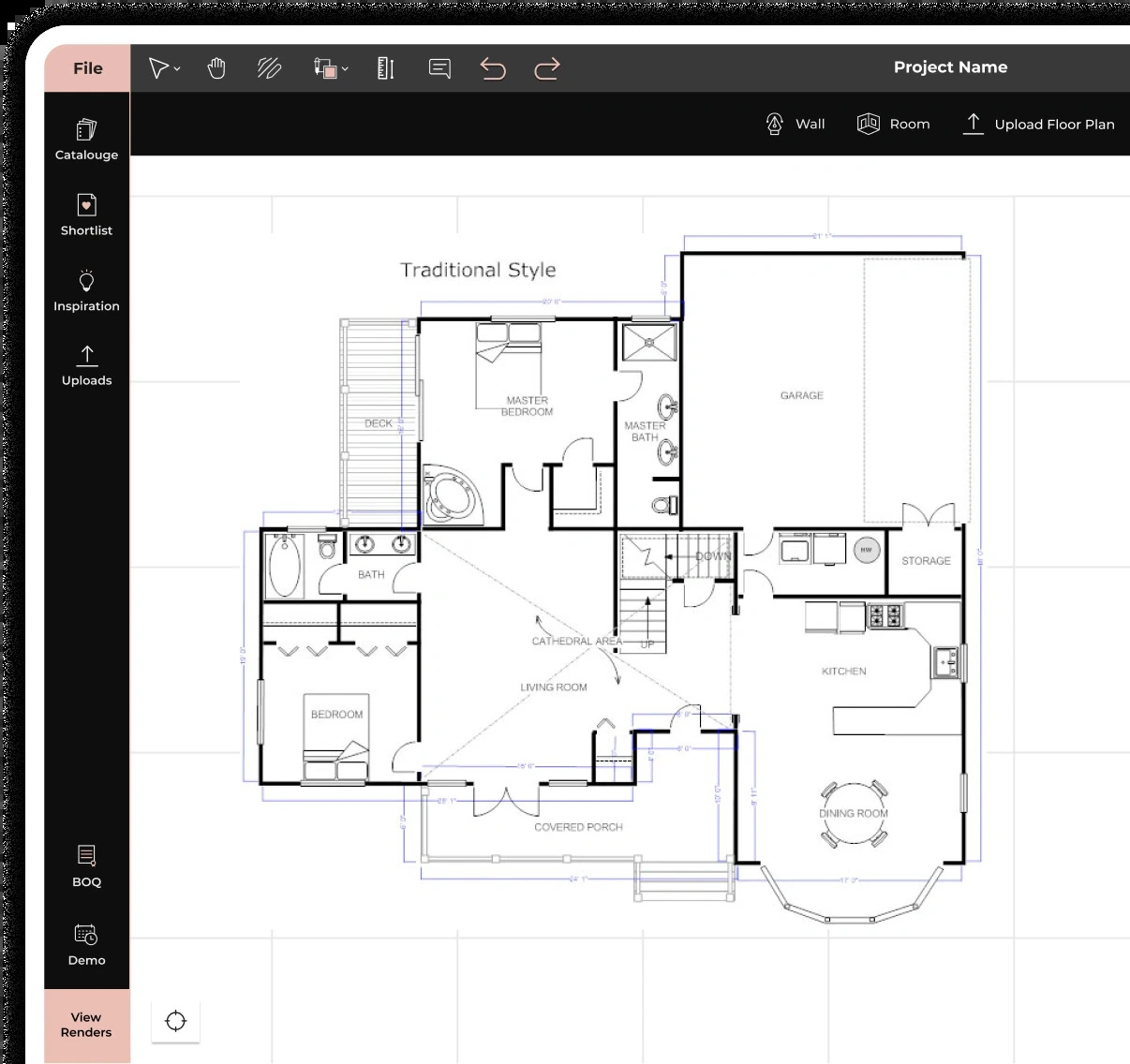
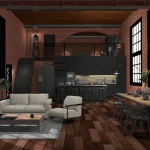
Its features, like AI-powered automation and Smart Drawing tools, help with floor planning, furniture layout, and scene preparation while you upload custom textures and test them against existing materials. Alongside these features, designers can create photorealistic 4K renders in minutes using cloud-based processing and test lighting conditions such as sunrise, cloudy, winter, and rainy settings in real time.
4. Floorplanner
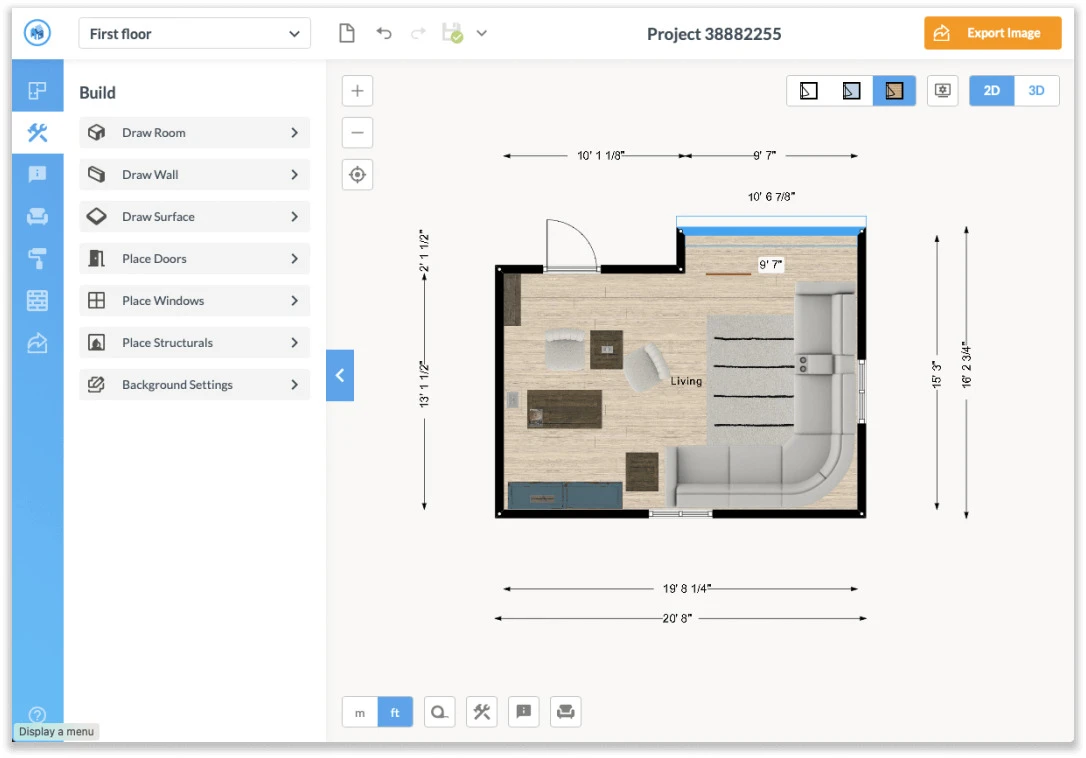
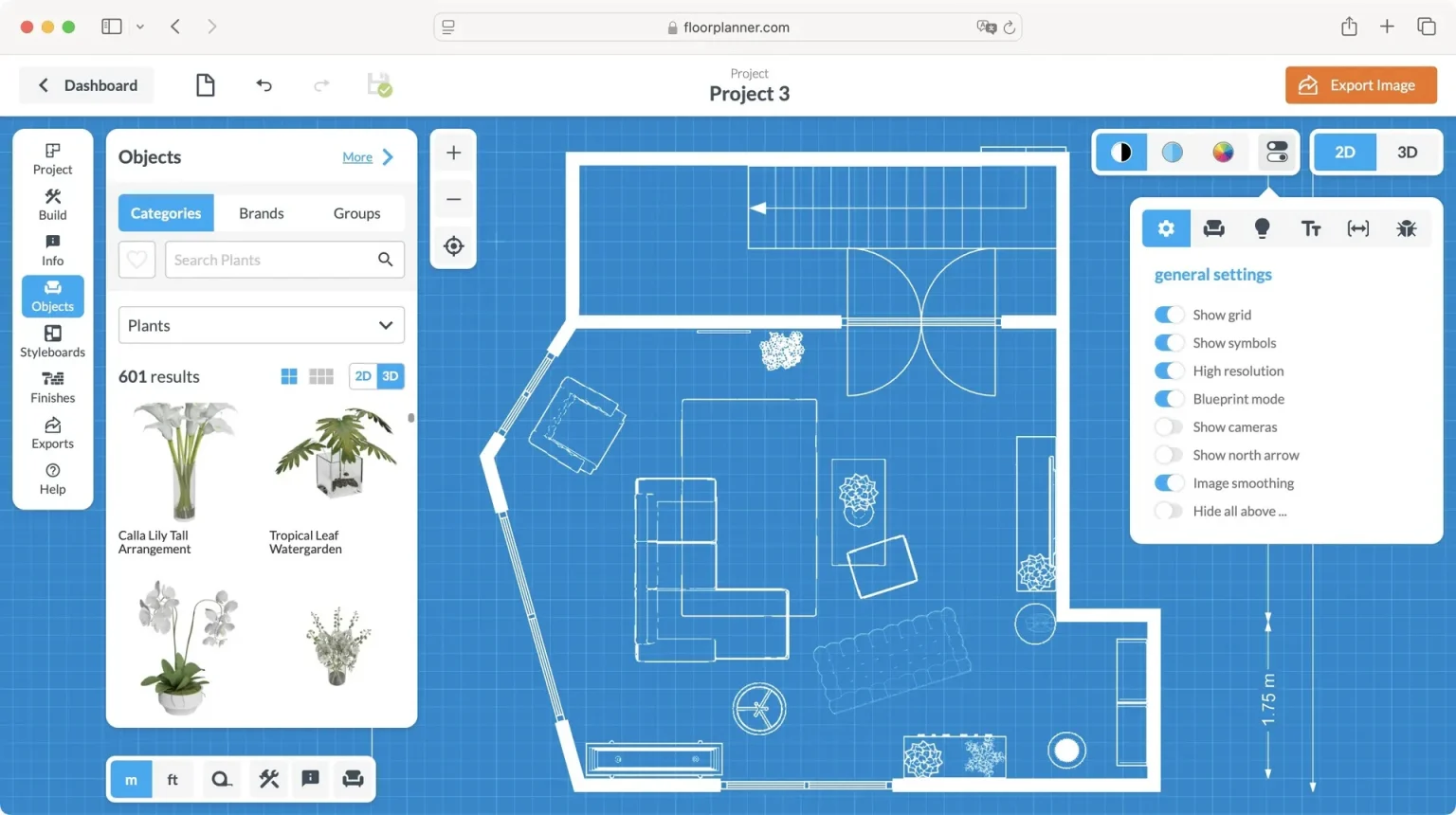
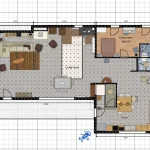
Floorplanner targets users who want to create and display interior design concepts without dealing with the complexities of traditional CAD tools. Its drag-and-drop editor allows for detailed room layouts and furniture placement in 2D, while integrated 3D visualization enables interior design assessment without the need to switch applications.
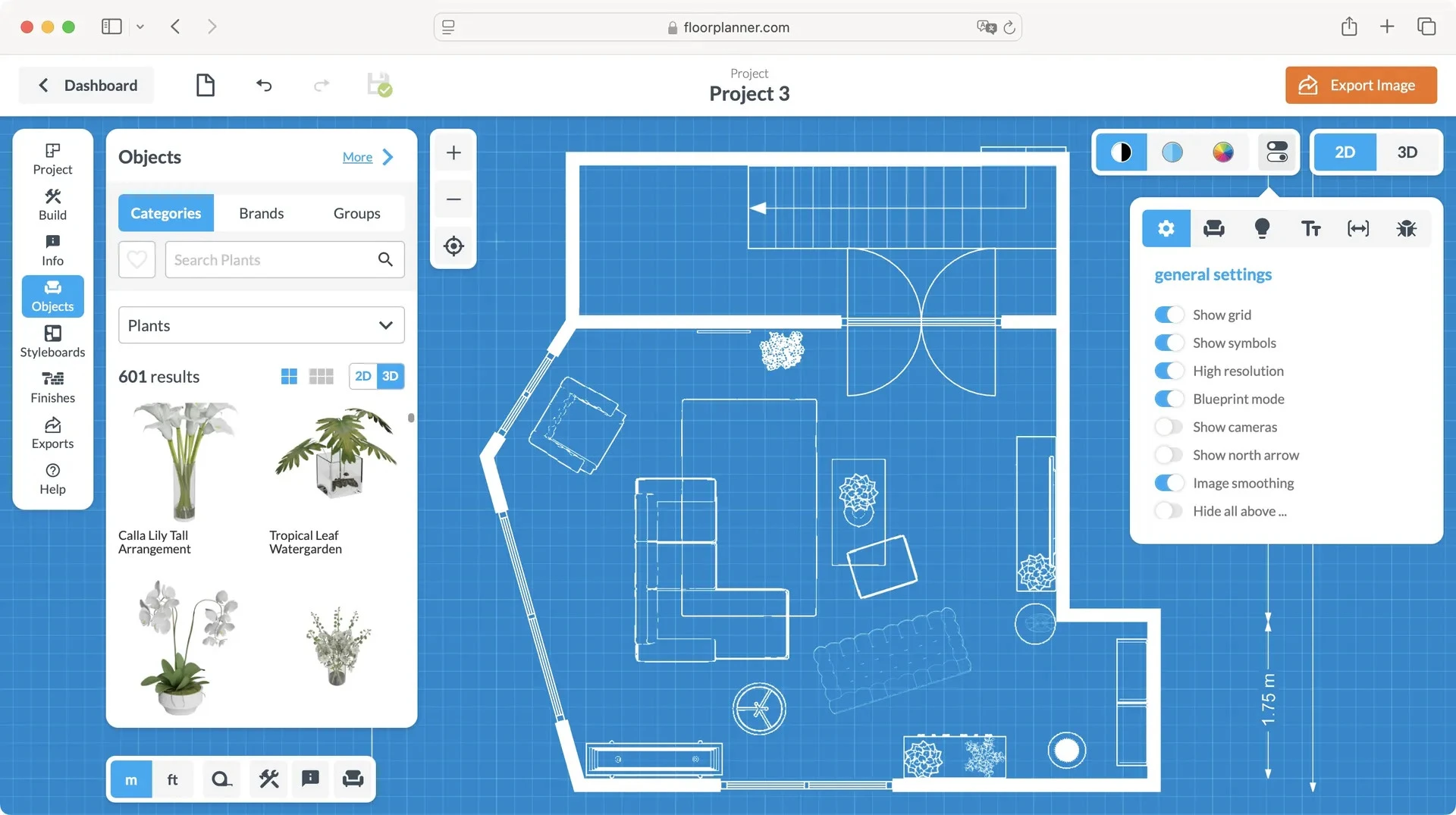
Floorplanner’s built-in moodboarding tools assist designers in gathering materials, furniture options, and visual references before going on to a detailed layout. Once plans are complete, designers can use 3D representations, interactive tours, and VR-ready walkthroughs to communicate concepts effortlessly and evaluate interiors from different perspectives. Its credit-based pricing approach accommodates both one-time purchases and subscriptions, including branded export templates for professional presentations.
5. SketchUp
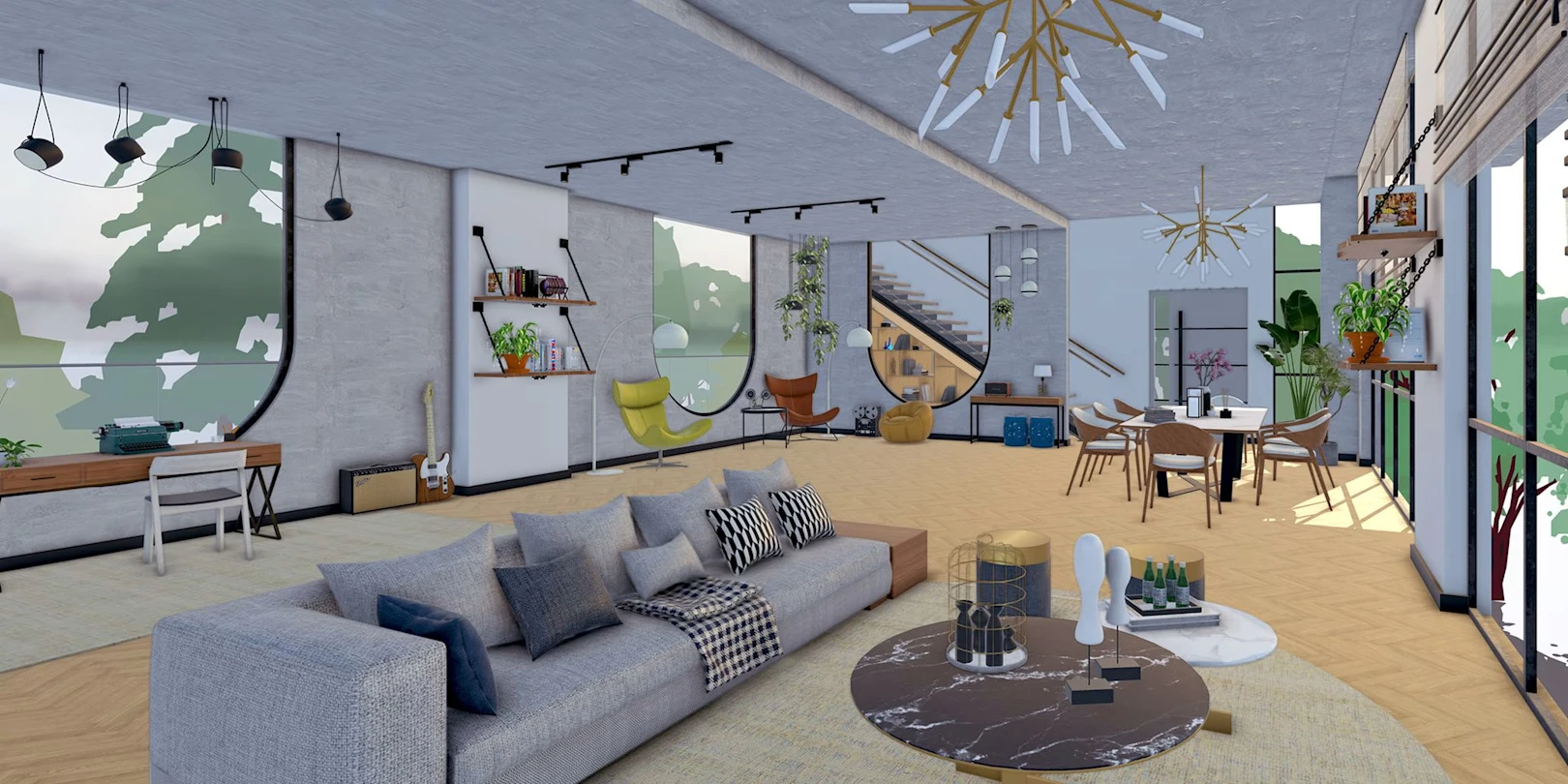
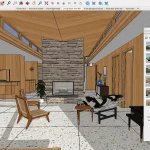
SketchUp has long been a popular choice among interior designers because it offers a level of creative freedom and flexibility that few design platforms can match. Its user-friendly push-pull modeling feature enables designers to quickly develop and refine floor plans, room layouts, mood boards, and material schemes for residential and commercial projects. The 3D Warehouse feature further provides access to more than four million assets, including furniture, fixtures, lighting elements, and manufacturer-specific products to experiment with various interior configurations.
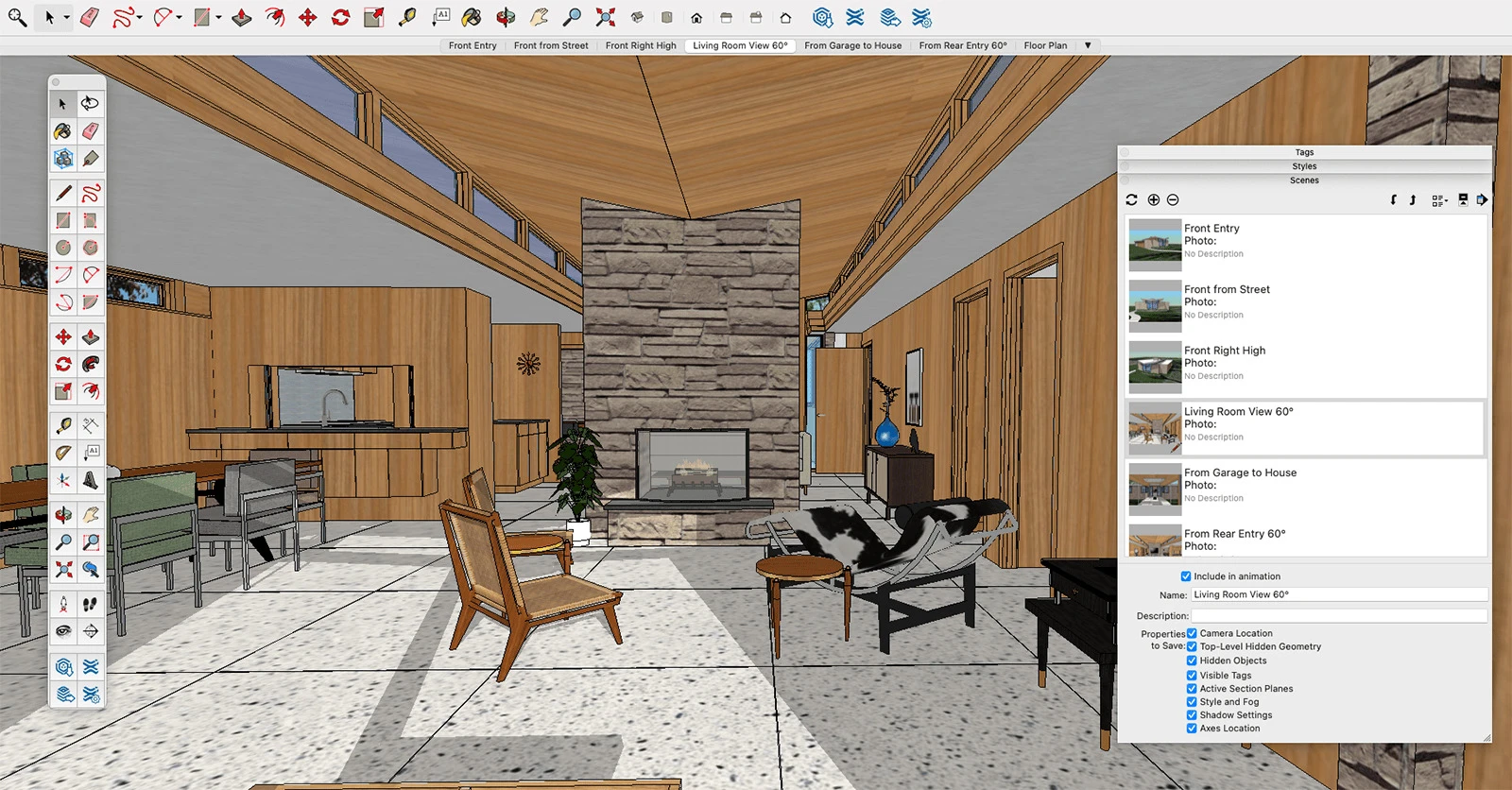
For documentation and client presentations, its LayOut feature generates professional 2D drawing sets, while Trimble Connect supports project collaboration and file sharing. Advanced subscription plans also include VR walkthrough capabilities for devices such as Microsoft HoloLens, HTC Vive, and Oculus headsets, along with export options for PDF, image, and CAD formats.
6. Autodesk AutoCAD
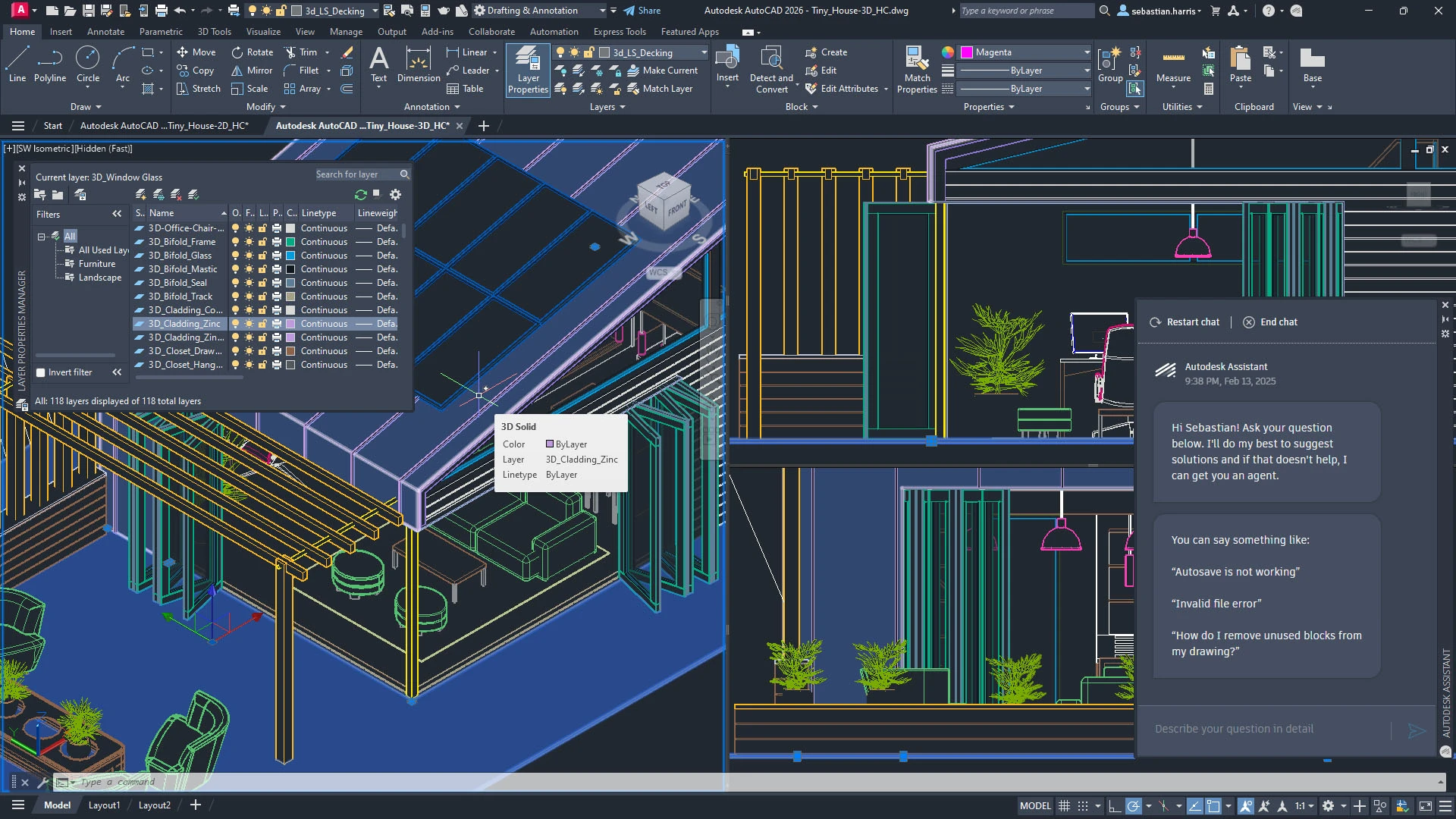
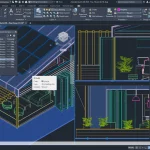
Autodesk AutoCAD remains one of the industry’s most recognized tools for designers who want precision in everything from initial site measurements to final construction documentation. It remains a cornerstone for professional interior design practice because it combines drafting, layout development, visualization, and collaboration within a unified workflow.
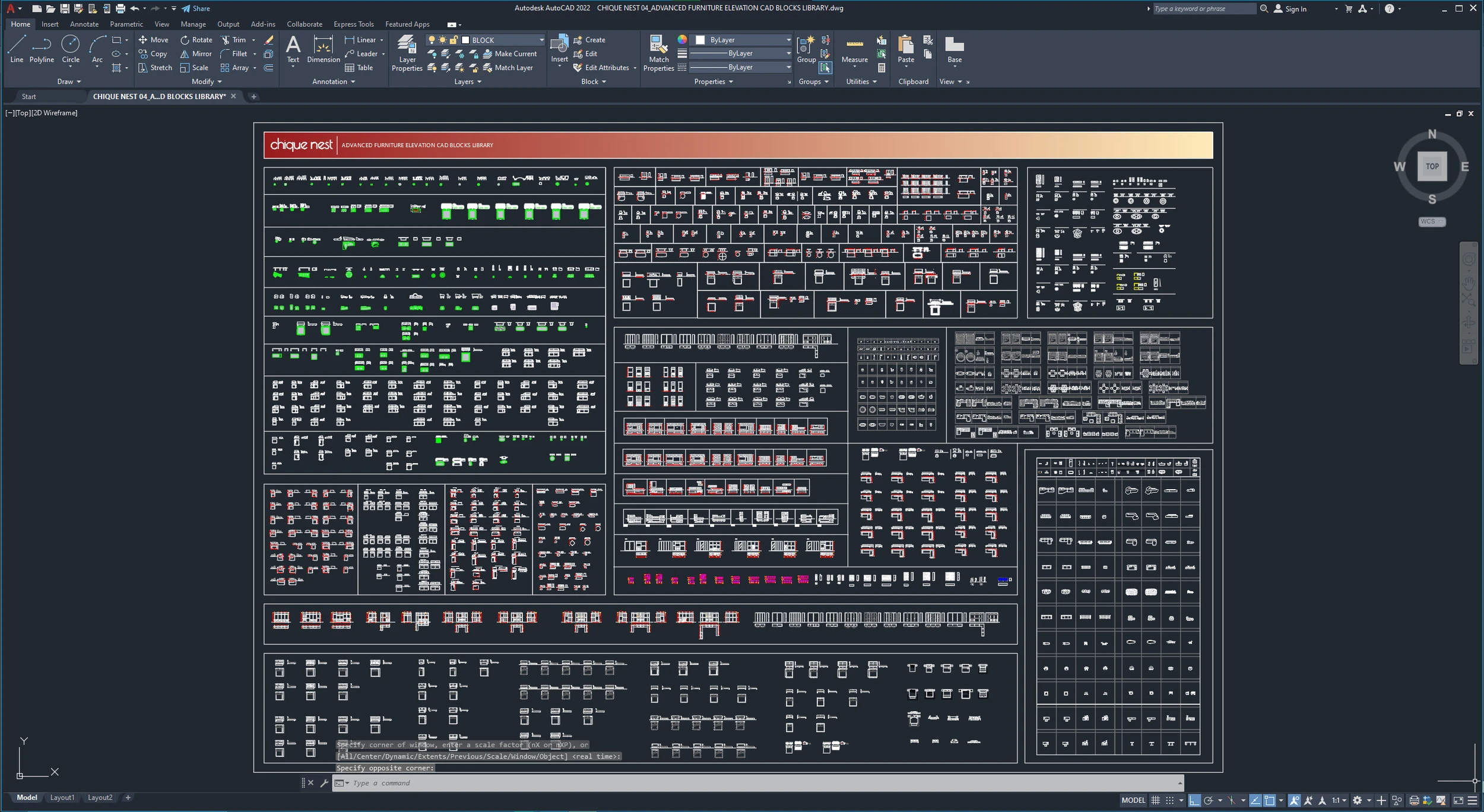
Designers usually begin projects with measured drawings or imported references, after which they create walls, partitions, fixtures, and furniture using parametric drafting tools and reusable DWG blocks. Its Smart Blocks feature helps in speeding up workflows by learning from past placements and automatically suggesting recurrent design features. Its cloud accessibility enables real-time collaboration among clients, consultants, and project teams.
7. Cedreo
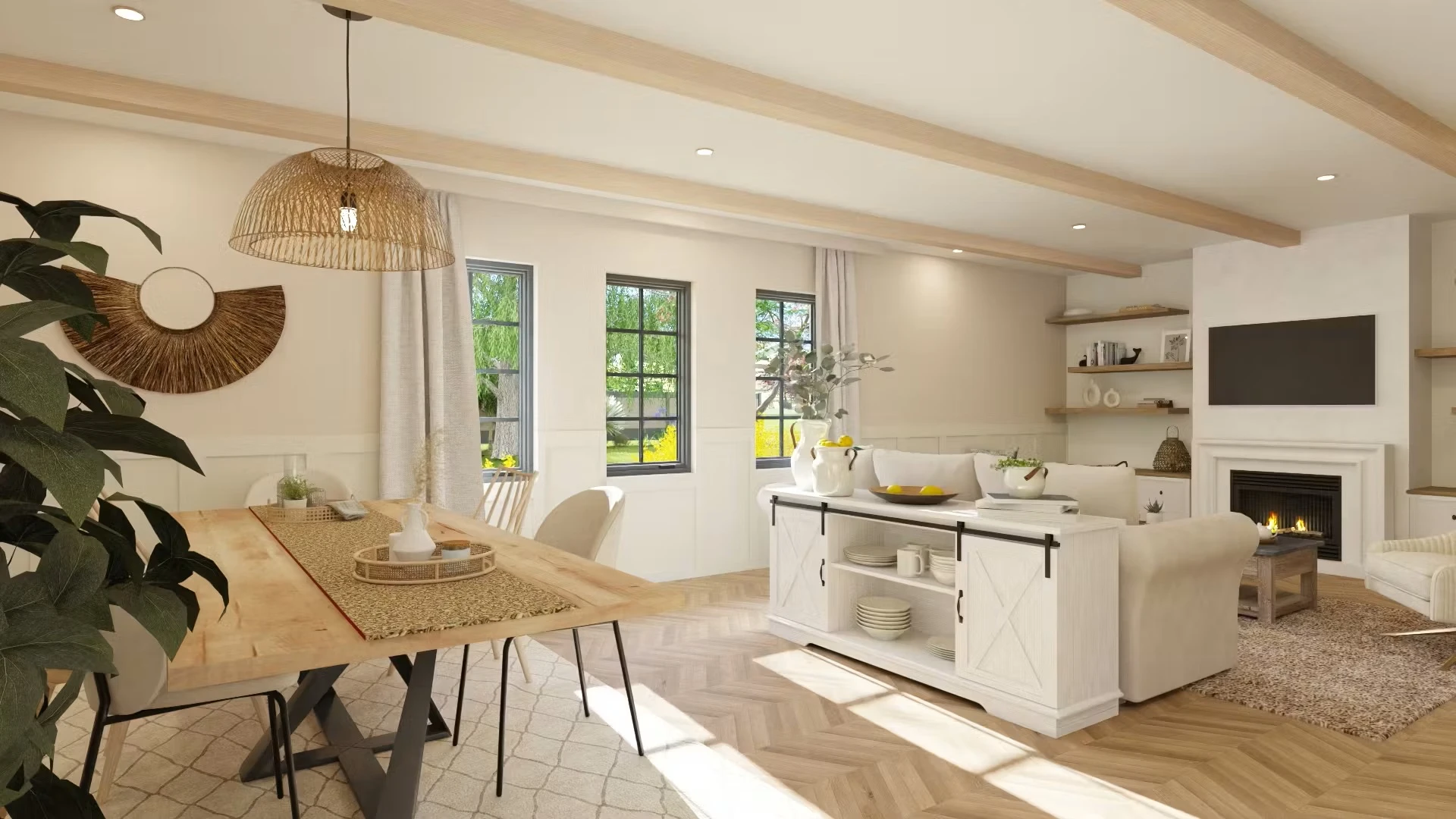
Cedreo integrates floor planning, 3D visualization, and client presentation into a unified workflow. Designers can construct layouts using click-and-drag tools or imported DWG, DXF, and PDF files while coordinating electrical plans, lighting layouts, and room dimensions within the same workspace. As designers make modifications in 2D, the software updates the 3D model instantly, allowing them to assess circulation, furniture placement, materials, and room organization in real time.
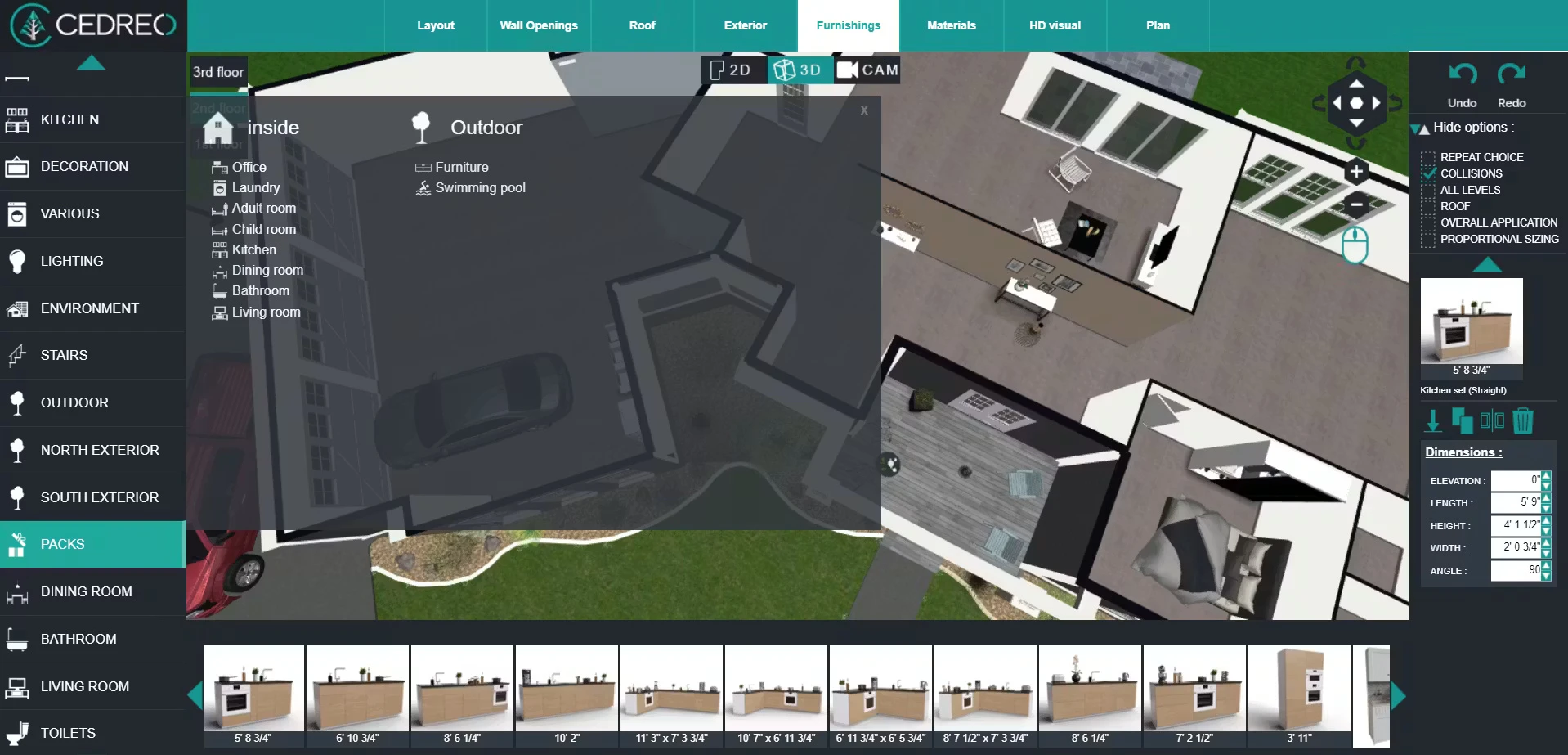
Renderings help make decisions by visualizing finishes and textures under various lighting circumstances. With over 7,000 configurable furniture pieces and décor items available, Cedreo offers a streamlined approach from first concept to customer approval, all in one place.
8. Chief Architect
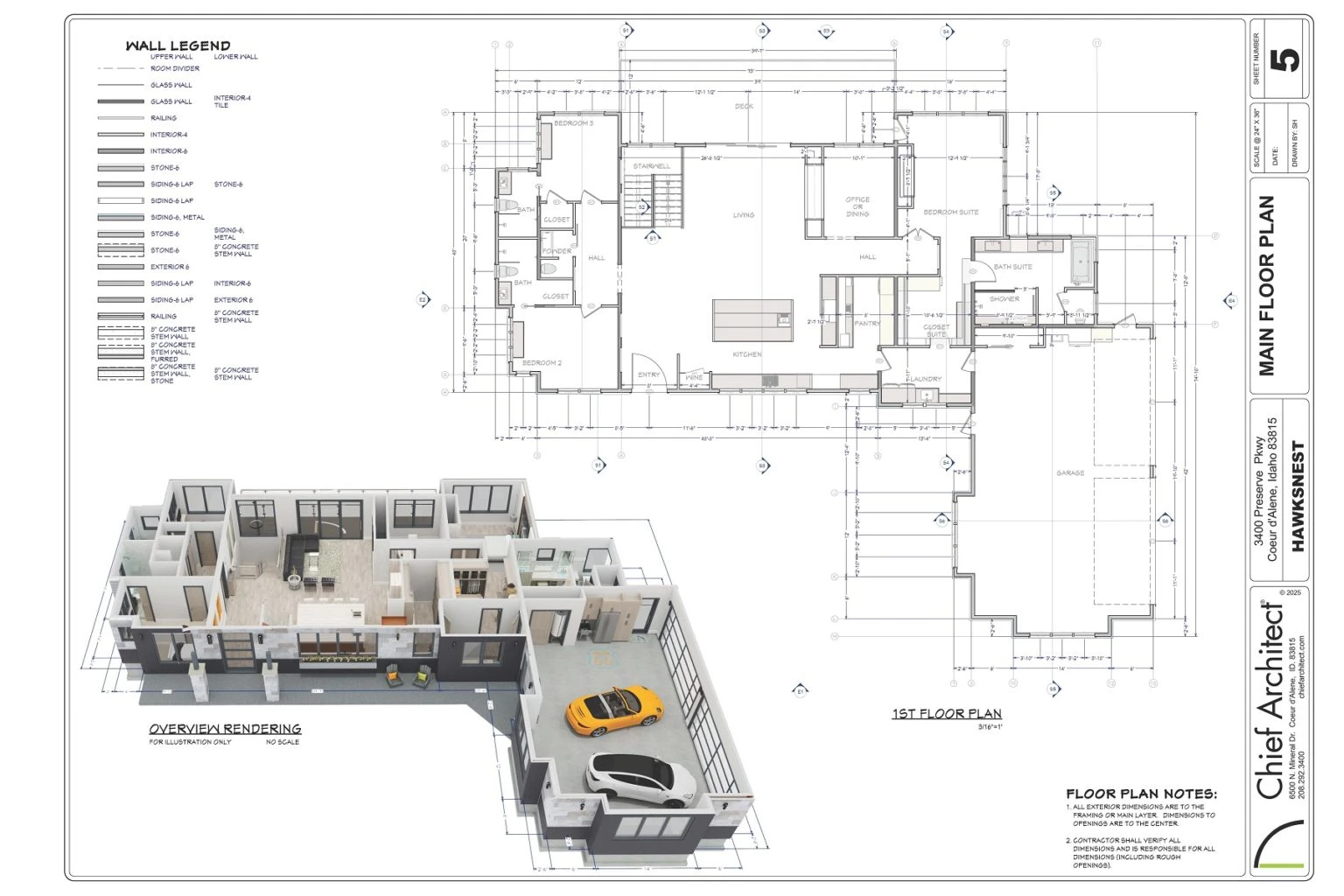
Chief Architect combines architectural drafting, interior design, cabinet specification, construction documentation, and visualization within a single platform. It streamlines the design process through automated building tools that generate coordinated wall connections, framing systems, roof structures, and dimensional updates as plans evolve. Its Space Planning Assistant accelerates layout development by transforming room shapes into fully dimensioned floor plans and allowing designers to adjust furniture placement according to accurate room proportions.
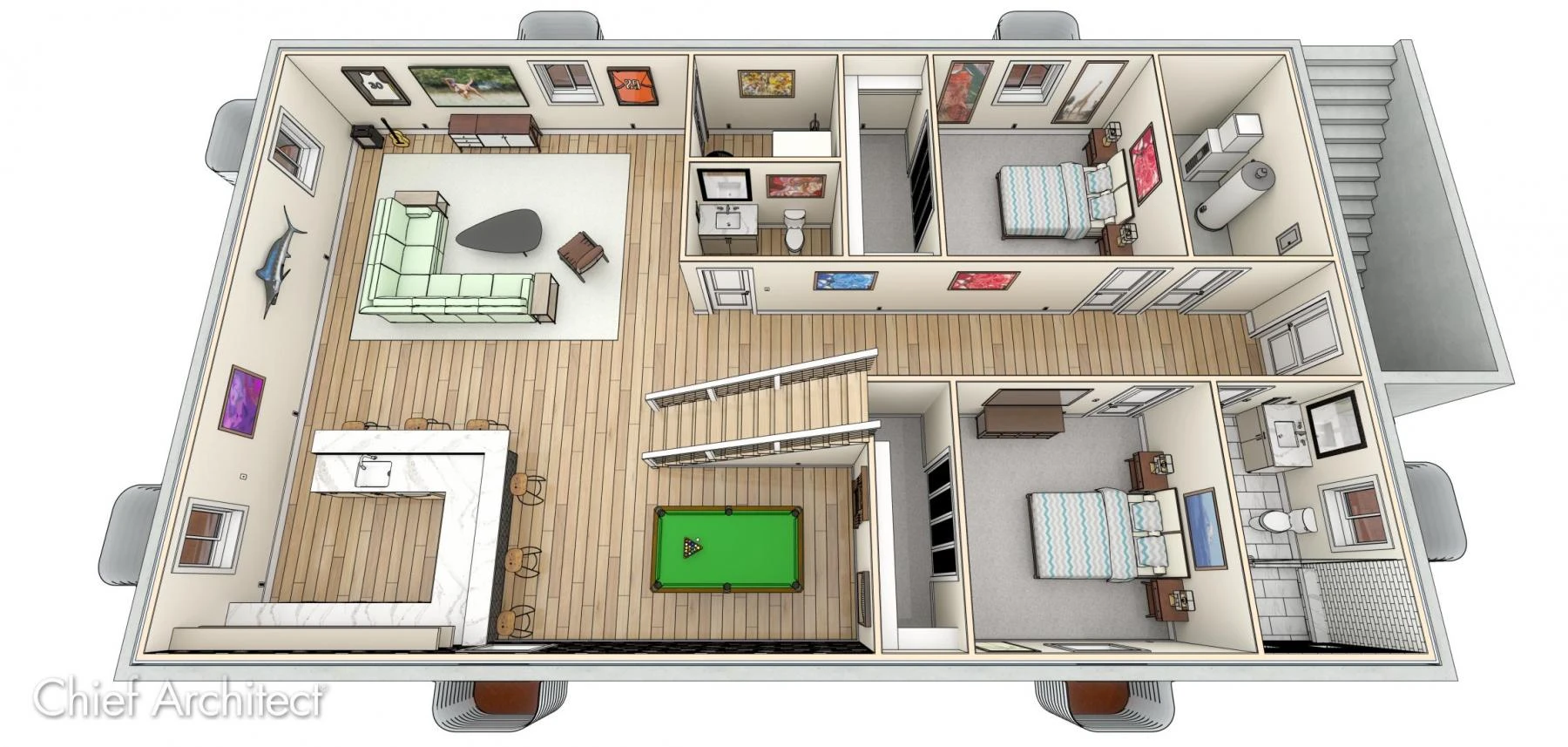
Once the layout is complete, designers can refine materials and finishes using tools such as Material Painter, Material Eyedropper, and reusable style palettes to maintain consistency throughout the project. The software also supports electrical planning, lighting studies, and solar analysis, extending its usefulness beyond visualization. For presentations, it offers several rendering options like sketch, watercolor, clay, ray-traced, panoramic, and walkthrough views, along with photorealistic renderings, 360° panoramas, virtual tours, and mobile-friendly 3D viewing experiences.
9. Revit
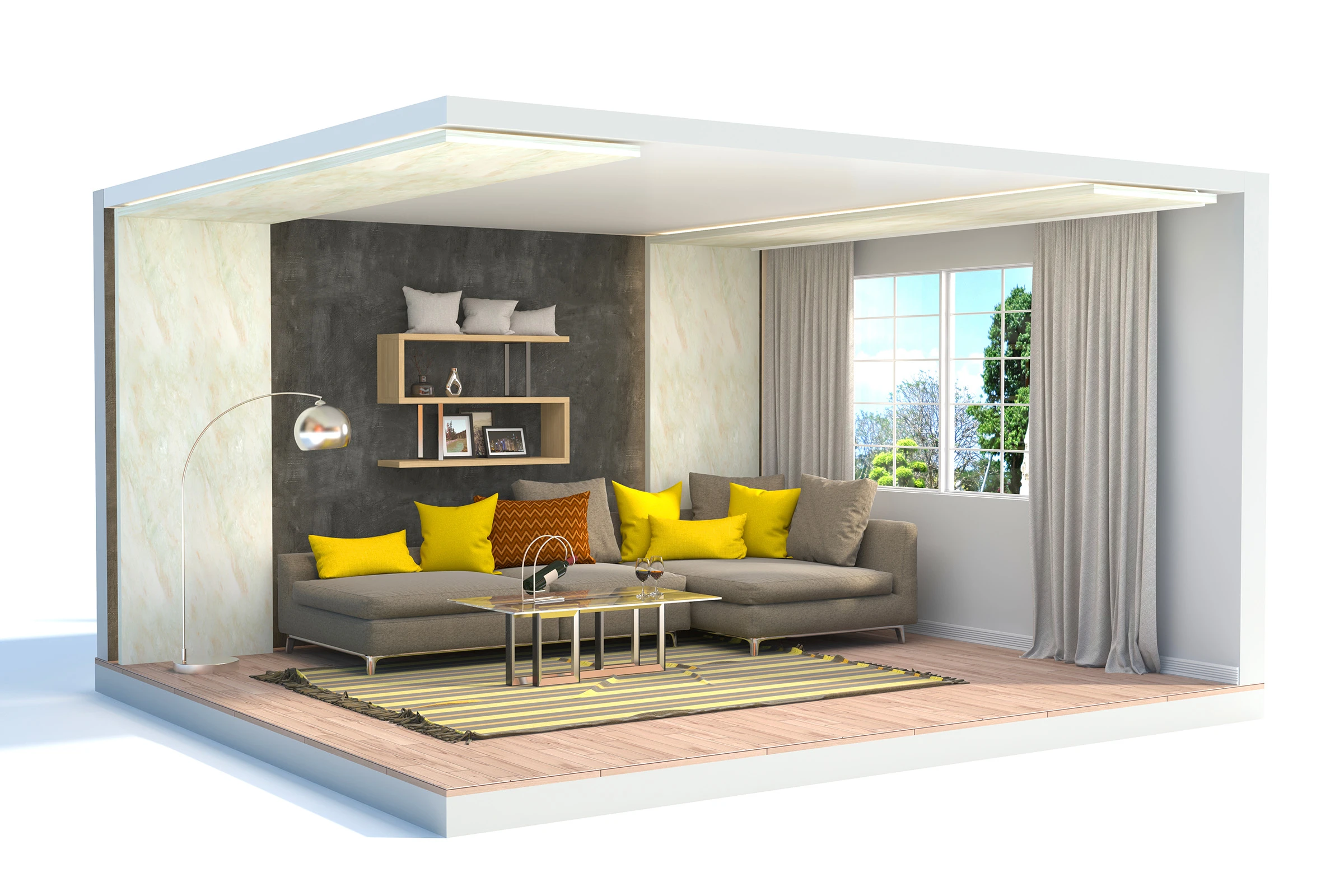
Revit remains one of the industry’s leading BIM platforms because it uses a single coordinated model that interconnects parametric components such as walls, doors, schedules, elevations, and construction documentation. This ensures that updates propagate automatically across the project. Because it generates documentation directly from the model, drawings, schedules, and material data are automatically updated as the design changes.
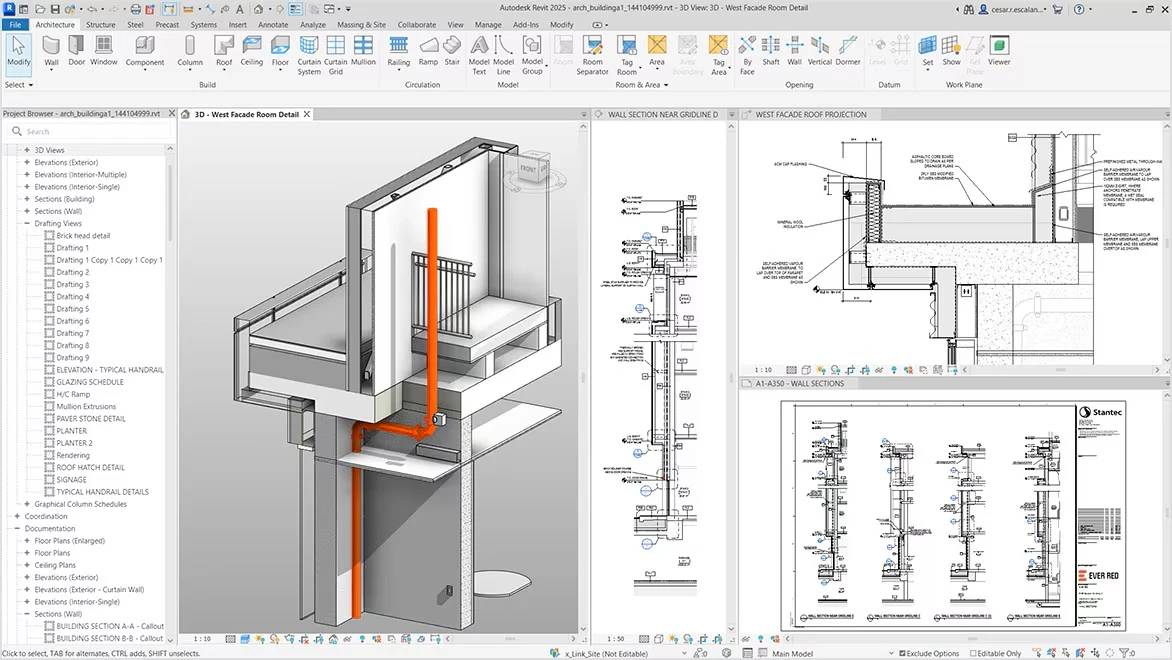
Schedules and tags provide real-time updates on rooms, finishes, openings, and material data, improving accuracy and project oversight. Revit allows architects, interior designers, engineers, and consultants to collaborate in a shared environment for large-scale remodeling projects. Its sustainability analysis and energy-performance features further help to make more informed decisions throughout the design phase.
If you want to learn how architectural projects develop through coordinated digital models, PAACADEMY offers Revit workshops that teach BIM modeling, architectural documentation, and parametric design using Rhino.Inside.
10. Sweet Home 3D
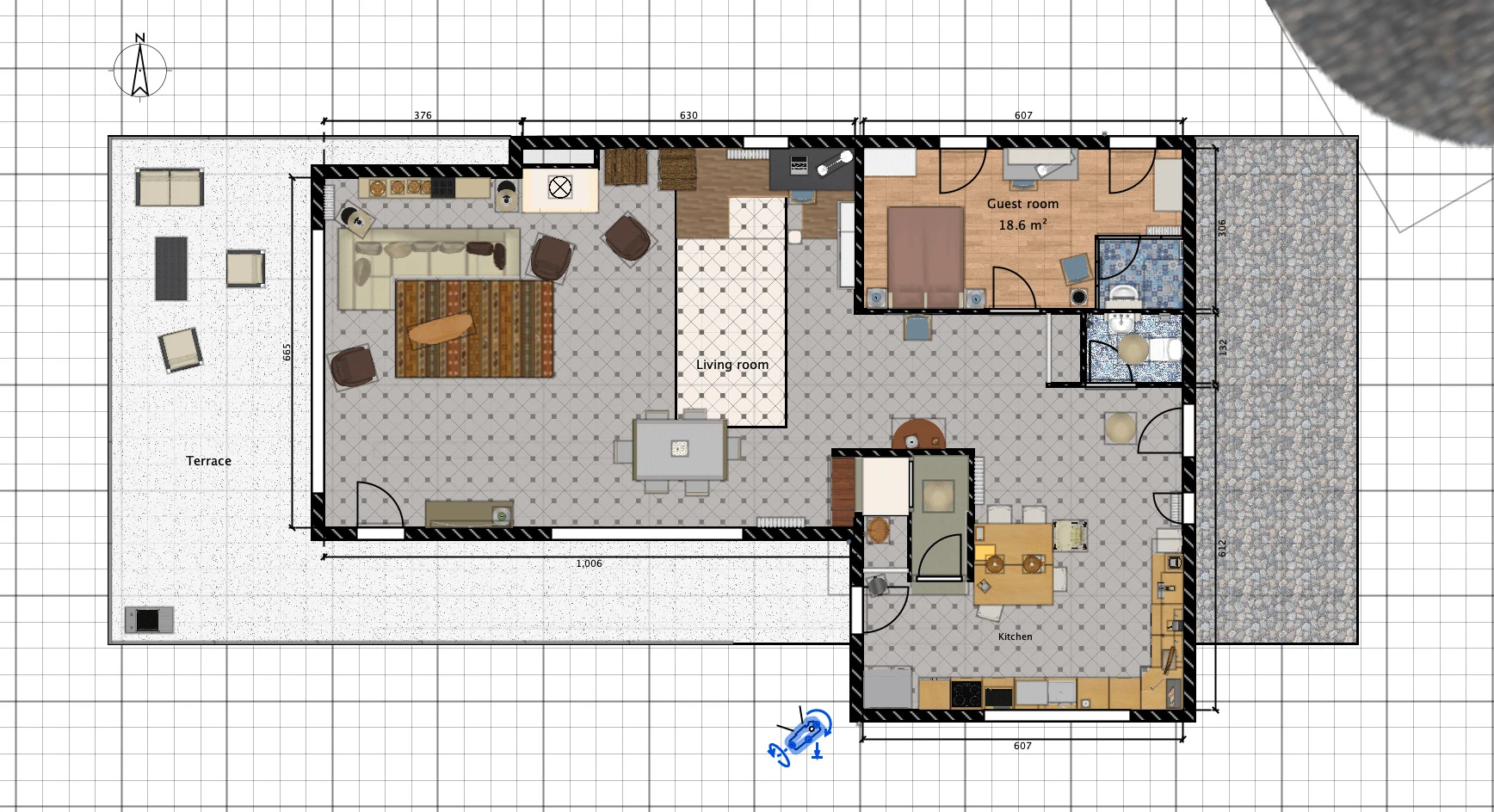
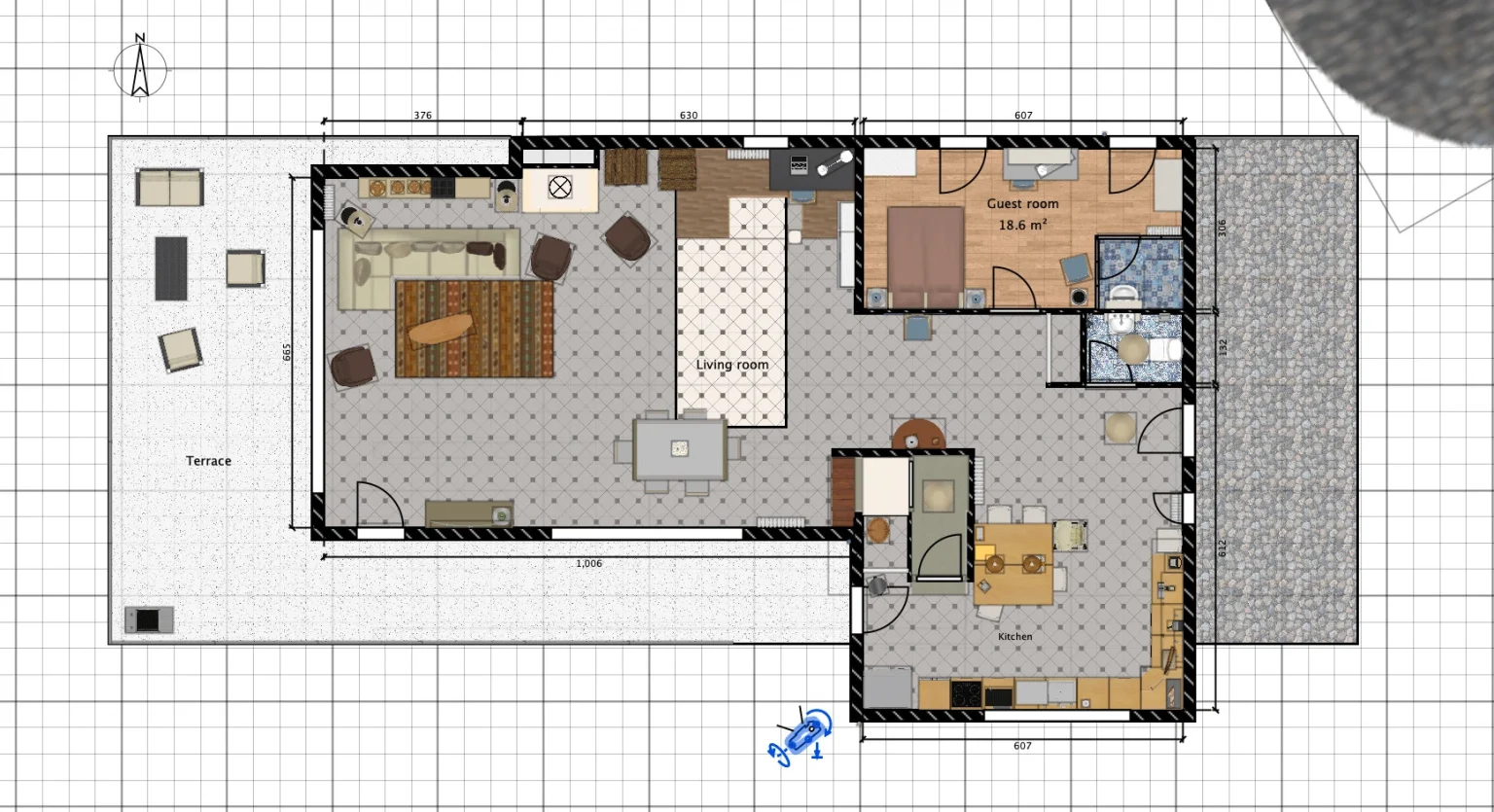
Sweet Home 3D is a free and open-source interior design application known for its accessibility and cross-platform compatibility, supporting Windows, macOS, Linux, iOS, Android, and web browsers. Its intuitive split-screen interface displays 2D floor plans alongside real-time 3D views, allowing users to visualize design changes instantly without switching workflows. The software supports straight, curved, and sloping walls with accurate dimensions and enables designers to annotate plans with room labels, measurements, and area calculations.
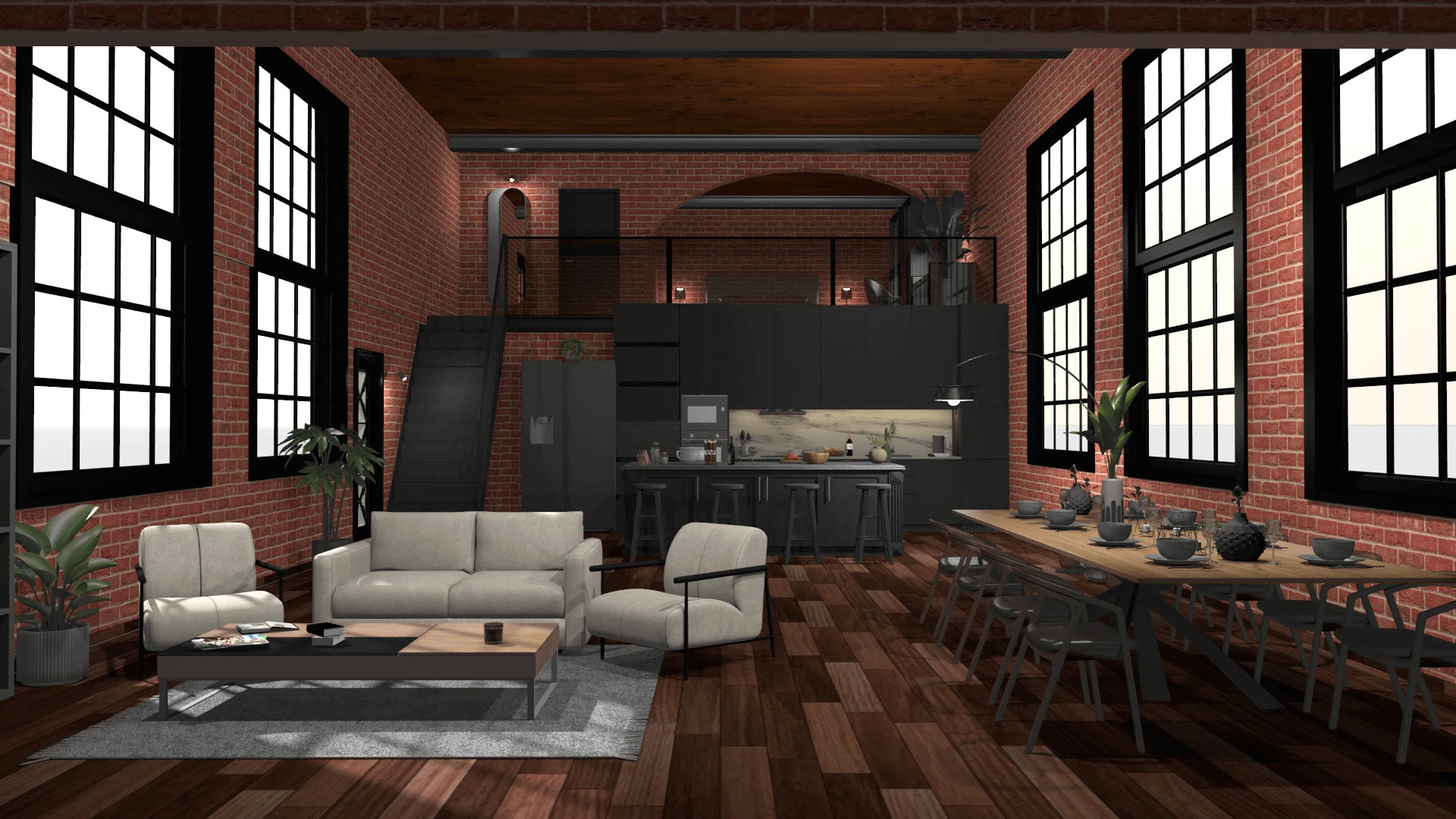
The software also provides significant customization possibilities, allowing users to change furniture dimensions, colors, patterns, and orientations while also importing new models, textures, and floor plans to increase its library. Its Virtual Visitor mode provides first-person walkthroughs and creates photorealistic images and videos with customizable lighting and sunlight settings. Sweet Home 3D has a remarkable number of features, including support for 29 languages and Java-based plugins.