


In today’s architectural landscape, digital and AI tools are reshaping how you design, visualize, and analyze spaces. As a student working with limited resources, access to free and freemium tools can help you experiment, iterate faster, and present ideas more effectively—without financial strain.
Here’s a curated list of reliable tools to help you work smarter, not harder.
Design & Visualization: Transforming Ideas into Visuals
1. Inkscape
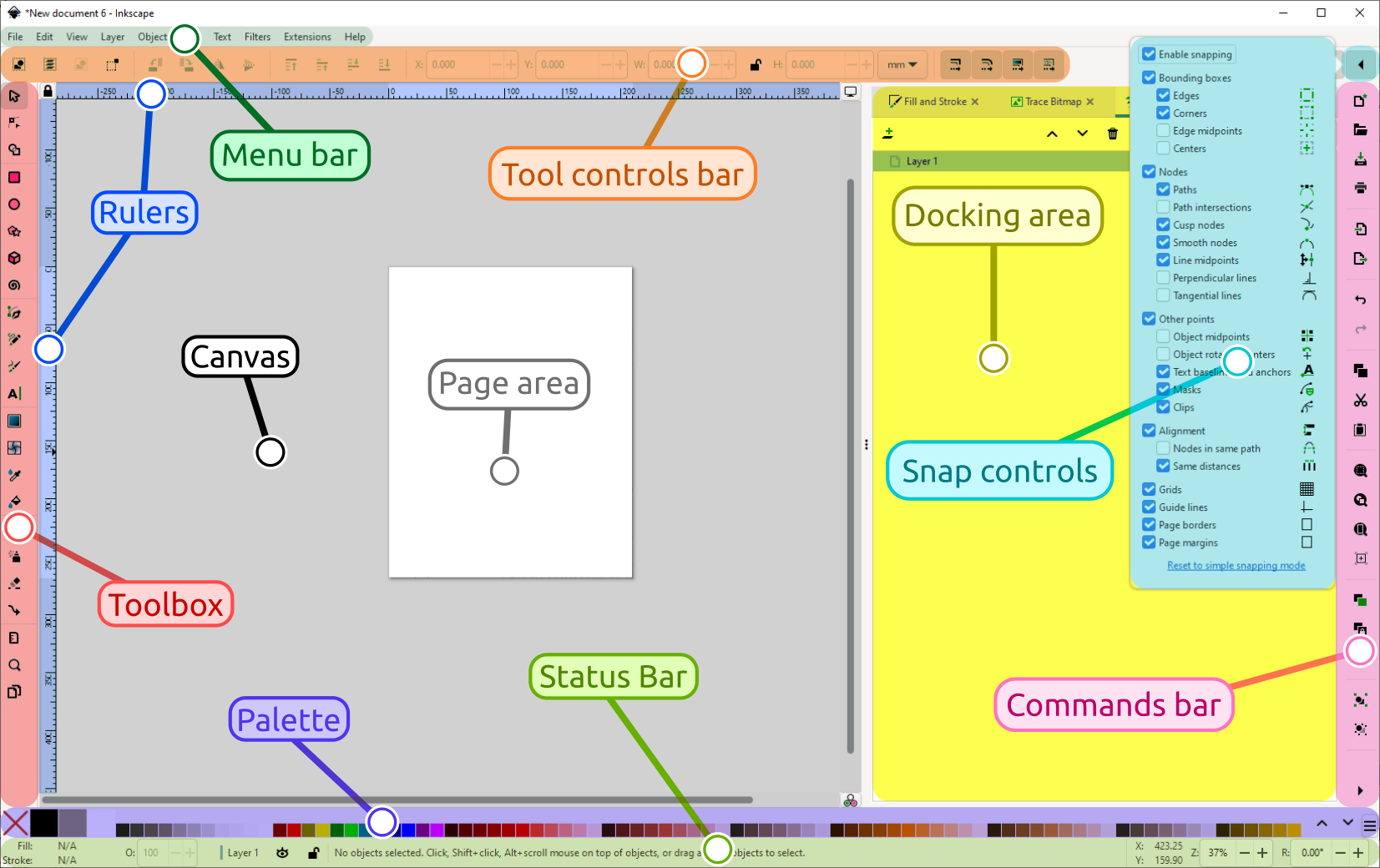
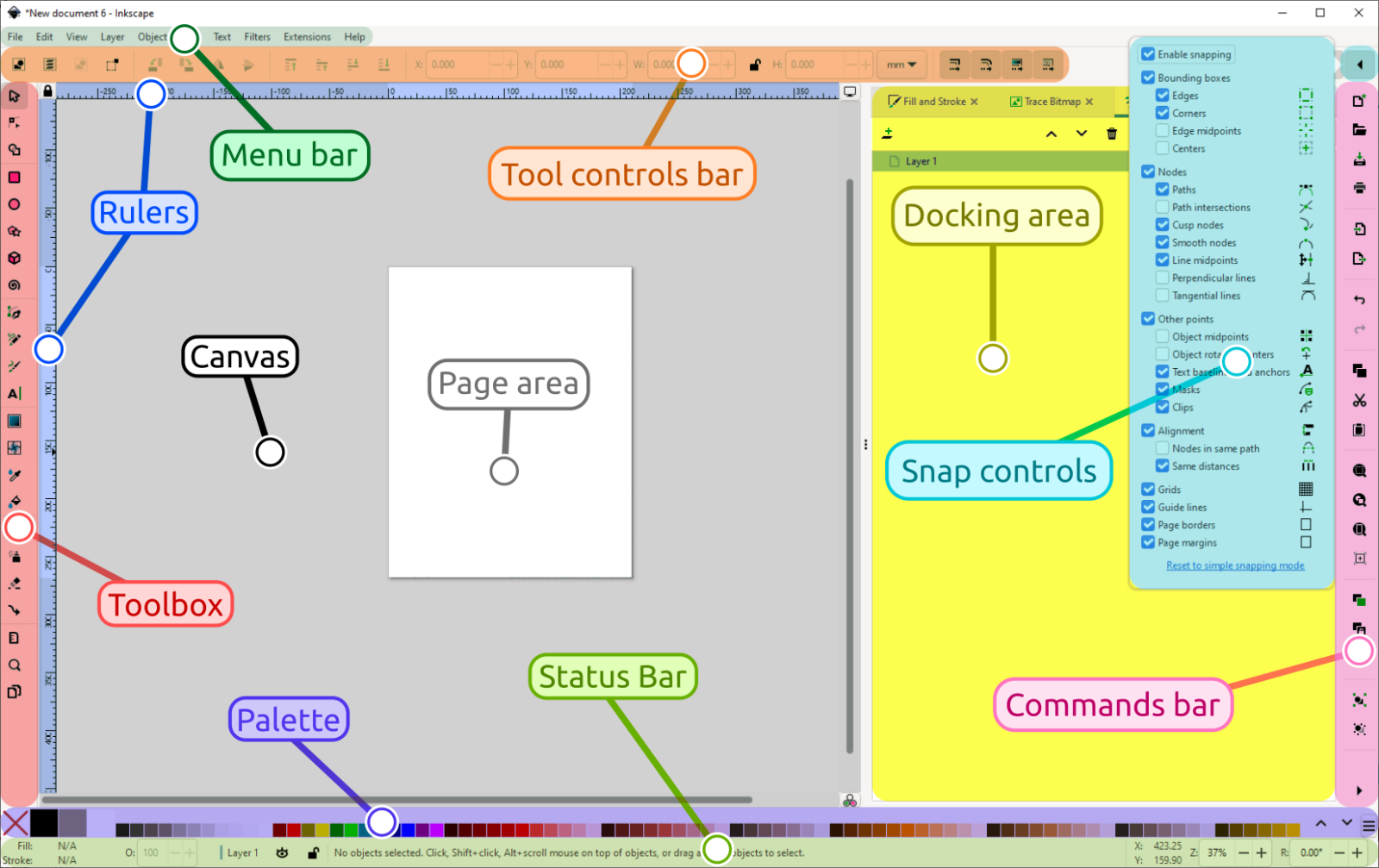
A professional open-source vector graphics editor available on Windows, macOS, and Linux. It is completely free, with no cost or subscription required. It offers the creation of vector shapes with inbuilt editing tools, including node editing, path simplification, boolean operations, and live path effects for advanced shape manipulation.
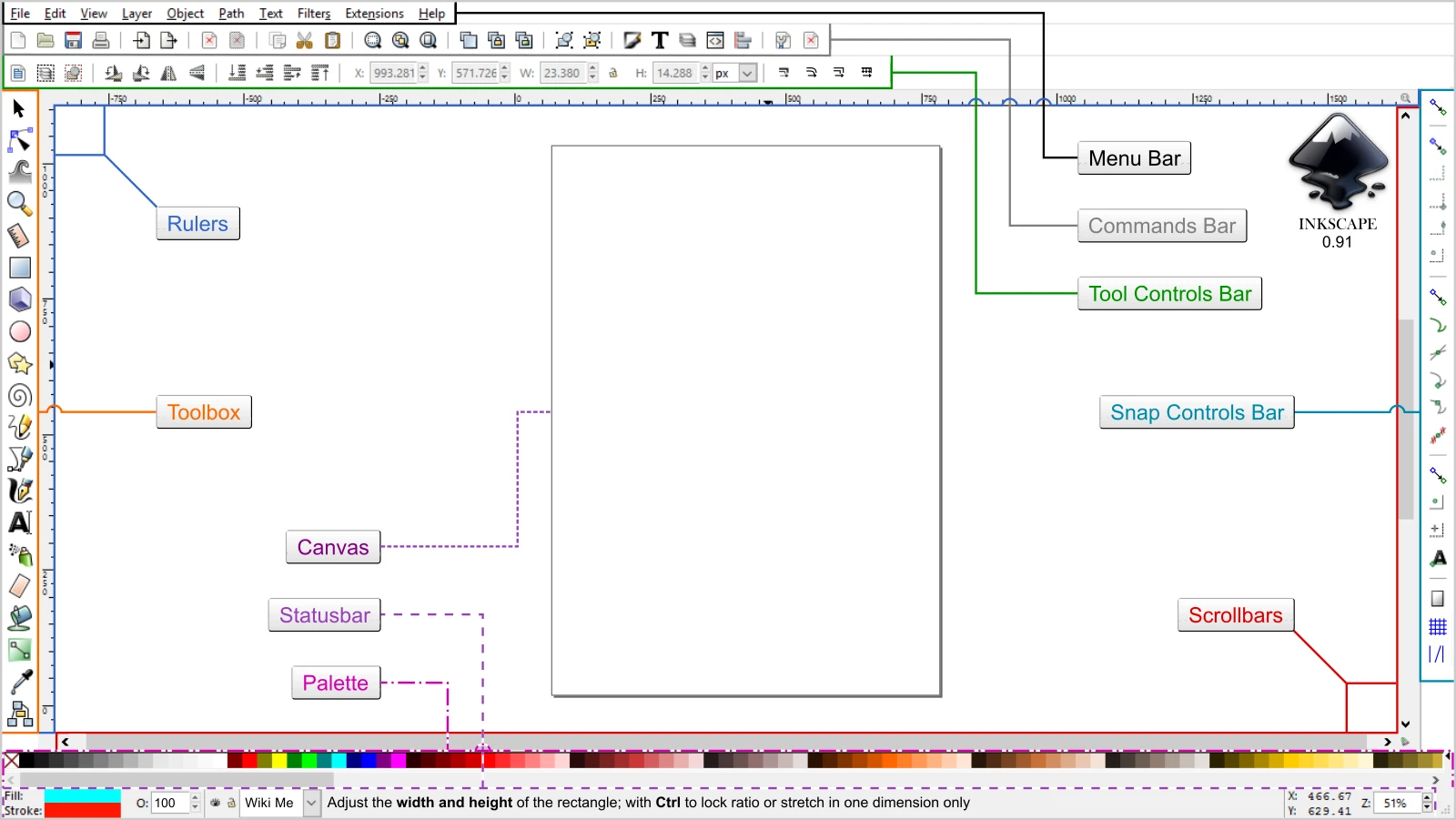
It incorporates text tools for advanced topography and flow text and provides customization of gradients, patterns, fills, strokes, and transparency. It is widely praised for its cost-effectiveness, and students can download the latest version directly from the Inkscape website.
2. Runway ML
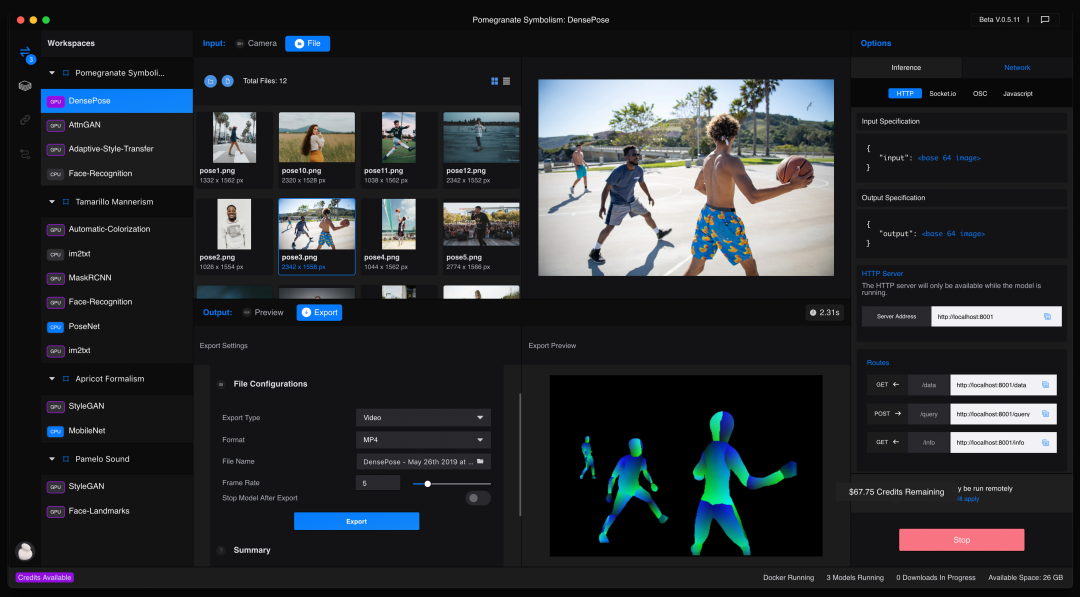
An advanced cloud-based AI processing creative software allows designers to generate, edit, and enhance images and videos using built-in AI learning models. It generates text prompts to images and text to video, a multipurpose tool for video editing, image synthesis, motion tracking, and generative design.
Runway ML uses a credit-based system, offering a free plan that provides 125 credits per month, good for experimentation, but has watermarked, lower-resolution output and limited credit allocation, while the four levels of paid subscription are the Standard Plan (625 credits per month), Pro Plan (2250 credits), Unlimited Plan, and Enterprise Plan for large-scale solutions.

It is beginner-friendly software for architecture students that helps in diverse multimedia projects, including gaming assets, interior design, green screen, creative storytelling, realistic motion, and the generation of objects and scenarios. For a simple workflow, it can be integrated with Photoshop, After Effects, and Figma.
Generative Design & Parametric Tools
1. Blender
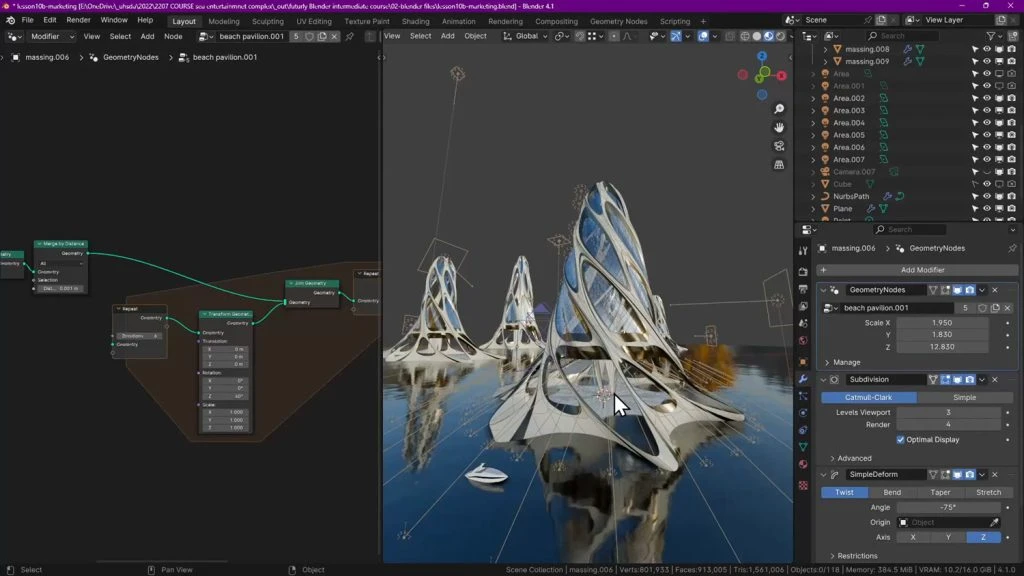
With a consistent OpenGL-based interface, Blender is completely free open-source 3D software for creatives to integrate 3D modeling, rendering, animation, simulation, collage, composition, motion tracking, video editing, and game assets for animated films. Architecture students use it for generating walkthroughs, concepts, and parametric designs. Ideal for quick iterations and exploration of architectural forms.
2. TinkerCAD
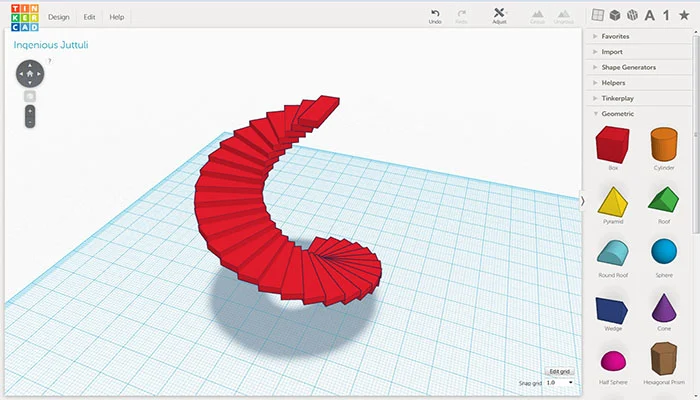
An entirely free web-based 3D design modeling software for beginners, TinkerCAD from Autodesk offers simple, block-based modeling and parametric design concepts, making it an accessible tool for learning basic architectural design principles. It allows students to drag and drop the basic shape into the workspace, which supports electronics simulations like LEDs and microcontrollers. No subscription or fees required.
Rendering & Image Enhancement: A Smart Tool
1. AI Enhancement
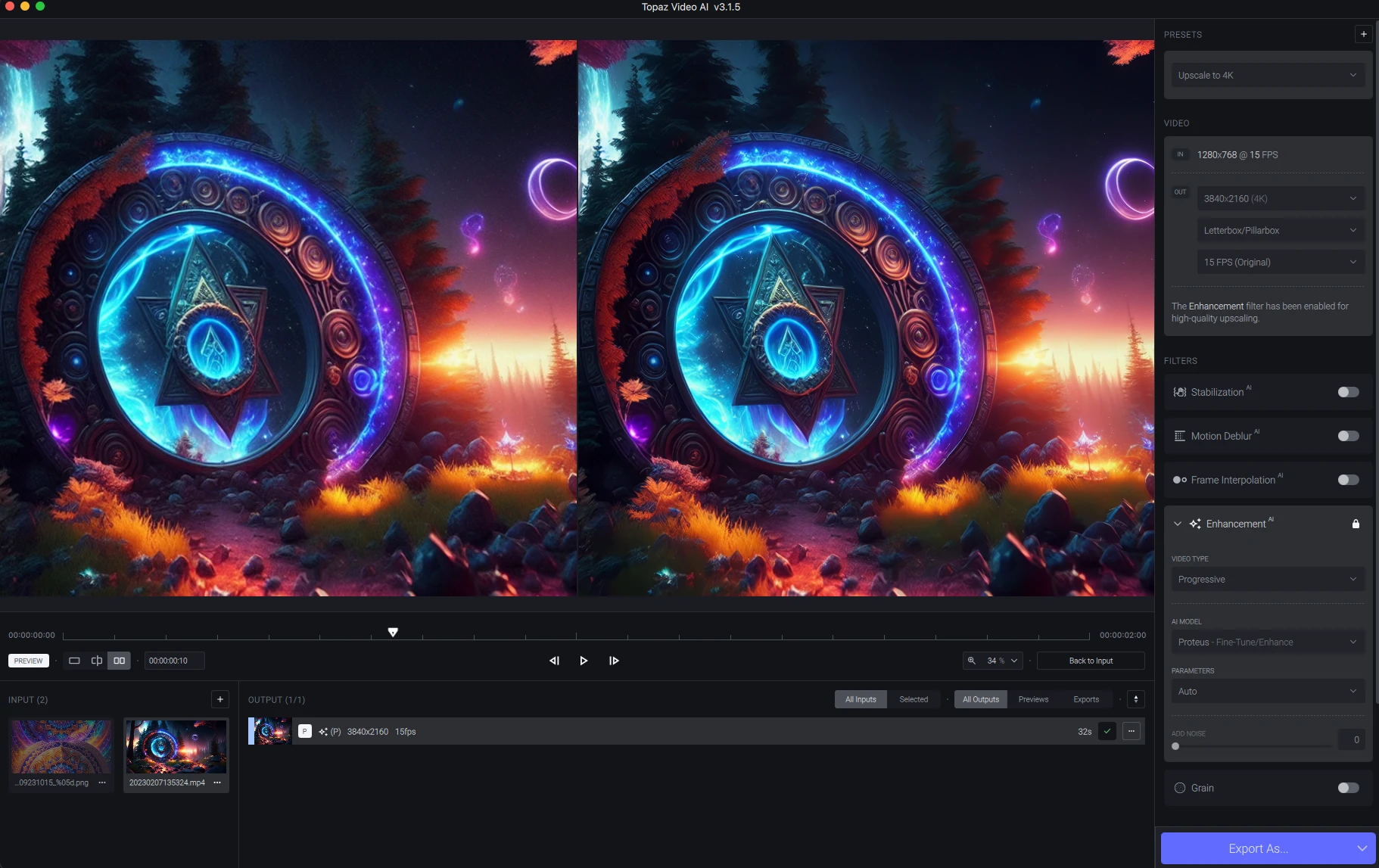
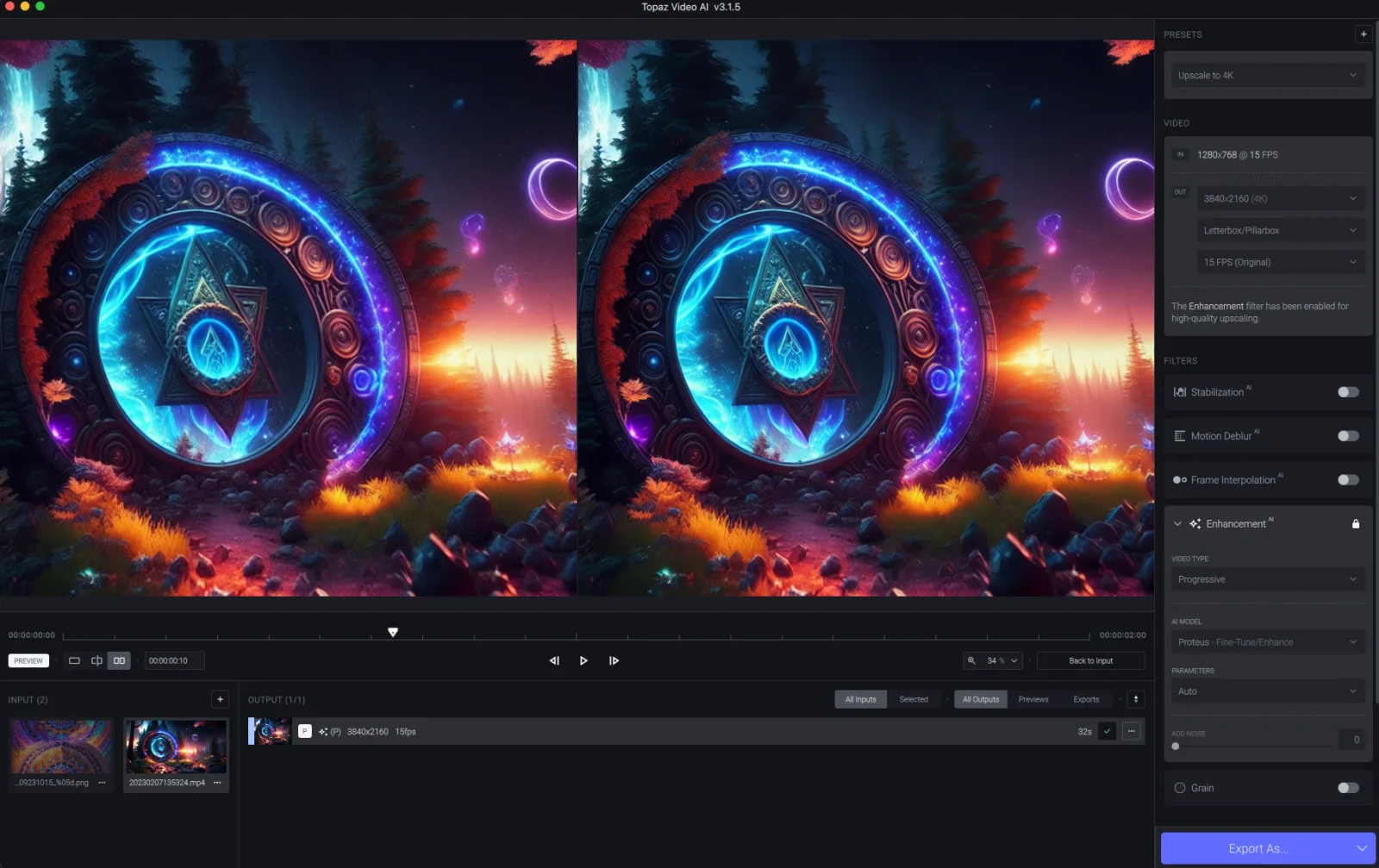
As the name suggests, it’s an artificial intelligence-powered tool with free basic usage and paid upgrades, including Canva’s AI Photo Enhancer for quick fixes, DeepImage for e-commerce and real estate photos, and Picsart AI Image Enhancer with detail boosting and noise removal, which uses machine learning algorithms to enhance and improve the quality.

It helps to edit images and their properties, brightness, sharpness, upscale details, correct colors, and adjust lighting. It is a useful tool for architecture students to upgrade renders, site photos, and presentation graphics into crisp, high-quality visuals. AI-enhanced tools are widely employed for photography, e-commerce, real estate, social media, and print production to optimize images for professional services and upscaling images to HD, 4K, or even 500 MP.
2. MyArchitectAI
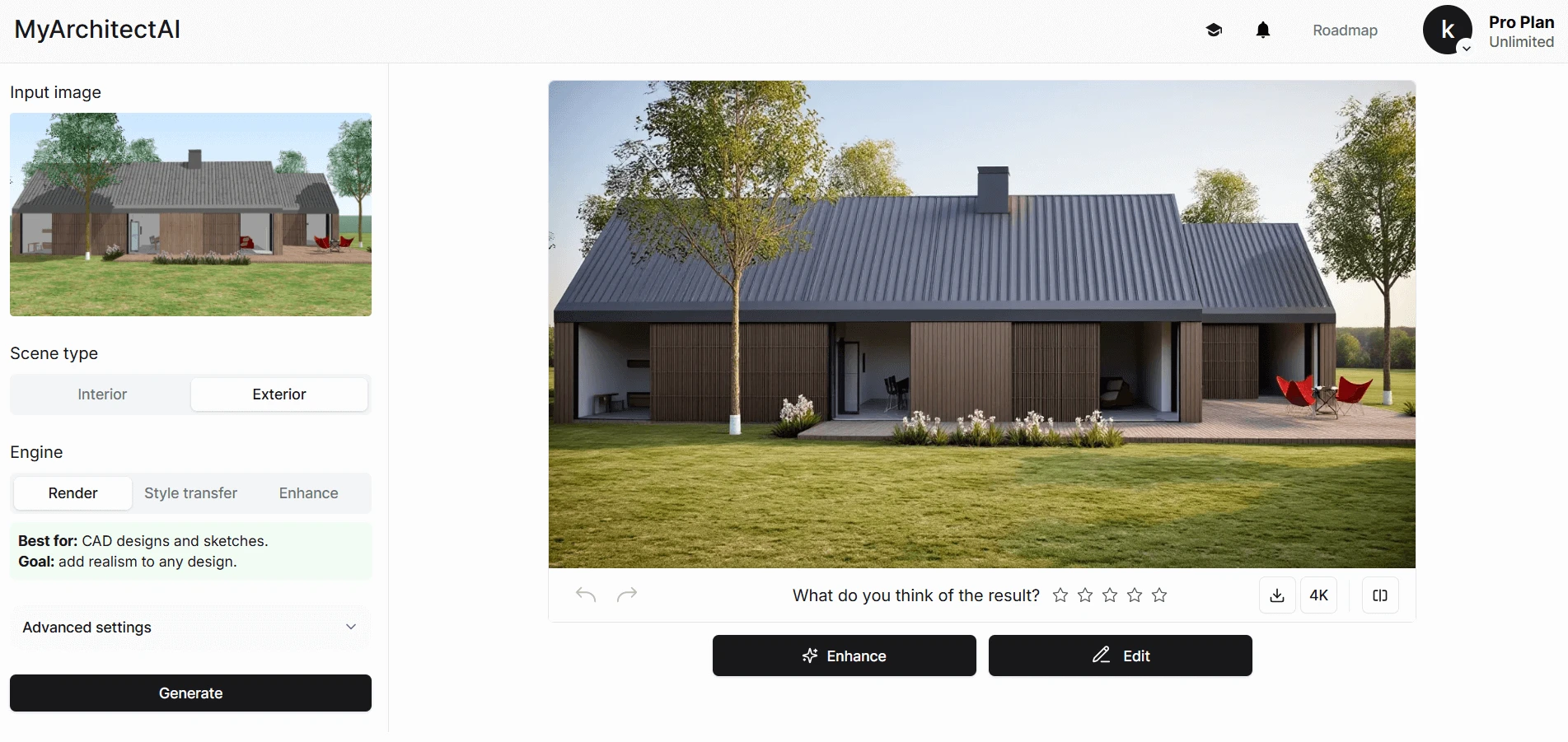
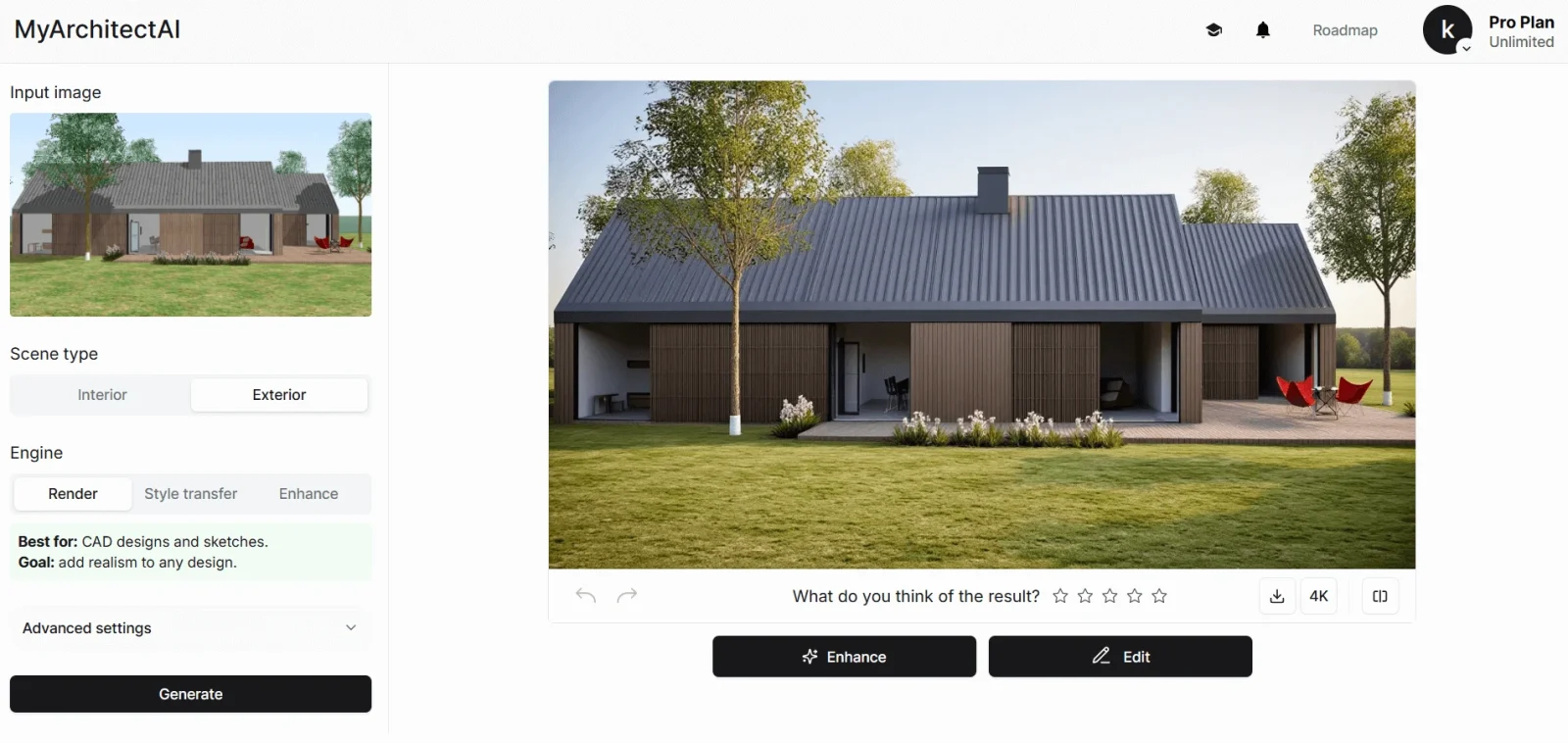
MyArchitectAI, rendering software powered by AI, is used to create photorealistic architectural renders within 10 seconds, offering a free trial allocation for students to test. It supports design uploads from CAD, SketchUp, Archicad, Revit, Rhino, and others. Through text prompts or a predefined style, it helps to edit textures and materials. MyArchitectAI offers a free plan with a total of 10 renders and 10 edits at standard quality, and paid plans provide unlimited renders in high resolution up to 4000 pixels. It also provides collaboration features for teams, enabling shared projects for feedback and iteration.
3D Modeling & Sketching
1. SketchUp
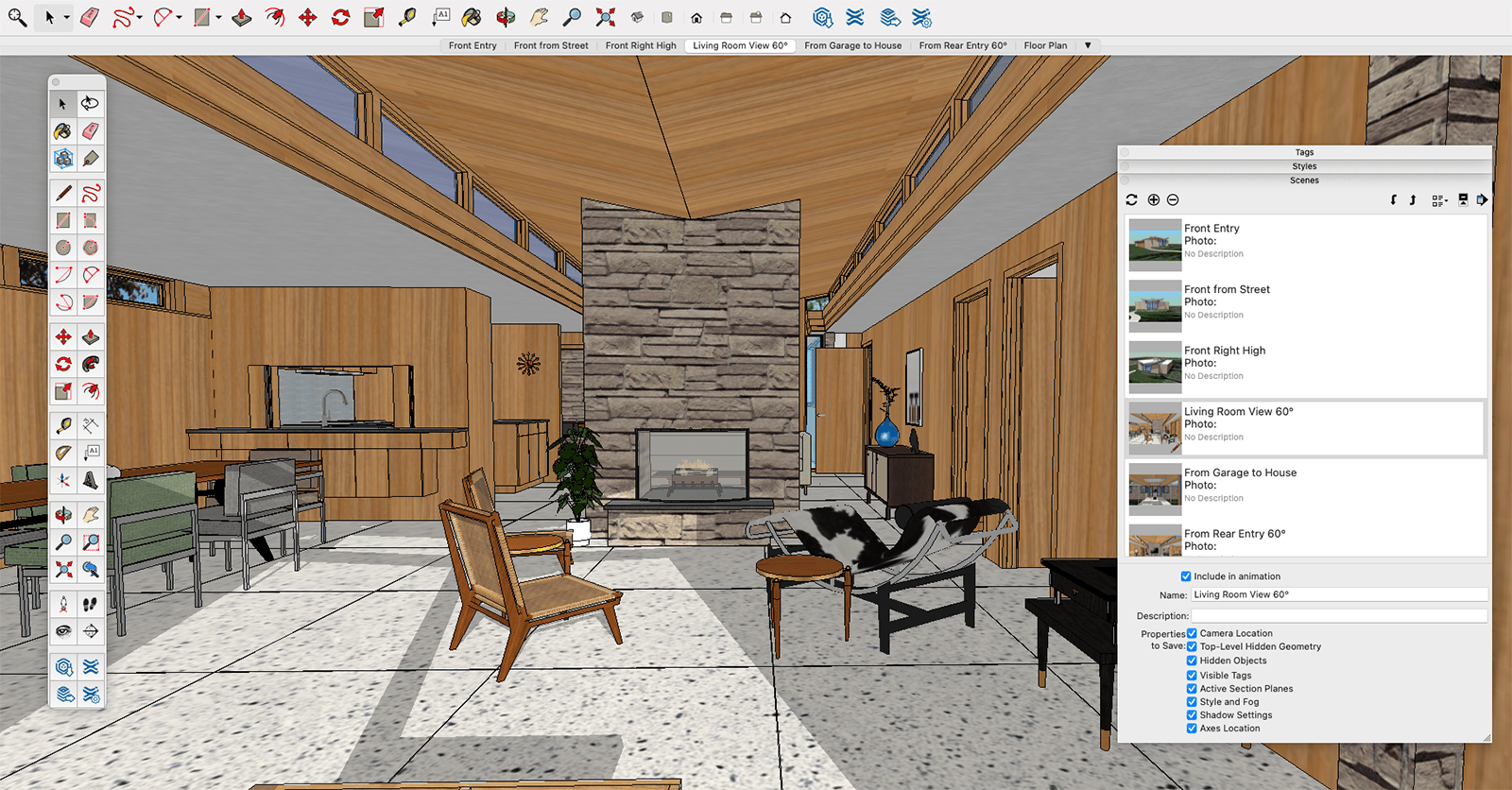
A user-friendly 3D modeling software with a free, browser-based version called SketchUp Free. Supported by Trimble, it is straightforward software for architecture students to create, modify, and experiment with design ideas and generate digital renders in three dimensions with speed and precision.

The free version provides access to the 3D Warehouse, a massive library of pre-made models, and basic cloud features, making it a powerful tool for students, while SketchUp Pro and SketchUp Studio are paid versions.
2. FreeCAD
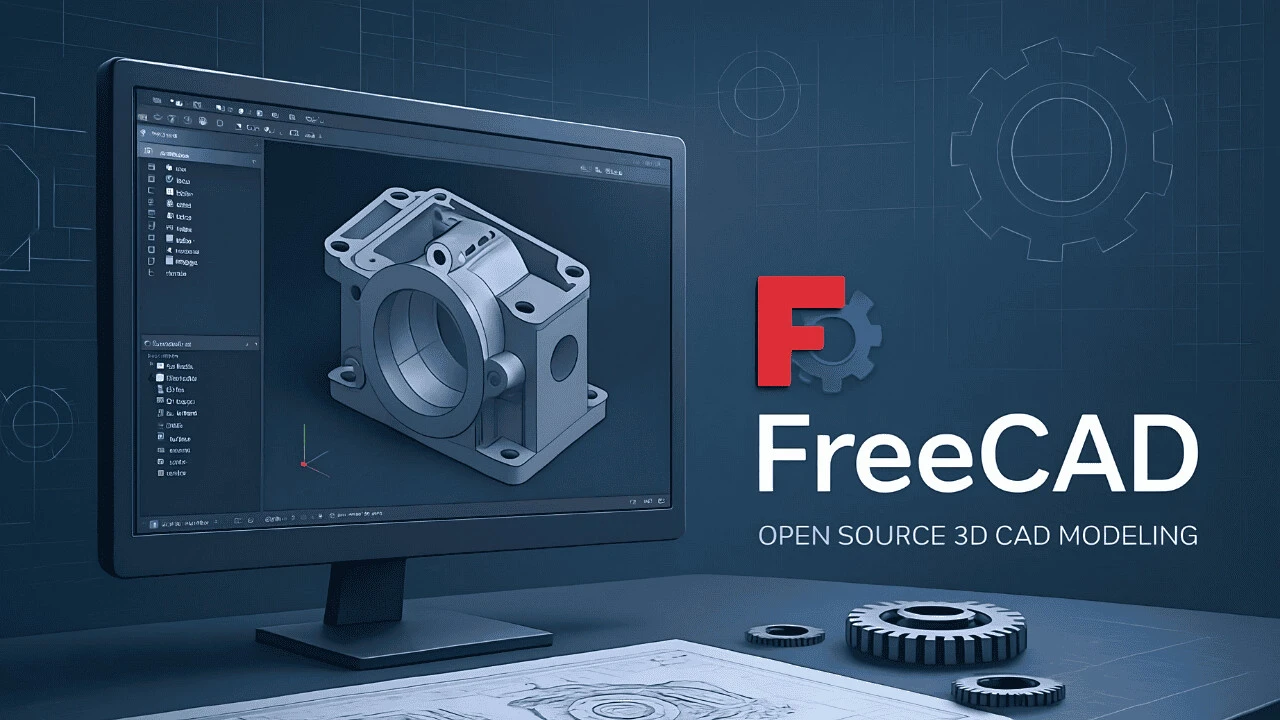
An open source parametric 3D CAD modeler and BIM software that is completely free to use. FreeCAD helps to create detailed 3D objects of any size. With custom plugins, it supports architecture, mechanical and parametric engineering, electrical engineering, and other design fields through a modular architecture that enables users to enhance functionality. Its parametric approach allows designers to modify the design at any stage, making it flexible for design iterations.
AI in Design Research & Concept Generation
1. Miro
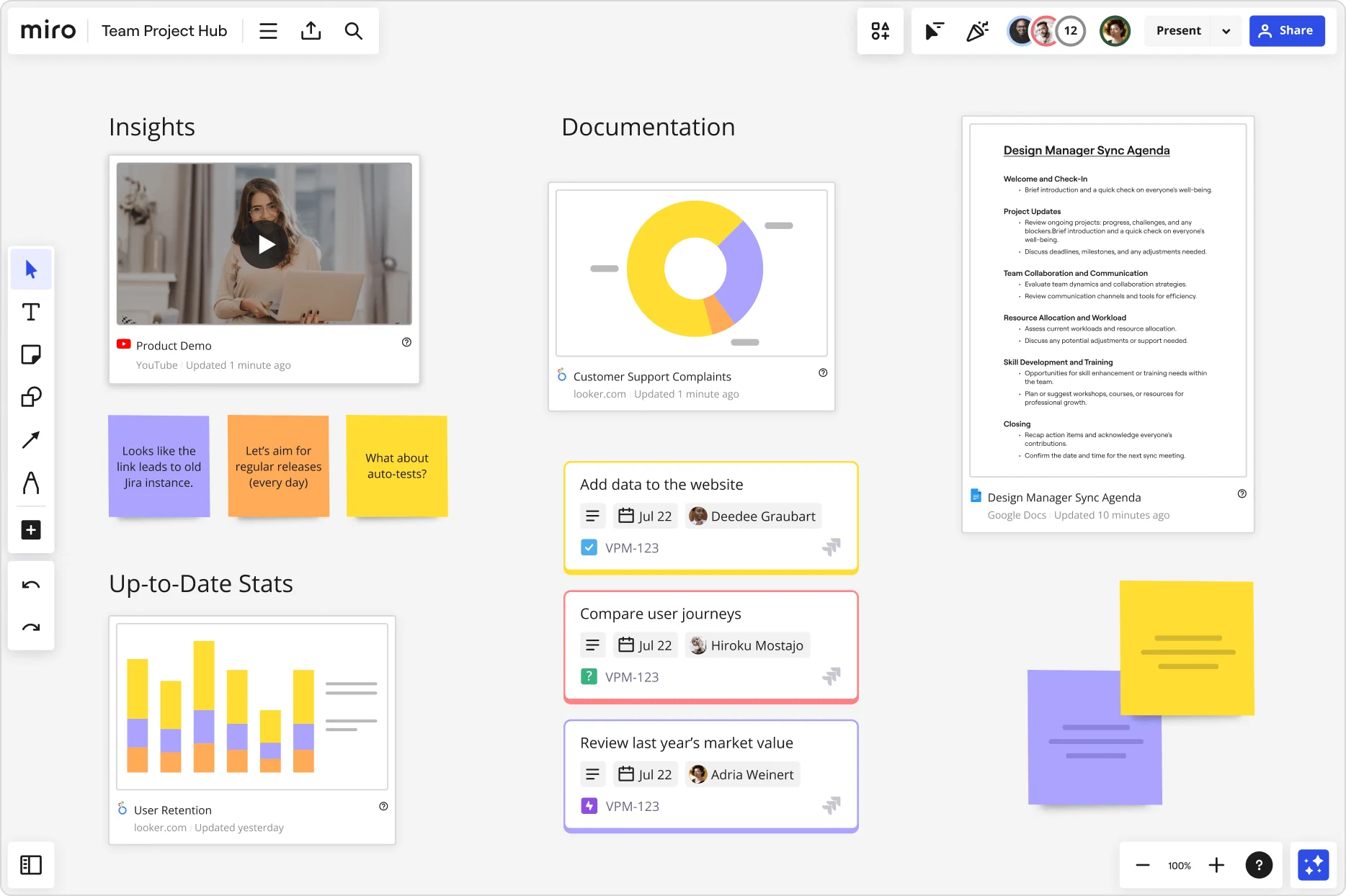
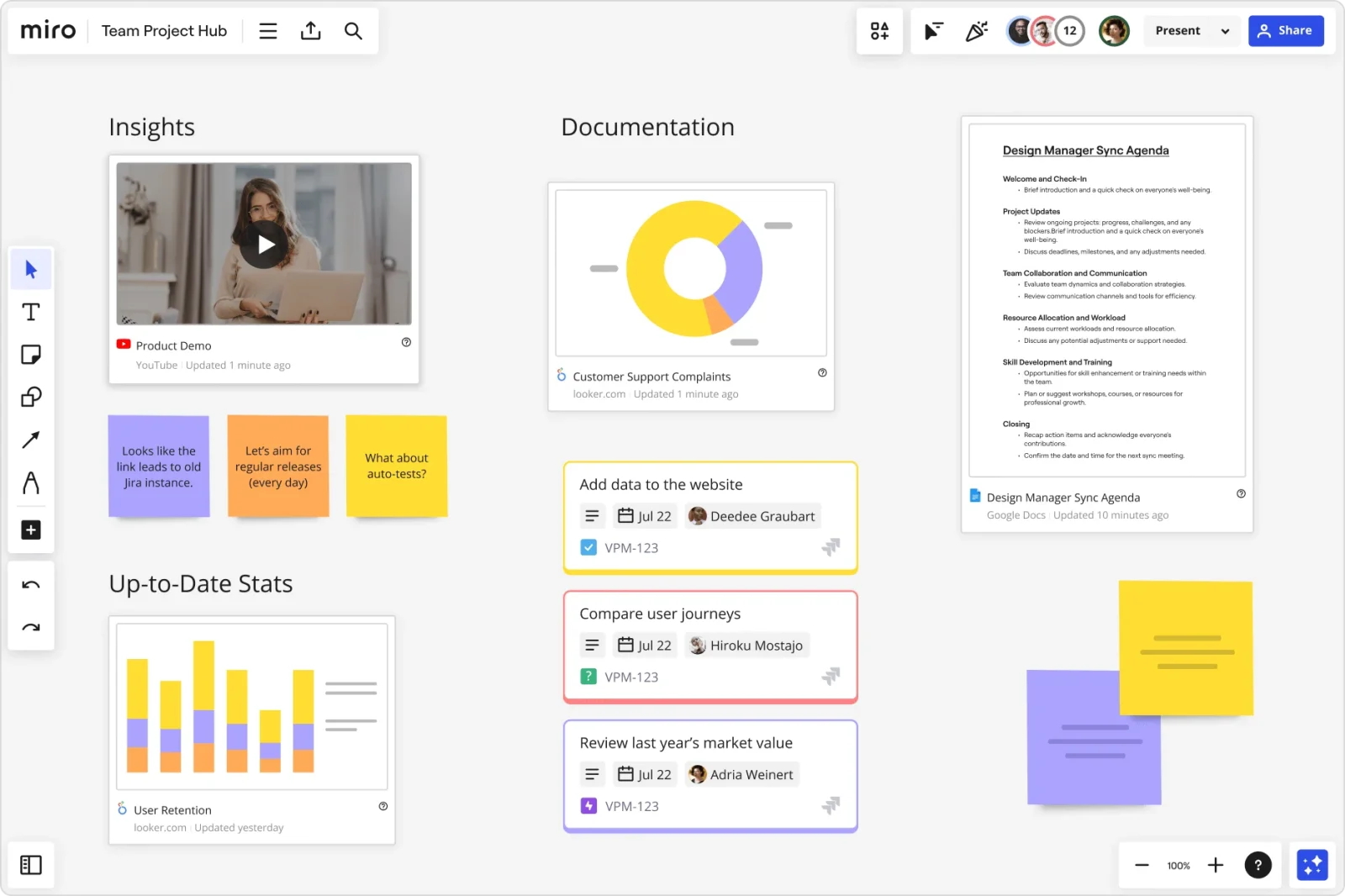
A famous software among the architecture research students, Miro is a cloud-based collaborative whiteboard platform designed for visual brainstorming, project planning, and teamwork. It helps to create concepts, mapping, research, and team collaboration with its interactive boards, sticky notes, comment suggestions, templates, and task management, which is used for brainstorming, inspiration, and project development. Miro offers a free plan with three editable boards and several paid subscriptions, but the education plan is a huge benefit for students, providing unlimited boards and advanced features for free to accredited institutions.
2. Conceptboard
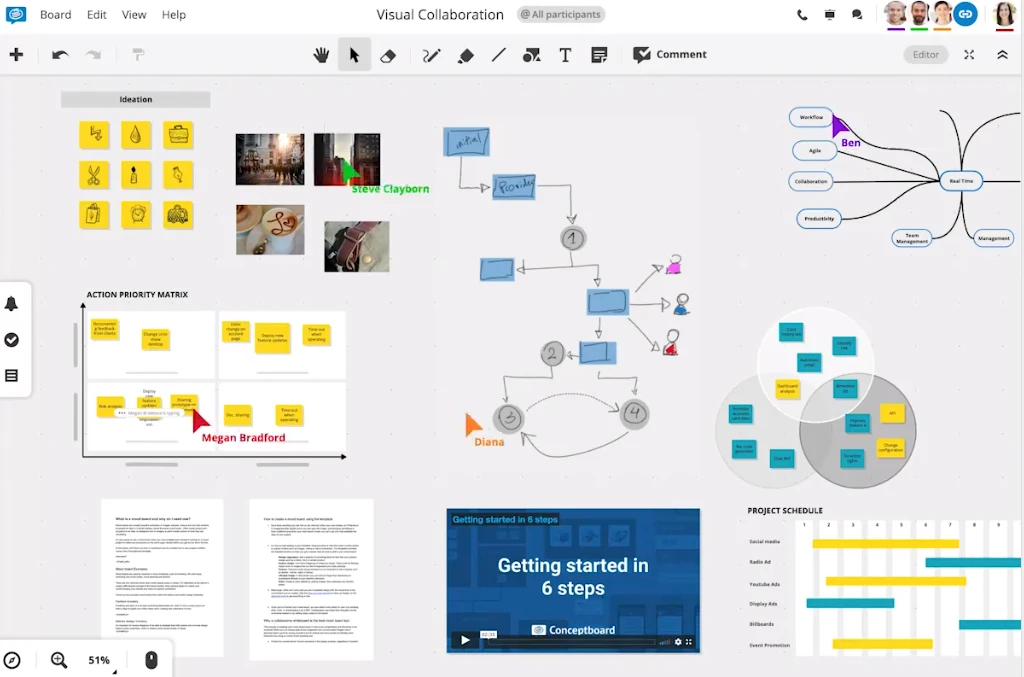
Conceptboard, a virtual hub, fosters creativity and helps to develop mind maps and plan and present ideas on an infinite canvas. ConceptBoard offers a free plan with unlimited editable boards, but a limit of 100 objects per board. A digital collective whiteboard platform facilitates visual teamwork and supports flexible partnerships, whether team members are co-located or remote, making it ideal for dynamic architectural workflows and design communication. It helps clarify complex architectural concepts and aligns multidisciplinary collaboration by making thoughts visible and organizing them transparently.
Text-to-Image & Visualization
1. MockFlow
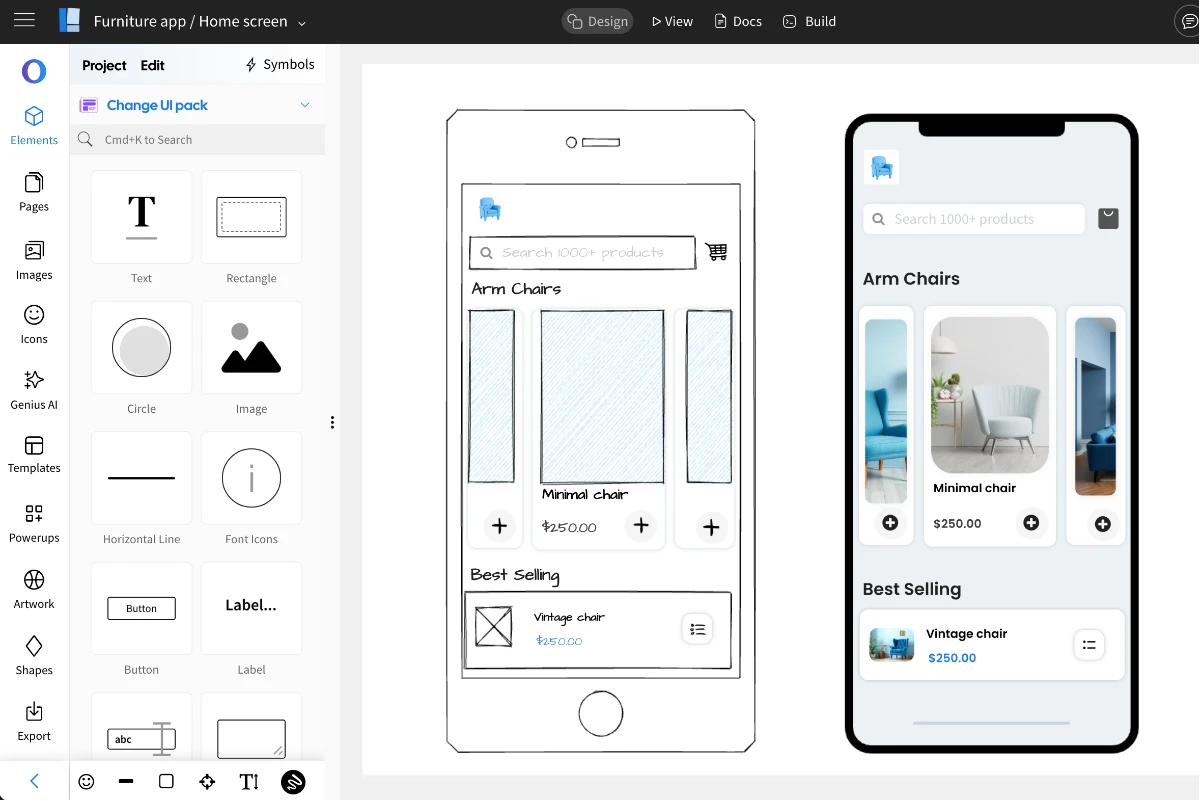
MockFlow is a web-based, fast tool for diagram creation to aid understanding, communication, and collaboration in architecture and software development projects. The free plan allows one wireframe project and one sitemap project, with the wireframe project being restricted to 3 pages and other limits.
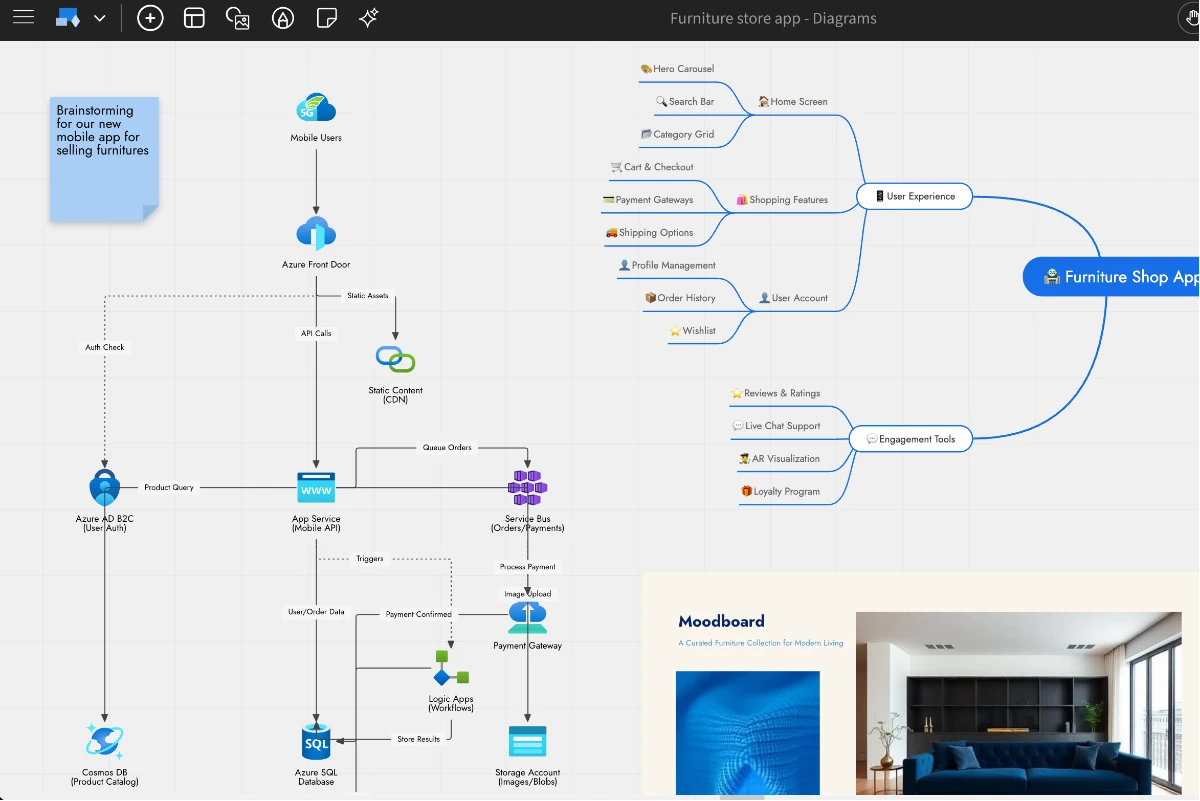
It contains a vast library of architecture-specific shapes and icons, including AWS, Azure, Google, and Cisco icon sets. Additionally, it supports diagrams like flowcharts, UML, and user flow layout. Perfectly suited for teams working remotely to brainstorm, imagine, document, and create complex design solutions.
2. Craiyon
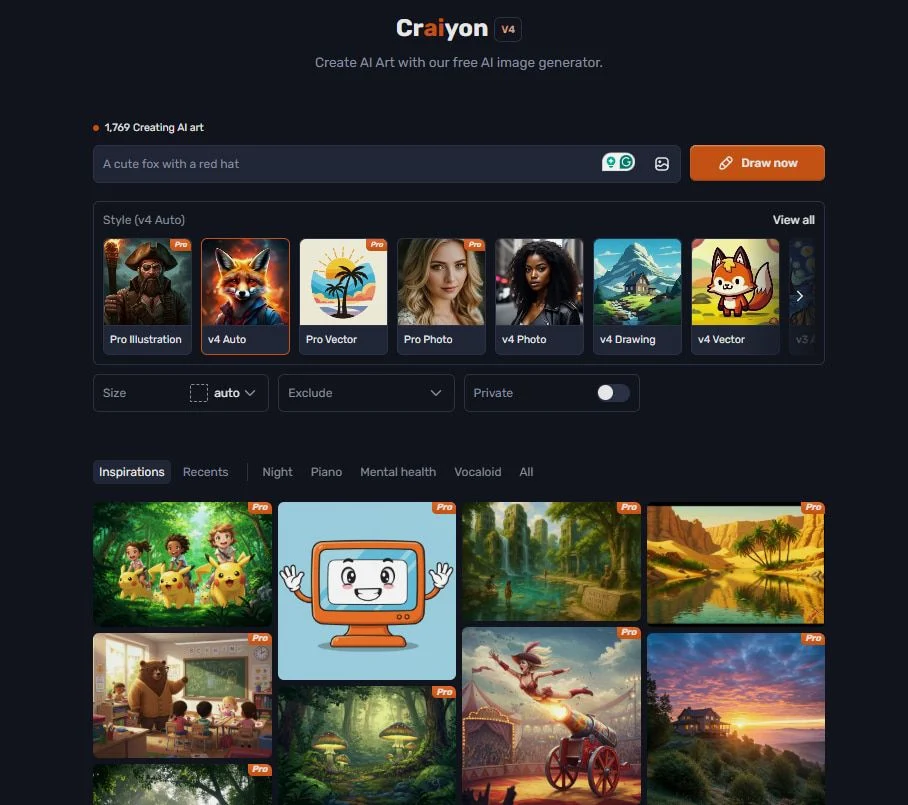
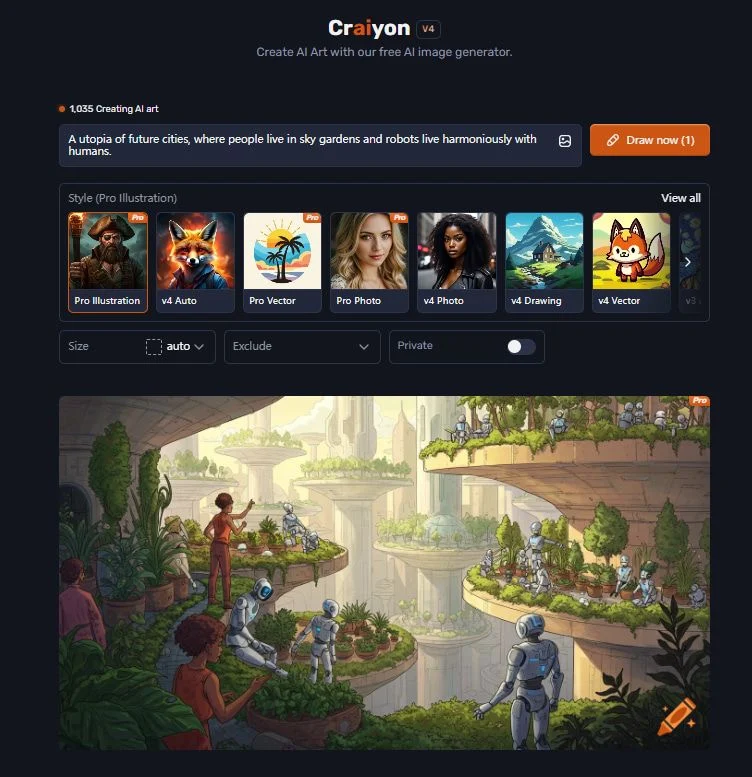
A solid choice for those seeking zero-cost AI image generation with instant access and unlimited use. Formerly known as DALL-E Mini, it generates images from text prompts using open-source AI models.
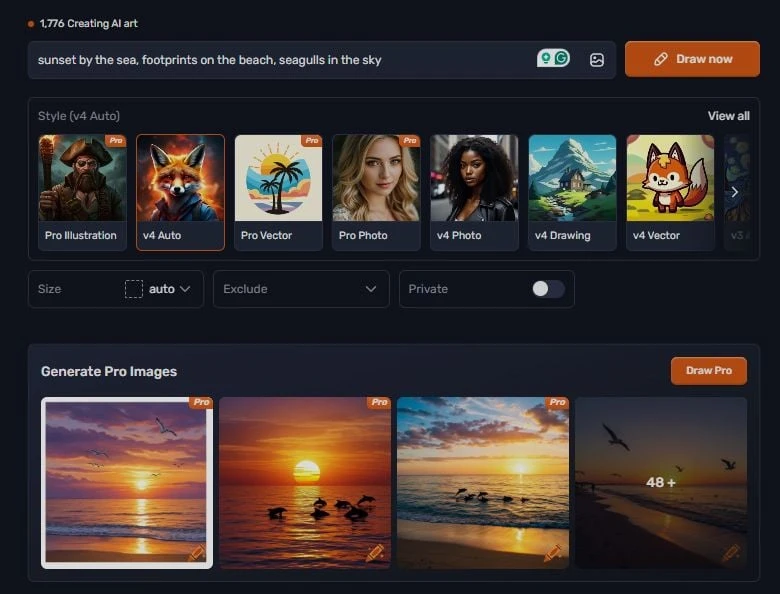
Though outputs are of low quality and less photorealistic compared to Midjourney, they are a great tool for quick conceptual visuals or creative exploration. The free plan is supported by ads and watermarks but offers unlimited “Lite” generations and also paid subscriptions.
Data & Performance Analysis
1. EnergyPlus
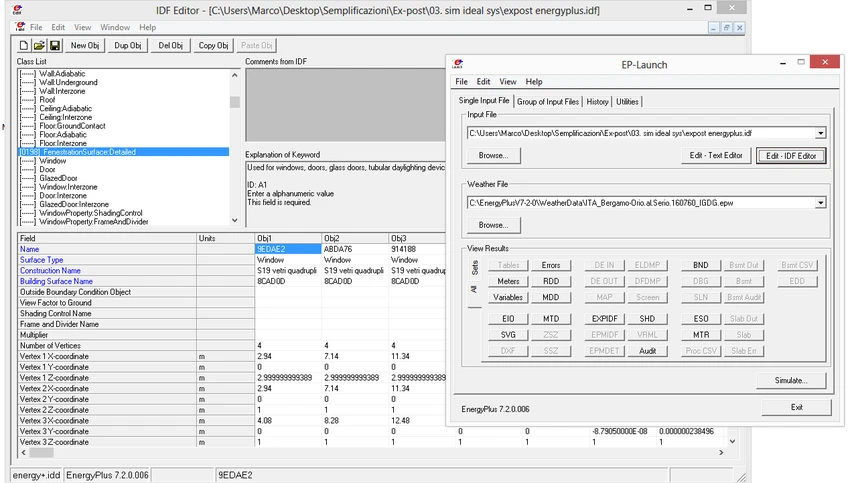
Developed by the U.S. Department of Energy, EnergyPlus is a completely free tool integrated with BIM tools like Revit, SketchUp, and Rhino/Grasshopper for simulation workflows. An open-source building energy software helps architecture students to understand and model heating, cooling, lighting, ventilation, HVAC system interactions, and renewable energy parameters to predict energy consumption, thermal comfort, and environmental performance of buildings. It’s highly used in academic research to develop innovative building technologies and control algorithms for sustainable structures.
2. Orange Data Mining
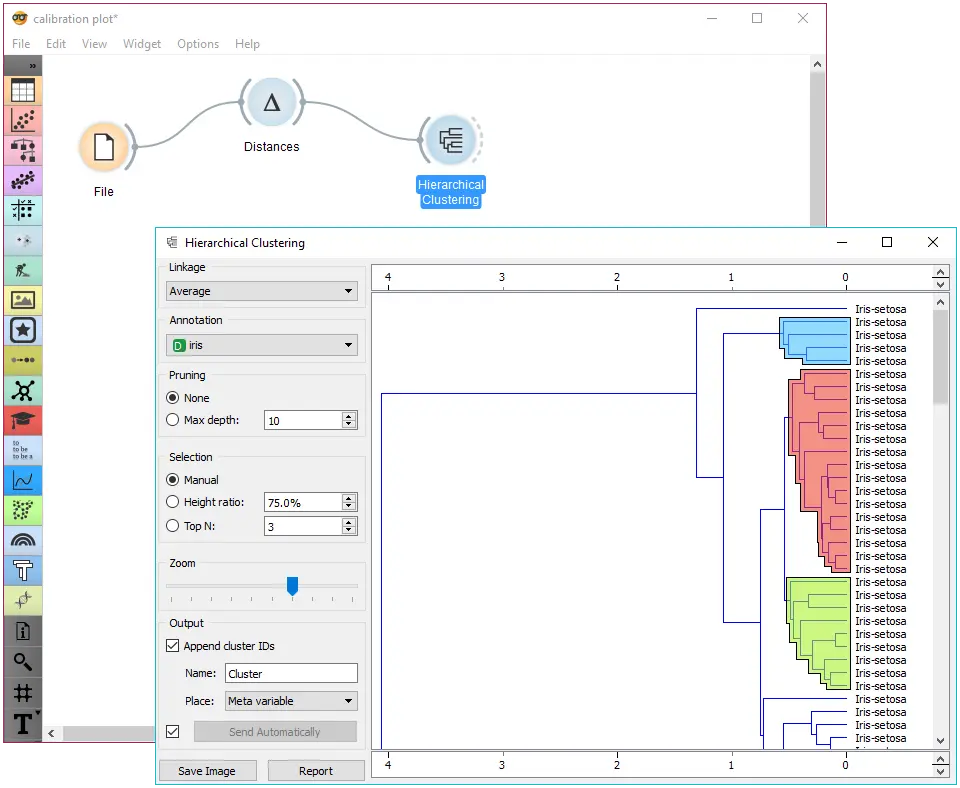
An open source, completely free, visual data analytics and machine learning tool popular in 2025 for its drag-and-drop workflow interface that requires no coding. It helps users to build data analysis pipelines using widgets for data input, filtering, visualization, modeling, and evaluation with an extensive widget library covering data manipulation, classification, regression, and clustering. A user-friendly software with strong visualization capabilities and an educational focus, making it accessible for those without programming skills.
AI as the New Architecture Professor
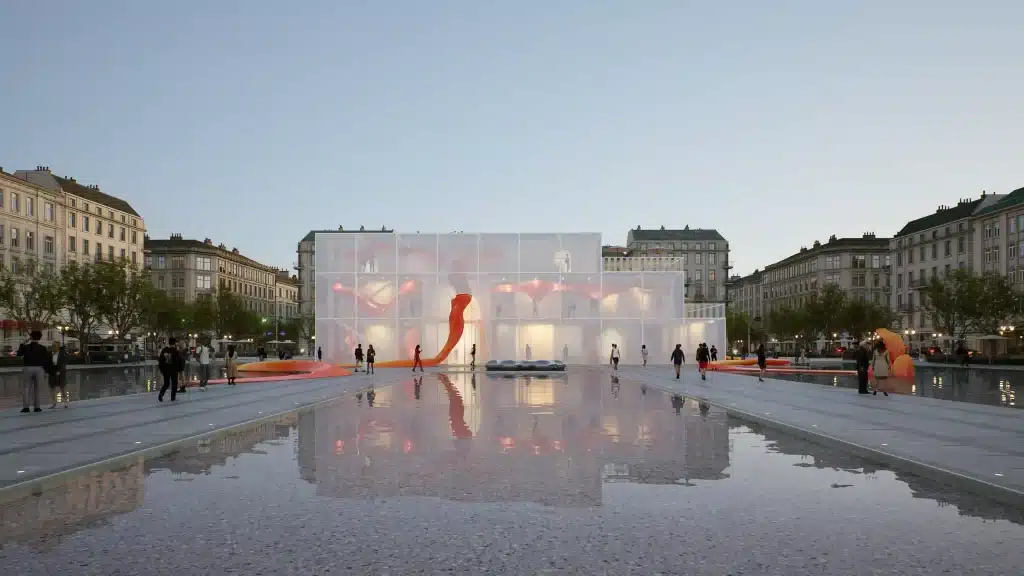
In architectural education, a significant gap exists. Many students are independently using AI tools to assist with design and modeling, but few are receiving formal training on how to use them effectively. The rise of AI tools among architectural students indicates a curriculum that adapts and evolves as per the modern demands of the architecture industry. PAACADEMY empowers architecture students to master state-of-the-art design and simulation software, including ClimateStudio, EnergyPlus, and Rhino, fostering innovation, sustainability, and excellence in architectural practice.
Explore Courses
.jpg "Ondrej Chybik - Rethinking Architecture")