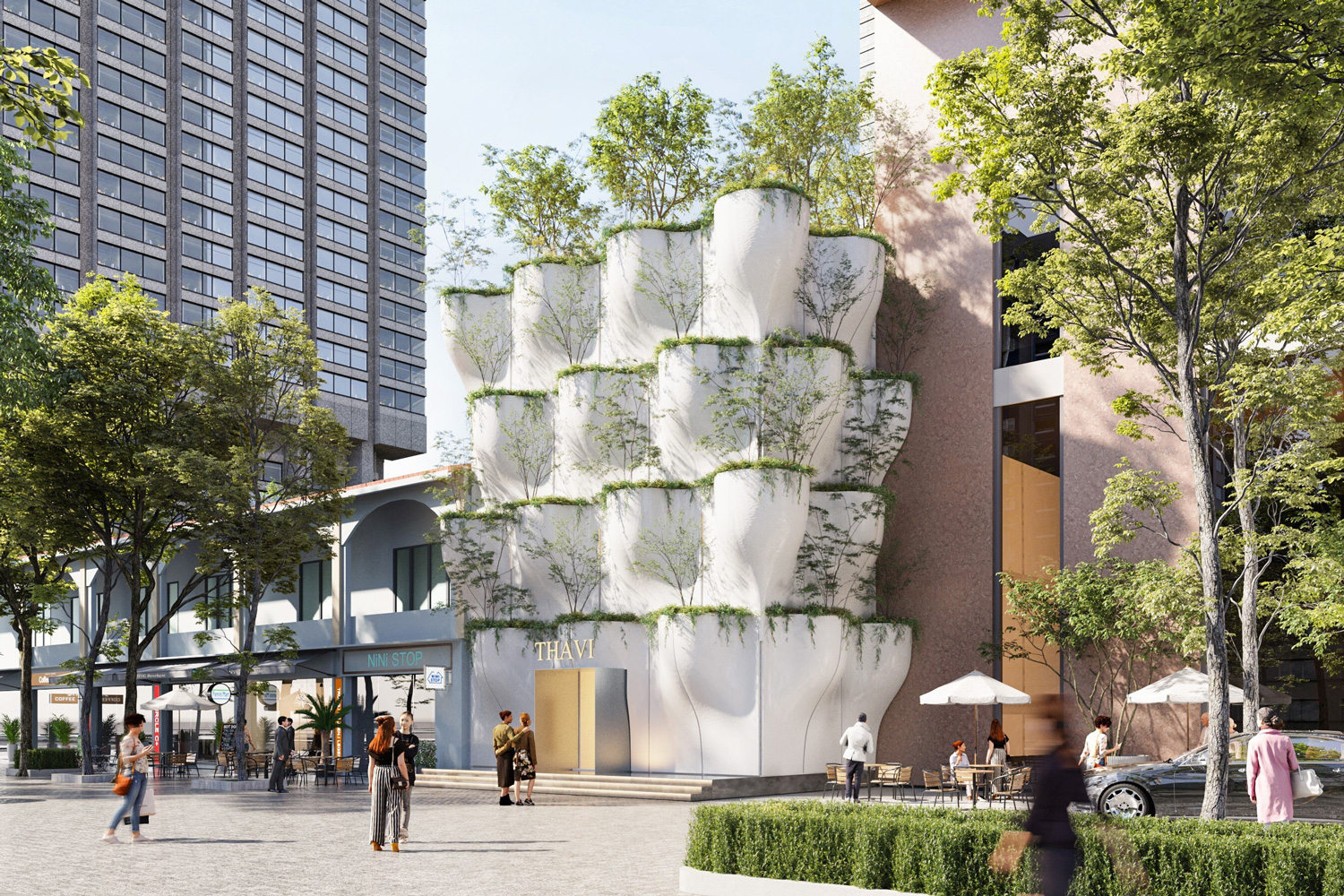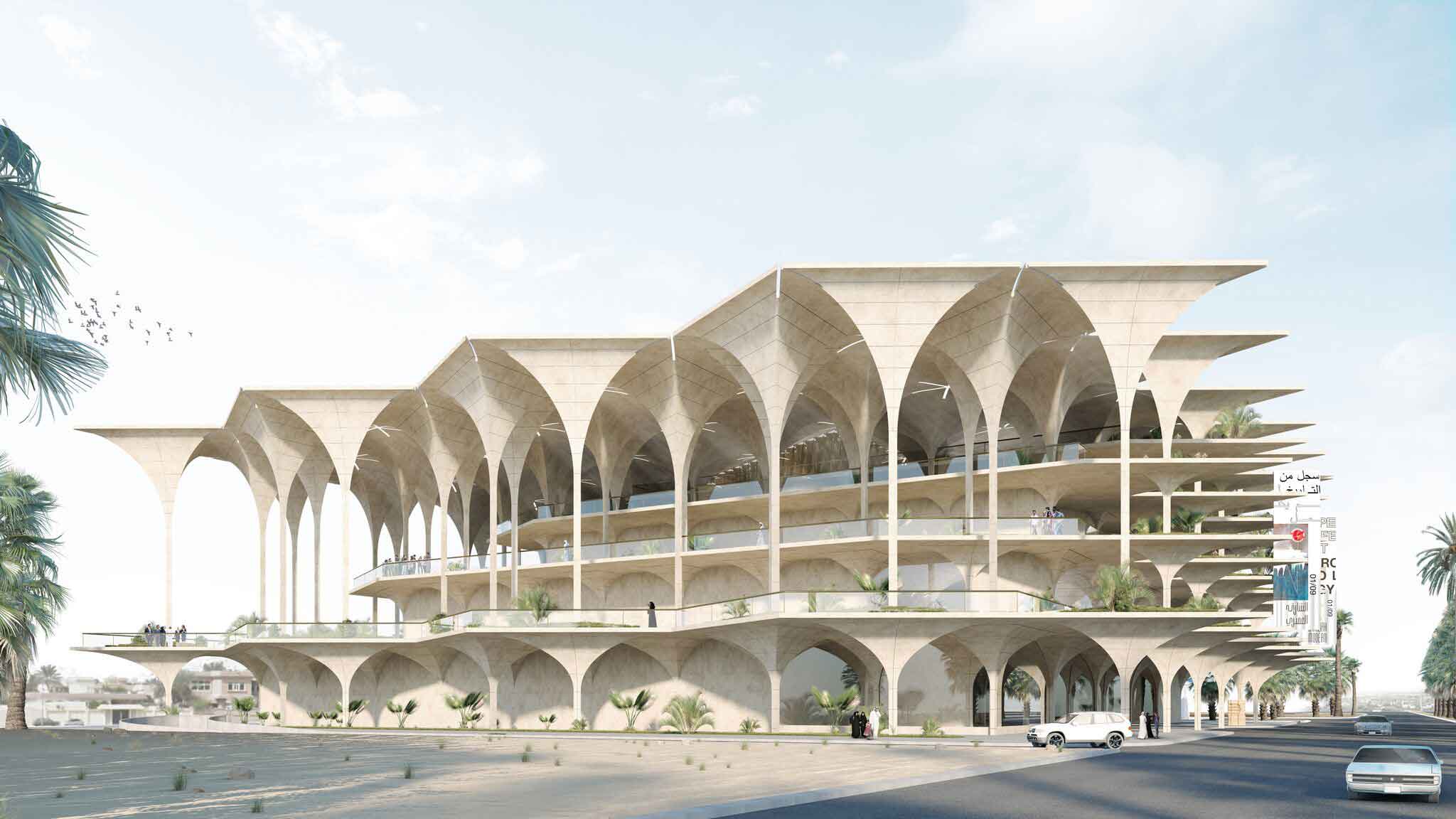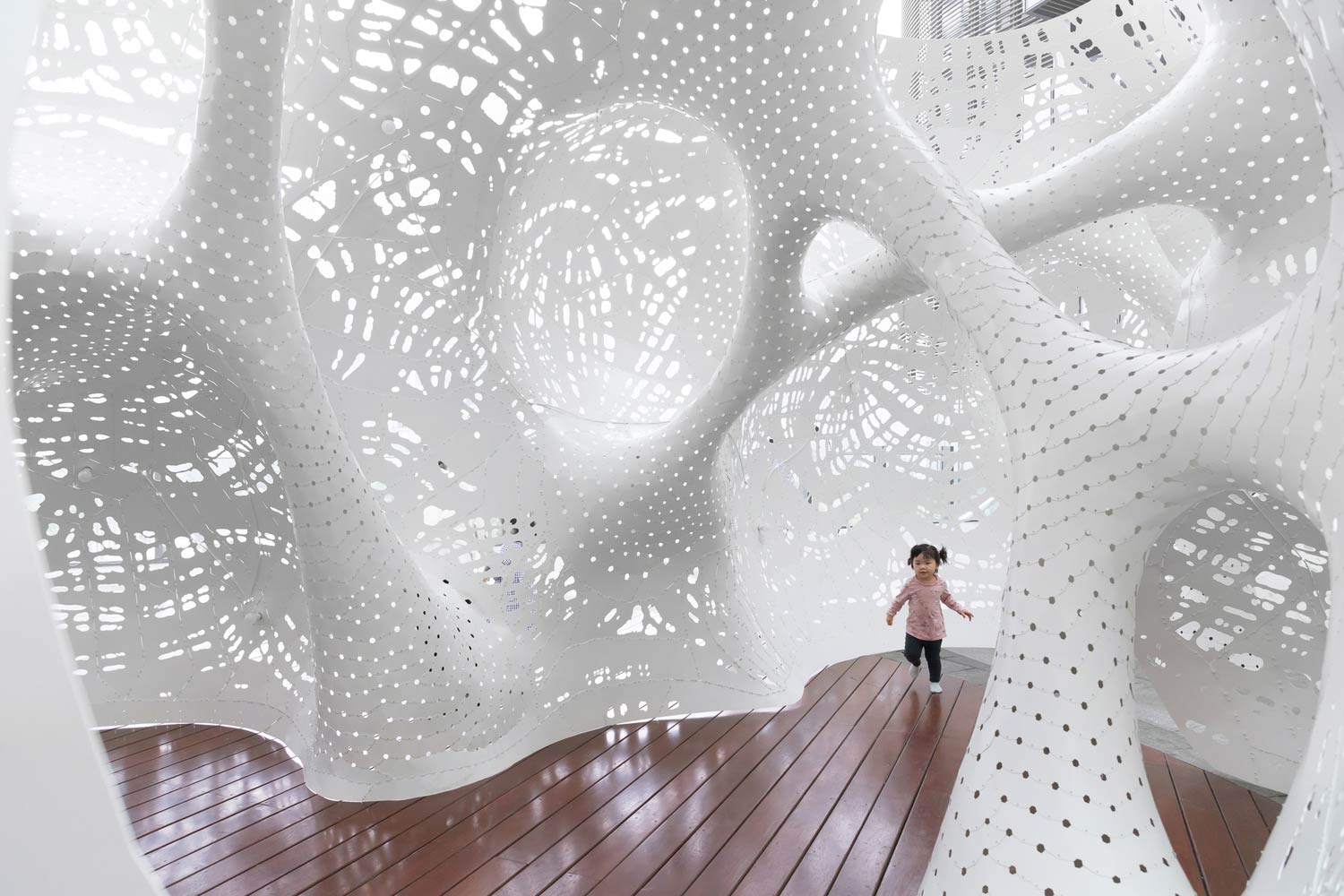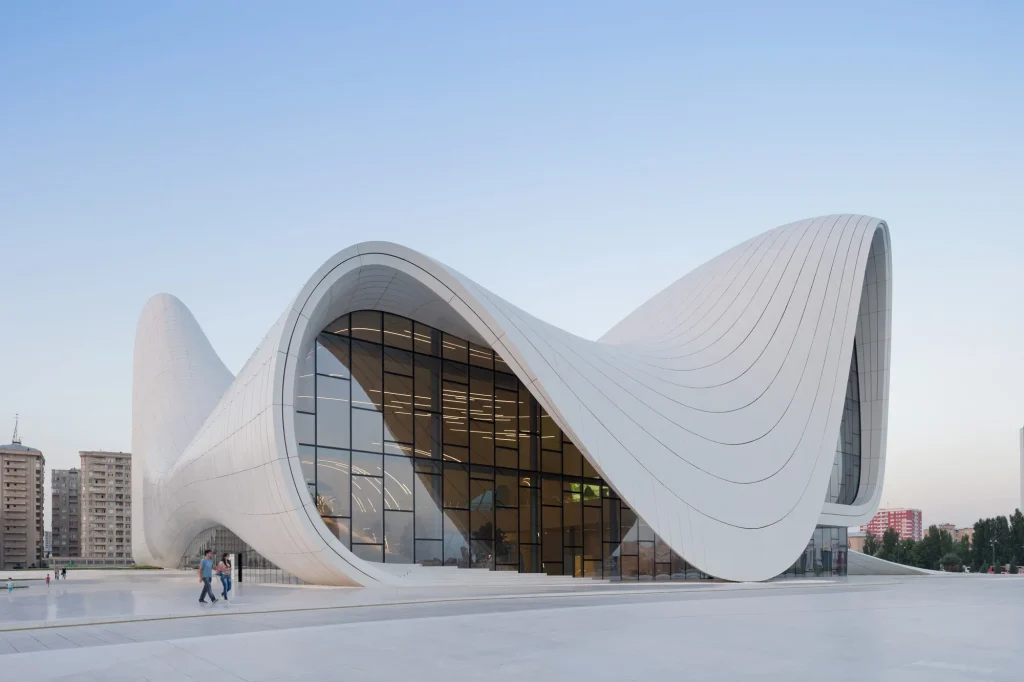

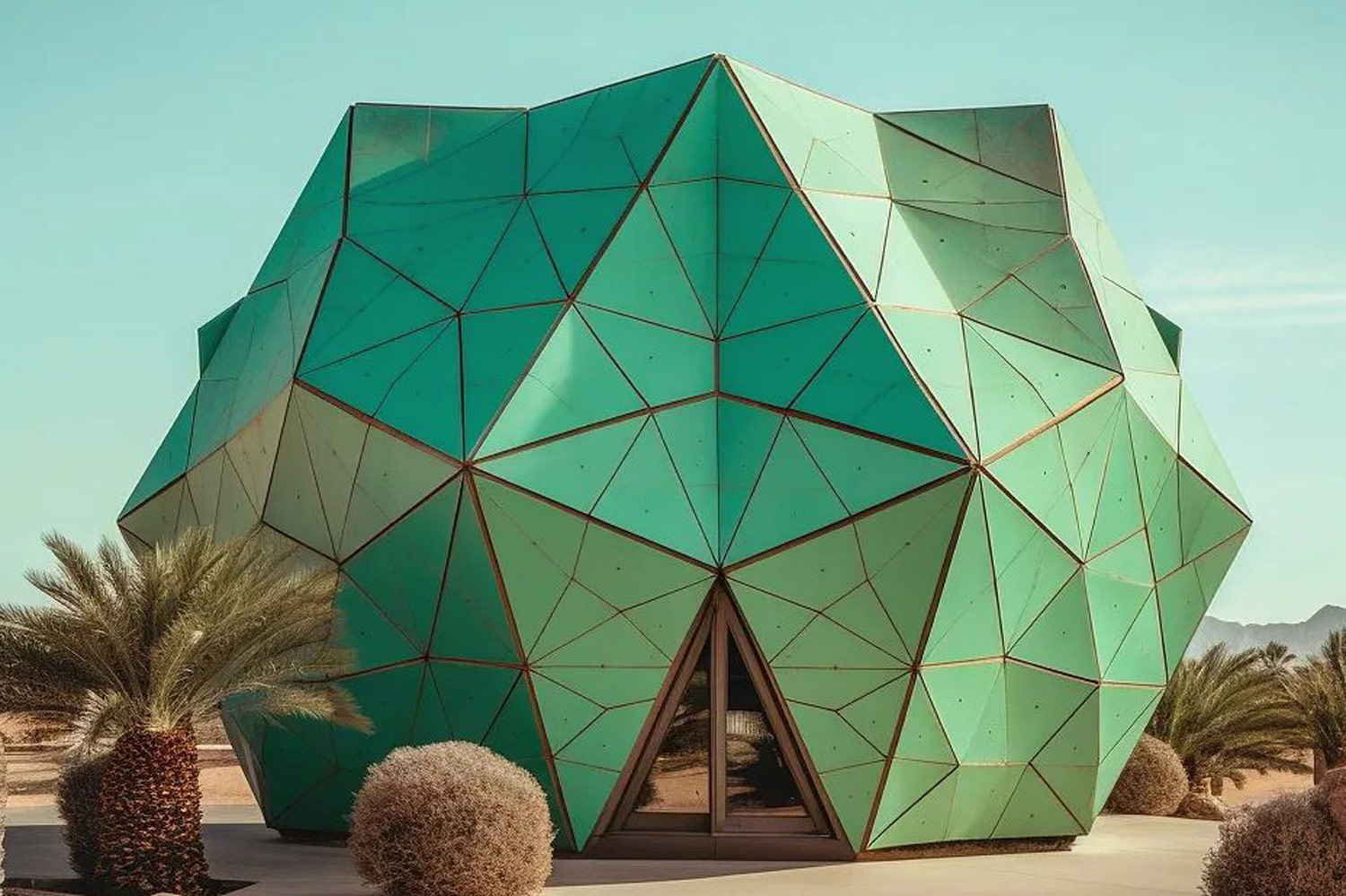

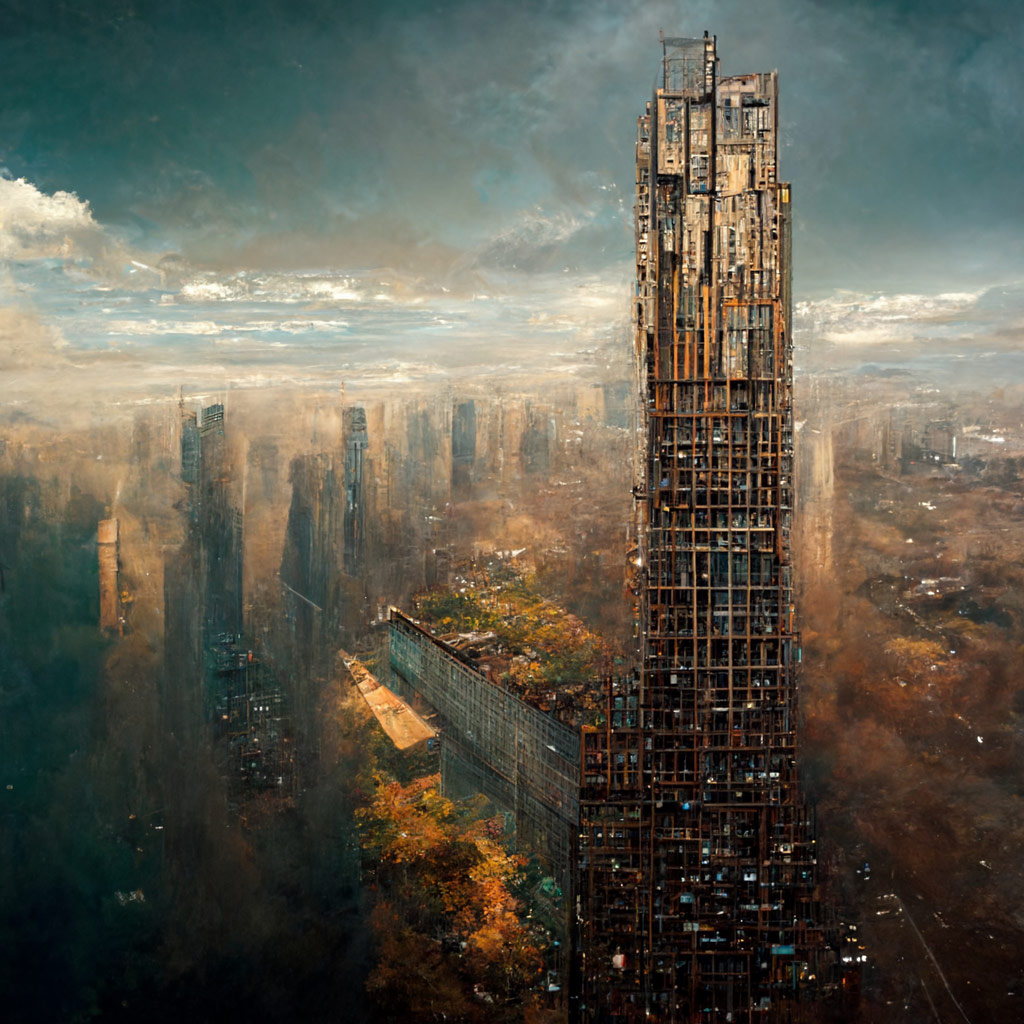
Do you know you can make videos on Midjourney? To make a short movie of your initial image grid being generated on Midjourney, use the --video parameter. React to the completed work with the envelope emoji (??), and the Midjourney Bot will email a link to the video to your Discord DM.
Here is how to use –video parameter:
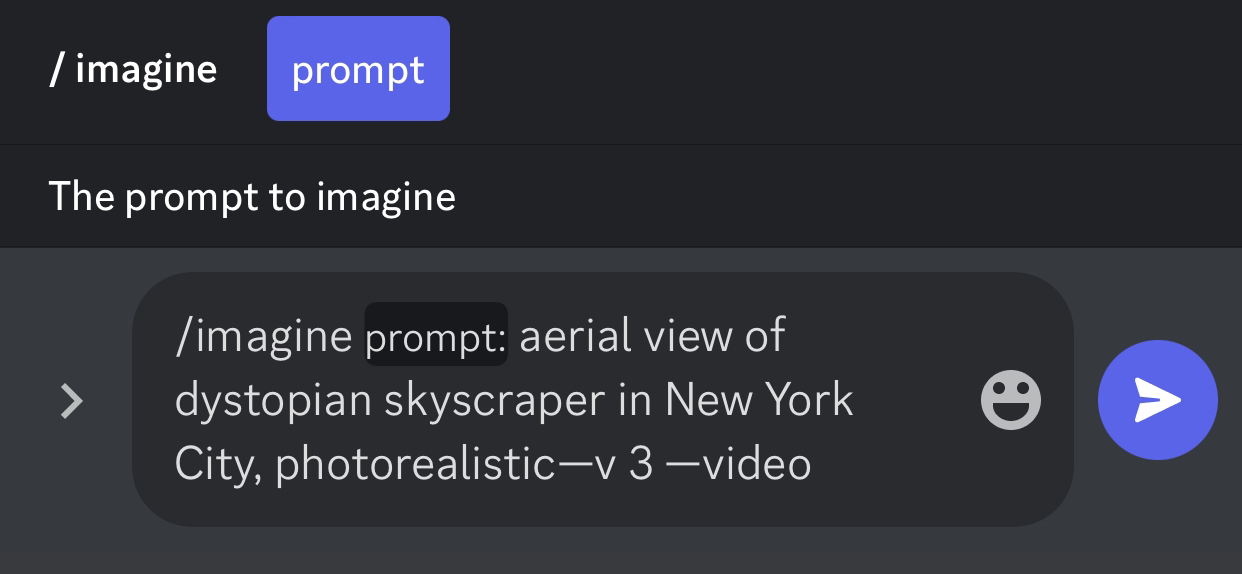
1. Add the --video option at the end of your prompt. Prompt example: /imagine prompt aerial view of dystopian skyscraper in New York City, photorealistic --v 3 --video
2. When the Job is complete, click Add Reaction and choose the envelope emoji (??).
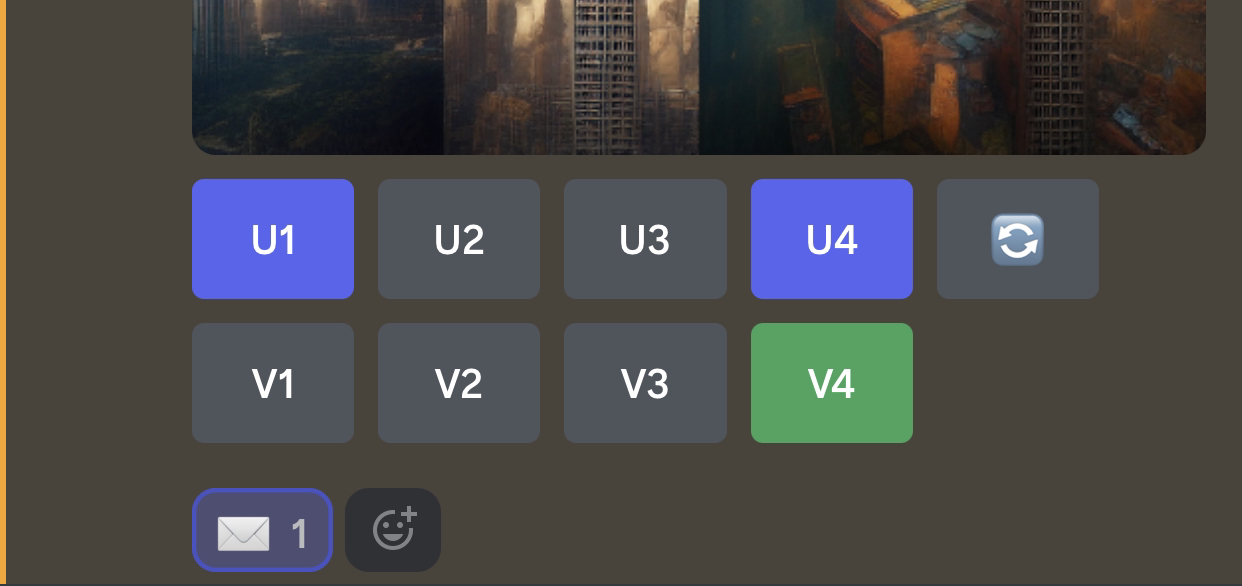
3. The bot will direct message you a link to the video on your Discord.
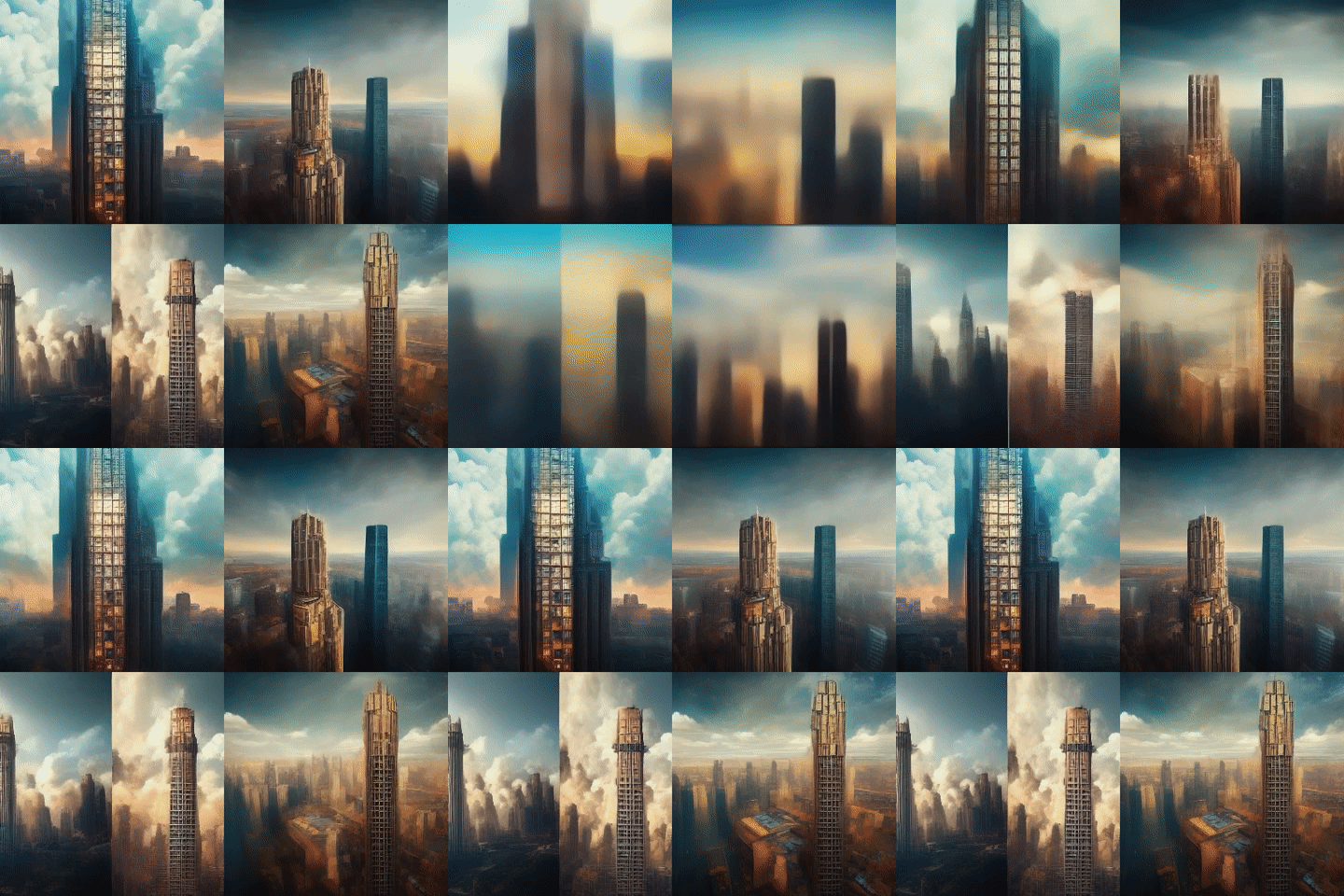
4. Navigate to the URL to see your video in a browser. To download the video, right-click or long-press it. You can check the Midjourney website for more details about the parameters.
Note: --video only works with Model Versions 1, 2, 3, test, and testp.
Also here is a detailed guide to writing the best prompts for Midjourney and take a look at PAACADEMY to learn more about AI tools and Artificial Intelligence workshops!



.webp)