
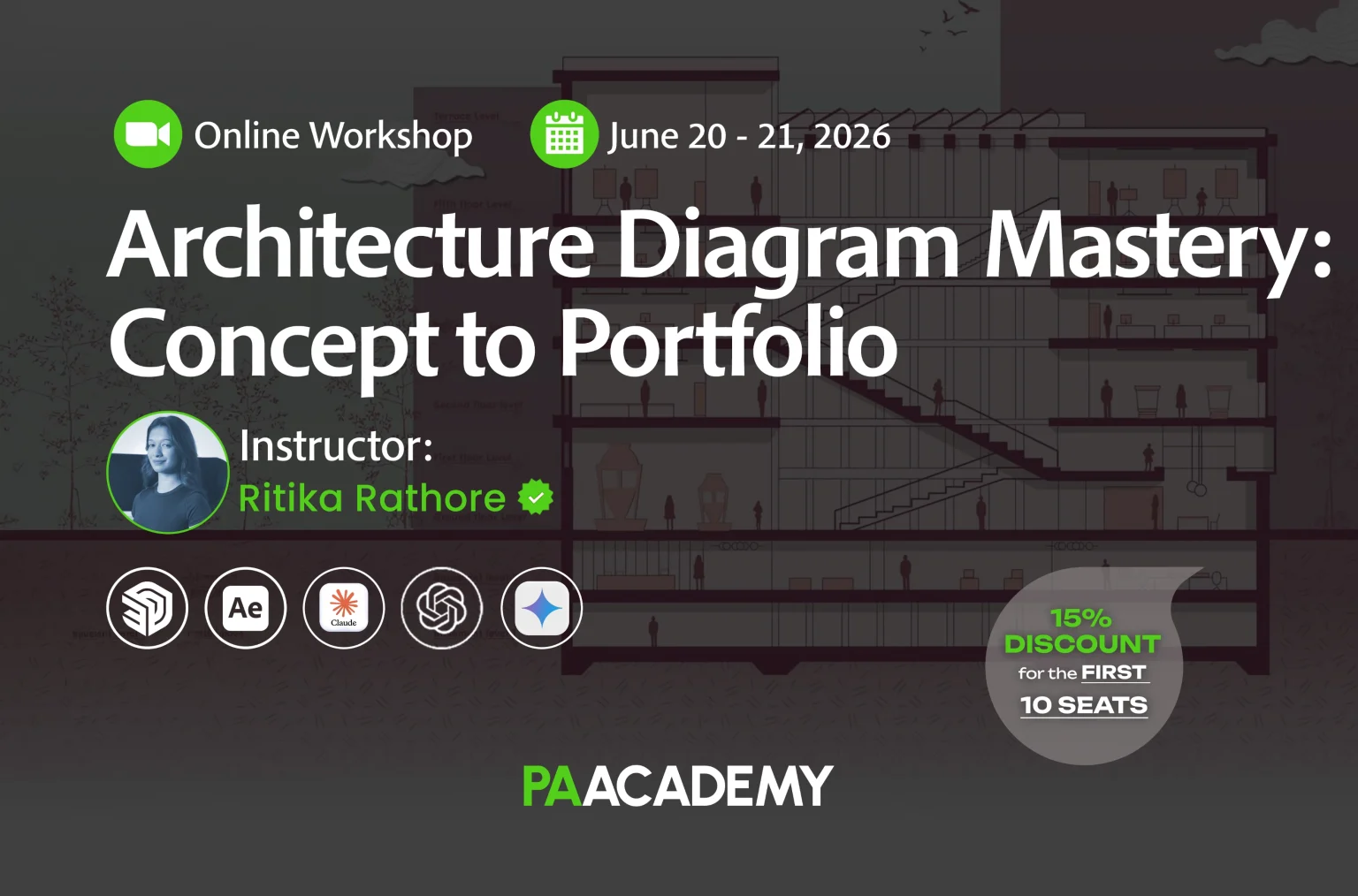
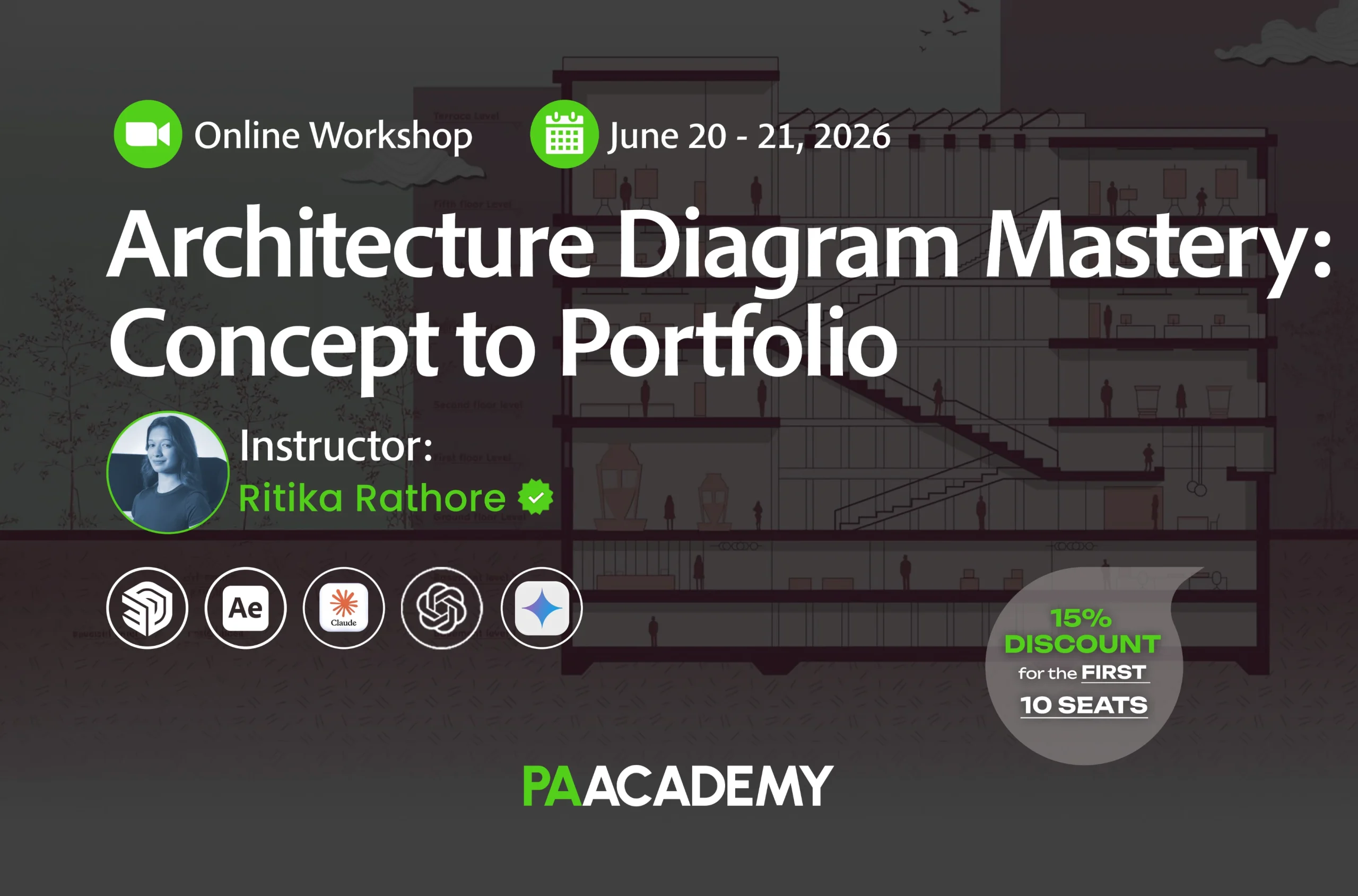
Topic: Architecture Diagram Mastery: Concept to Portfolio
Date: June 20 – 21, 2026
Time: 13:00 – 17:00 GMT
Format: Online on Zoom
Duration: 2 Sessions (8 Hours)
Registration Deadline: June 19th, 2026
Total Seats: 50 seats
Difficulty: Beginner – Intermediate
Language: English
Certificate: Yes
General Registration: 100 EUR
Join free: with Full Access membership
Fee for Digital Members: 85 EUR (15% discount available only for Digital Members)
Organized By: PAACADEMY
Tutor: Ritika Rathore
Recordings: Recordings will be available for all participants afterward indefinitely.
Introduction to Architecture Diagram Mastery: Concept to Portfolio:
This workshop is important because most architecture students already have good ideas but struggle to communicate them clearly. In professional practice, studios don’t have time to interpret your work; they rely on diagrams to understand your project in seconds.
Unfortunately, this skill is rarely taught properly in colleges. This workshop bridges that gap by teaching you how to convert your architectural thinking into clear, professional diagrams that actually communicate your design.
The workflow is built around SketchUp and Adobe Illustrator because together they form a powerful, industry-relevant process. SketchUp helps you create clean 3D geometry and understand spatial relationships, while Illustrator allows you to refine that into precise, well-composed diagrams.
On top of this, the workshop also integrates AI tools, which can enhance visuals, speed up production, and help you explore multiple diagram styles quickly. This combination of traditional workflow + AI helps you work smarter, present better, and build a portfolio that stands out in internships and job applications.
Methodology:
This workshop covers the complete process of creating professional architectural diagrams, from understanding design ideas to presenting them effectively in a portfolio.
Students will learn how to translate architectural thinking into clear visuals using a structured workflow that combines SketchUp, Adobe Illustrator, and AI tools.
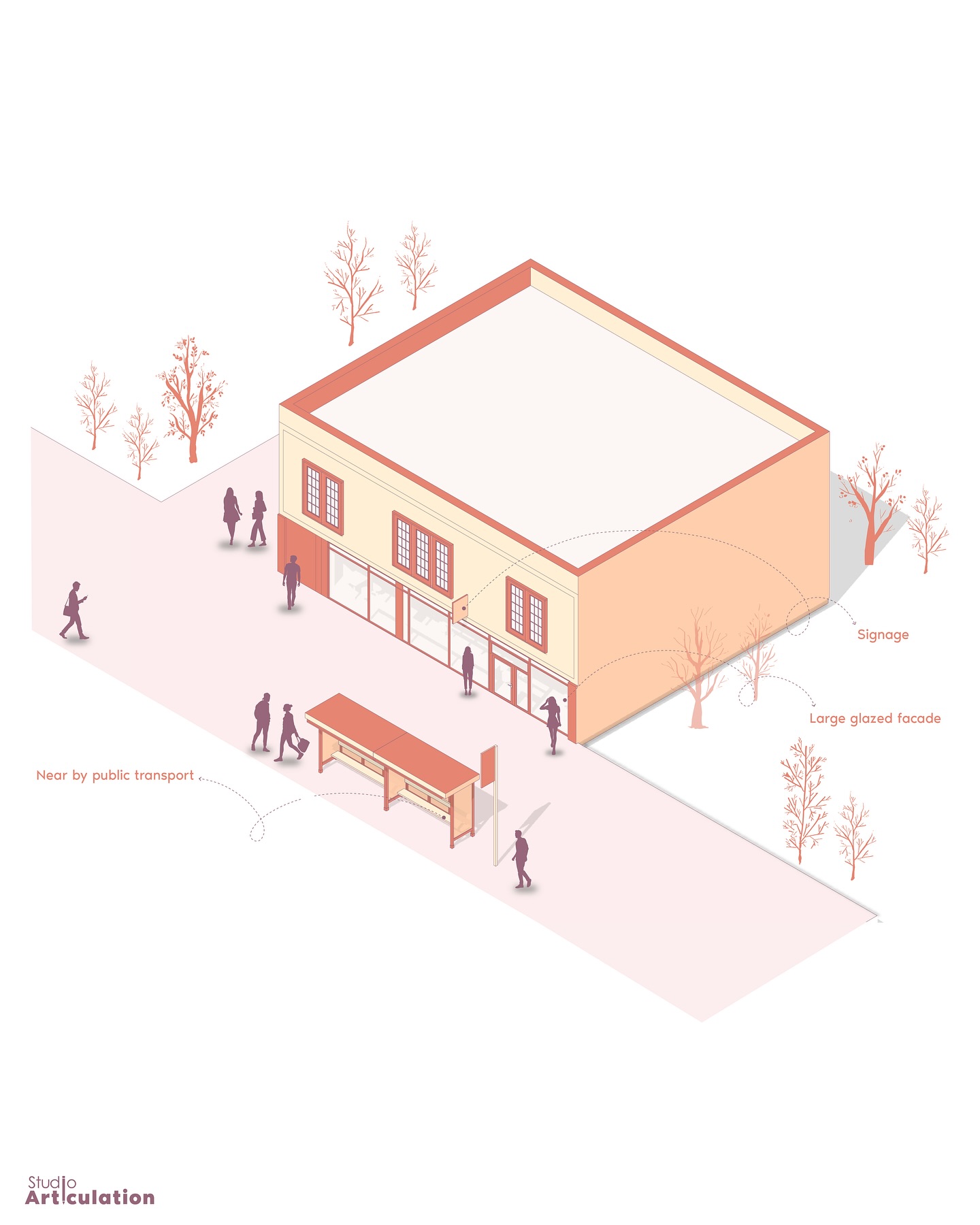
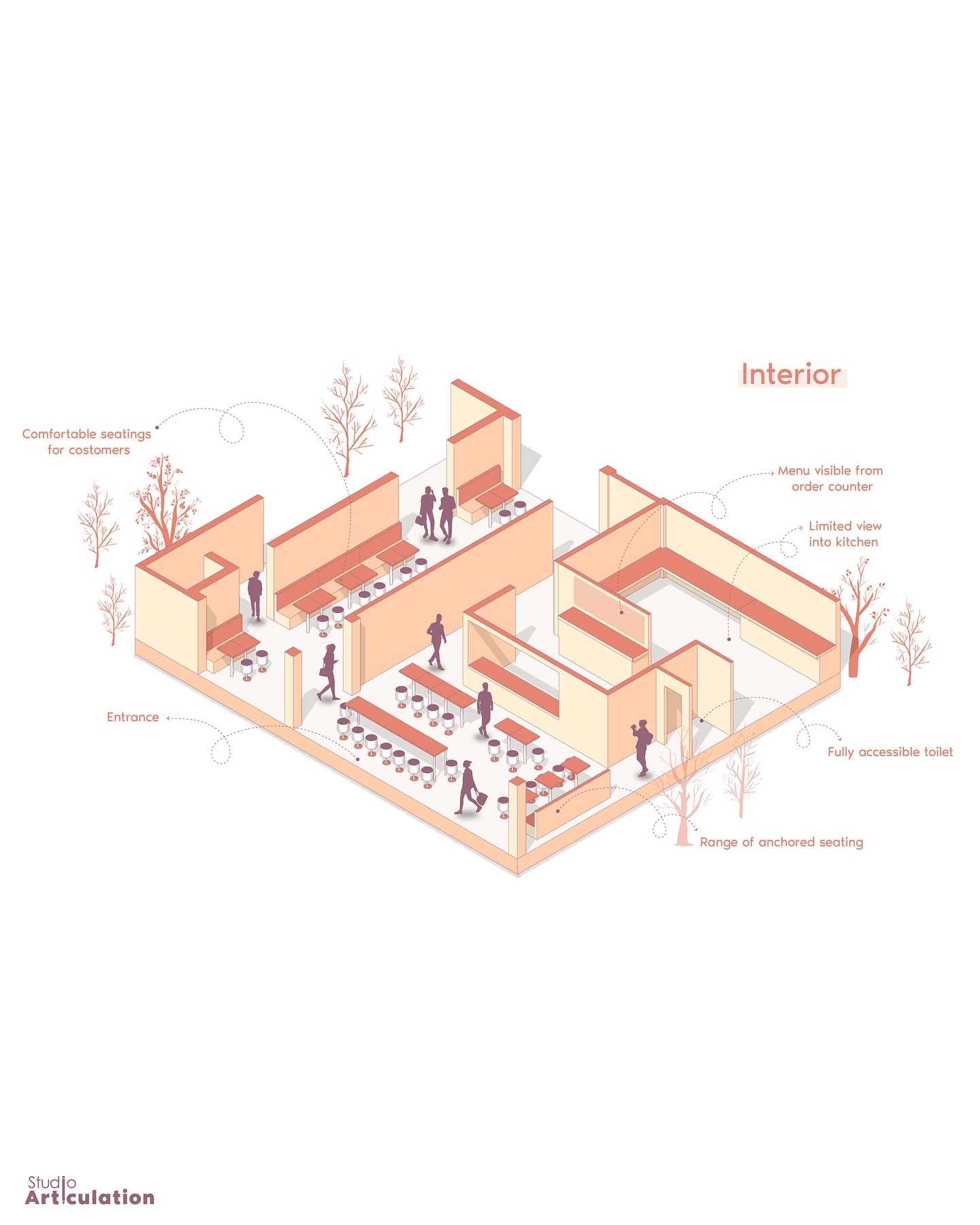
The scope includes creating a wide range of diagrams such as parti diagrams, bubble diagrams, conceptual zoning, program/functional diagrams, form development diagrams, site and urban mapping, exploded axonometric diagrams, and activity diagrams.
Along with this, the workshop also focuses on workflow efficiency, visual clarity, and portfolio integration, ensuring that students not only create diagrams but also understand how to use them effectively in real-world architectural presentations and job applications.
The workshop follows a step-by-step, workflow-based approach, where students learn how to move from idea → model → diagram → presentation. The methodology begins with understanding diagram logic and preparing clean 3D models in SketchUp, followed by translating those models into precise diagrams using Adobe Illustrator.
As the sessions progress, students apply these workflows to create multiple types of architectural diagrams, gradually moving from basic to advanced levels. In the later stages, AI tools are introduced to enhance diagram visuals, speed up production, and explore different graphic styles, making the overall process more efficient and contemporary.
The workshop is designed to be hands-on and practice-oriented, where students actively follow along during sessions and apply the techniques on their own projects or provided practice files.
All work, including the final output, is done individually, ensuring that each student develops a clear personal workflow and portfolio-ready set of diagrams. Continuous guidance, assignments, and optional feedback opportunities help students refine their work throughout the workshop.
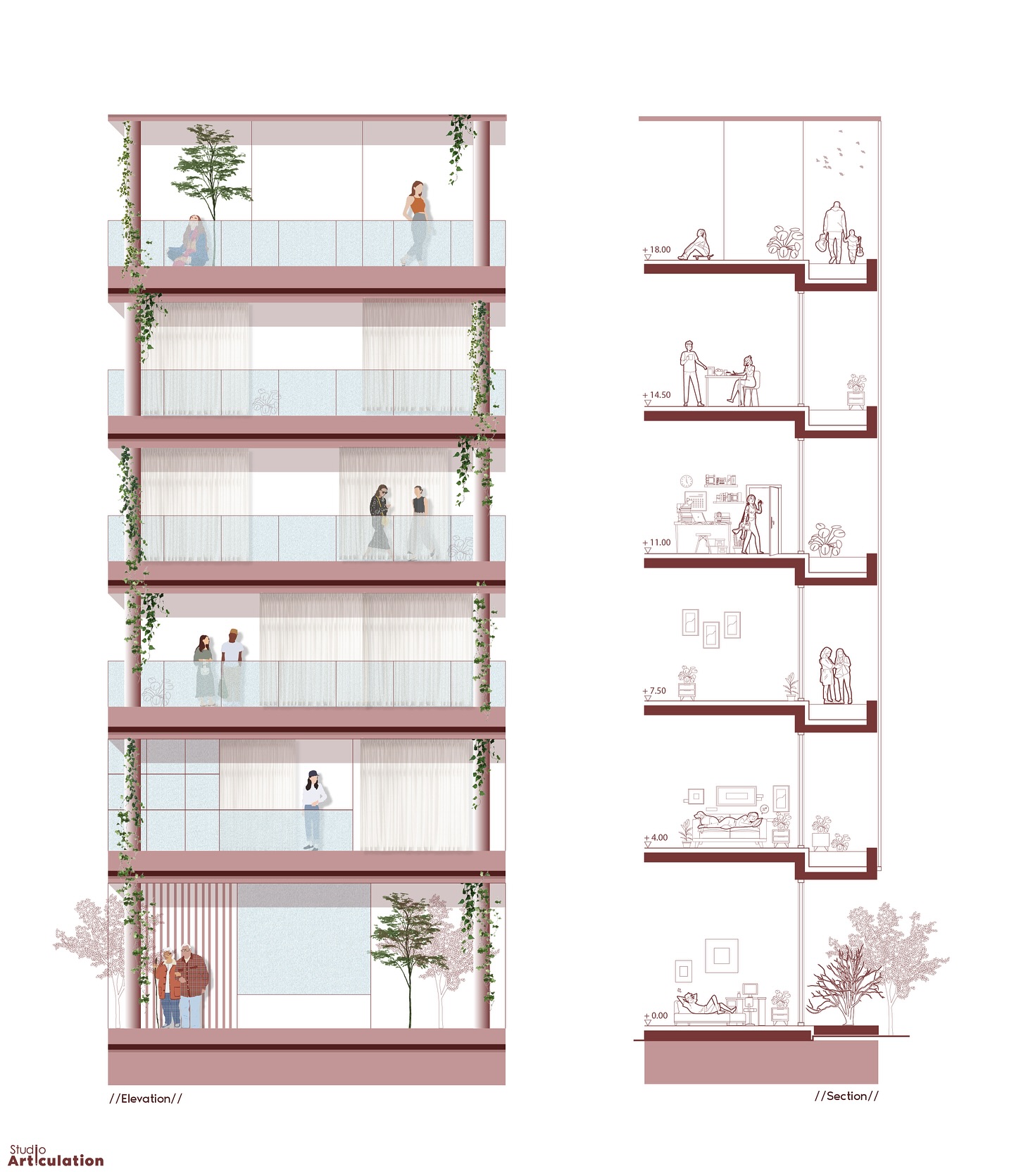
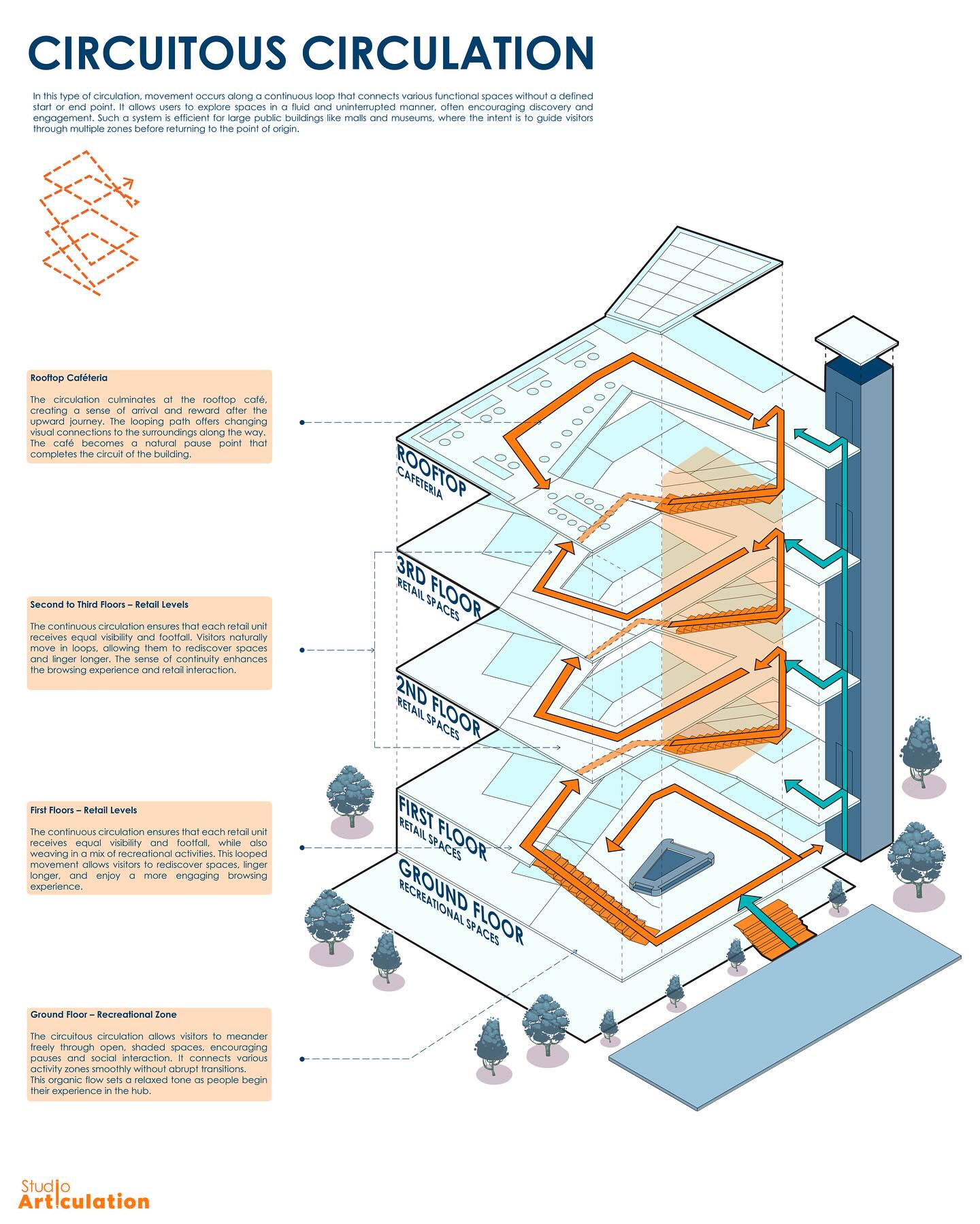
Key Learning Topics:
- Translate design ideas into clear, effective diagrams
- Create key architectural diagrams (parti, zoning, axonometric, etc.)
- Build a structured workflow using SketchUp + Illustrator
- Apply clarity, hierarchy, and simplification in visuals
- Use AI tools to enhance diagrams and speed up work
- Produce portfolio-ready graphics and presentations
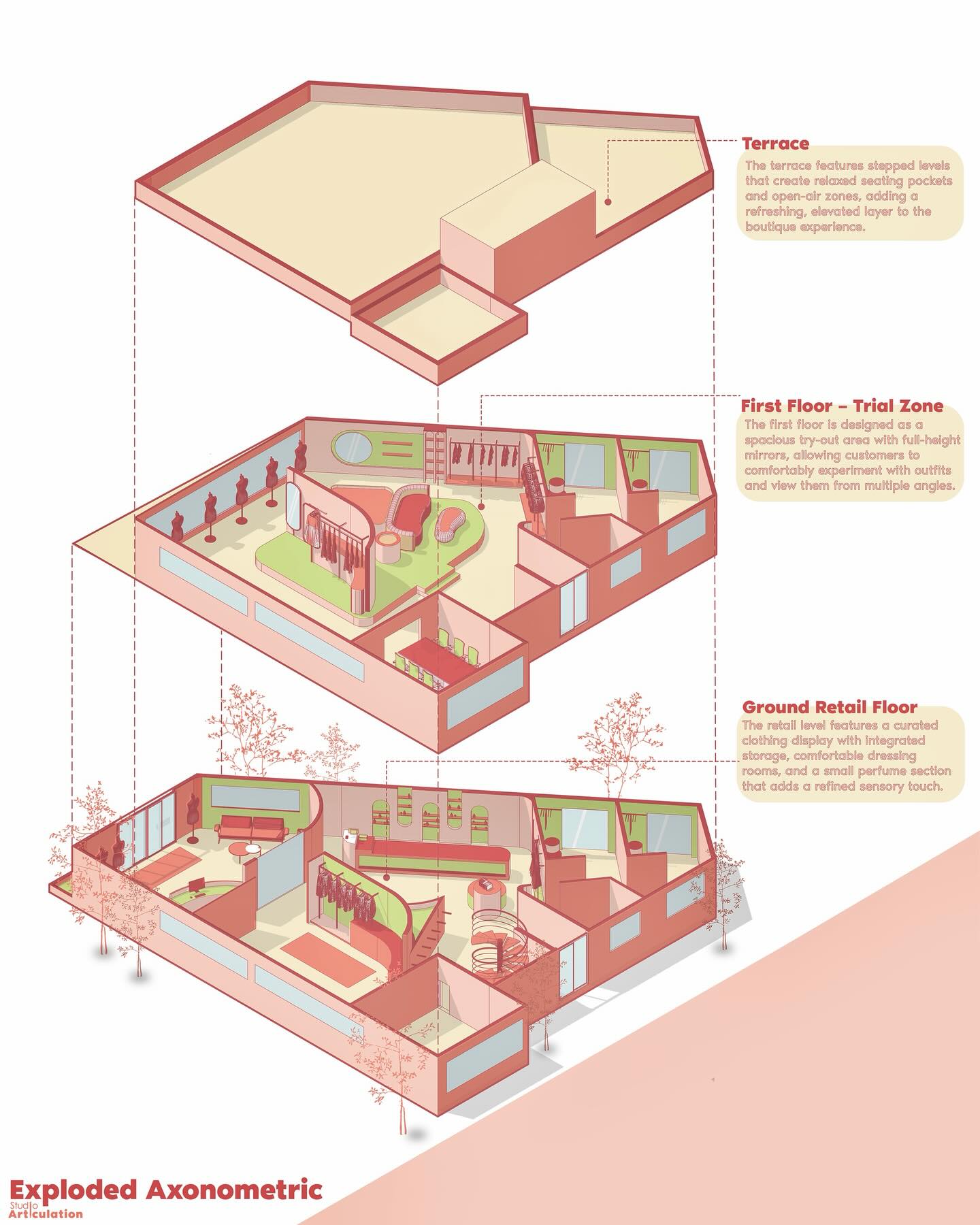
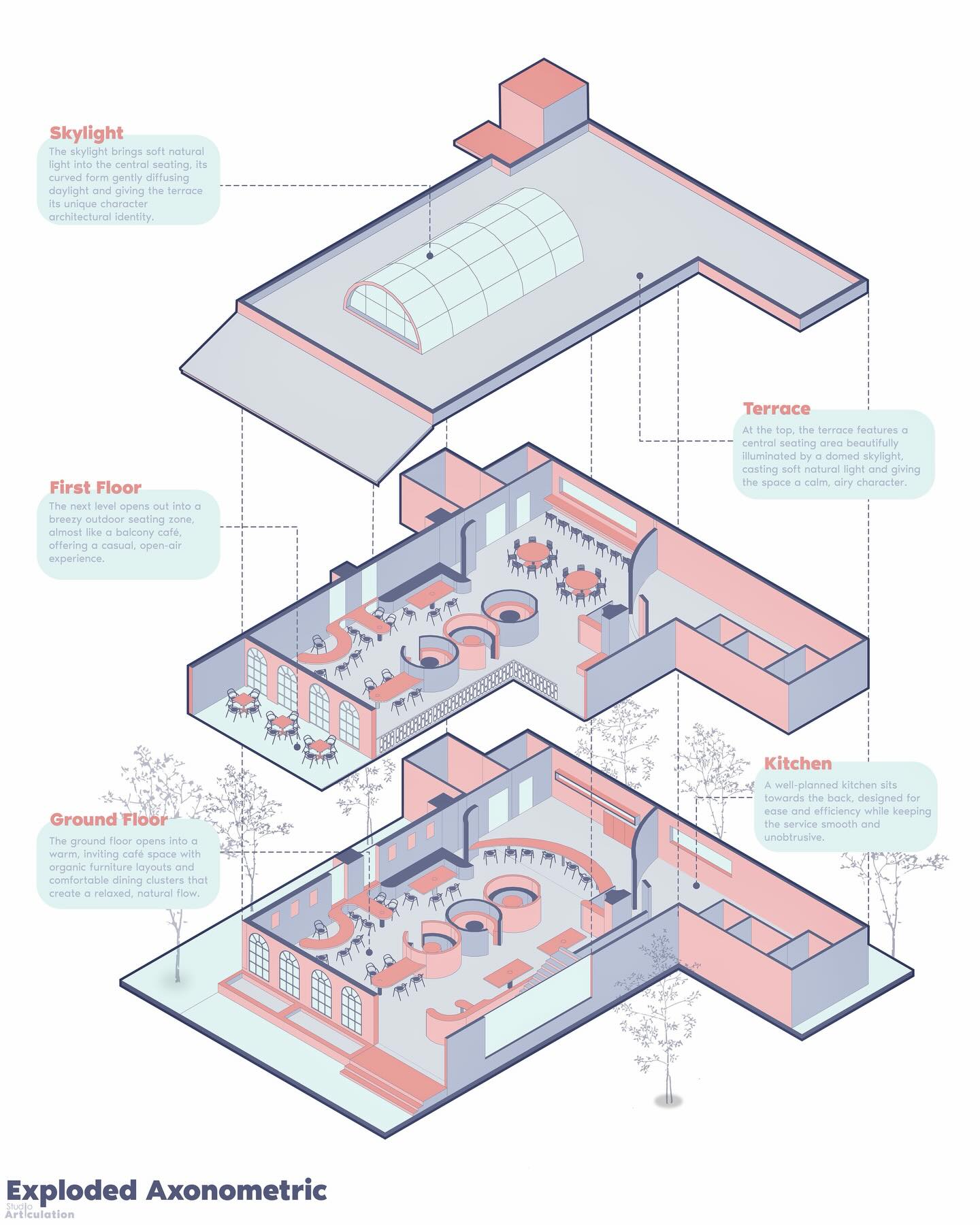
Program:
Day 1 – Foundations & Core Diagram Development
Session 1: Introduction & Diagram Thinking
- Introduction to the workshop and outcomes
- Importance of diagrams in architecture
- Student vs professional diagrams
- Overview of the workflow (SketchUp → Illustrator → AI → Portfolio)
- Types of diagrams and their purpose
Session 2: SketchUp for Diagram Preparation
- SketchUp interface basics
- Modeling for diagrams (simplified geometry)
- Groups, tags, and organization
- Scene setup (plan, axonometric, parallel projection)
- Exporting vector linework
Session 3: Illustrator Basics
- Adobe Illustrator fundamentals
- Vector vs raster graphics
- Tools, interface, and navigation
- Importing SketchUp linework
- Basic editing and organization
Session 4: Core Diagram Creation
- Parti diagrams
- Bubble diagrams
- Conceptual zoning
- Program / functional diagrams
- Guided practice
Day 2 – Advanced Diagrams, AI & Portfolio Integration
Session 5: Advanced Diagram Techniques
- Form development diagrams
- Site and urban mapping
- Exploded axonometric diagrams
- Activity diagrams
- Live demonstrations
Session 6: AI in Diagram Workflow
- AI in architectural graphics
- Diagram generation and styling
- Enhancing visuals with AI
- Converting diagrams into presentation graphics
- Limitations and best practices
Session 7: Portfolio Integration
- Placing diagrams in a portfolio
- Visual hierarchy and layout
- Structuring projects
- Common mistakes and improvements
Session 8: Review & Closing
- Next steps
- Complete workflow recap
- Q&A and discussion
- Portfolio tips for internships and jobs
Software:
- Illustrator
- SketchUp
- Gemini
- Claude AI
- ChatGPT
Workshop Notes:
- Software Installation is NOT a part of the workshop! Students must have all the software installed before starting the workshop.
Instructor:
Ritika Rathore

Ritika Rathore is the founder of Studio Articulation, a platform focused on architectural graphics, diagramming, and visual communication. With professional experience at a reputed architecture firm and running her own practice, she has worked extensively on creating clear, high-quality architectural diagrams for real projects. She also leads a growing community of over 100,000 architecture students, where she shares practical workflows and insights on architectural representation.
Her expertise lies in using tools like SketchUp and Adobe Illustrator to develop structured, professional diagram workflows, along with integrating AI tools to enhance visual output and efficiency. In this workshop, she will be teaching a step-by-step methodology that connects design thinking with digital tools—guiding students from idea development to creating portfolio-ready diagrams. Her approach focuses on clarity, workflow, and real-world application, helping students bridge the gap between academic work and professional expectations.
Important Notes:
- The “Architecture Diagram Mastery: Concept to Portfolio” Studio workshop by PAACADEMY will start at 13:00 (GMT) on Saturday, June 20th, 2026.
- Total sessions: 2 Sessions (8 Hours).
- The teaching duration per session will be 8 hours.
- Students will have time for a break between teaching hours.
- The workshop will be recorded, and videos will be available for participants just a day after the class for an unlimited time.
- PAACADEMY will provide a certificate of attendance.
- The studio has limited seats. Tickets are non-transferable & non-refundable. Please read carefully before you register.
Topic: Architecture Diagram Mastery: Concept to Portfolio
Date: June 20 – 21, 2026
Time: 13:00 – 17:00 GMT
Format: Online on Zoom
Duration: 2 Sessions (8 Hours)
Registration Deadline: June 19th, 2026
Total Seats: 50 seats
Difficulty: Beginner – Intermediate
Language: English
Certificate: Yes
General Registration: 100 EUR
Join free: with Full Access membership
Fee for Digital Members: 85 EUR (15% discount available only for Digital Members)
Organized By: PAACADEMY
Tutor: Ritika Rathore
Recordings: Recordings will be available for all participants afterward indefinitely.