






Adobe has taken a major step toward simplifying digital creativity. As of December 10, 2025, Adobe has officially integrated Photoshop, Express, and Acrobat directly into ChatGPT. This integration allows users to edit images, design graphics, and manage PDF files without installing any software or switching between apps. Most importantly, these tools are available for free when accessed through ChatGPT.
Adobe’s Integration with ChatGPT
For years, Adobe Photoshop has been seen as powerful software, often reserved for professionals. By bringing Photoshop and other tools into ChatGPT, Adobe has changed how people interact with creative software. Instead of learning toolbars and menus, users can now describe what they want in plain language. ChatGPT interprets the request and applies Adobe’s tools in the background to deliver the result.
This approach removes three major barriers:
- First, there is no installation required. Everything works inside ChatGPT.
- Second, no design experience is needed. Natural language replaces technical workflows.
- Third, free access makes professional-grade tools available to students, creators, small businesses, and casual users alike.
Together, these changes make creative and document tasks faster, more approachable, and far less intimidating.
Adobe Photoshop
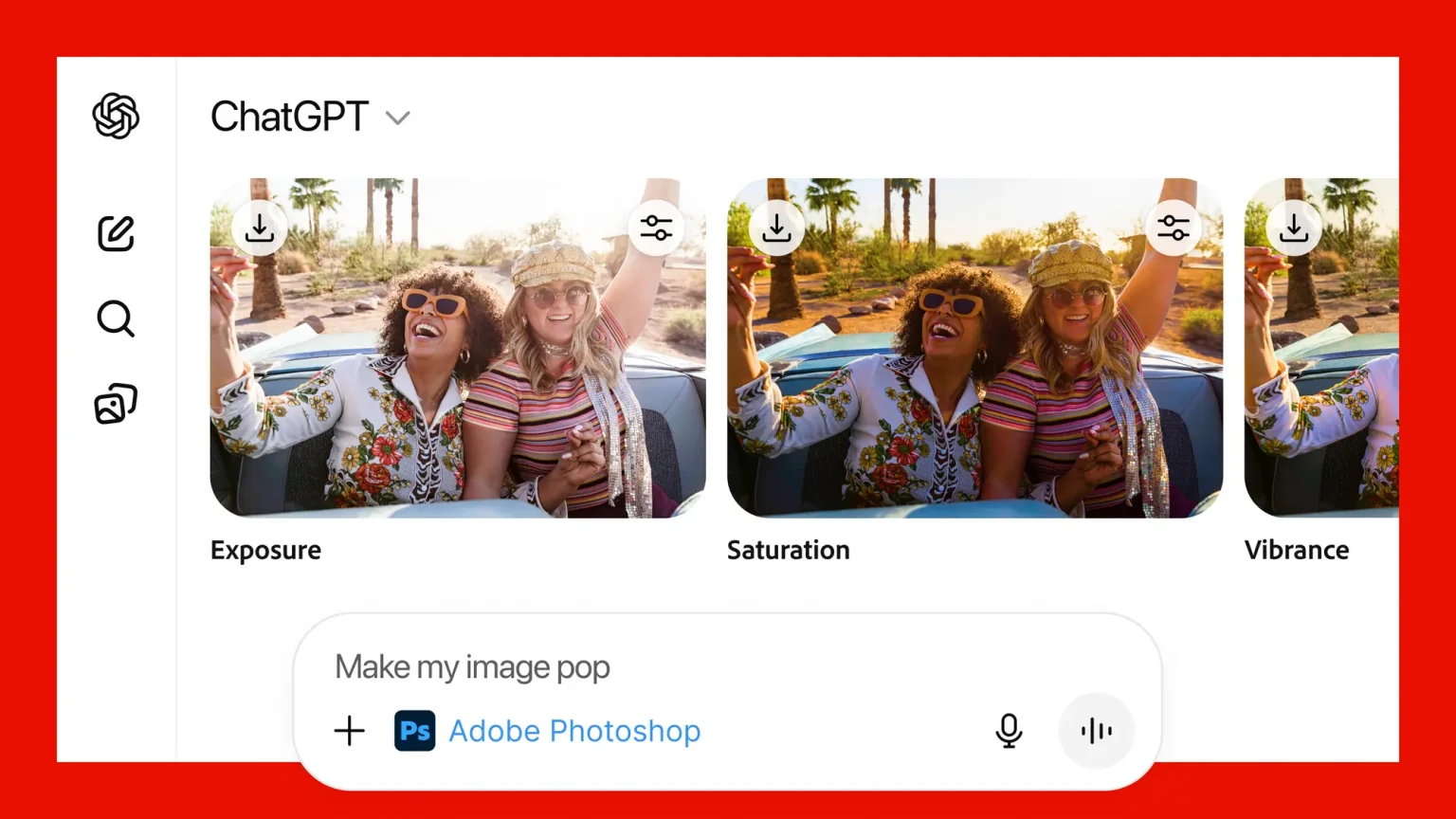
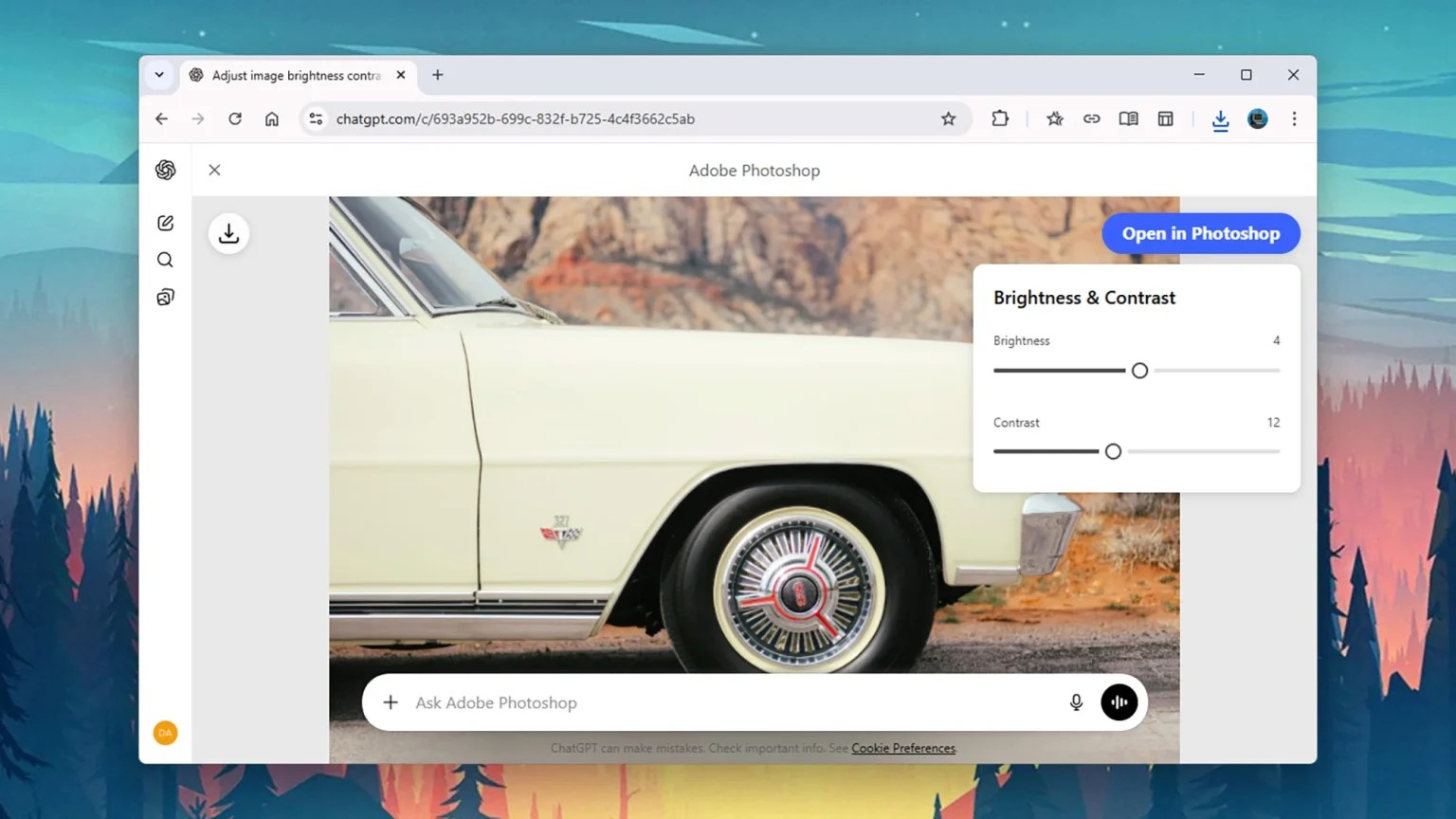
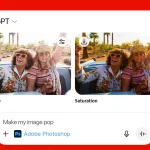
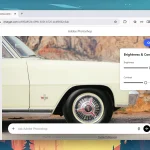
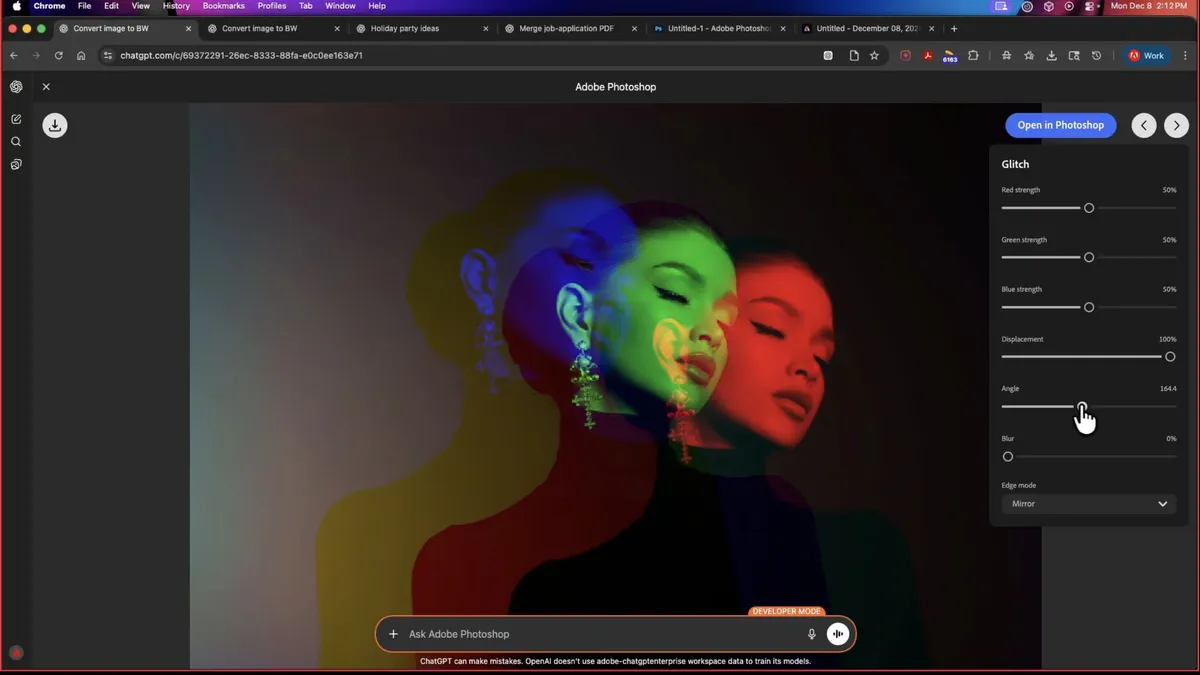
Adobe Photoshop within ChatGPT focuses on practical image editing tasks that users need most often. You can upload an image and ask for changes directly in the chat. Photoshop allows users to blur or remove backgrounds, adjust brightness and contrast, fine-tune exposure, and modify specific parts of an image. It also supports visual effects such as vintage looks, glow effects, grain, or glitch styles.
After an edit is applied, ChatGPT may present simple sliders so users can refine the result without rewriting prompts. This keeps control in the user’s hands while avoiding complex interfaces.
Adobe Express for Quick Design
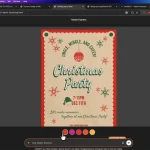
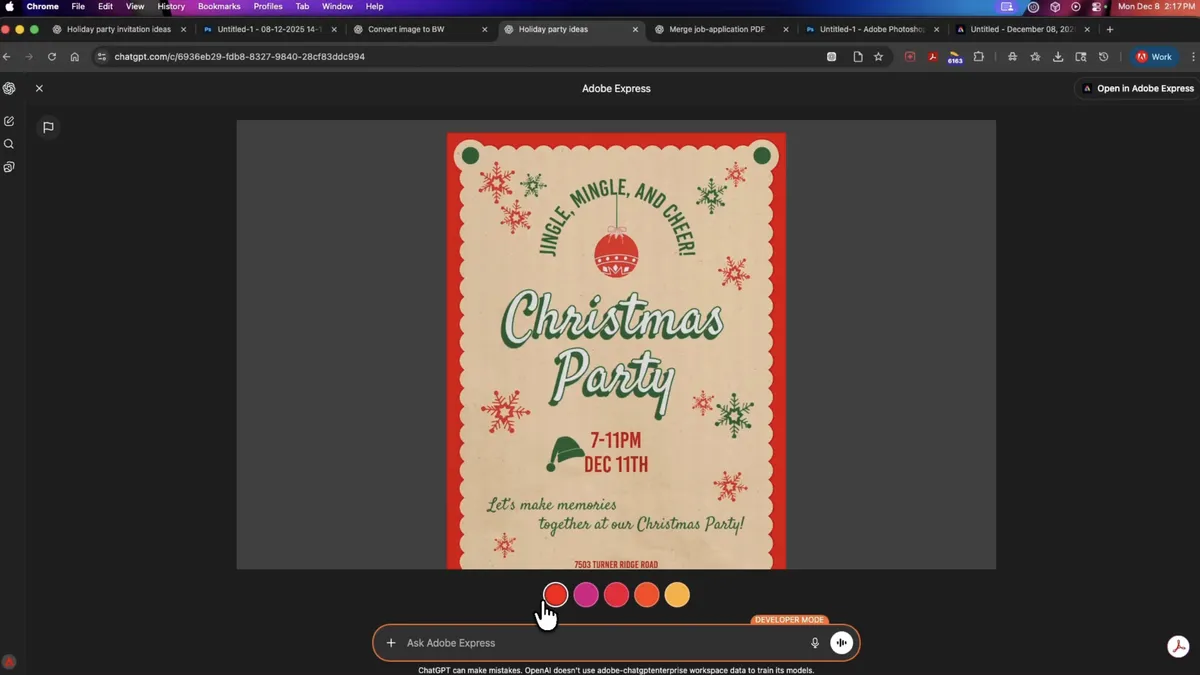
Adobe Express is designed for fast, template-based creation, and its ChatGPT integration reflects that purpose. Users can create social media graphics, posters, invitations, and promotional visuals by describing what they want. Express provides access to ready-made templates, editable text, color controls, image swaps, and basic animations.
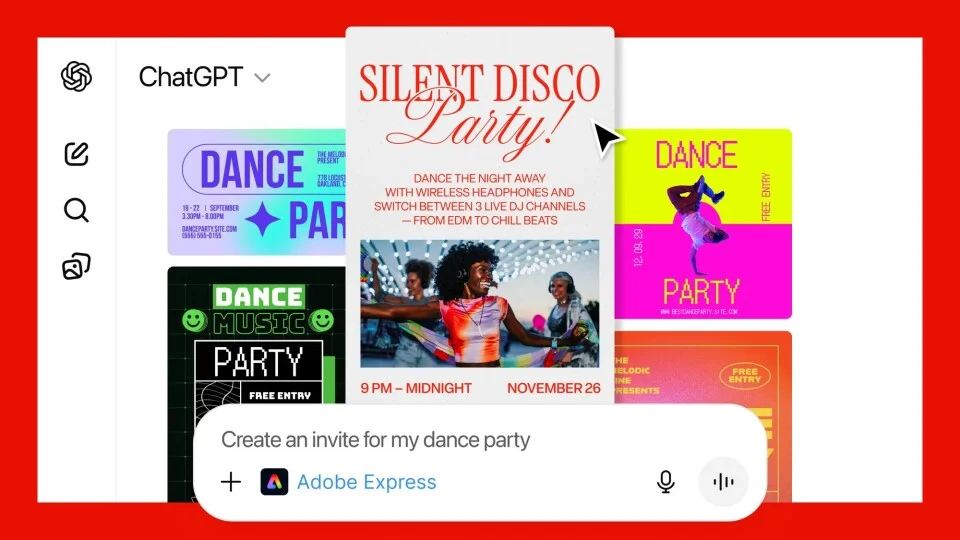
This tool is ideal for users who want polished designs quickly without deep customization or technical setup.
Adobe Acrobat for PDF Tasks
Adobe Acrobat inside ChatGPT focuses on common document workflows. Users can upload PDF files and request changes using simple commands.
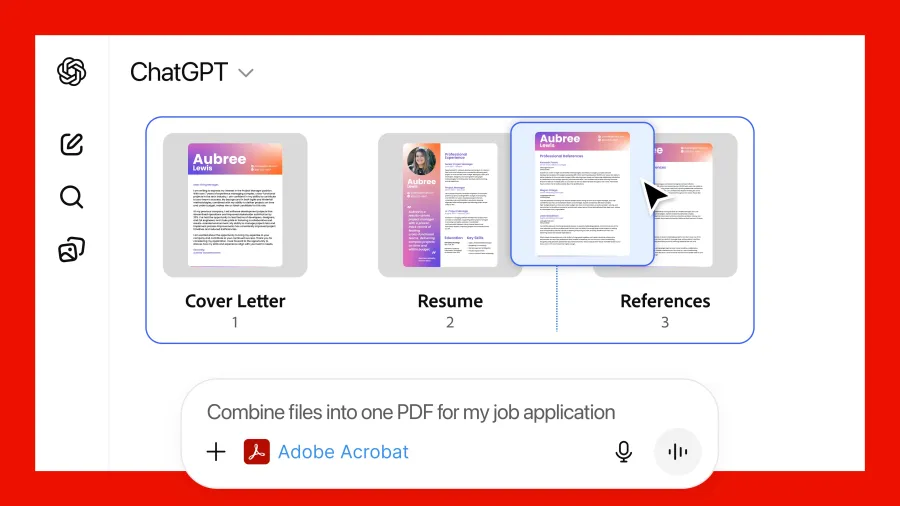
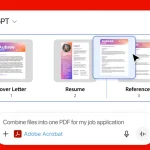
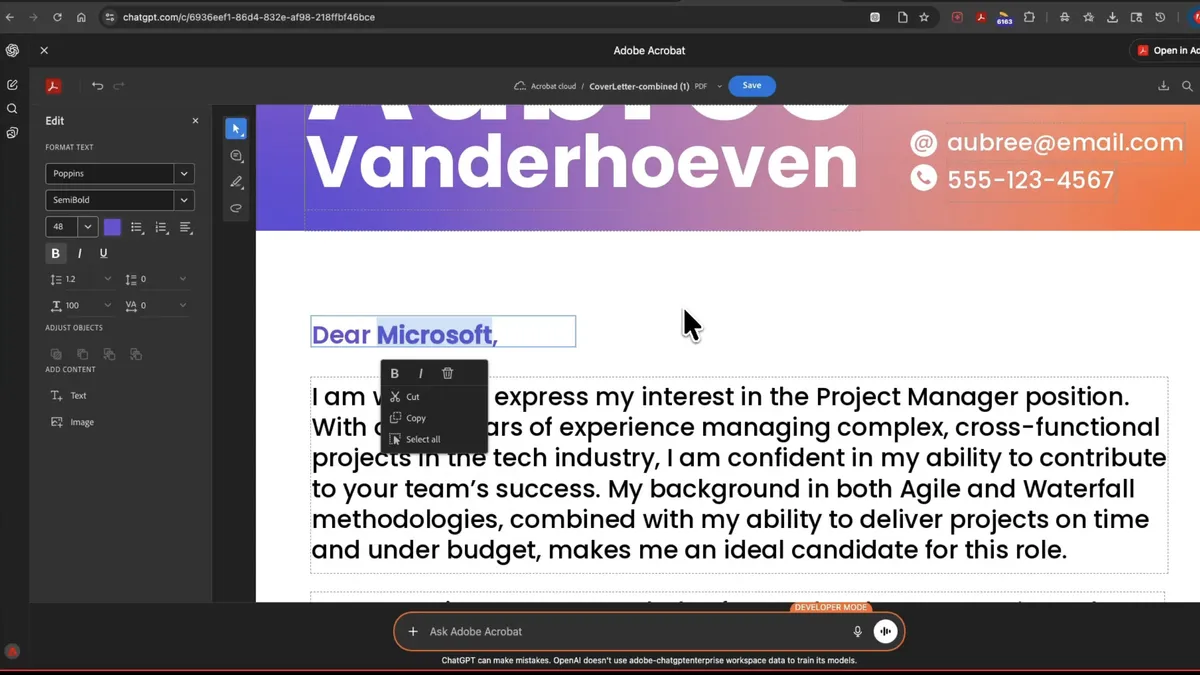
Acrobat allows editing text and images in PDFs, merging or splitting documents, extracting text or tables, compressing files, converting formats, and redacting sensitive information.
What once required multiple steps in a desktop app can now be handled in a single conversation.
How to Use Photoshop and Other Tools in ChatGPT
Getting started is straightforward and does not require technical knowledge.
- First, open ChatGPT on the web, desktop app, or iOS. Android support is expected to expand soon.
- Next, open Settings by clicking your profile icon. Navigate to Apps & Connectors.
- From there, select the Adobe apps you want to use—Photoshop, Express, or Acrobat—and click Connect. You will be asked to sign in with your Adobe account.
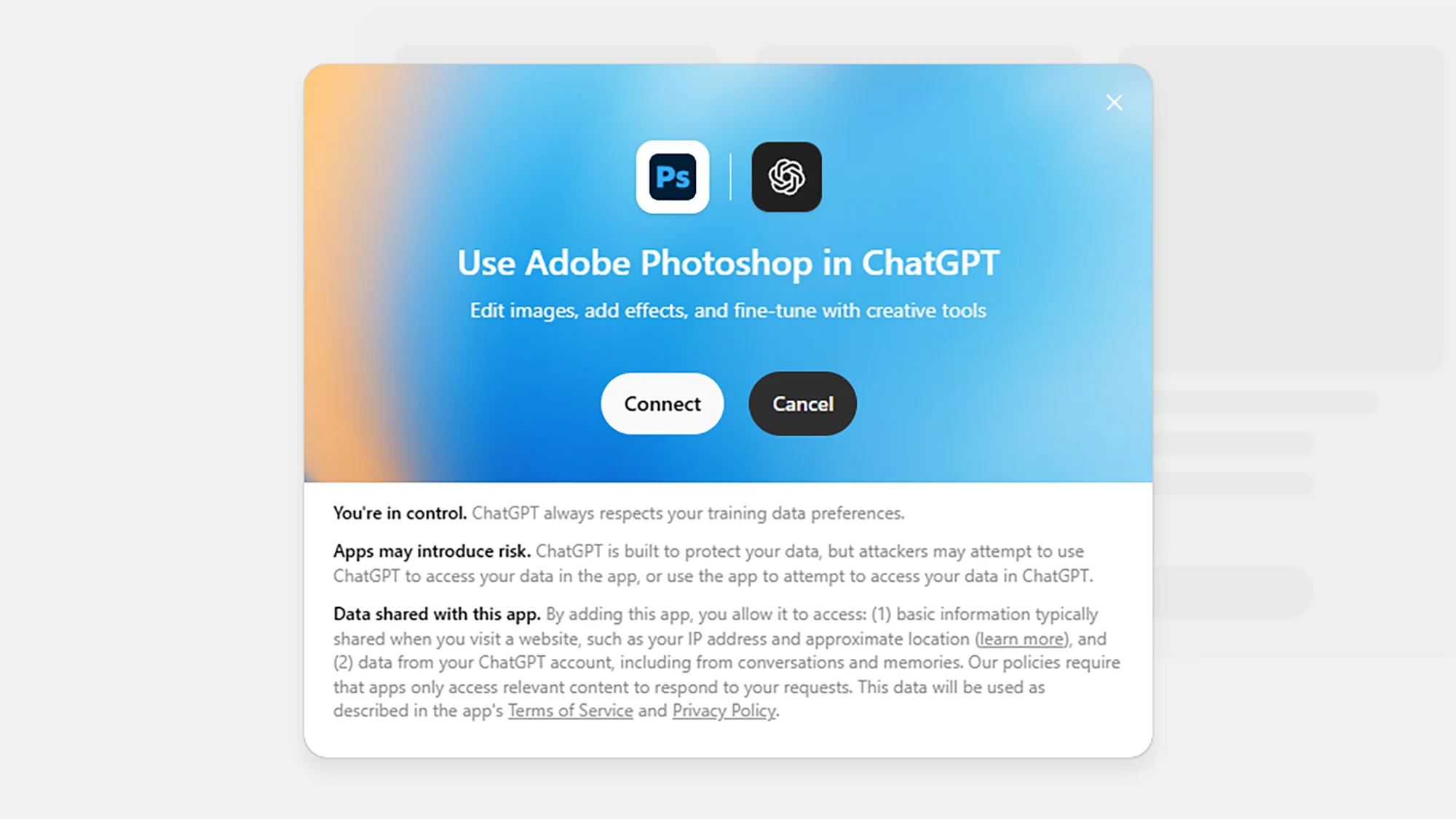
Once connected, you can start working immediately by typing a prompt. For example, you might ask Photoshop to give an image a vintage background, ask Express to design a birthday card, or ask Acrobat to merge two PDF files.
ChatGPT automatically selects the correct tool and applies the requested action.
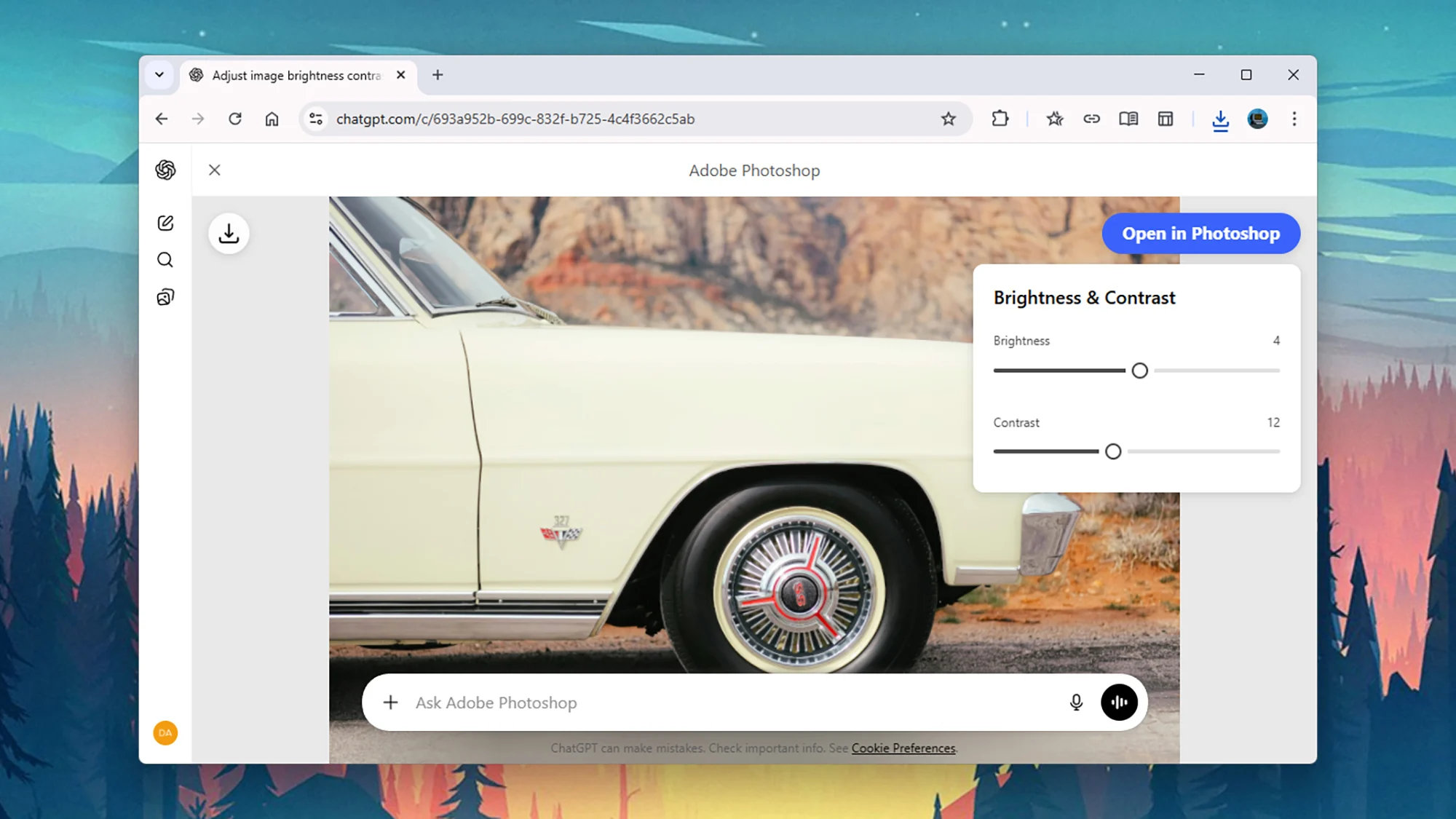
If needed, you can fine-tune the result using follow-up prompts or adjustment controls. For advanced editing, ChatGPT may also offer the option to open the project in Adobe’s full web application.
Practical Examples of What You Can Do
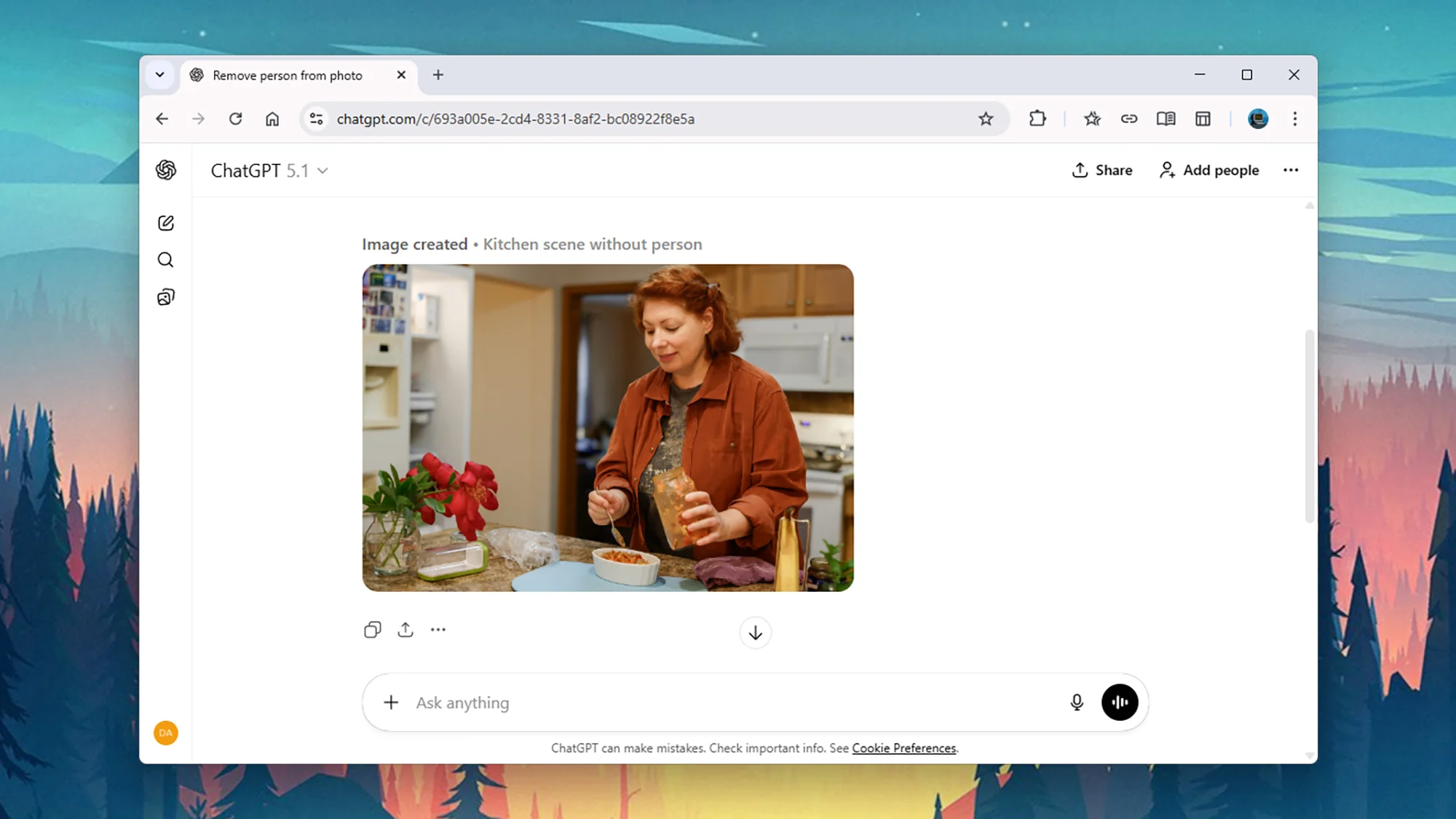
With Photoshop, users can enhance photo clarity, remove unwanted objects, correct lighting issues, or apply artistic effects without manual editing. Express allows users to create branded social media posts, promotional banners, or animated designs by describing style, colors, and layout.
Acrobat users can manage PDFs efficiently by combining files, extracting content, reducing file size, or preparing documents for secure sharing.
These examples show how everyday tasks become simpler when handled through conversation instead of software menus.
Availability and Limitations
Adobe’s tools inside ChatGPT are free to use and available on desktop, web, and iOS platforms. Android availability is expanding.
While the ChatGPT integration covers most everyday needs, applications still offer advanced controls and professional features. Users can switch to those tools when deeper editing is required.
Source: Adobe